

Introduction

I've already completed the basic parts of HTML5 canvas in my previous series of HTML5 Canvas For Beginners in which I explained Basic Drawing, Curves & Shapes, Gradients, Images and Text. Now in this advanced series, we cover all the advanced topics of HTML5 canvas that includes transformation, composites, animation and so on.
HTML5 Canvas Transformations
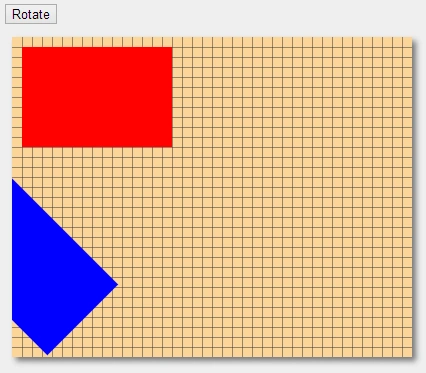
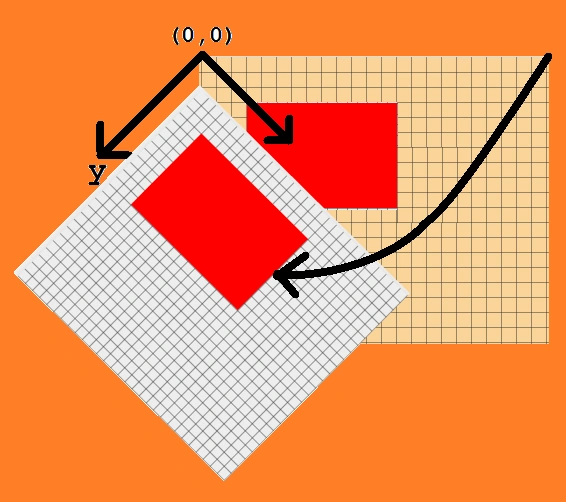
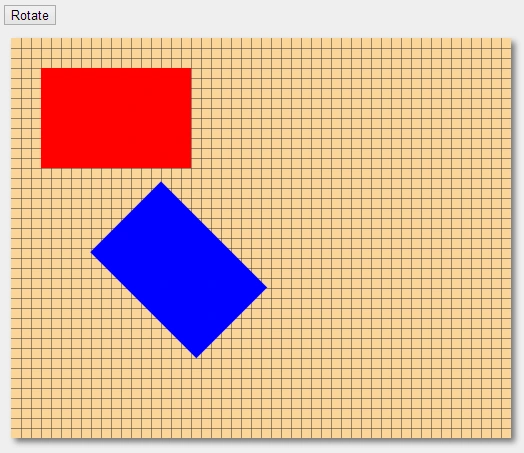
In this article, I explain basic transformations in the HTML5 Canvas. Transformation methods allow us to do various modifications to whatever we draw on the canvas. There are three main transformations:
- Translation
- Rotation
- Scaling
Translation
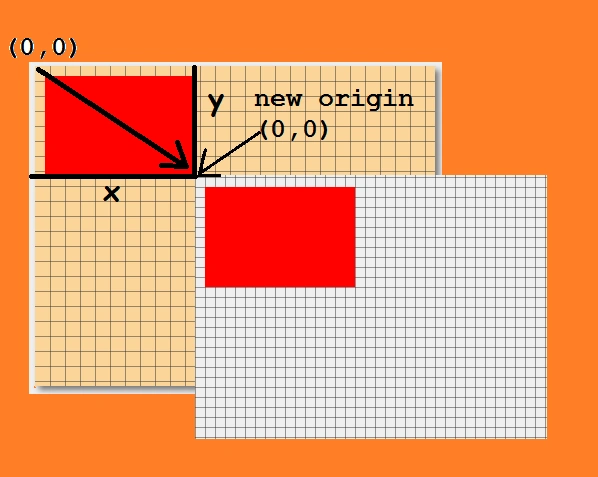
In a HTML5 Canvas, the "translate()" transform method translates the canvas context. Translation means relocation, so it allows us to relocate the origin or (0,0) point, of the canvas context with only one method. In this method, we need to provide x and y co-ordinates. Let's draw a rectangle at the position(0,0). We need to use the "fillRect()" method :
ctx.fillRect(0,0,150,100);
It will now draw a rectangle at the top-left corner of the canvas.
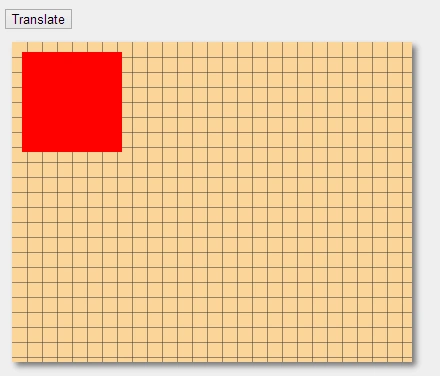
Now, we will draw another rectangle at the same position and use the "translate()" method :
ctx.translate(100, 100);
ctx.fillStyle = "#0000ff";
ctx.fillRect(10, 10, 150, 100);
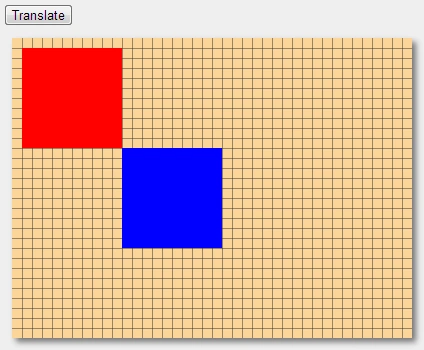
It will draw a new rectangle at the position(100,100). In simple words, we have drawn two rectangles in the preceding example at the same position, but the only twist is that we drew one rectangle before the translate( ) method and the other was drawn after it. The translate( ) method shifts both the co-ordinates of the canvas so that position(0,0) changes to position(100,100).
Example: Check Live Demo
- <body>
- <form id="form1" runat="server">
- <div>
- <input type="button" id="button" value="Translate" onclick="effect()" /><br />
- <canvas id="drawCanvas" width="400" height="320"></canvas>
- <script>
- var drawCanvas = document.getElementById('drawCanvas');
- var ctx = drawCanvas.getContext('2d');
- gridDraw(ctx, '#333', 15, 15);
- ctx.fillStyle = "#ff0000";
- ctx.fillRect(10, 10, 150, 100);
- var effect = function () {
- ctx.translate(150, 100);
- ctx.fillStyle = "#0000ff";
- ctx.fillRect(10, 10, 150, 100);
- }
- </script>
- </div>
- </form>
- </body>
Output
Scaling
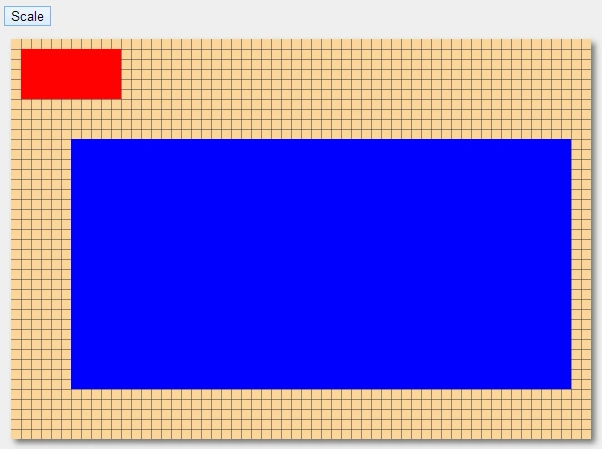
In HTML5 Canvas, the "scale()" transform method scales the canvas context. As the name suggests, it resizes such that the size is the same as the grid. Let's see an example, in which we draw a rectangle:
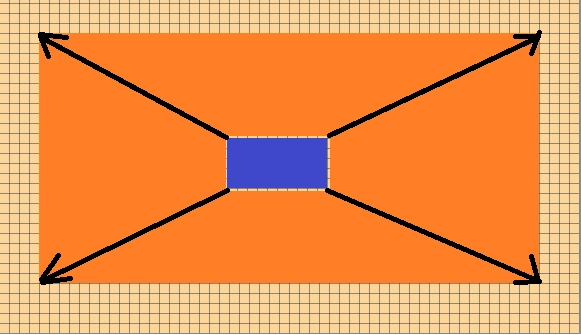
Now we need to use the "scale" transformation method to scale this rectangle. The scale() transformation method is used in a way similar to the translate() transformation method, so it is also applied before you draw the shape on the canvas context. It is really important to tell you that the properties of the scale method are multipliers of the x and y co-ordinates. It means that, if you use a scale of (3,3) then it would multiply the size of the canvas context by three, which makes it three times larger than the previous one.
In this example, we are going to increase the size of the rectangle by five times, so we need to use "scale(5,5)".
Join the conversation! Your thoughts help the community grow.