

In my previous article Introduction to Variations, I outlined the procedure to set your SharePoint environment for multilingual support. In this article, we will see how the translation happens from the source to the target site and the procedure to do them as well.
Step 1
- Navigate to the source site
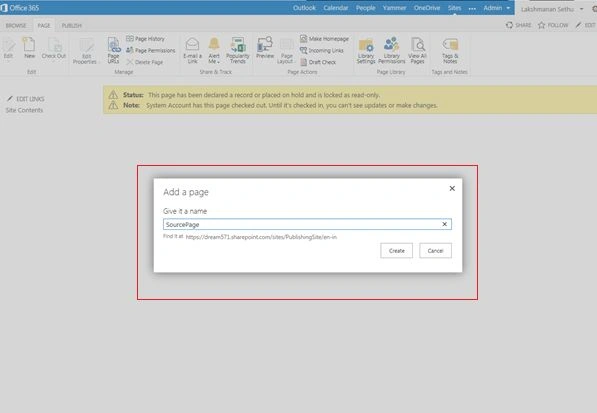
- Add a new page “Source Page”
Step 2
- Edit the page
- Insert text under the Page Control Area.
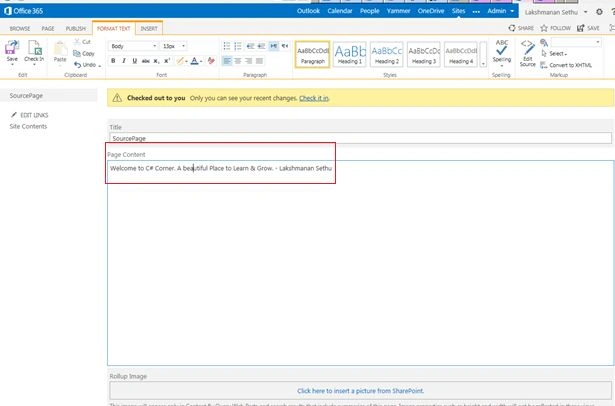
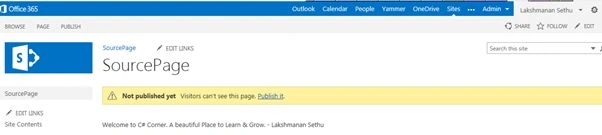
- Publish the page.
Step 3
- Go to the Page Library and select “Source page”
- Click “Update All Targets”

Step 4
- Go to the Target site. Now you can see that SharePoint creates a source page for you automatically with English content.
- Click the button highlighted below to use the Microsoft Translation service.

Step 5: The translation process occurs.

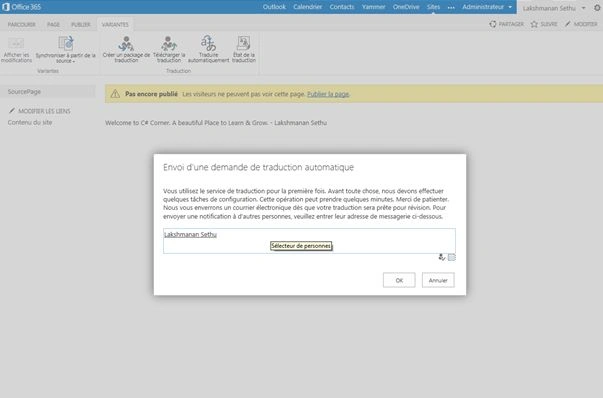
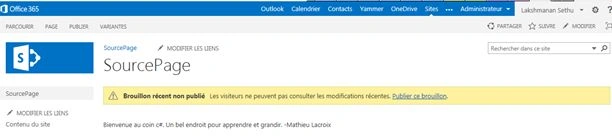
Step 6: The target site is completely in French now. Pretty awesome, isn't?
Join the conversation! Your thoughts help the community grow.