
Introduction
XAMPP Server is a free and open source cross-platform web server solution
stack package, consisting mainly of the Apache HTTP Server, MySQL database, and
interpreters for scripts written in the PHP programming languages.
XAMPP's name is an acronym for:
X (to be read as "cross", meaning cross-platform)
Apache HTTP Server
MySQL
PHP
Perl
Double click on XAMPP icon ,follow the given steps

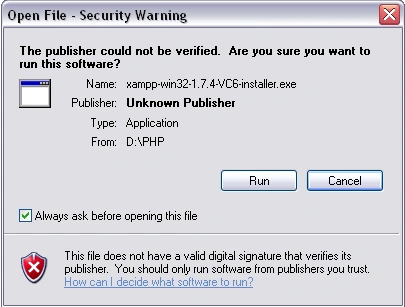
Step 1 : Click on the run button
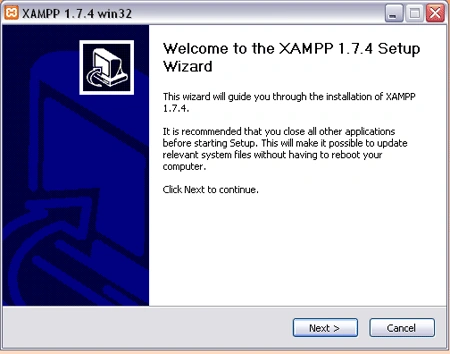
Step 2 : Click next
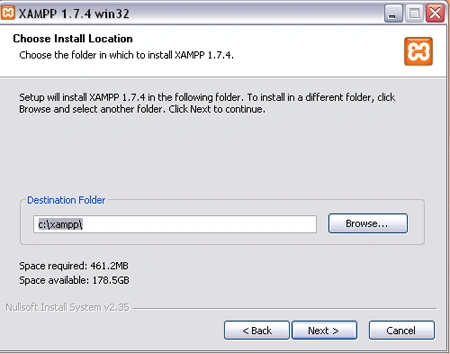
Step 3 : Here you can give your destination folder and click next
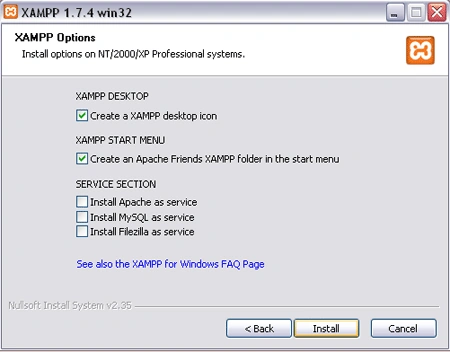
Step 4 : Click install
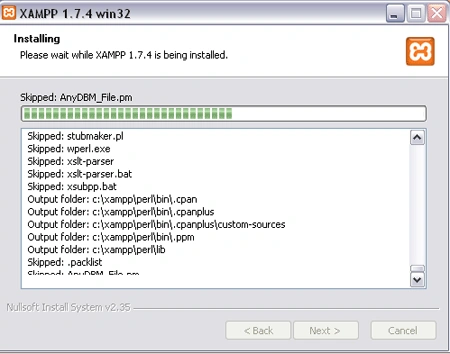
Step 5 : Process is going on
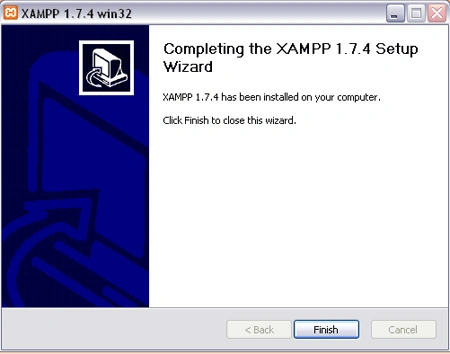
Step 6 : Click finish
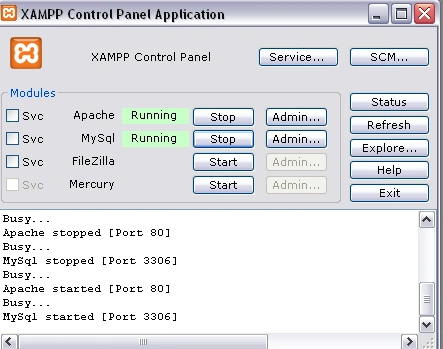
Step 7 : Successfully installed and click yes

Step 8 : Here's your Xampp server
After that go to drive where your XAMPP is installed and double click on XAMPP
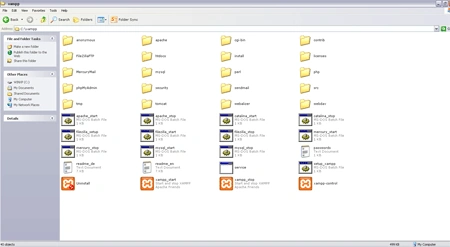
Go inside the htdocs folder and make the folder by your name
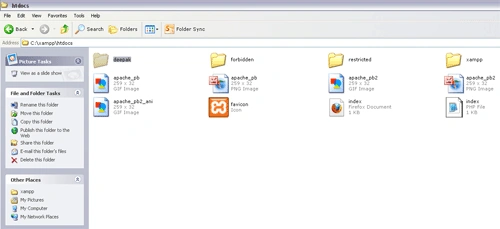
Make a program with .php extension and save it inside your folder
To Run : Open Browser and type on browser URL :
http://localhost/yourfolder/filename.php
Join the conversation! Your thoughts help the community grow.