

Let's start learning how we can integrate web application in IIS.
Steps
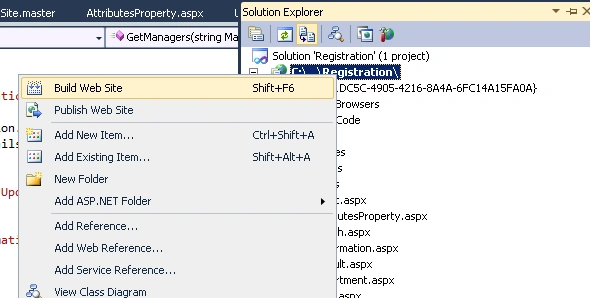
Build your web site by right clicking on your web application in Solution explorer.
Build your web site by right clicking on your web application in Solution explorer.
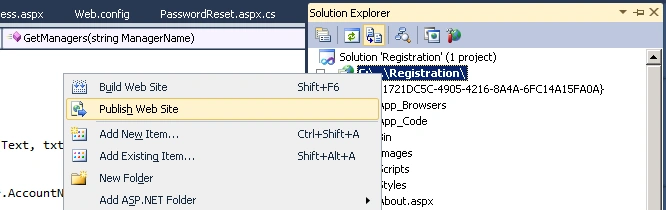
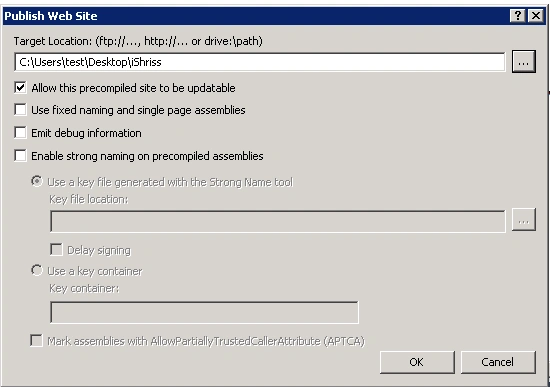
On successful build, click Publish Web Site.
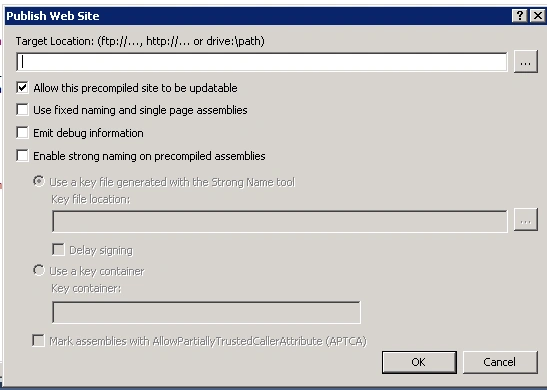
Provide the target location for published file.
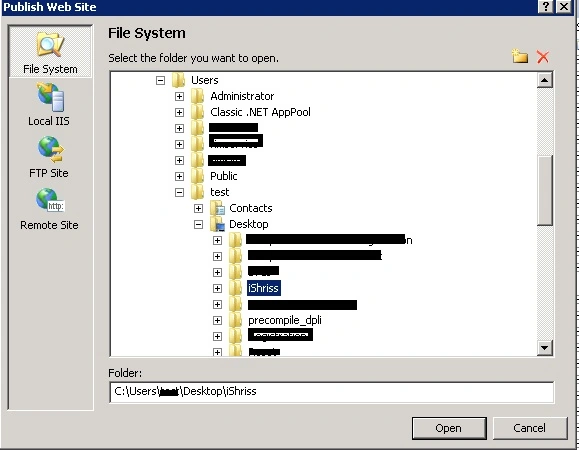
Target Folder:
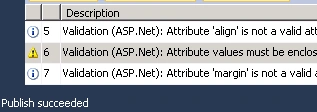
On successfully publishing.
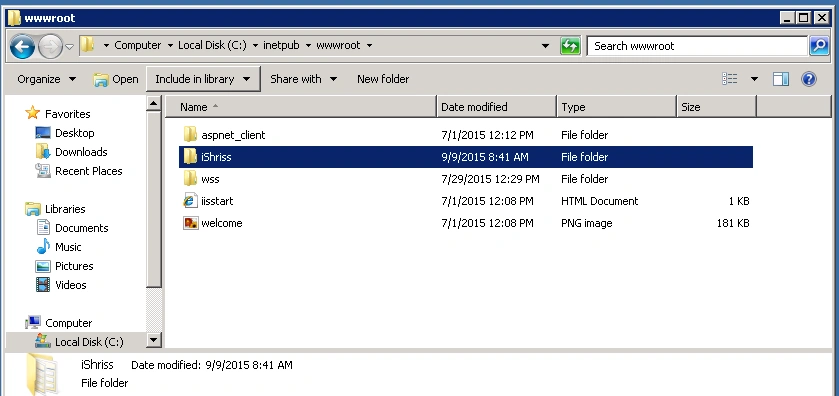
Copy published file into inetpub\wwwrooot.
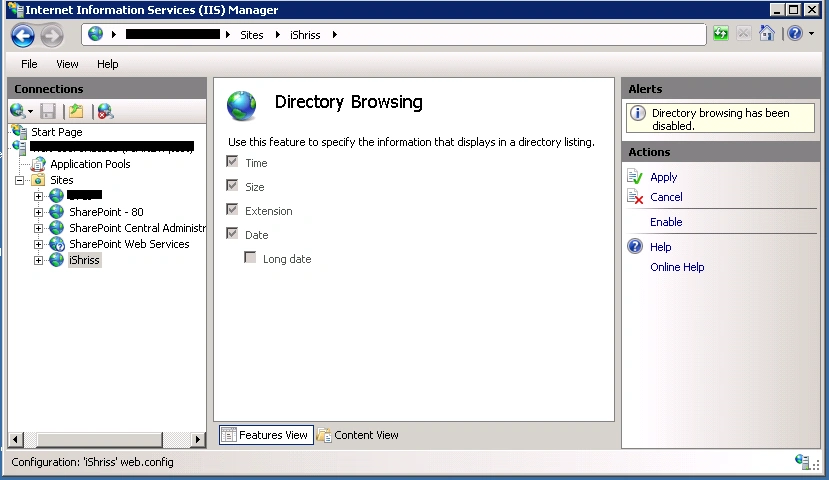
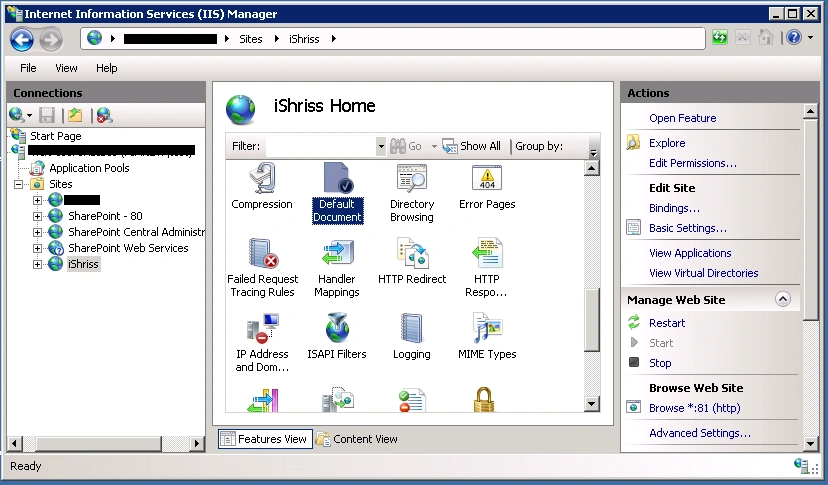
Now, open IIS Manager.
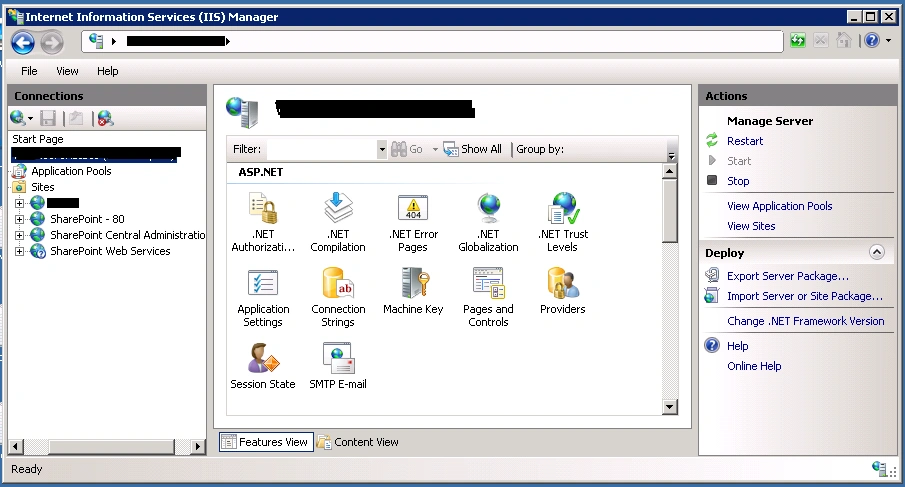
Go to site.
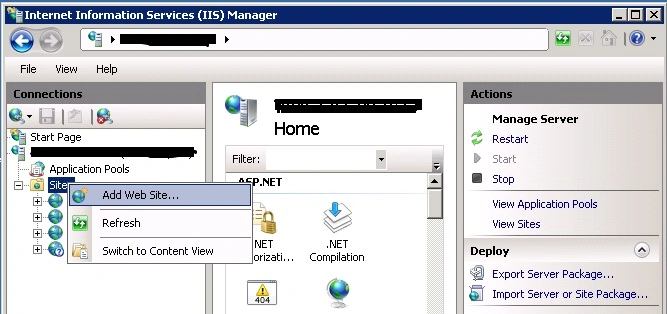
Right click on site and Add Web Site.
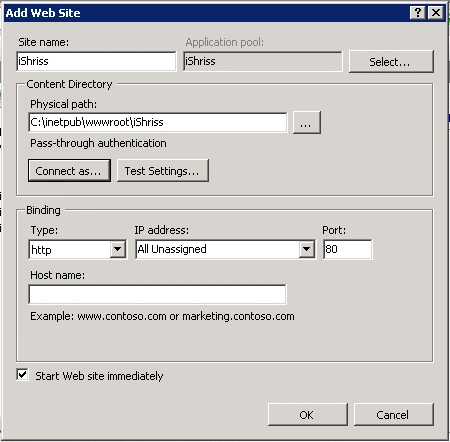
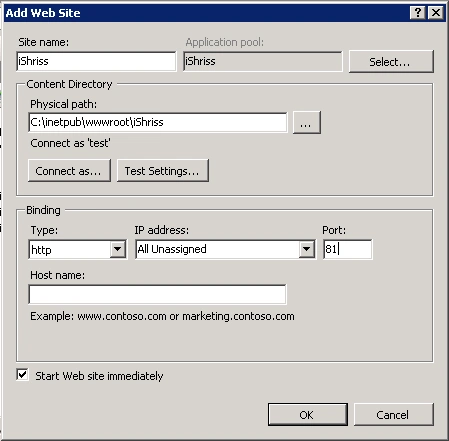
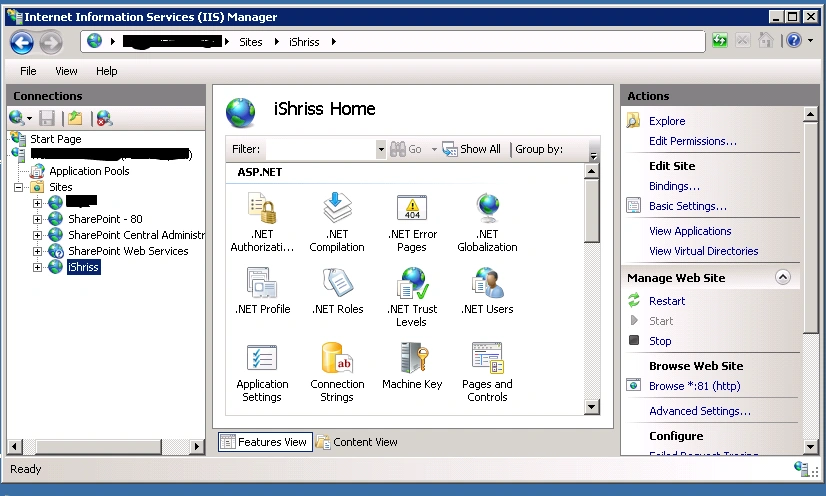
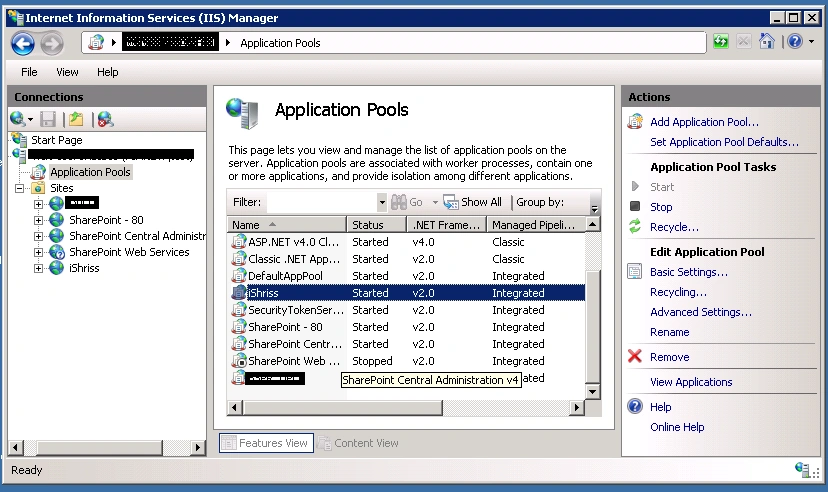
Add Web Site dialog box opens, now provide site name and physical path where precompiled(published ) file is located in wwwroot.
Right click on site and Add Web Site.
Add Web Site dialog box opens, now provide site name and physical path where precompiled(published ) file is located in wwwroot.
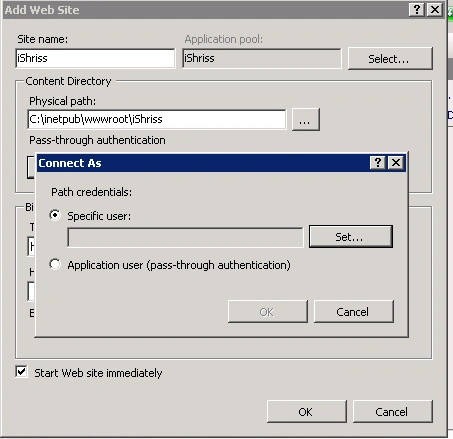
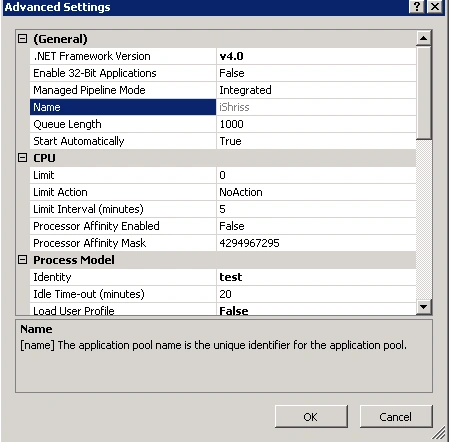
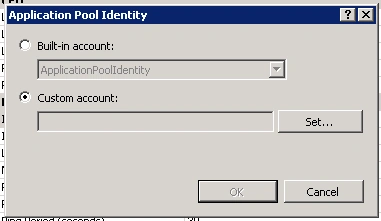
Set Connect As Specific user:
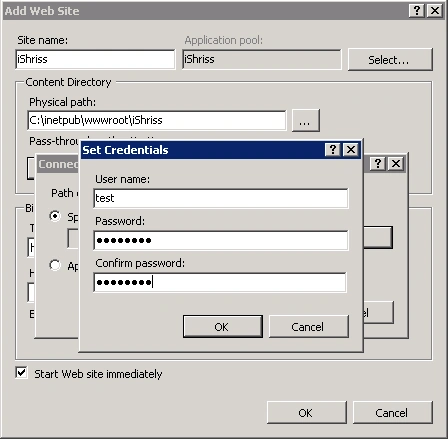
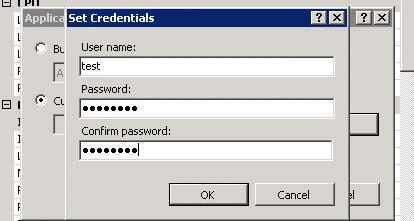
Provide credentials of specific user.
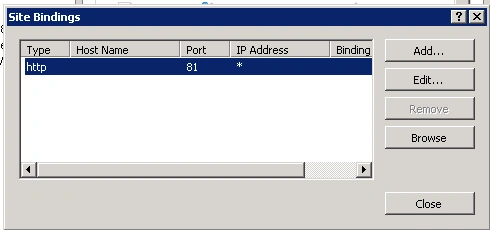
Set port.

Santhakumar MunuswamyPosted Sep 12, 2015, 3:11 AM
Thanks for nice article:)
Manas MohapatraPosted Sep 11, 2015, 2:54 PM
Very Informative Shridhar
Ankit BansalPosted Sep 11, 2015, 5:30 AM
nice share...
Nimit JoshiPosted Sep 10, 2015, 11:43 PM
Good Job..
Karthikeyan KPosted Sep 10, 2015, 11:15 PM
Good one sir...Thanks for sharing us
RakeshPosted Sep 10, 2015, 9:43 AM
Good Explain sir
Sibeesh VenuPosted Sep 10, 2015, 8:08 AM
Nice Share
Rajeesh MenothPosted Sep 10, 2015, 5:29 AM
Nice Buddy....:)
Baimey RajeshPosted Sep 10, 2015, 3:51 AM
Good sharma... U have given a step by step explanation easy to understand :)