

Hello, this article is for beginners and students.
This article provides some SQL Server database basic information including database creation, data table creation and basic query information.
Create New Database
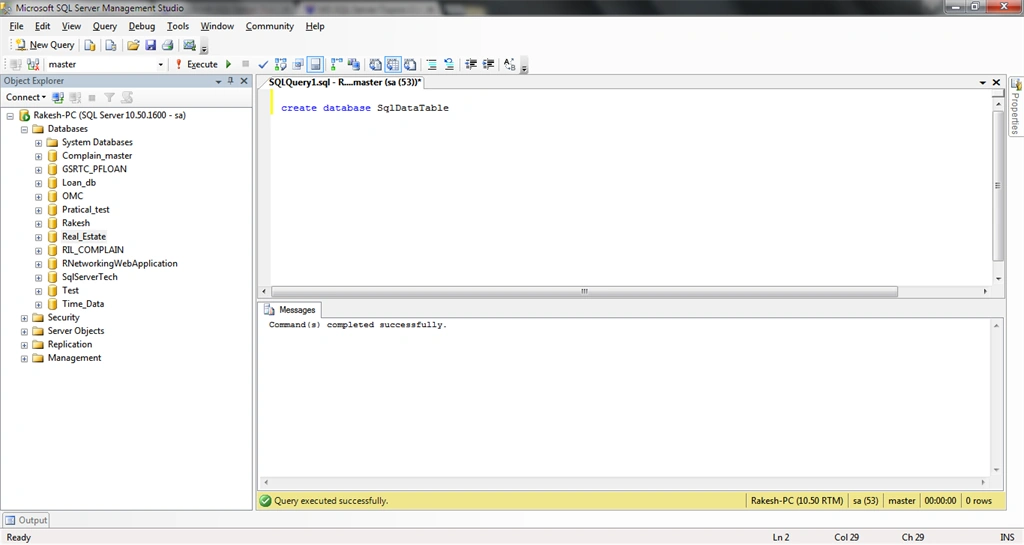
- Create database [your database name]
- create database SqlDataTable
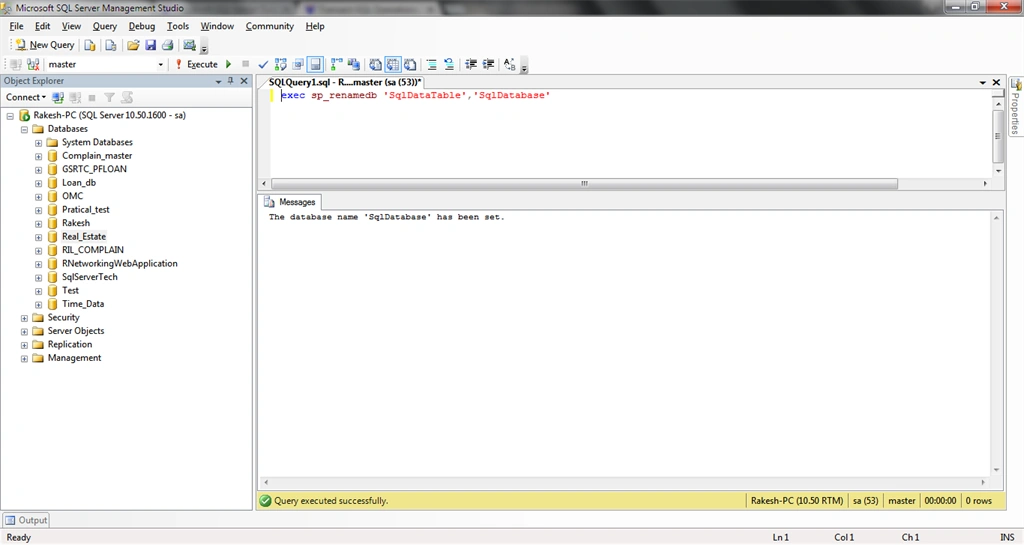
- Exec sp_Renamedb ‘your current Database Name’, ‘New Database Name’
- exec sp_renamedb 'SqlDataTable','SqlDatabase'
Remove/Delete Database
Commands:
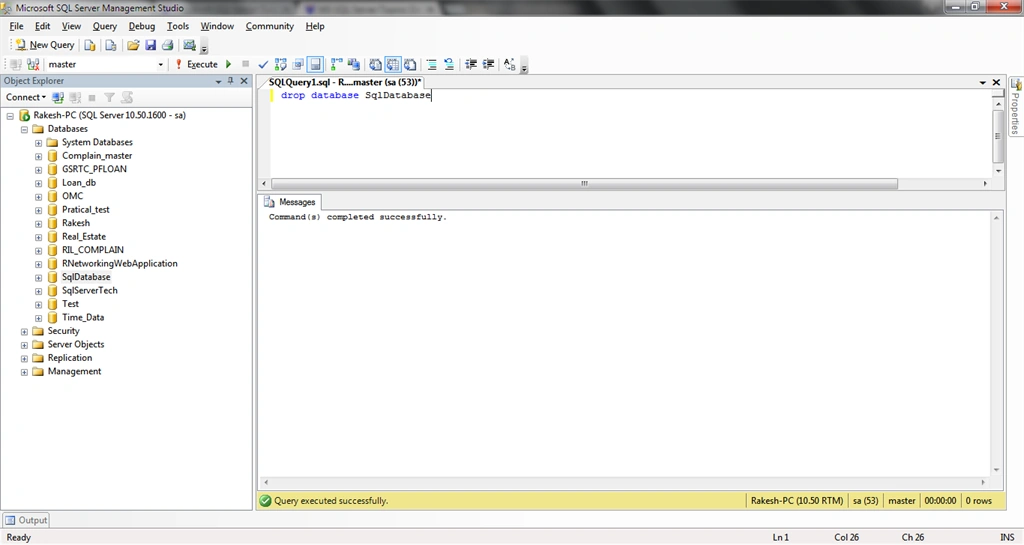
- Drop Database YourDatabaseName
- drop database SqlDatabase
This section describes database table creation, delete and rename with SQL queries.
Create Table in Database
Command:
- Create table TableName (columnName1 datatype, columnName2 datatype )
- create table Info
- (
- Name varchar(20),
- BirthDate date,
- Phone nvarchar(12),
- City varchar(20)
- )
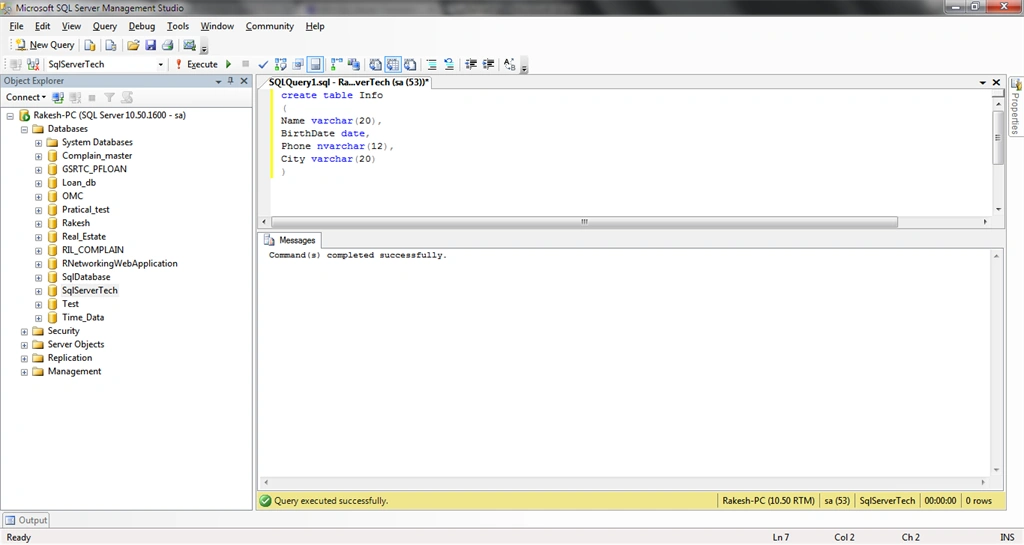
Table Rename/Change Table Name
Commands:
- Sp_rename ‘Current Table’,’New Table Name’
- sp_rename 'Info','PersonInfo'
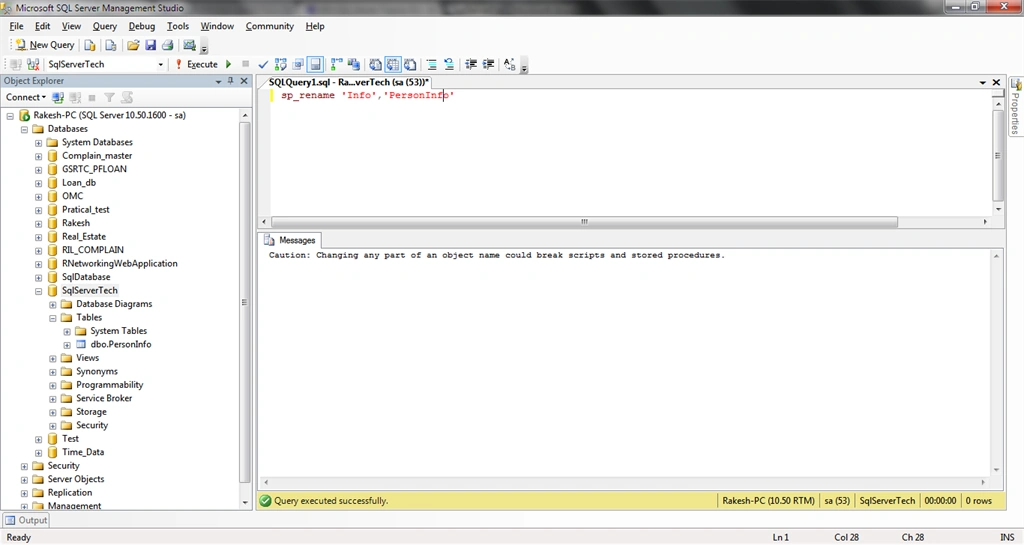
Table Remove/Delete
Commands:
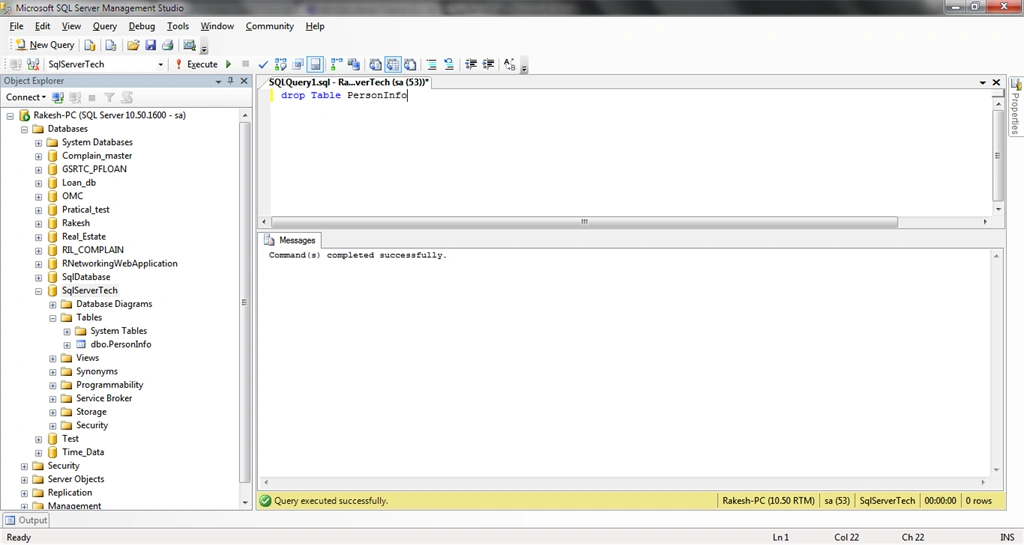
- Drop Table TableName
- drop Table PersonInfo
The following is an example of a query for a database column. Now, add a new column, rename the column and delete the column with SQL Query.
Add new Column In Table
Commands:
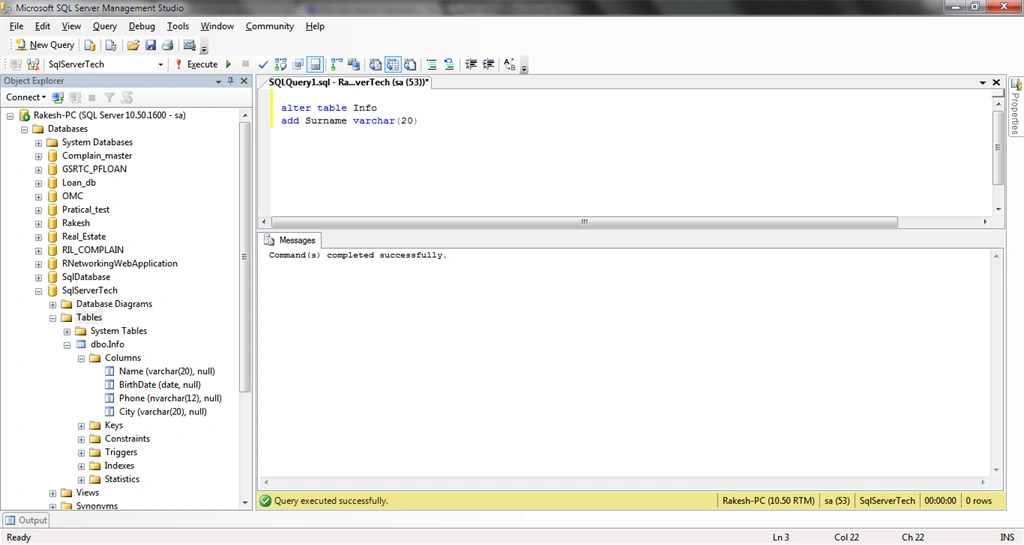
- Alter Table Tablename
- Add Column datatype
- alter table Info
- add Surname varchar(20)
Column Rname In Table
Commands:
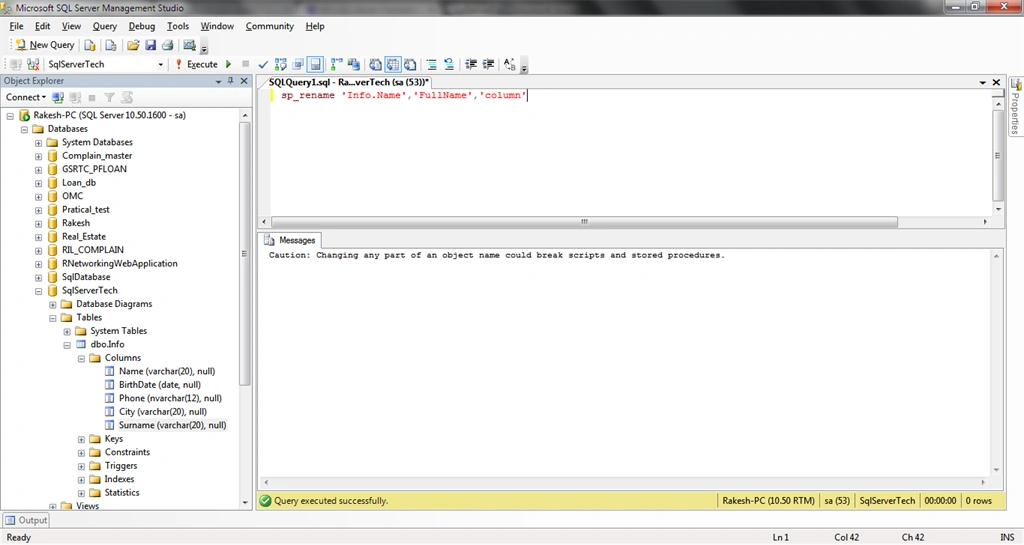
- Sp_rename ‘Table.CurentColumnName’,‘NewColumnName’,‘Column’
- sp_rename 'Info.Name','FullName','column'
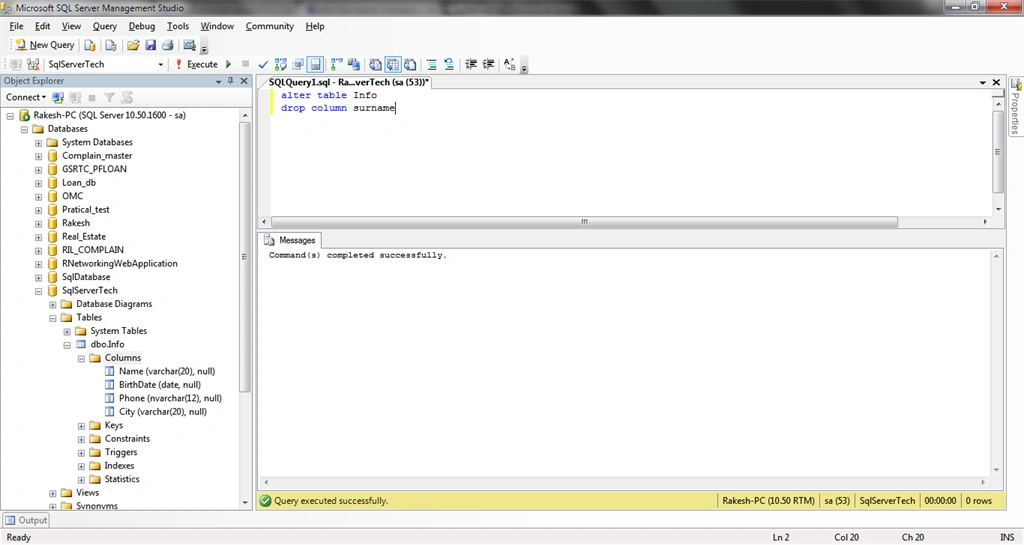
Delete Column In table
Commands:
- Alter Table YourTable
- Drop Column TableColumnName
- alter table Info
- drop column surname
Column Identity
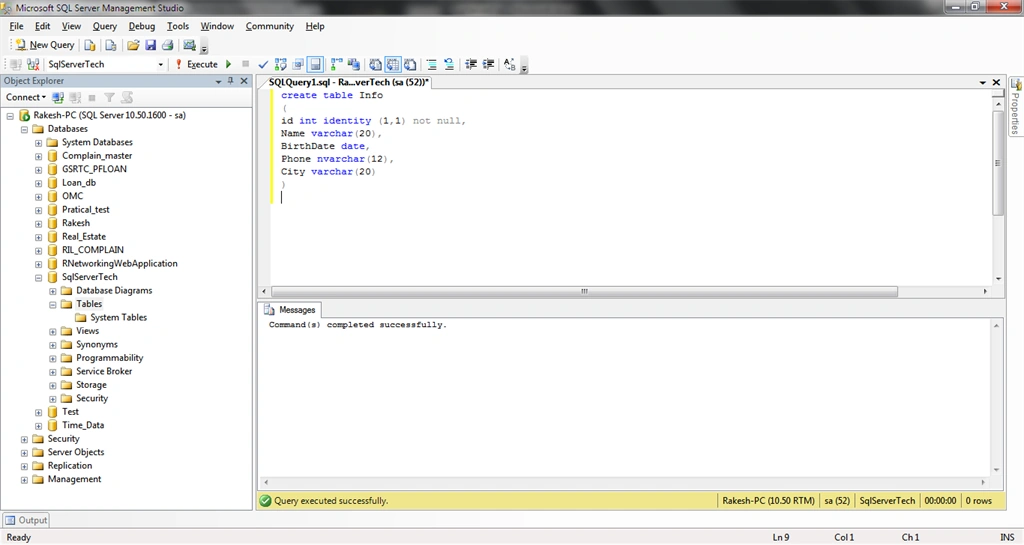
It's imporant for any database table column, when we create an auto-increment number column in the database table.
Command:
ColumnName datatype Identity(n,n)
Here, Id is the auto-incremented number.
- create table Info
- (
- id int identity (1,1) not null,
- Name varchar(20),
- BirthDate date,
- Phone nvarchar(12),
- City varchar(20)
- )
This section describes the SQL data process of inserting, updating and selecting data and a delete data query.
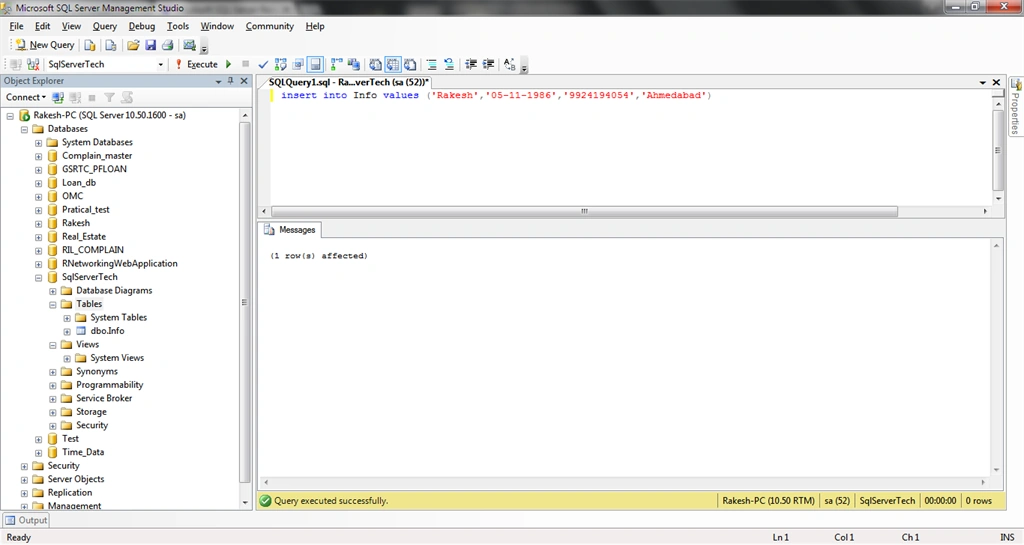
Data Insert In Table
Commands:
- Insert into TableName values (column1, column2)
- insert into Info values ('Rakesh','05-11-1986','9924194054','Ahmedabad')
- or
- Insert into info (Name,BirthDate,Phone,City) values ('Sagar','11-07-1990','9924141099','Surat')
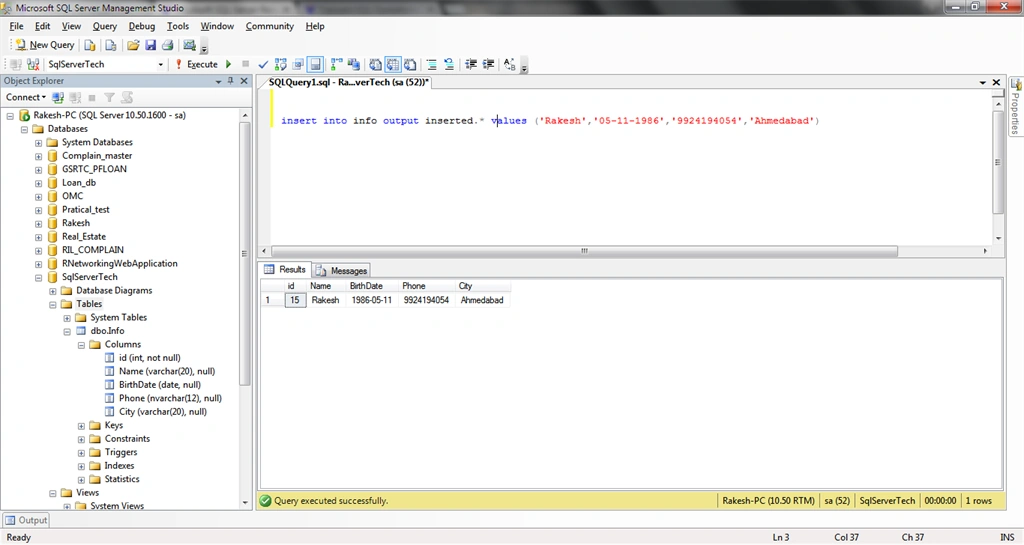
Data Insert With inserted Data Record Display
Commands:
- Insert Into TableName output inserted.* values (column1,column2)
- insert into info output inserted.* values ('Rakesh','05-11-1986','9924194054','Ahmedabad')
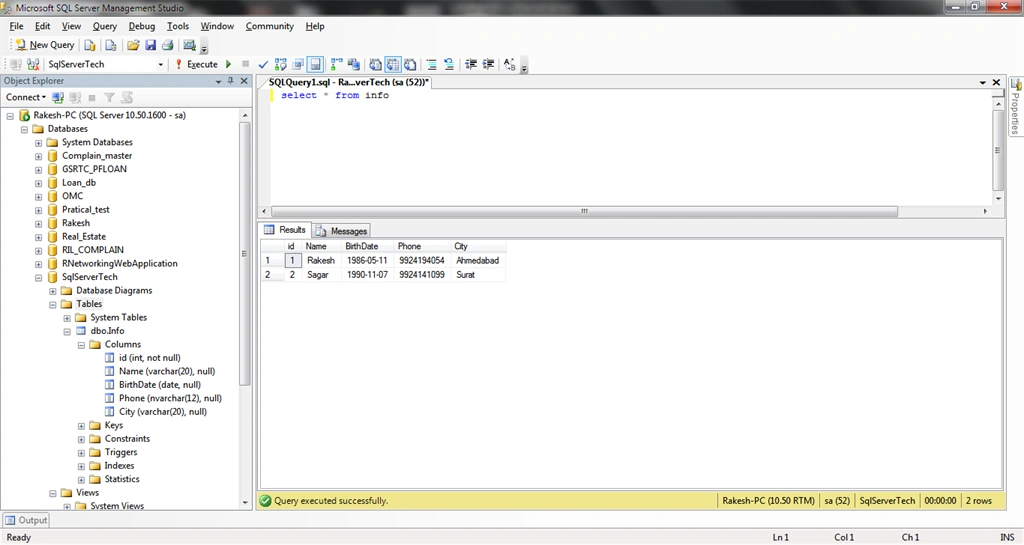
Select Data From Database Table
Commands:
- Select * from TableName
- select * from info
Update Data in Database Table
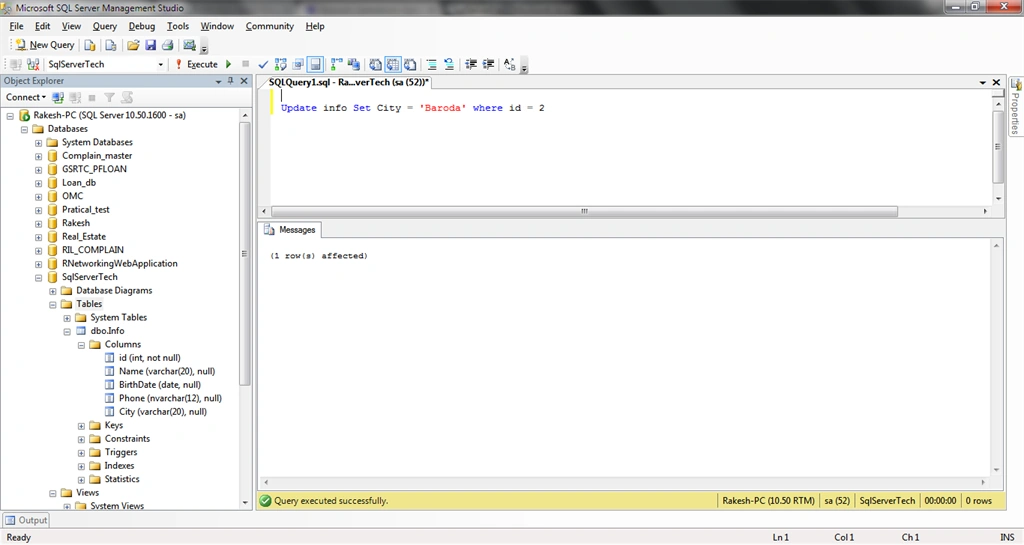
Commands:
- Update TableName SET ColumnName = NewData where Condition
- Update info Set City = 'Baroda' where id = 2
Delete Data Record From Database Table
Commands:
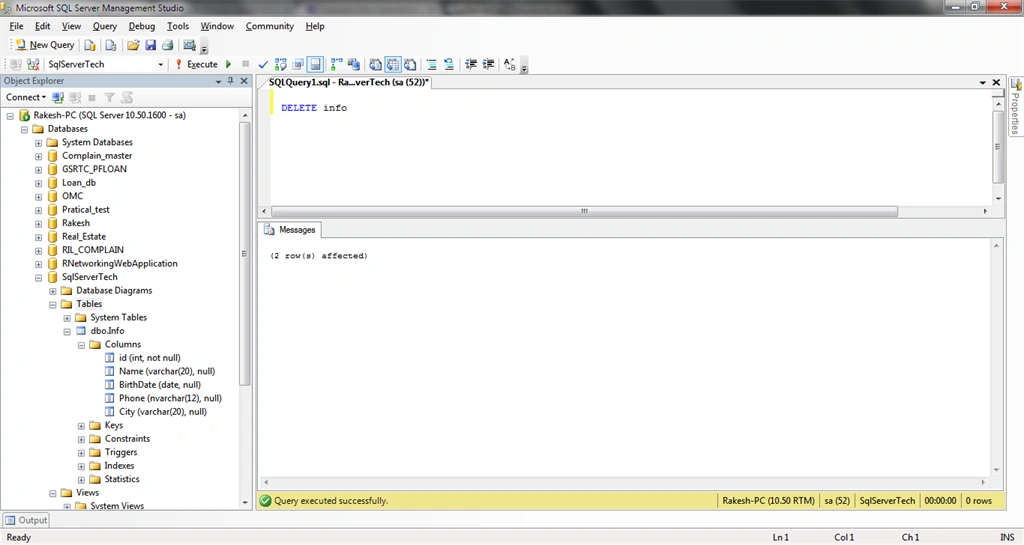
All Table Records Delete
- Delete TableName
- DELETE info
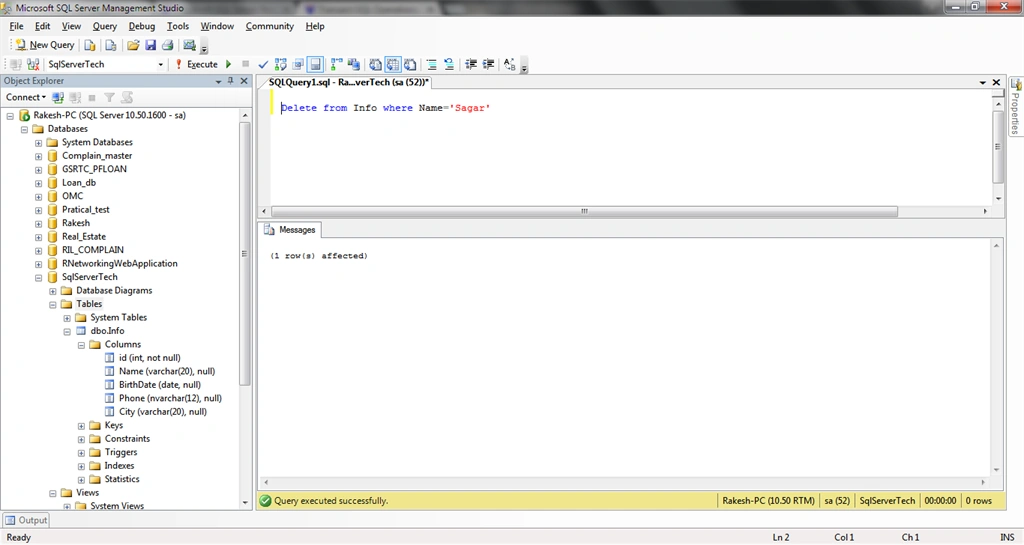
Any One Record Delete
- Delete from TableName where condition
- Delete from Info where Name='Sagar'
Unique
This is for identifing each record.
Commands:
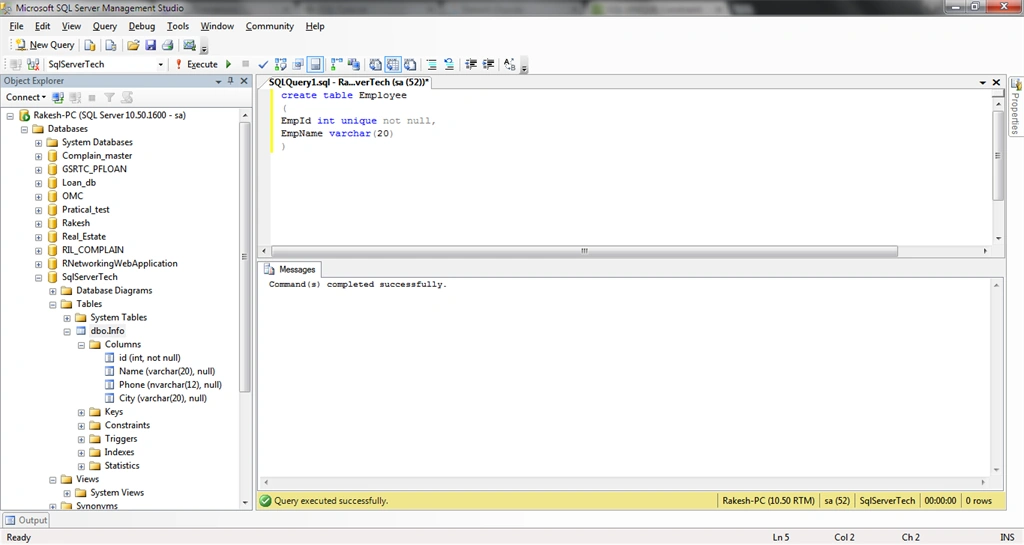
- Column datatype unique
- create table Employee
- (
- EmpId int unique not null,
- EmpName varchar(20)
- )
Primary Key
- Uniquely identify record
- it's not null
- Only one Primary Key a SQL Table
Commands:
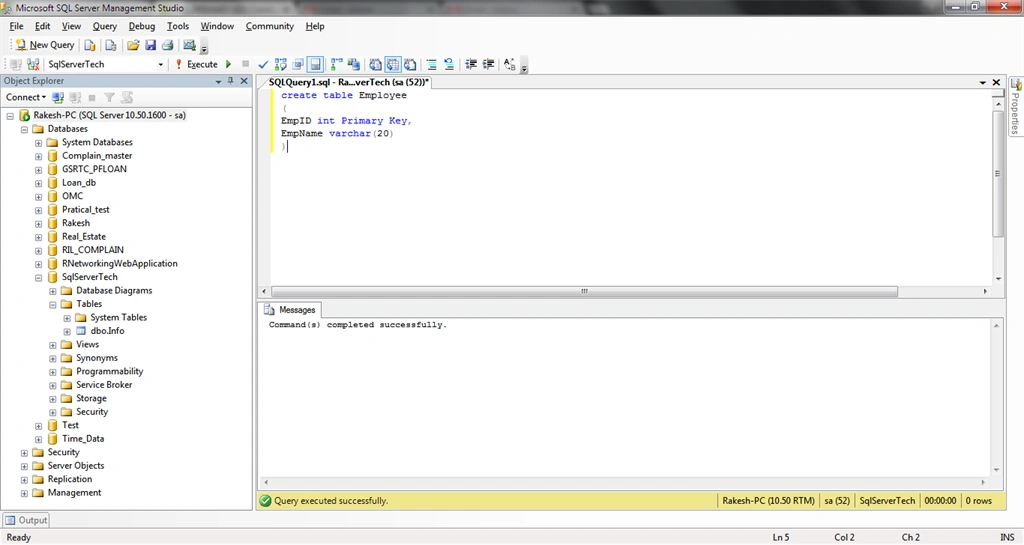
- ColumnName datatype Primary key
- create table Employee
- (
- EmpID int Primary Key,
- EmpName varchar(20)
- )
FOREIGN KEY
Any one SQL table's primary key uses any other SQL Table.
Commands:
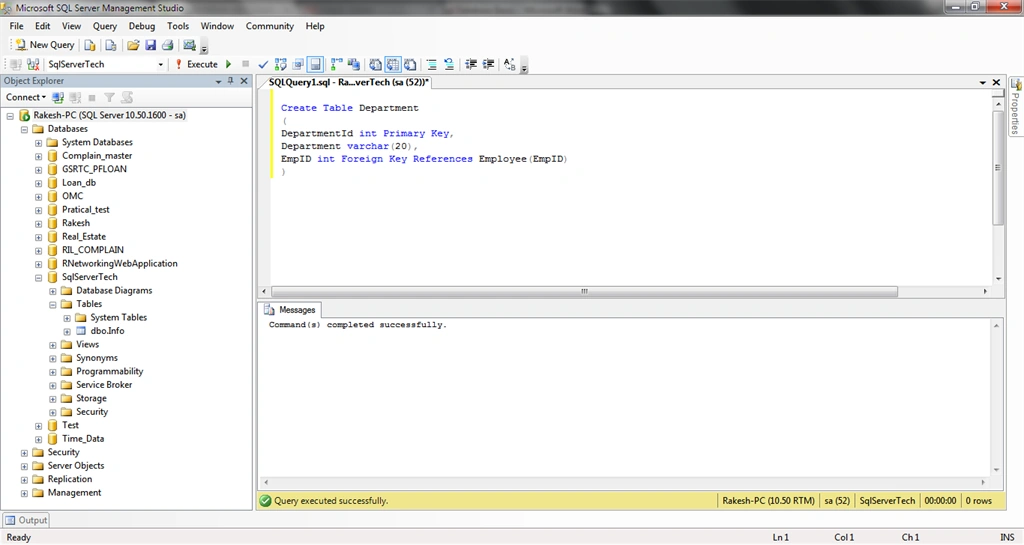
ColumnName datatype Foreign Key References ExitingTableName(ExitingTable ColumnName)
- Create Table Department
- (
- DepartmentId int Primary Key,
- Department varchar(20),
- EmpID int Foreign Key References Employee(EmpID)
- )
Unique Key Constraint
Unique Constraint defined for a single or multiple columns.
Commands:
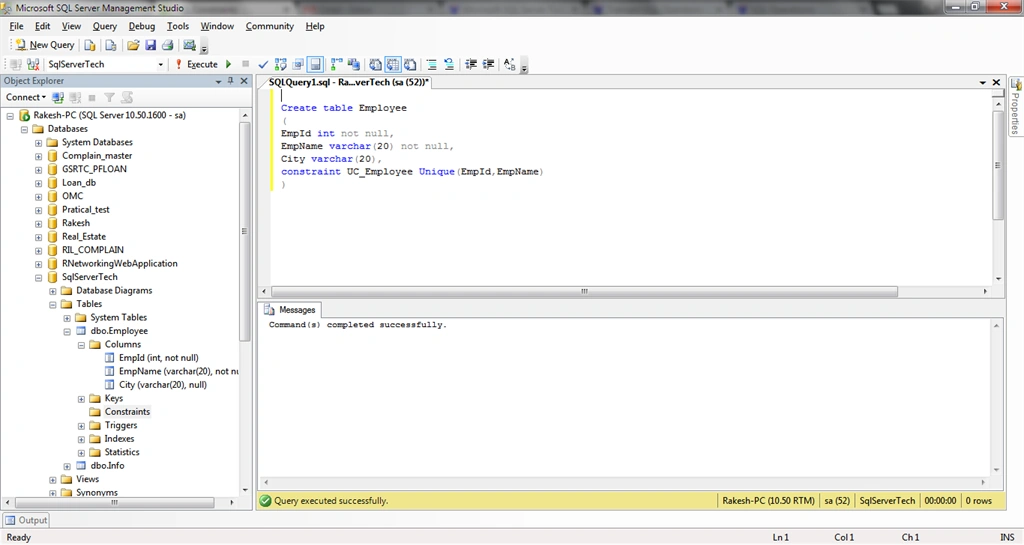
Constraint ConstraintName Unique (Column1, Column2)
- Create table Employee
- (
- EmpId int not null,
- EmpName varchar(20) not null,
- City varchar(20),
- constraint UC_Employee Unique(EmpId,EmpName)
- )
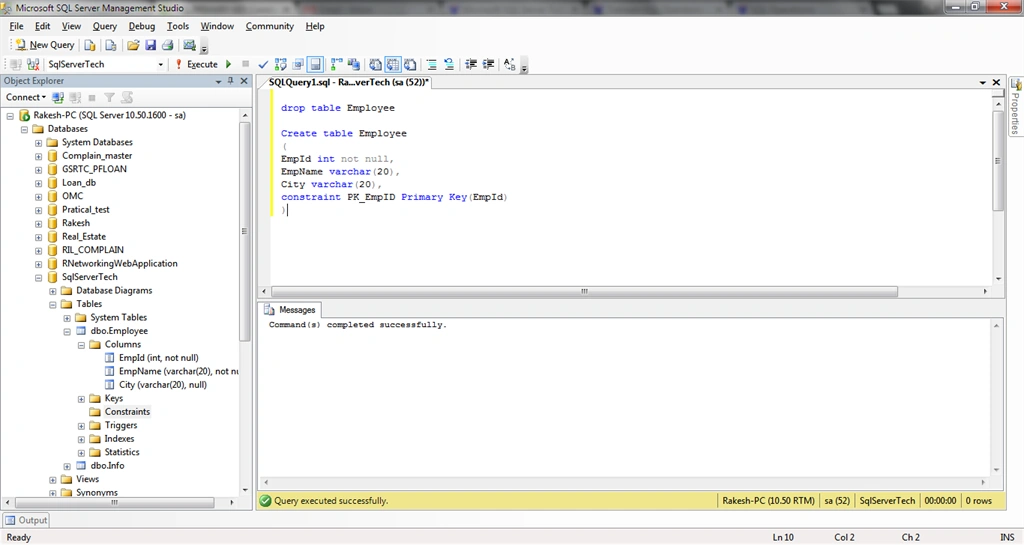
Primary Key Constraint
Commands:
Constraint ConstraintName Primary Key (Column)
- Create table Employee
- (
- EmpId int not null,
- EmpName varchar(20),
- City varchar(20),
- constraint PK_EmpID Primary Key(EmpId)
- )
Foreign Key Constraint
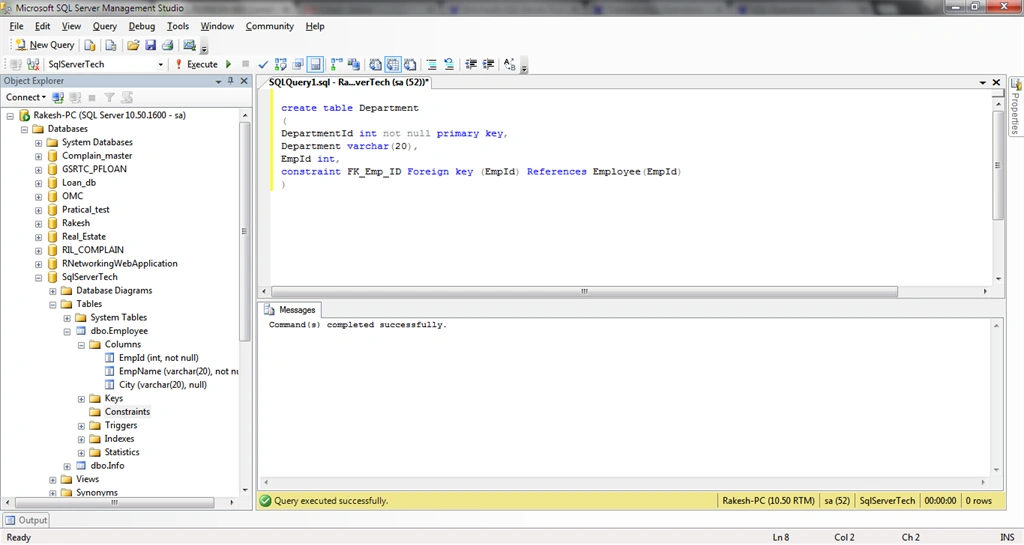
Commands:
Constraint ConstraintName Foreign key (Column) References Table(Column)
- create table Department
- (
- DepartmentId int not null primary key,
- Department varchar(20),
- EmpId int,
- constraint FK_Emp_ID Foreign key (EmpId) References Employee(EmpId)
- )
Check Constraint
Commands:
Constraint ConstraintName CHECK (Column+condision )
- create table Employees
- (
- EmpId int,
- EmpName varchar(20),
- Salary smallmoney,
- CONSTRAINT CK_Salary CHECK (Salary > 4000)
- )
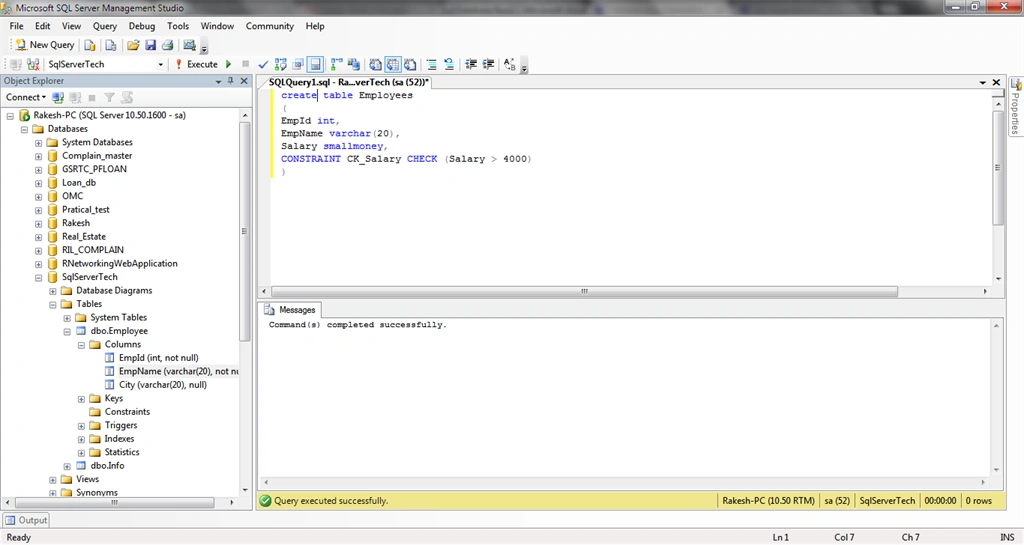
Note: Here the Employee Salay is greater than 4000.
I hope you like this basic example.
Yashwant VishwakarmaPosted May 5, 2015, 1:50 AM
Good One !!
Khargesh RajputPosted May 4, 2015, 4:21 AM
nice
RakeshPosted Apr 24, 2015, 1:24 AM
Thank you sir
Karthik Muthu KaruppanPosted Apr 23, 2015, 11:16 AM
good one
RakeshPosted Apr 23, 2015, 9:55 AM
Thank you Sir
Manoj BhoirPosted Apr 23, 2015, 12:53 AM
Good Start..
Santhakumar MunuswamyPosted Apr 23, 2015, 12:06 AM
Nice