

Hello Everyone!
Hope you all are doing well. Today, I am going to show how to make your micro:bit talk using a very easy programming language that is MicroPython.Yes, it is very easy to make your BBC Micro:bit device talk using Speech Synthesis. And you know. the interesting part is just four lines of code and your device will start talking/saying whatever you want.
So. let's see how to do this.
If you don't know whatBBC Micro:bit is and how to get started with it, please see My article or this article, where I have covered all the basics on how to get started with Micro:bit.
So, let's get started and see how to make micro:bit talk.
Prerequisites
- Micro: bit (1 pcs)
- USB cable (1 pcs)
- Battery AAA 1.5V (2 pcs)
- Battery Box (1 pcs)
- Speaker
- Crocodile connectors or normal wire
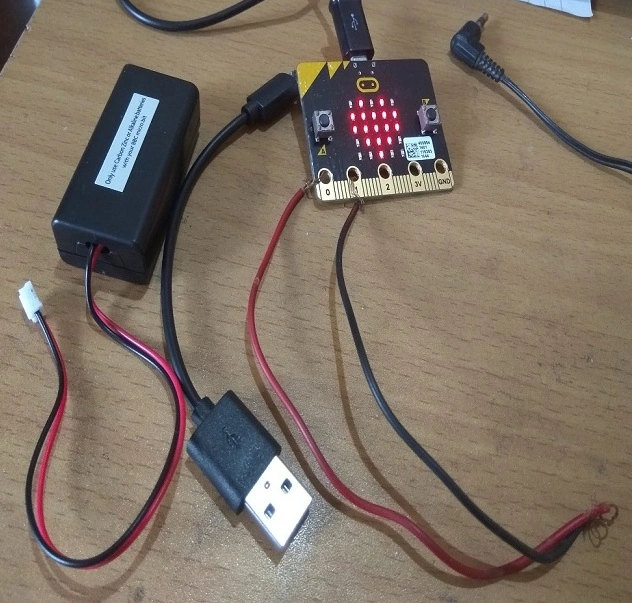
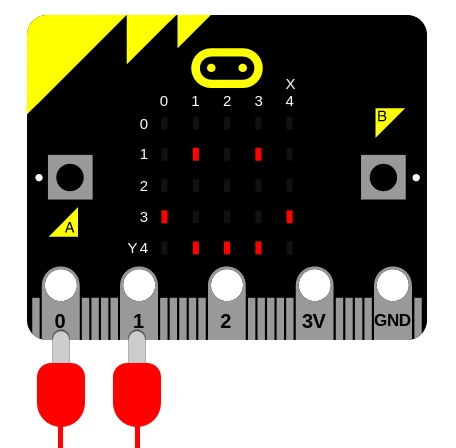
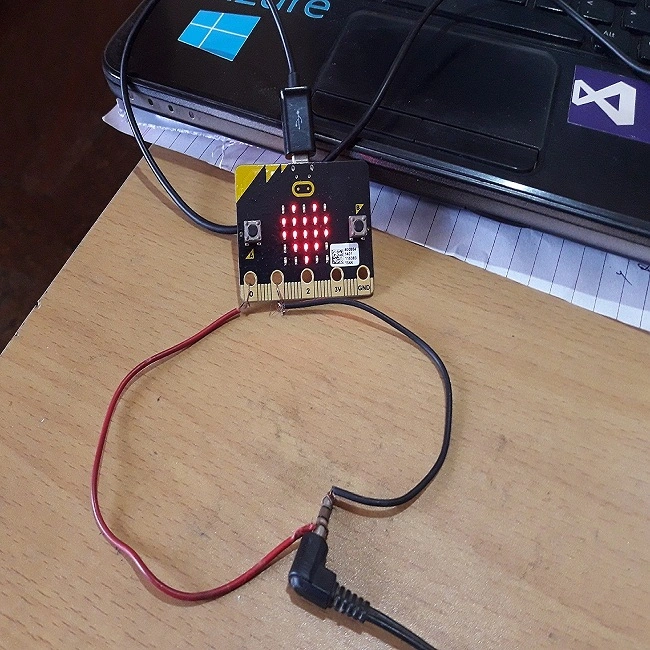
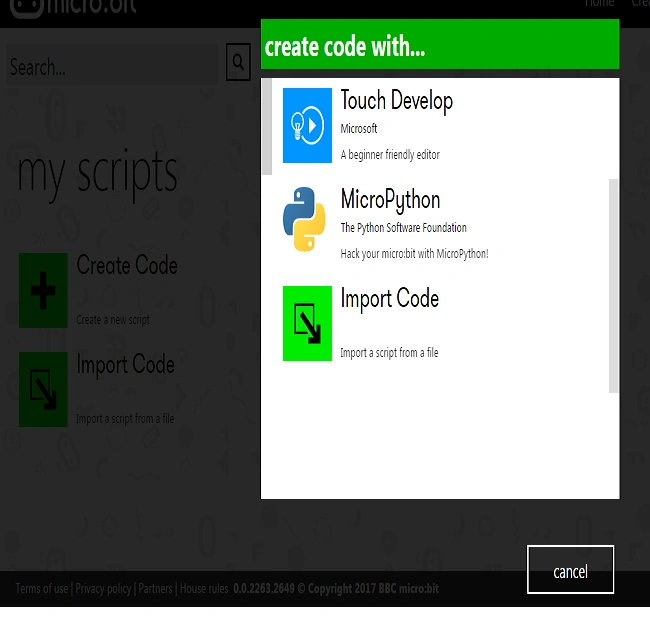
Offline
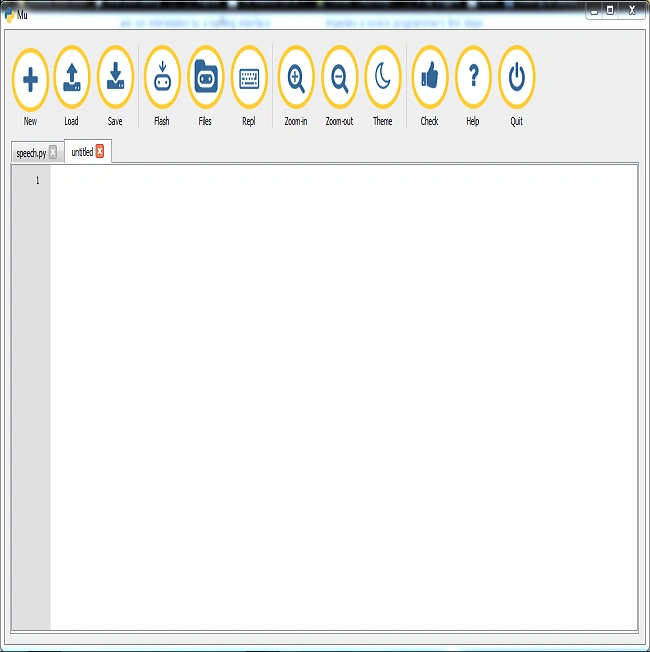
For offline, we are going to use MU editor for Micro:bit. Why I am using this because it is very light-weight and easy to use. The best part is that we can directly flash from editor IDE to our Micro:bit. We need not to copy and paste Hex file again and again whenever we update the code. You can download here. For Windows, you need to install one driver also to flash directly to your micro:bit whenever you update the code.download here. So go to https://codewith.mu/#download, and download and install.
 Let us write the code.
I am going to add a micro:bit and Speech library by writing the following code.
Let us write the code.
I am going to add a micro:bit and Speech library by writing the following code.
- from microbit import *
- import speech
The above code actually means that we want to use all the objects and functions/methods that are available within the micro: bit library, like controlling the led display, displaying our name, displaying symbols, Speech Synthesis, music and much more. Speech is a class there and now we are going to call say() method to make our micro: bit talk by writing the following code.
In the above code, Speech is a class and we are calling say method and passing Hello CSHARP as String.It takes String as a parameter. Now, if we will run this code, our micro: bit will speak Hello CSHARP.
- speech.say("Hello,CSHARP")
- Pitch - how high or low the voice sounds (0 = high, 255 = Barry White).
- Speed - how quickly the device talks (0 = impossible, 255 = bedtime story
- Mouth - how tight-lipped or overly enunciating the voice sounds (0 = ventriloquist’s dummy, 255 = Foghorn Leghorn)
- Throat - how relaxed or tense is the tone of voice (0 = falling apart, 255 = totally chilled)
These parameters control the quality of sound - a.k.a. the timbre. To be honest, the best way to get the tone of voice you want is to experiment, use your judgment, and adjust. To learn more visit here.
After adding these parameters, our code looks like the following.
And yes, if we want our micro: bit say multiple things, then we can add delay also.
- speech.say("Hello,CSHARP",speed=120, pitch=100, throat=100, mouth=200)
- speech.say("Hello,FACEBOOK")
- sleep(2000)
- speech.say("Hello,I AM MICROBIT AND I CAN TALK")
- sleep(2000)
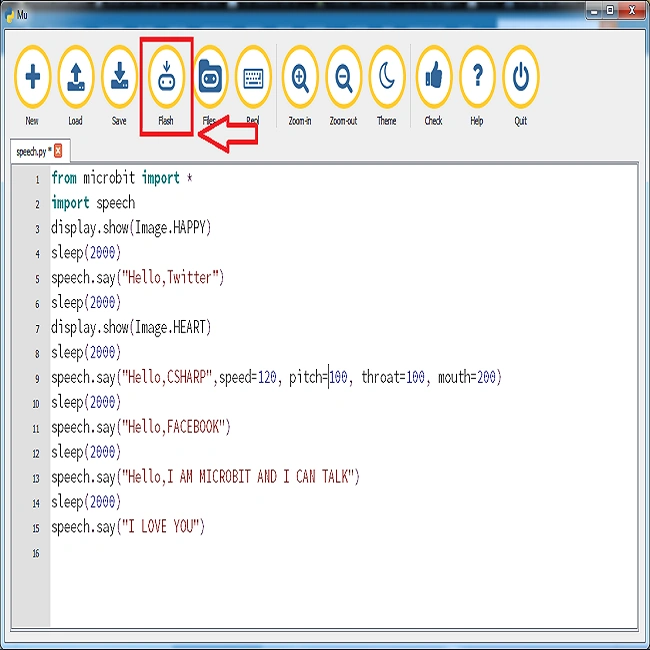
I want my micro:bit say a lot of things, so here is the code and this is final code.
- from microbit import *
- import speech
- display.show(Image.HAPPY)
- sleep(2000)
- speech.say("Hello,Twitter")
- sleep(2000)
- display.show(Image.HEART)
- sleep(2000)
- speech.say("Hello,CSHARP")
- sleep(2000)
- speech.say("Hello,FACEBOOK")
- sleep(2000)
- speech.say("Hello,I AM MICROBIT AND I CAN TALK")
- sleep(2000)
- speech.say("I LOVE YOU")
Comments
Join the conversation! Your thoughts help the community grow.