

Power Apps makes it incredibly easy to build enterprise-grade applications. But the moment your app starts handling large files—PDFs, KYC documents, invoices, high‑resolution images—Dataverse storage costs can rise quickly and performance can take a hit.
That’s where Azure Blob Storage comes in.
If you’re working with heavy document workflows, shifting your file storage strategy can significantly improve cost efficiency, scalability, and user experience.
🚫 The Problem: Storing Large Files in Dataverse
Dataverse is optimized for structured relational data, not bulk binary content. While it can store files, it isn’t the best choice for:
High-volume document uploads
Large PDFs (1–50 MB+)
HD images or scanned documents
KYC compliance archives
Media-heavy applications
The impact?
❌ Higher storage costs
❌ Slower read/write operations
❌ Lower app responsiveness
🚀 The Solution: Use Azure Blob Storage
Azure Blob Storage is built exactly for scenarios involving large or frequent file uploads.
Why it’s a better choice:
✅ 1. Cost-Effective at Scale
Blob Storage is significantly cheaper than Dataverse file storage.
For large or growing content libraries, the cost savings become substantial.
✅ 2. Highly Scalable for Millions of Documents
Blob Storage is designed for cloud-level scale:
Handles massive volumes
Supports large file sizes
Optimized for streaming, retrieval, and batch processing
Your storage grows as your business grows—without performance compromise.
✅ 3. Strong Security Options
Control access at multiple layers:
🔐 Azure AD authentication
🔐 SAS (Shared Access Signature) tokens
🔐 RBAC (Role-based access control)
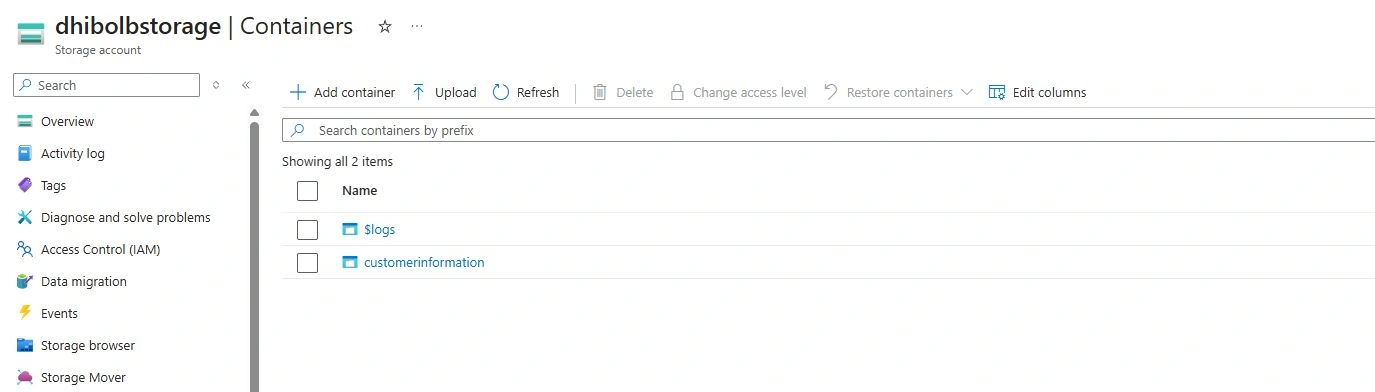
🔐 Private containers for confidential data
This makes it ideal for financial services, KYC workflows, compliance storage, and more.

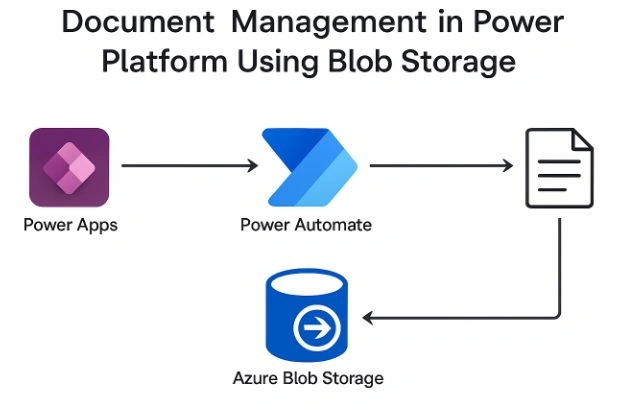
✅ 4. Smooth Integration with Power Apps & Power Automate
Power Apps can:
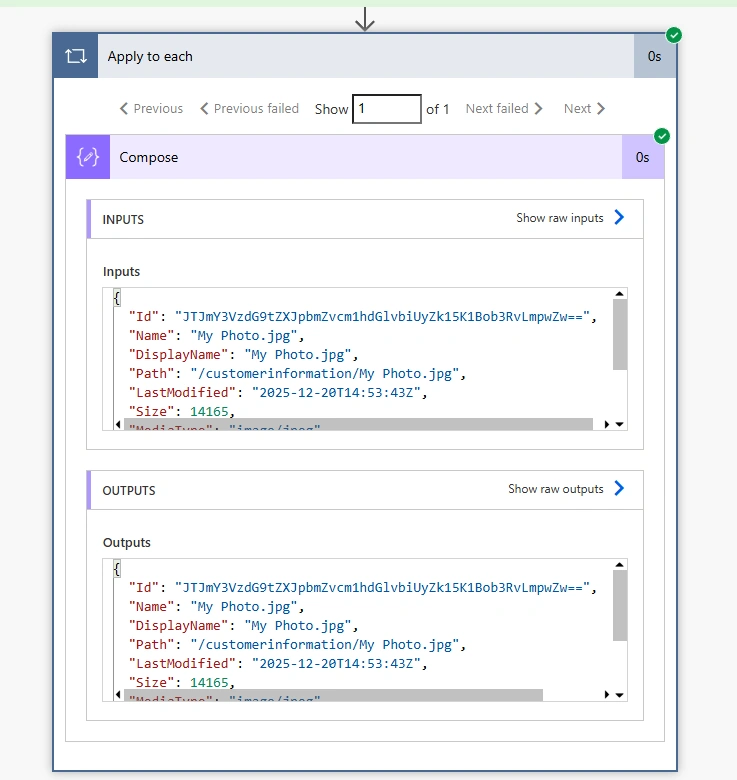
Upload files through Power Automate
Generate secure file access URLs
Display documents directly using galleries and PDF viewers
Power Automate acts as the controller that sends the file from Power Apps → Blob Storage.
🎯 Final Thoughts
Managing large files inside Power Apps doesn’t have to be expensive or inefficient. By shifting from Dataverse storage to Azure Blob Storage, you unlock:
✨ Better performance
✨ Lower costs
✨ Enterprise-grade security
✨ Unlimited scalability
Whether you're building a document-centric app or modernizing a legacy workflow, this architecture ensures your solution remains fast, secure, and future-proof.
Join the conversation! Your thoughts help the community grow.