


Azure Cosmos DB is Microsoft’s globally distributed horizontally partitioned multi model database service. It allows customers to elastically scale throughput and storage across any number of regions.
- SQL API
- MongoDB API
- Gremlin Graph API
- Cassandra API
- Table API
I have already written some articles about Cosmos DB and its usage in C# Corner.
Currently there are lots of other good articles and tutorials about Cosmos DB available on the web.
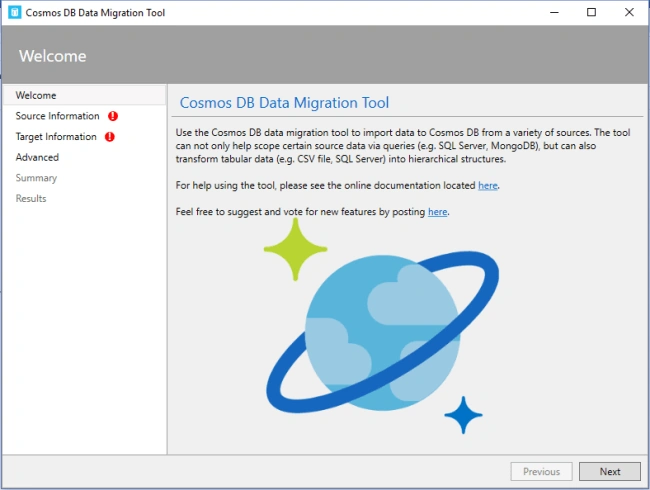
In this article we will discuss about the Cosmos DB Data Migration Tool. This tool will help us to import data from various sources. I will give you all the details about these data sources.
The source code of this tool is available in Github. This tool still follows the code name of DocumentDB instead of Cosmos DB. So, I have forked this code and changed all name from DocumentDB to Cosmos DB. My source code is available in Github-MyVersionOf-DataMigraionTool
Let's start with Cosmos DB Data Migration Tool.
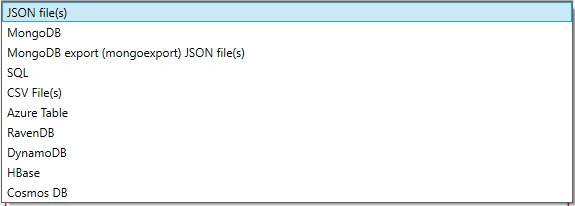
We can import data from JSON, MongoDB, MongoDB exported JSON files, SQL, CSV, Azure Table, RavenDB, DynamoDB, HBase and lastly, we can import data from one Cosmos DB to another Cosmos DB.
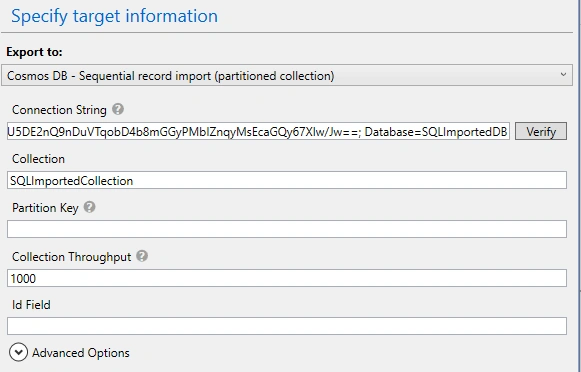
Target information currently supports only 3 data types.

We can import data sequentially (partitioned collection) or we can use bulk import (single partition).
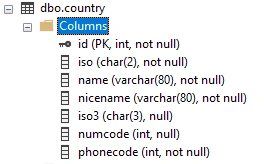
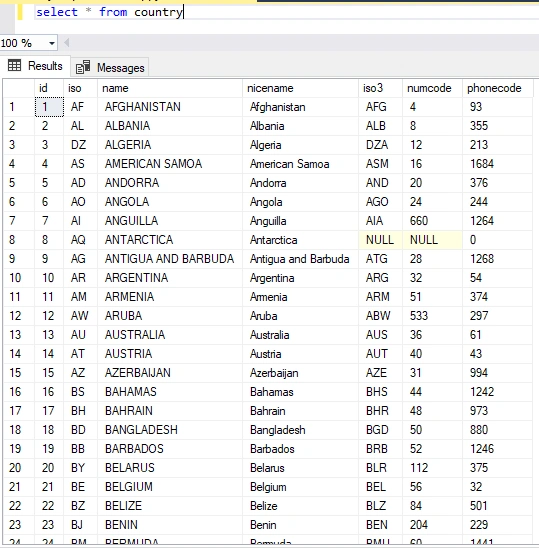
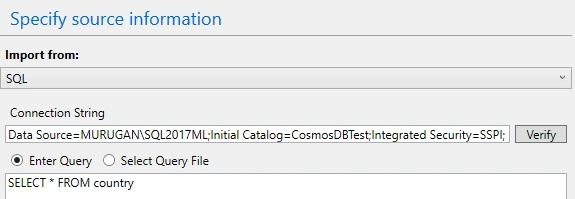
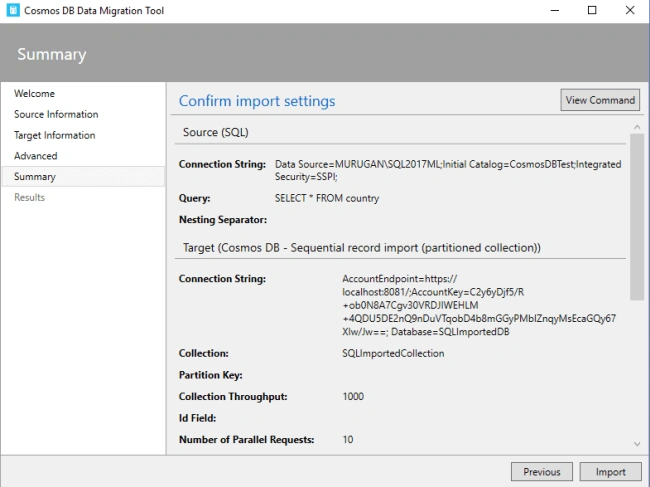
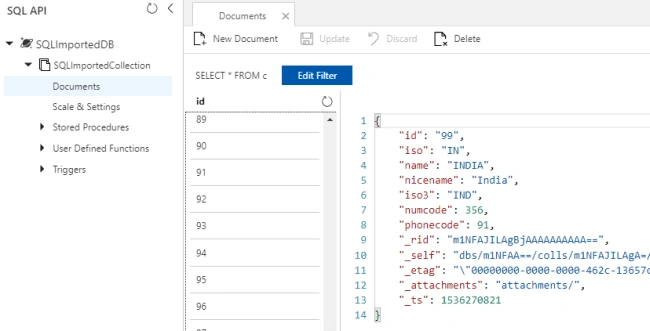
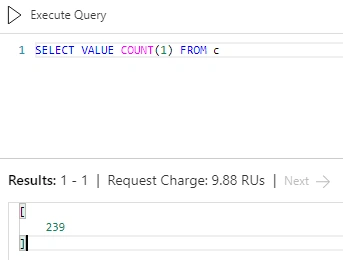
In this article we will see how to export one SQL table to Cosmos DB. I am using a simple country table for this purpose. The structure of the table is shown below.
Join the conversation! Your thoughts help the community grow.