

Introduction
Visual Studio LightSwitch is a Microsoft tool used for building business applications. There are many controls available in LightSwitch which represent the data but a Modal Window Picker is a special control which represents the your data in a special way. The Modal Window picker has a special feature which provides the user with a strong search and filter capability across a number of different fields in a table.
How To use Modal Window Picker
Step 1 : First of all open Visual Studio LightSwitch->New project->Select LightSwitch->Select LightSwitch application->Write name (ModalWindowPicker)->Ok.

Step 2 : Click on create new table to create the table.
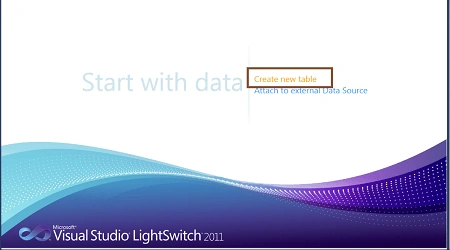
Step 3 : Create the tables as for example student and course.


Step 4 : Now we will establish a relationship among these tables.
click on relationship->Select name and multiplicity->Ok.

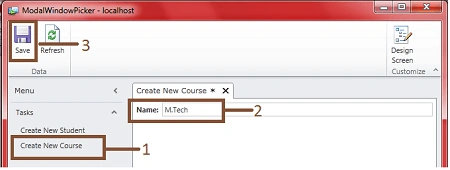
Step 5 : Now we will add a screen. Right-click on screens->Add screen.




Join the conversation! Your thoughts help the community grow.