

Introduction
This article describes how to create an OpenMenu bar in Java. The Netbeans IDE is used for the development of the example.
Packages Imported
java.io.*;
This package is used for system input and output through serialization, data streams and the file system.
java.awt.*;
AWT stands for Abstract Window ToolKit. The AWT package is imported to use the AWT components like label, checkbox and so on.
javax.swing.*;
Swing is an extended version of AWT. It supports some new components, like JComboBox, JScroll Pane and so on. Swing provides a Graphical User Interface to programs.
Java.awt.event.*;
This package is for dealing with various types of events fired by AWT components. This package provides classes and interfaces for dealing with these events.
What is Menu
A Menu is basically to be displayed to the user to help the user find information or execute a program function.
Example
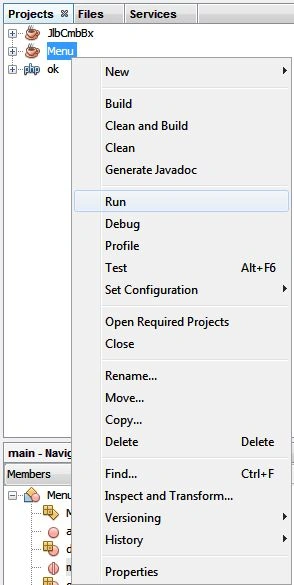
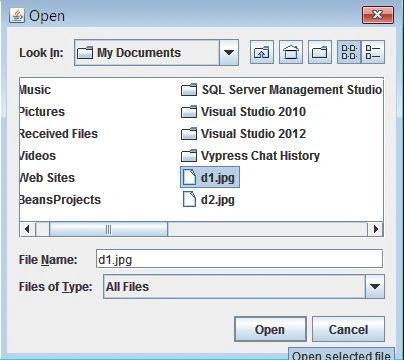
In this example; we define how to create an OpenMenu in Java using the Netbeans IDE. There are certain steps in the Netbeans IDE that we need to follow as explained below.
Step 1
Open the Netbeans IDE then click on "File" -> "New project" then select "Java project" then provide a name (for example Menu) then click on "Ok" then right-click on our project and choose "New" -> Java class and then provide your class name (as Menu.java) and click "Ok" and use the following code for the class.
Step 2
In this class write the following code (the class name is "Menu"):
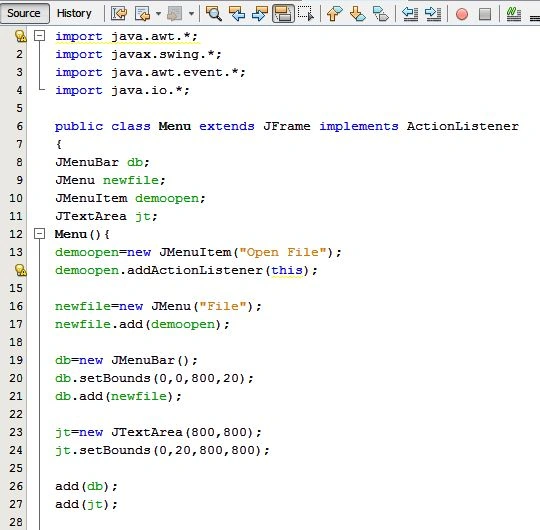
import java.awt.*;
import javax.swing.*;
import java.awt.event.*;
import java.io.*;
public class Menu extends JFrame implements ActionListener{
JMenuBar db;
JMenu newfile;
JMenuItem demoopen;
JTextArea jt;
Menu()
{
demoopen=new JMenuItem("Open File");
demoopen.addActionListener(this);
newfile=new JMenu("File");
newfile.add(demoopen);
db=new JMenuBar();
db.setBounds(0,0,800,20);
db.add(newfile);
jt=new JTextArea(800,800);
jt.setBounds(0,20,800,800);
add(db);
add(jt);
}
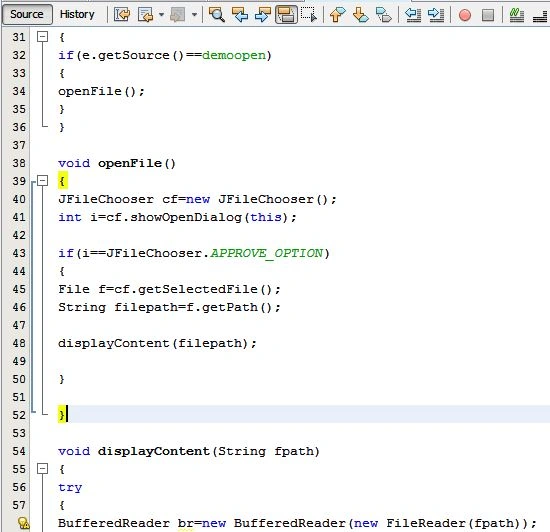
public void actionPerformed(ActionEvent e)
{
if(e.getSource()==demoopen)
{


Join the conversation! Your thoughts help the community grow.