

This article will cover the following topics:
- Brief Concepts
- Implementation - Two ways to develop an application in Windows.
- Implementation - Developing application in Windows.
- Implementation - Installing .NET Core on Linux Server (Ubuntu 16.04).
- Implementation - Deploying Application (Created on Windows) on Linux Server (Ubuntu 16.04).
- Implementation - Developing application on Linux.
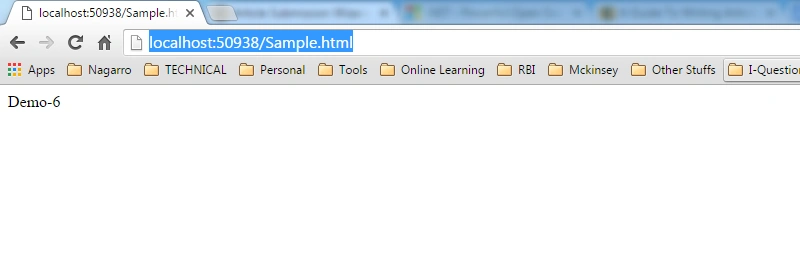
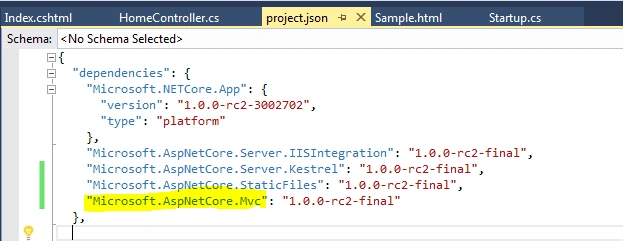
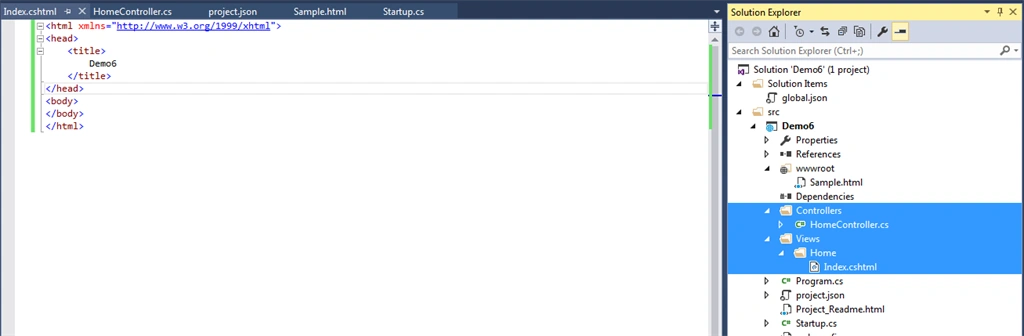
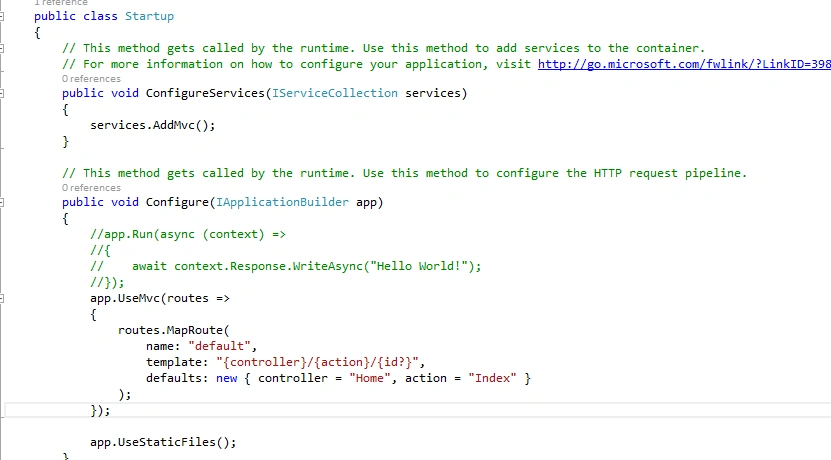
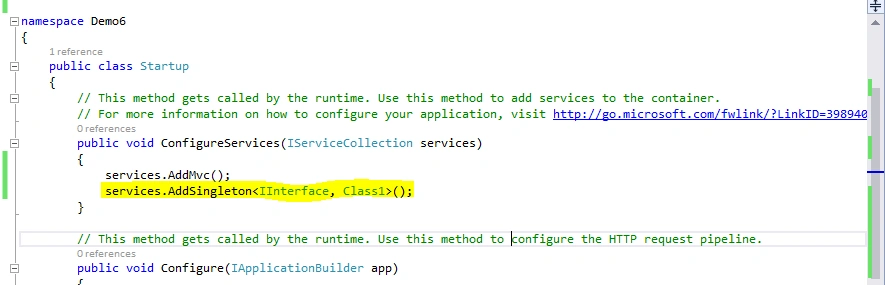
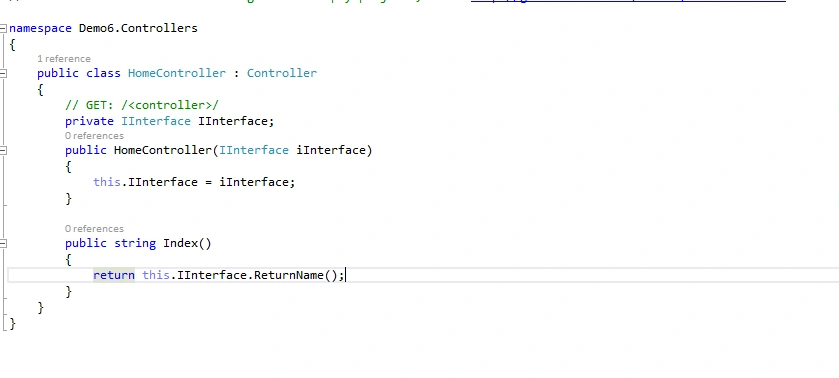
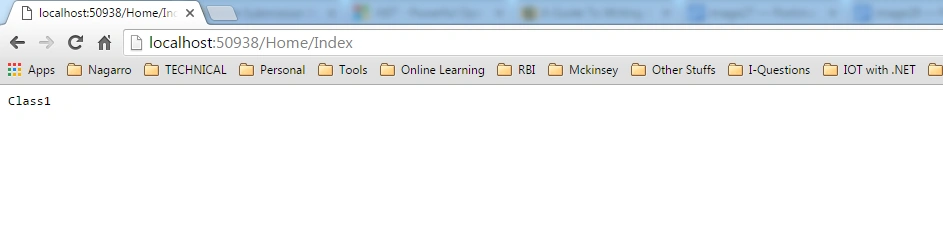
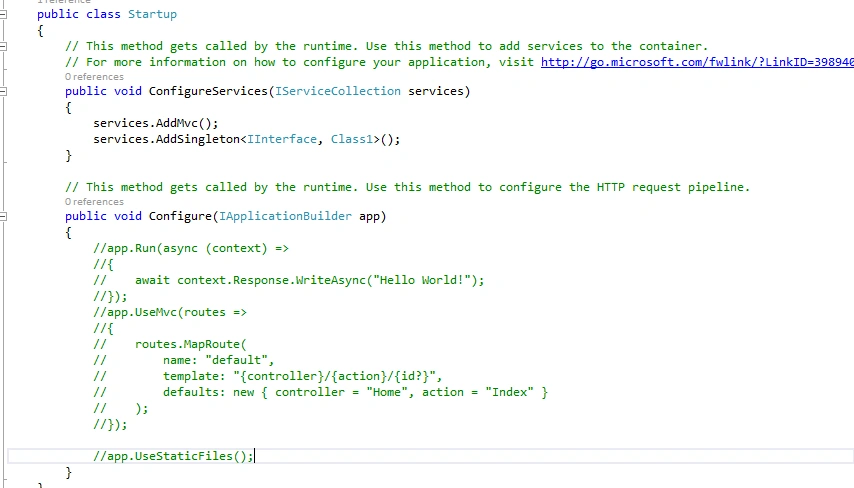
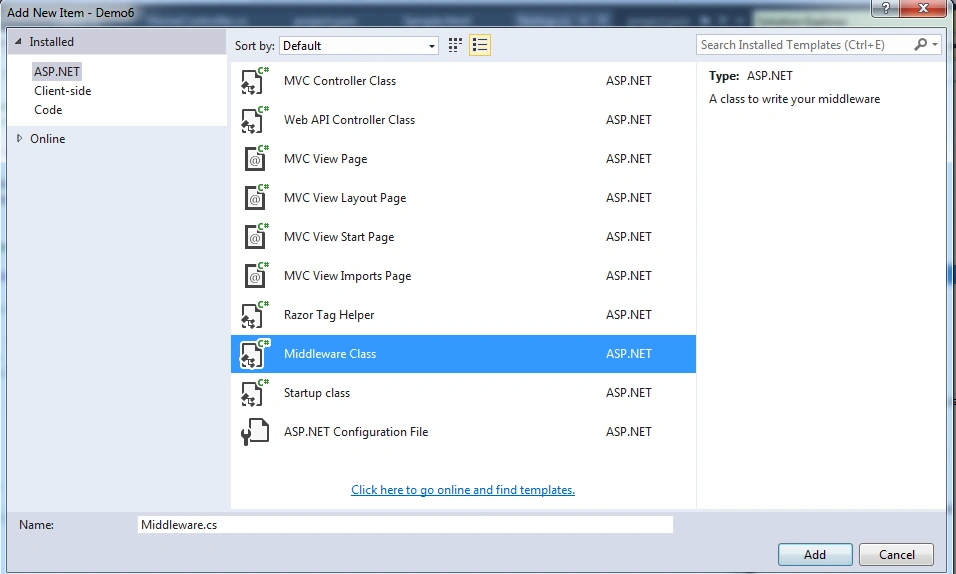
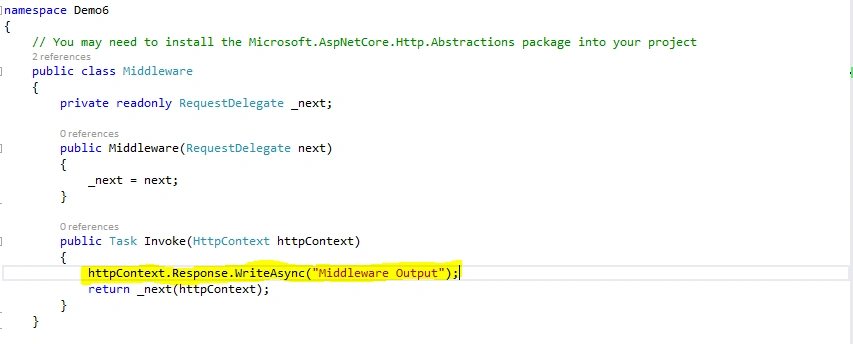
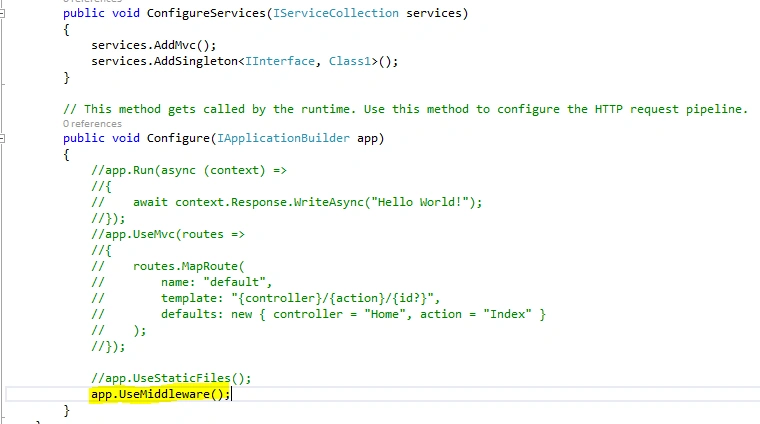
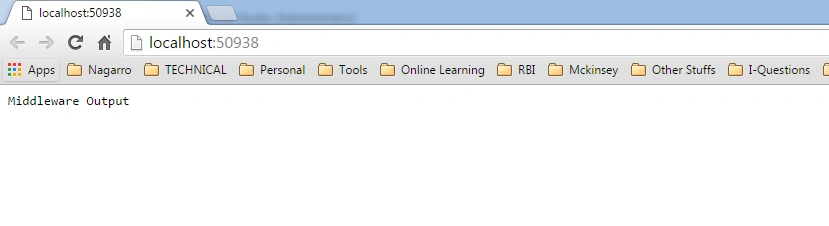
- Implementation - Developing an MVC application on Windows, using Visual Studio.
Brief Concepts:
What is .NET Core?
- Development platform/framework provided and maintained by Microsoft.
- It supports the following Operating Systems:
- Windows
- MAC
- Linux
- Cloud
- Embedded/IOT scenarios
Features:
- Flexible deployment:
- Can be deployed on all the supported machines.
- Cross-platform:
- Runs on Windows, MAC and Linux; - - will be covered in today’s session.
- Can be ported to other OS. - - will be covered in today’s session.
- Can be installed by any command line tool.
- Compatibility:
- .NET Core is compatible with .NET Framework, Xamarin and Mono, via the .NET Standard Library.
- Open source:
- The .NET Core platform is open source: https://github.com/dotnet/core
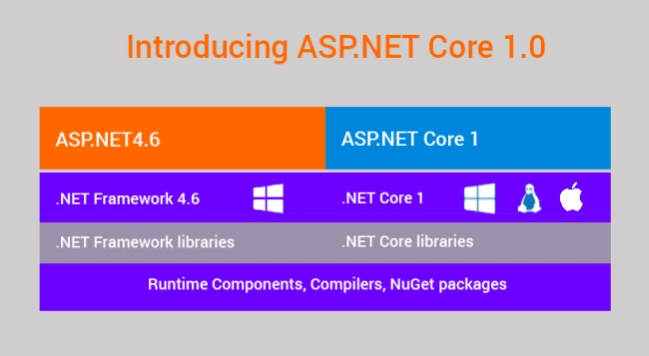
.Net Core – Block Diagram:
Implementation (Using Code):
Two ways to develop an application in Windows:
- Using Command line.
- Using Visual Studio IDE.
2. Developing applications in Windows:
2.1. Using Command Line - STEPS:
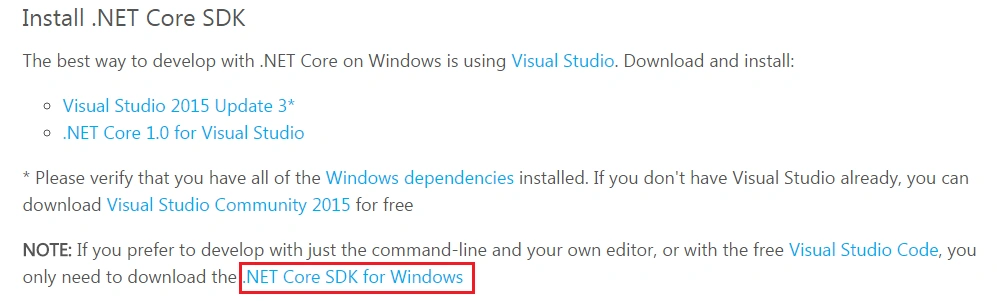
- Download .NET Core SDK for Windows from the prior path.
- Open cmd.exe / relevant command line tool.
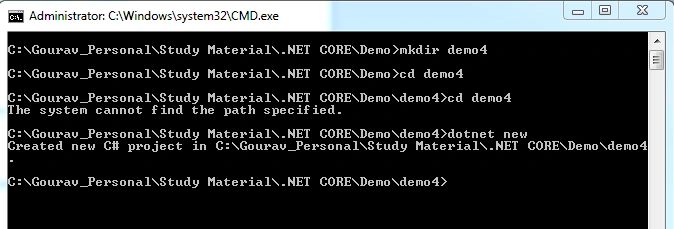
- Follow the below commands to create a sample project and install the .NET Core framework.
- cd C:\Gourav_Personal\Study Material\.NET CORE\Demo
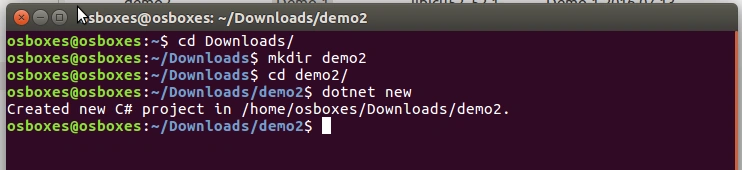
- mkdir demo1
- cd demo1
- dotnet new
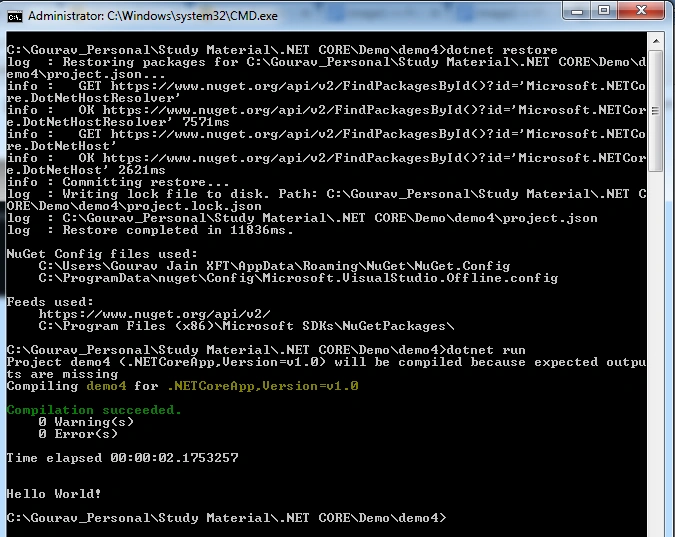
- Restore the packages and run the project.
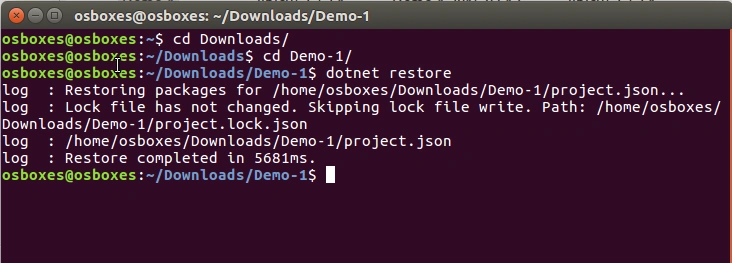
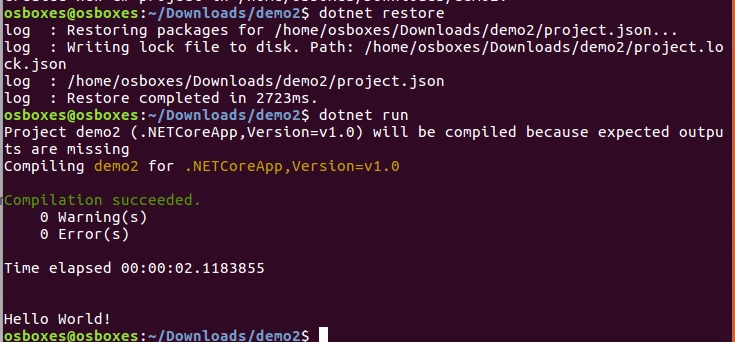
- dotnet restore
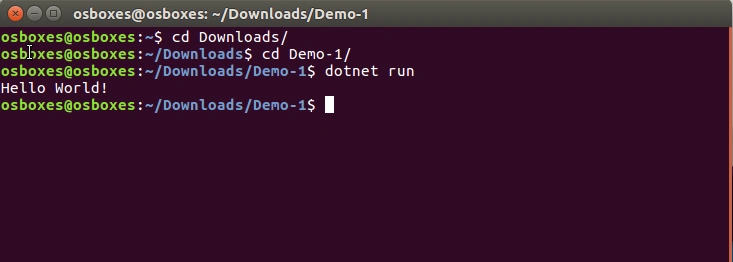
- dotnet run
Download demo1 attachment for the reference.
2.2. Using Visual Studio - STEPS:
- Install and open VS 2015 with update 3 or above.
- Install .NET Core RC2 Package.
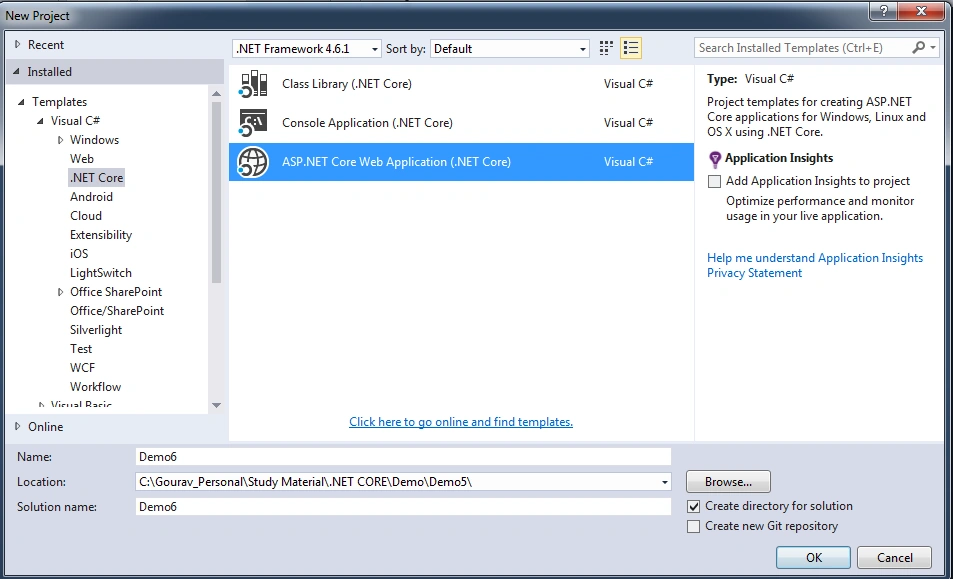
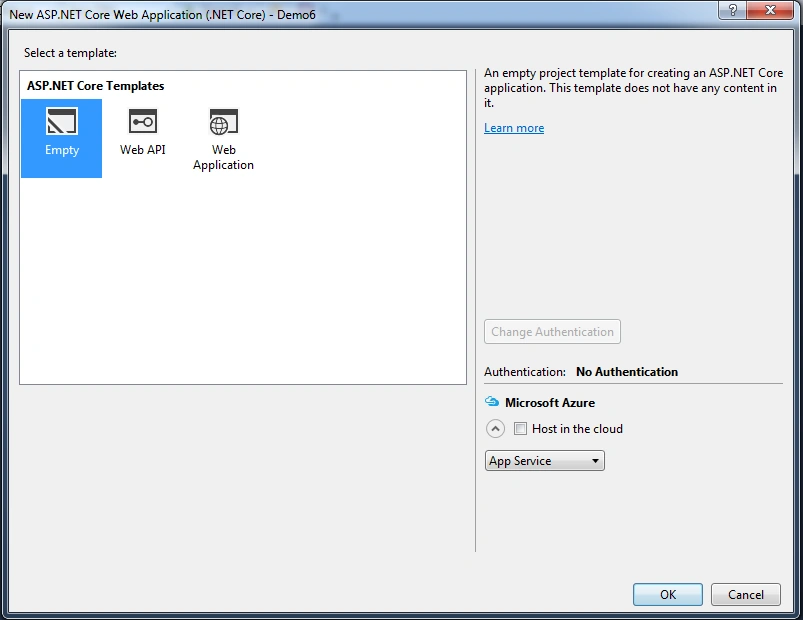
- Create a project.
- Choose .NET Core tab and select Console Application(.NET Core).
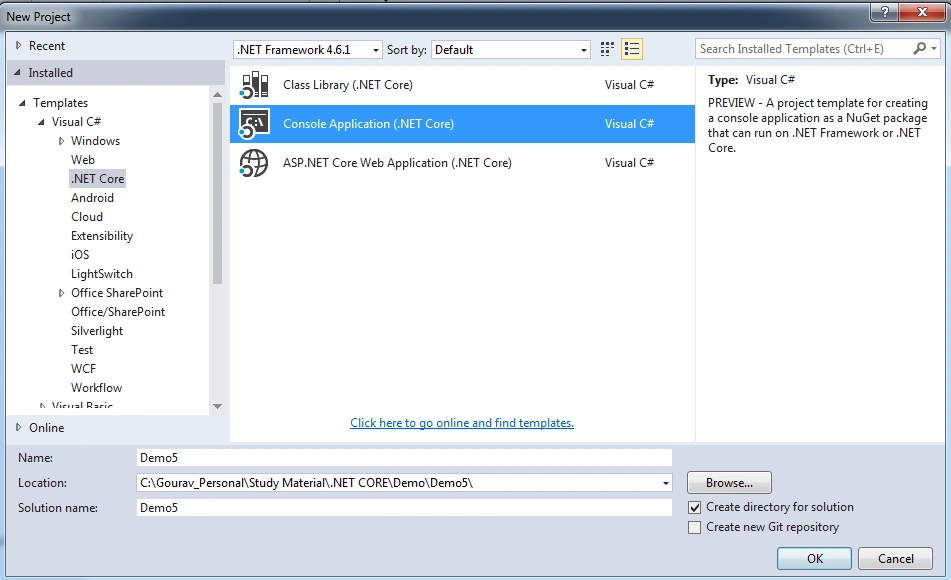
- Write these few lines of codes in program.cs.
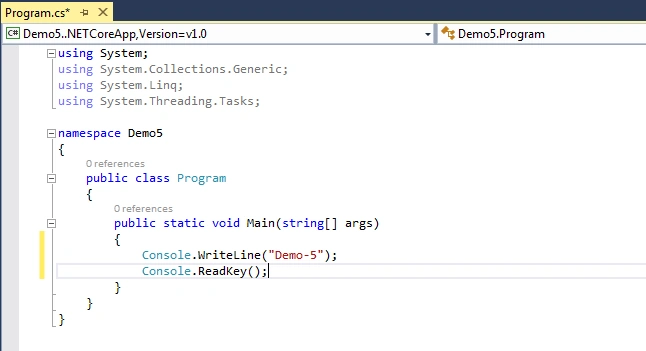
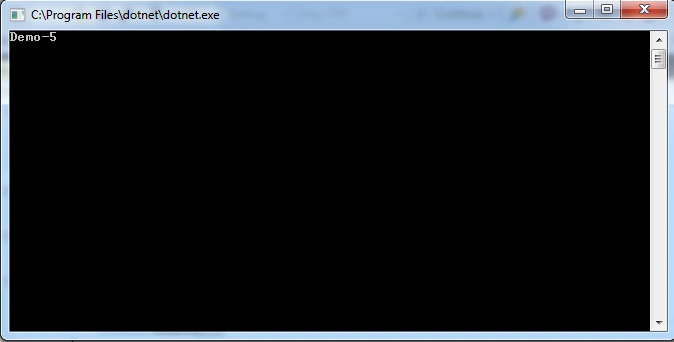
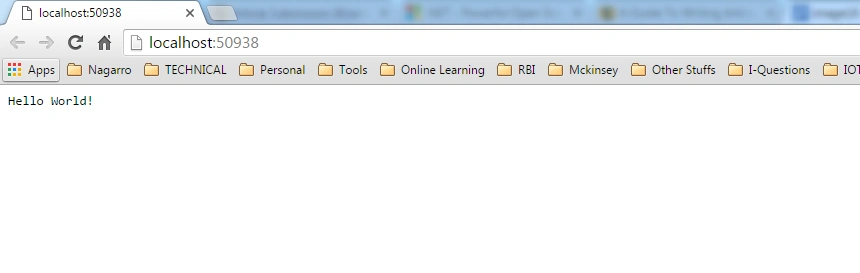
- Run the application.
Download demo2 attachment for the reference.
3. Installing .NET Core on Linux Server (Ubuntu 16.04):
- I am using Oracle Virtual Box with Ubuntu 16.04 image on my windows machine to execute this use case.
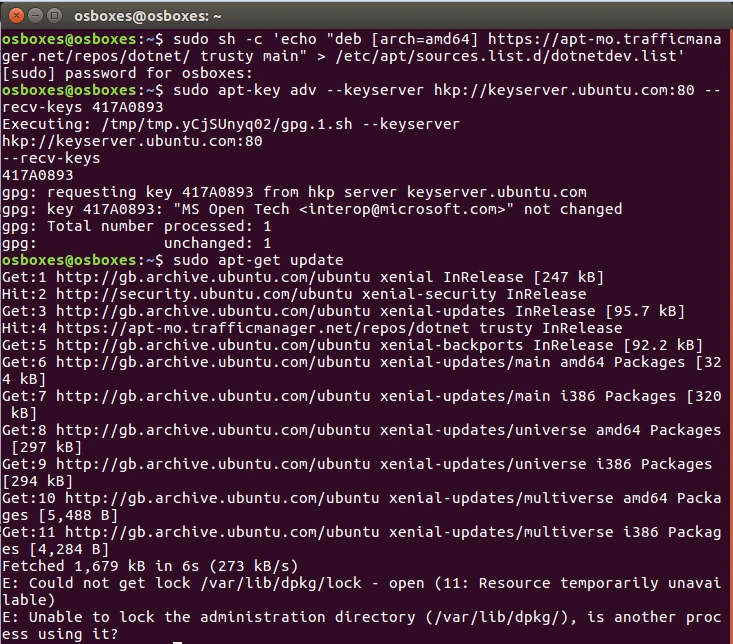
- Run the following commands to get this working:
- sudo sh -c 'echo "deb [arch=amd64] https://apt-mo.trafficmanager.net/repos/dotnet/ trusty main" > /etc/apt/sources.list.d/dotnetdev.list'
- sudo apt-key adv --keyserver hkp://keyserver.ubuntu.com:80 --recv-keys 417A0893
- sudo apt-get update
- Install the following package on your Linux machine:
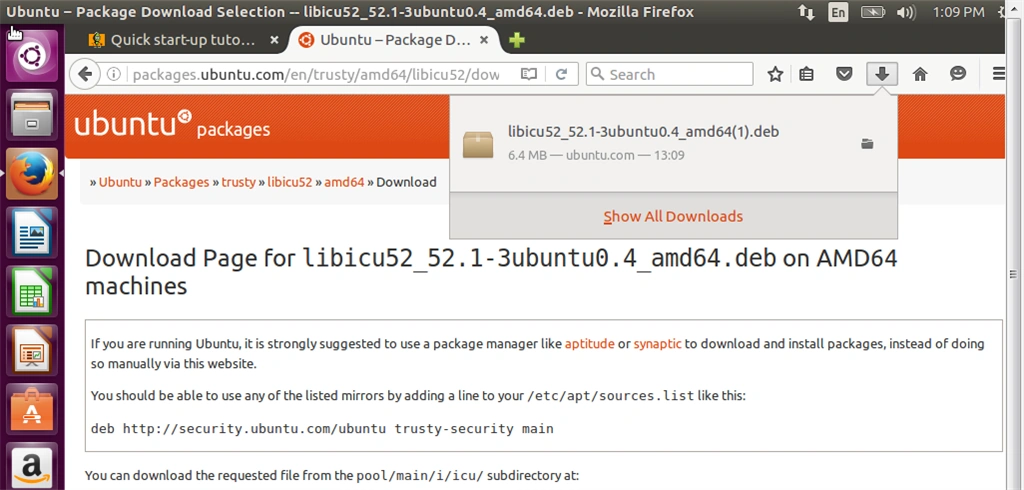
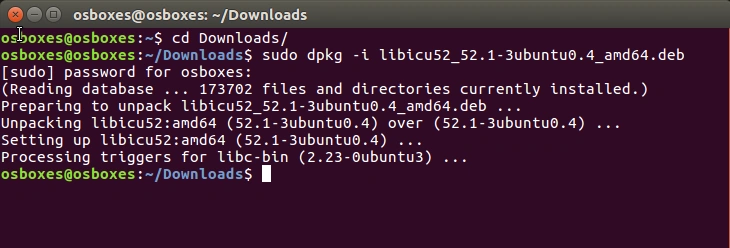
- Now, go to the downloaded location and run the following commands:
- sudo dpkg -i libicu52_52.1-3ubuntu0.4_amd64.deb
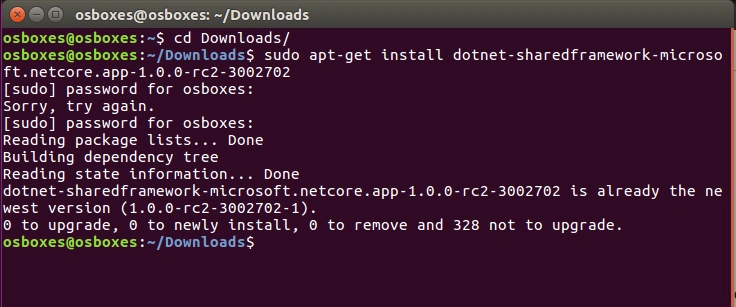
- sudo apt-get install dotnet-sharedframework-microsoft.netcore.app-1.0.0-rc2-3002702
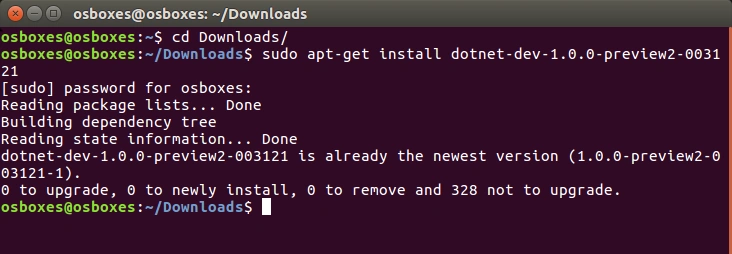
- sudo apt-get install dotnet-dev-1.0.0-preview2-003121
4. Deploy Application (Created on Windows) on Linux Server (Ubuntu 16.04):
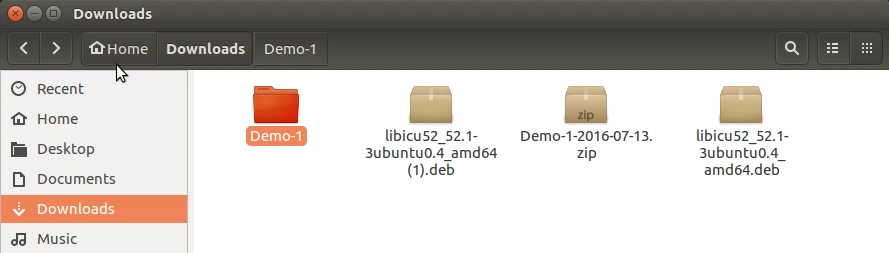
- Move the demo1 application, attached in the article, into the Linux machine and un-pack it.
- Go to the application location in terminal.
 .
.
Amit SanandiyaPosted May 8, 2018, 5:36 AM
Directory does not contain a project or solution file
Syed AhmedPosted Nov 22, 2017, 12:32 AM
Where is the remaining part ? 'Deploying MVC Core Web Application created in Visual Studio' on LINUX ?
Prasanna MuraliPosted Jul 25, 2016, 9:29 PM
Nice share
Hanif HefazPosted Jul 25, 2016, 11:57 AM
Welcome and what a start?
Guest UserPosted Jul 25, 2016, 9:30 AM
Welcome buddy to c-sharpCorner. thanks for posting!
Benjamin THOMASPosted Jul 25, 2016, 4:54 AM
Nice Article
kalu singh raoPosted Jul 25, 2016, 1:38 AM
Good start