

When we begin working on an application, we spend most of the time creating a database and tables, but in Entity Framework, there is the advantage that it can automatically create, update, and drop databases when the application runs.
EF suggests using "Database Migrations" to prevent losing databases or records. Usually, we do not use "Database Migrations" in our normal application and for this EF we have the database "Seed" method that allows you to seed some dummy data in the database for testing purposes and this could be used in our applications such as MVC, ASP.NET, Windows Forms apps and so on.
To seed data into a database, you need to create a custom DB initializer as in the following.
- DropCreateDatabaseIfModelChanges<DBContext>
- CreateDatabaseIfNotExists<DBContext>
- DropCreateDatabaseAlways<DBContext>
Now we will create an application with a seed method.
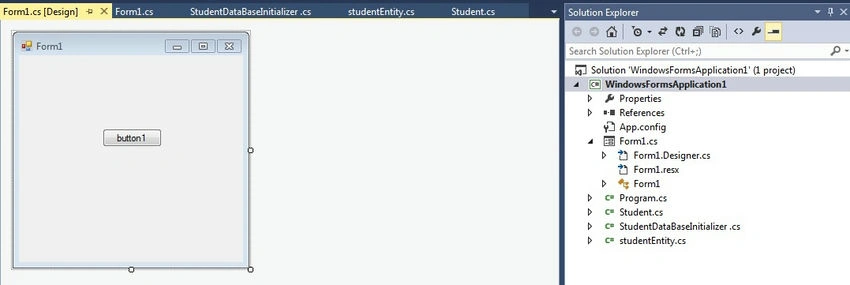
Step 1. Create a new project. Open Visual Studio and click New Project, then select Visual C# and create WindowsFormsApplication1.
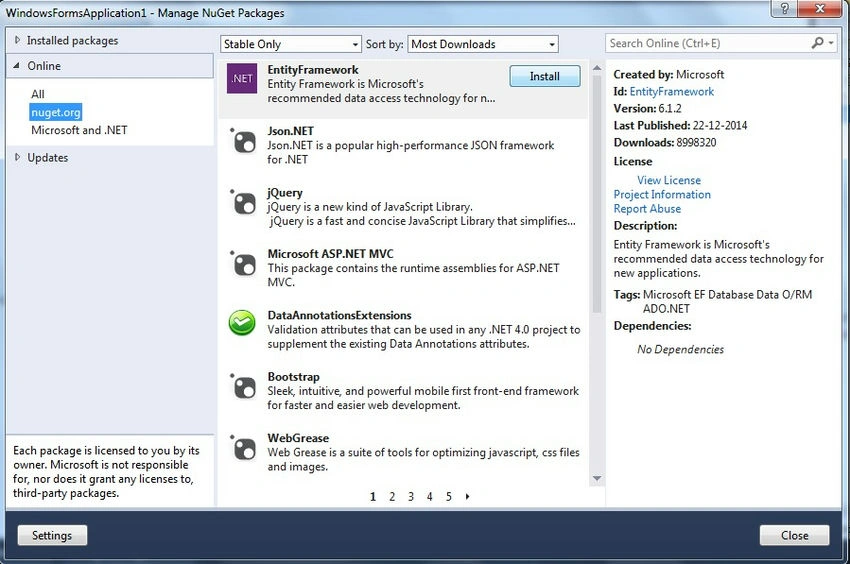
Step 2. Install Entity Framework. The process of installing Entity Framework is shown in my previous tutorial “Nuget Package Manager”.
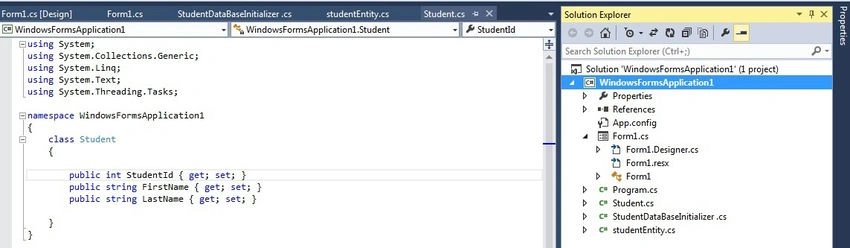
Step 3. Add a class for Students to define the parameters.
Right-click on the Solution Explorer add a class and define an attribute in this class using the Code First approach.
using System;
using System.Collections.Generic;
using System.Linq;
using System.Text;
using System.Threading.Tasks;

namespace WindowsFormsApplication1
{
    class Student
    {
        public int StudentId { get; set; }
        public string FirstName { get; set; }
        public string LastName { get; set; }
    }
}
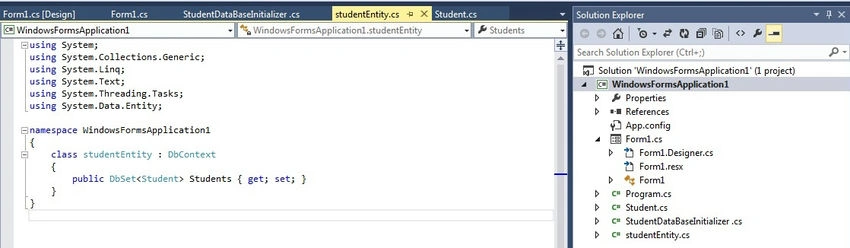
Step 4. Add another class for StudentEntity to define the DbContext.
using System;
using System.Collections.Generic;
using System.Linq;
using System.Text;
using System.Threading.Tasks;
using System.Data.Entity;

namespace WindowsFormsApplication1
{
    class studentEntity : DbContext
    {
        public DbSet<Student> Students { get; set; }
    }
}
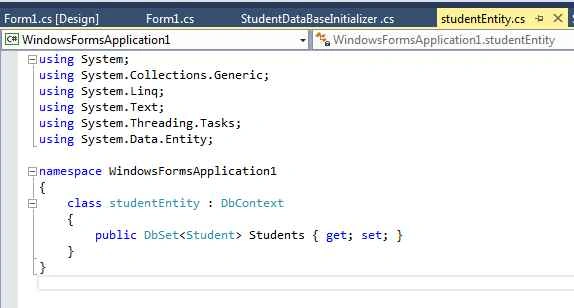
Here we must remember that we need to a "using System.Data.Entity;" as in the following/
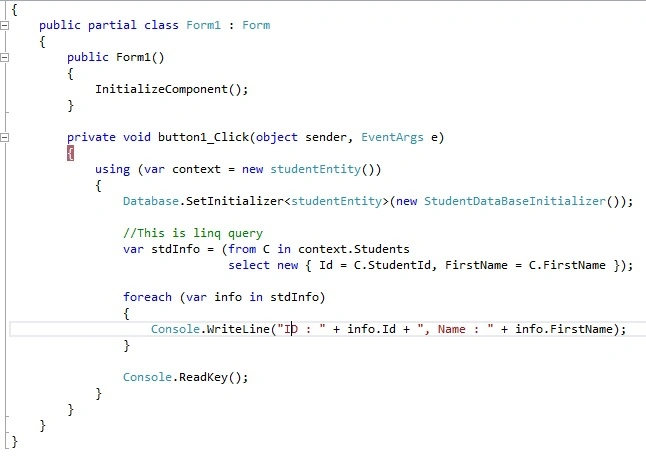
Step 5. Database Initializer.
Sibeesh VenuPosted Jun 21, 2015, 12:52 PM
Good one.
Santhakumar MunuswamyPosted Jun 21, 2015, 1:59 AM
Thanks for nice article:)