
Hi guys, in this article we are going to have some interesting things with
PHP; we are going to send Mail via mercury with XAMPP. Here are the to steps
to work with :
Step 1 : Install the Xampp server, use the link to know how to install Xampp.
http://www.c-sharpcorner.com/UploadFile/c8aa13/installation-of-xampp-server-to-run-php-program/.
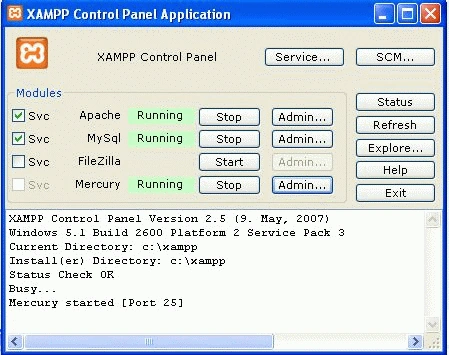
Step 2: Open the Xampp control panel,
Run the service mercury then click on the Admin button.
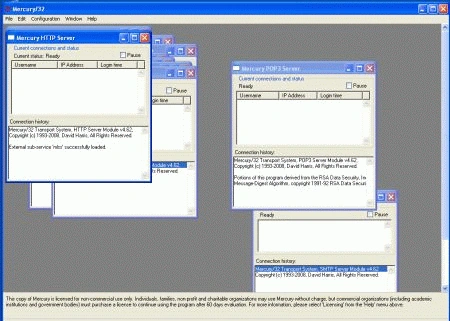
Step 3 : Starting configuring the
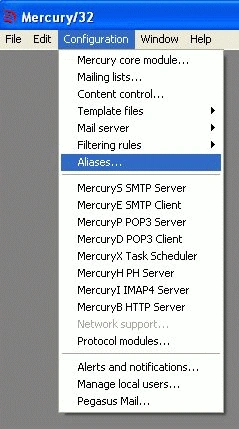
Mercury,go to the configuration menu->manage local users :
Configuration menu
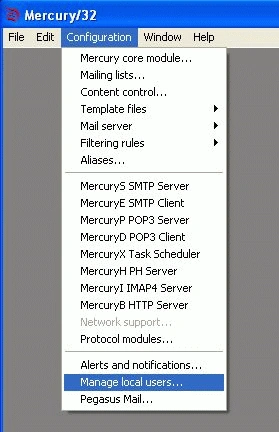
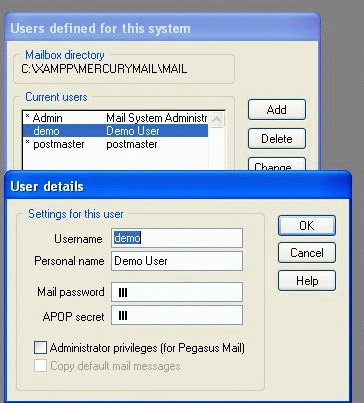
Click the manage local users, Firstly can delete the Test User, then
add the user.
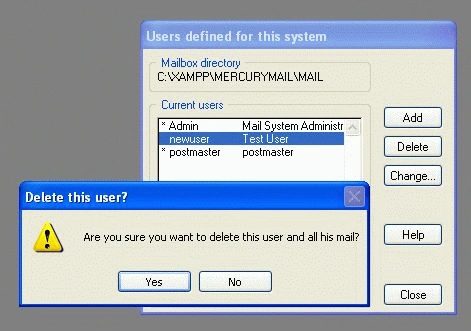
Adding a new user, after that click ok then close the window.
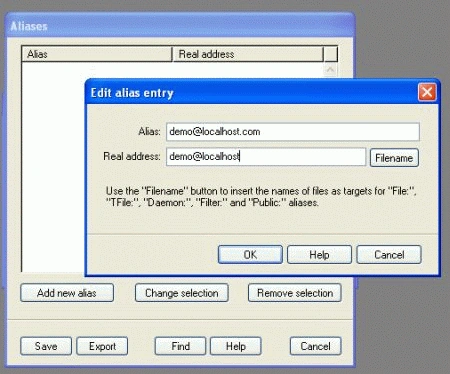
Step 4 : Create the Aliases, a valid email address then click ok and save
it.
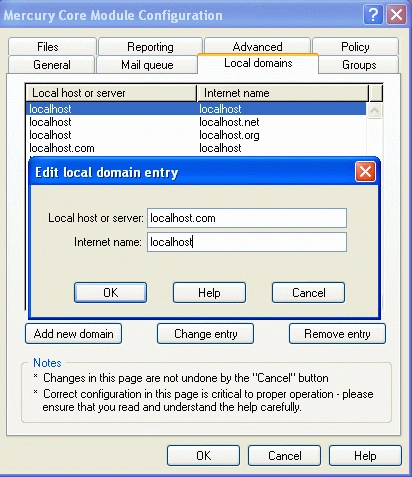
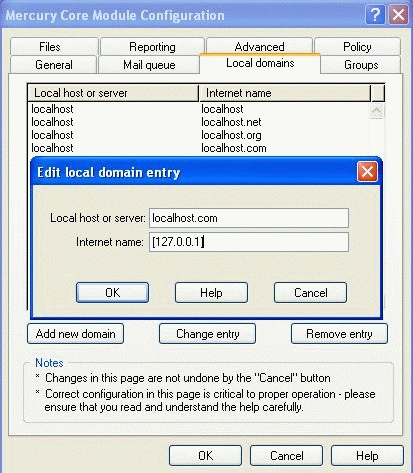
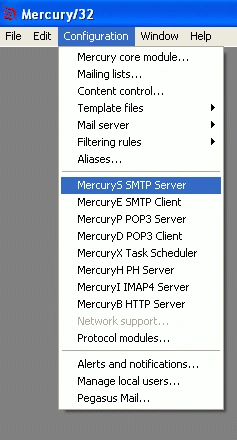
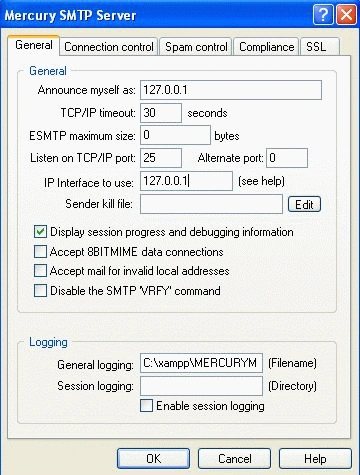
Step 5 : In this step go to the Configuration menu-->Mercury core module.
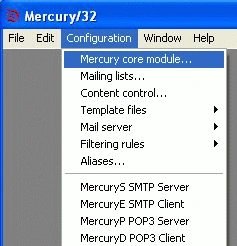
click on the Local domains and add new domain.
Monika AroraPosted Dec 20, 2011, 12:26 AM
Nice article.