

One of the primary requirements before configuring Cloud Hybrid Search between SharePoint 2016 and Office 365 is to sync the Local AD with the Office 365 AD. But, before starting off with Azure AD sync between On Premise and Azure Office 365 AD, ensure that the below checklist items are done in the SharePoint 2016 Environment and Office 365 Subscription.
- A Public Domain has been registered with Office 365 (Refer here for implementation)
- A UPN prefix that matches the public domain has been added to the Local AD (Refer here for implementation)
- An Active Azure Subscription is available (Refer here to see how to get $25 free Azure credits every month)
- Office 365 AD is manageable from Azure (Refer here for implementation)
Once the Active Directory is in a healthy state and assured to be devoid of identity object issues, we can plan to sync the on premise active directory with Office 365. Now, we really don’t have to manually recreate the on premise user accounts in Office 365 as it not only doubles the work but also adds up the risk of duplicating user accounts. Directory Synchronization comes into play as it mirrors the on premise directory in Office 365.
We have two types of Active Directory Sync.
- Directory Synchronization along with password synchronization: In this synchronization technique, the user accounts (Directory) are migrated to office 365 along with their passwords. This means the user will have the same password for On Premise environment as well as for Office 365. However the user will have to authenticate separately when logging into On Premise and Office 365 by providing the same credentials.
- Directory Synchronization with Single Sign On (SSO): In this synchronization mechanism the user logs into the On Premise environment and when they go to office 365 they are automatically logged in.
Directory Synchronization with Password Sync is the most common Active Directory synchronization used. We can use Azure Active Directory Connect to implement On Premise and Office 365 directory synchronization. Azure AD Connect can be downloaded from Microsoft Site.
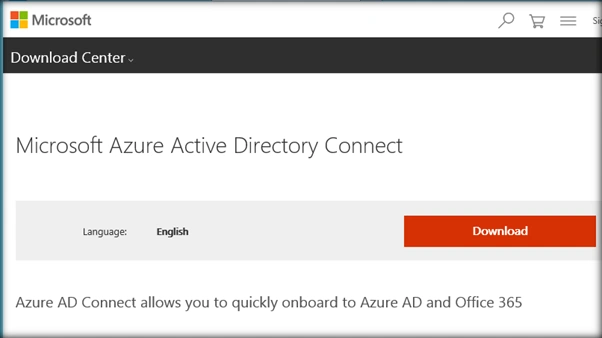
Once it is downloaded, run the installer file.
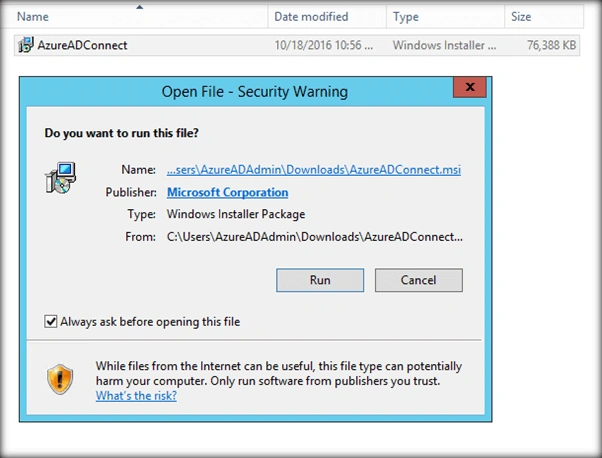
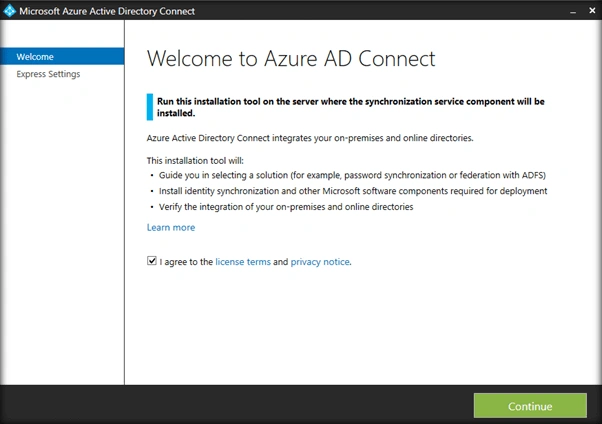
This will spin up Azure Active Directory Connect Wizard. Accept the agreement and proceed.
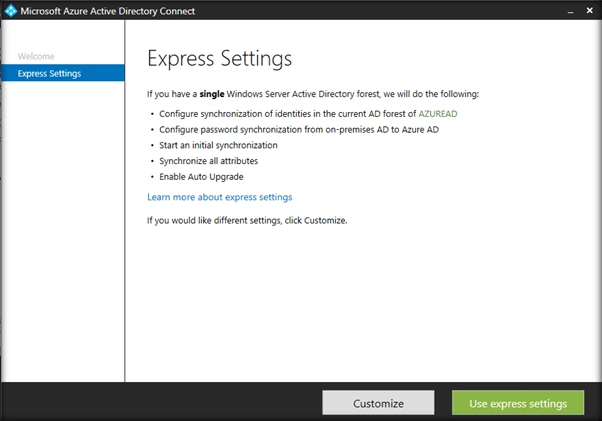
Here we have two options.
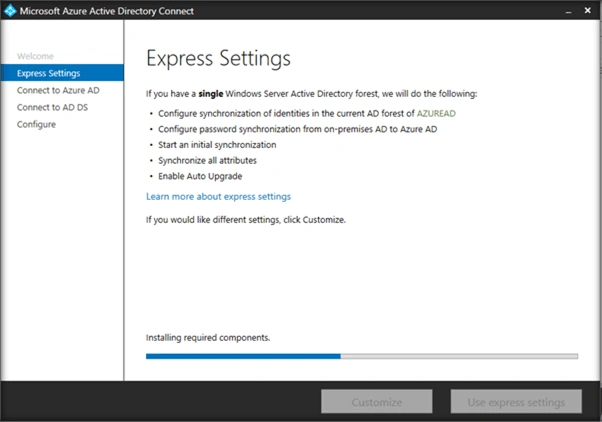
- We can continue with Express settings, if we want to use Azure AD Connect to synchronize the directories (On Premise with Office 365 along with Password Synchronization.
- Click on Customize to set up Directory Synchronization with Single Sign On.
In this walk through we will continue with Express settings.
This will start installing the required components in the local machine.
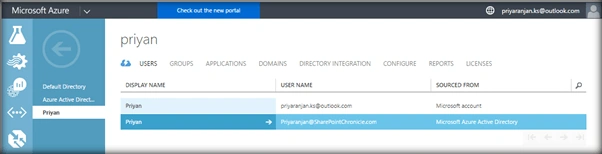
Now in Azure Active Directory listing we can see the users who are the global administrators of the Office 365 directory added to Azure.
Enter the username and credential of the global administrator. Click on Next
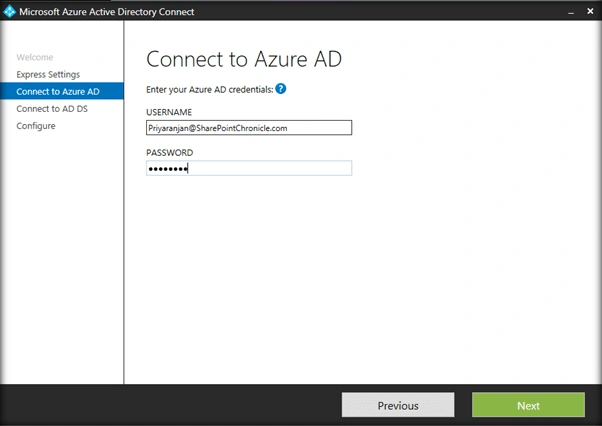
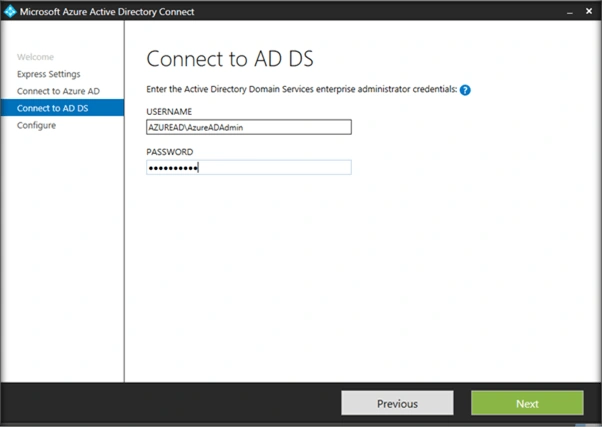
Here you can see that in order to perform an Azure ad sign in, the UPN prefixes which we had added to the on premise Active directory should match with the verified public domain in azure (SharePointChronicle.com).
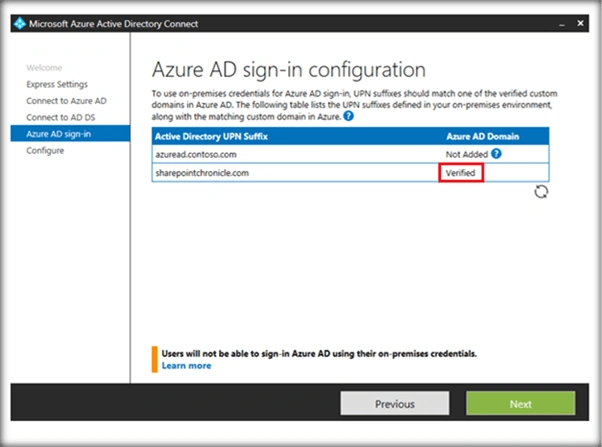
So we have to ensure two things here.
- The public domain is added as UPN in the local on premise directory
- The public domain is added and verified in azure
Once we have a verified domain listed, Click on Next.
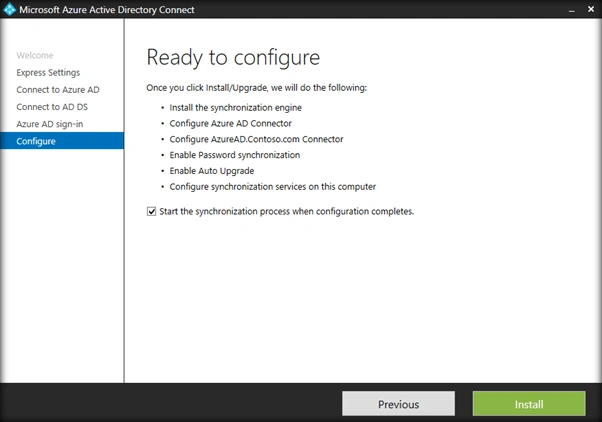
Click on Install to start the synchronization process once Azure AD Connect installation completes.
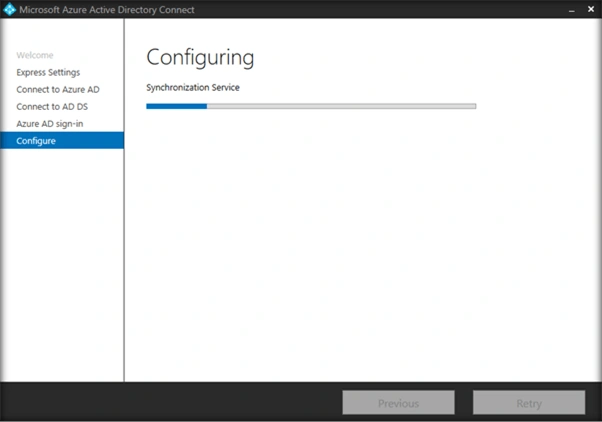
Finally the configuration has completed.
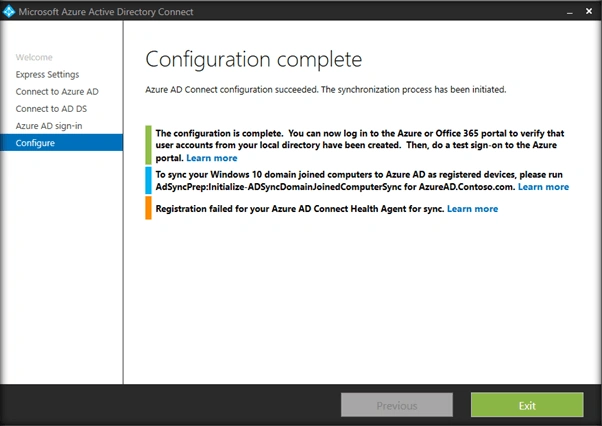
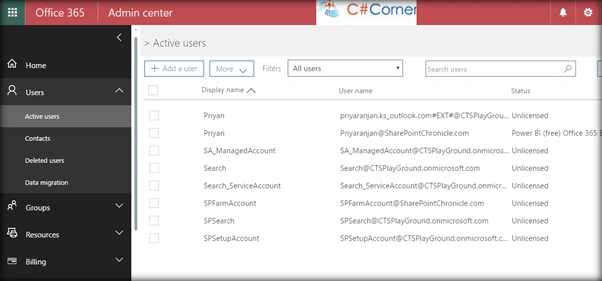
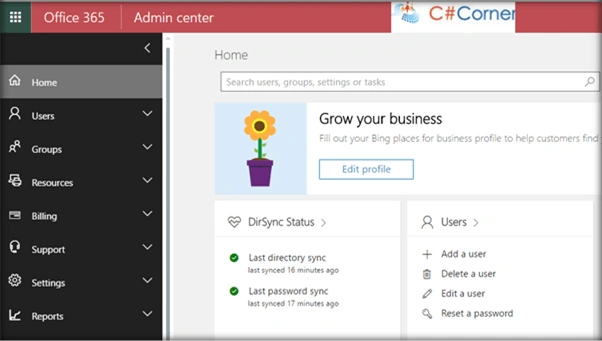
Head over to office 365 to check the synchronization status. All the On Premise users have been added to Office 365 as part of the synchronization process.
Summary
Thus, we saw how to Sync On Premise Active Directory and Office 365 Directory which is a prerequisite for configuring Cloud Hybrid Search in SharePoint Server 2016.
Priyaranjan K SPosted Dec 22, 2016, 11:04 AM
Usually we have .onmicrosoft.com domain when we register for SP Online.Microsoft explicitly asks us to use a new public domain.This is because in order to do Azure AD sync with Local AD a public domain is required.
Hardik ChoudharyPosted Dec 21, 2016, 2:11 AM
Can we sync my ad server in azure and o365 online ad without having public domain registered
Priyaranjan K SPosted Nov 9, 2016, 2:44 AM
Hi Supreeth J Hybrid does not mean data in document libraries are synced between SP On Premise and SP Online. It enables features that creates a link between both environment so that: You can search SP On premise documents using SP Online Search(Known as Cloud Hybrid Search), It enables One drive redirection from SP On premise to Office 365 One Drive for Business, It add extra Office 365 Apps launcher in the SP On Premise Navigation bar etc. It does not sync Document Libraries. You may check here for the complete list: https://support.office.com/en-us/article/SharePoint-hybrid-sites-and-search-5ff7e56a-7af2-4511-adec-1e043afe244e?ui=en-US&rs=en-US&ad=US
Supreeth JPosted Nov 9, 2016, 1:28 AM
Hi Priyarajan, in Hybrid Approach, document library will synchronize with on-prem & SP Online,how about Version History, Meta data synchronization