

Introduction
Let me show you the steps to fetch system information in Windows 10.
Step 1
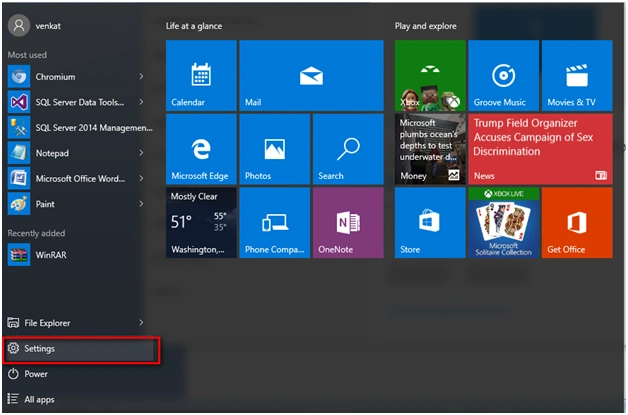
Go to the Settings tab in the Windows startup.
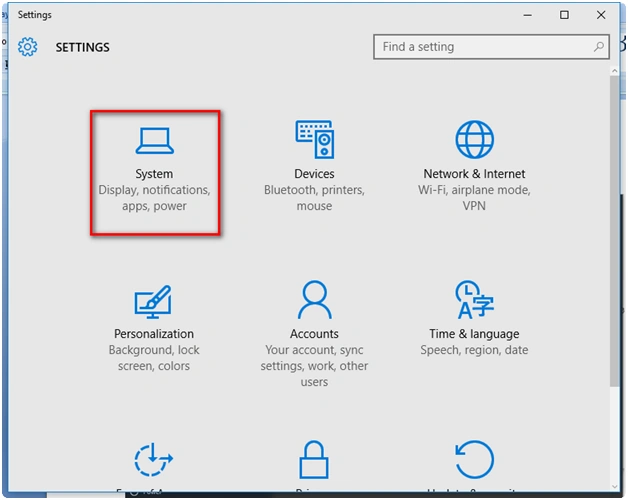
Go to the "System" icon under the settings tab.
 Step 3
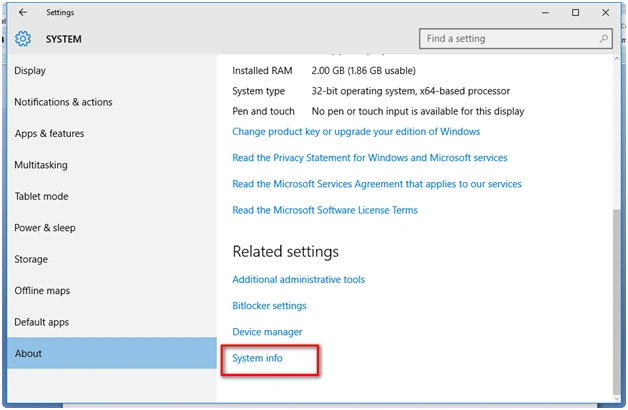
Go to the "About" option under settings and you are able to see the option of "System info." Now click it:
 Step 4
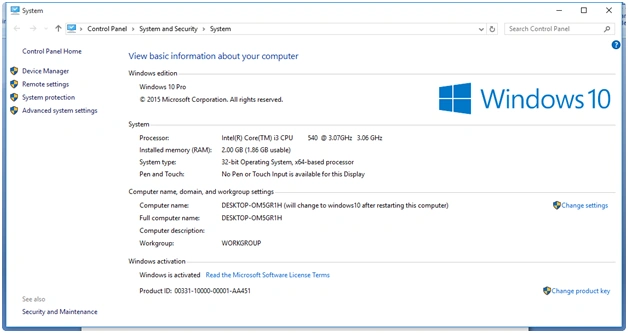
Clicking "System Info" you are able to see the properties of "My Computer".
Read more articles on Windows 10:
Summary
In this article, we learned about System Information In Windows 10.
Shashangka ShekharPosted Feb 8, 2016, 1:32 AM
Thanks.Need to know, how to stop updating windows 10 with easy way...