

Introduction
This article demonstrates how to move objects using C# scripts in Unity.
Prerequisites
Unity Environment version 5.6.1
Create objects in Unity
Step 1
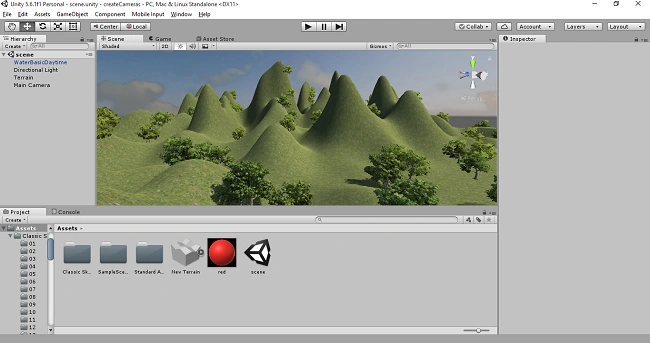
First, you have to open the Unity project. Create the terrain, trees, and water for your game.
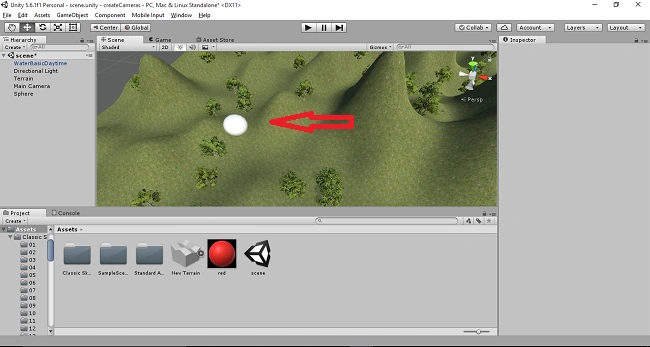
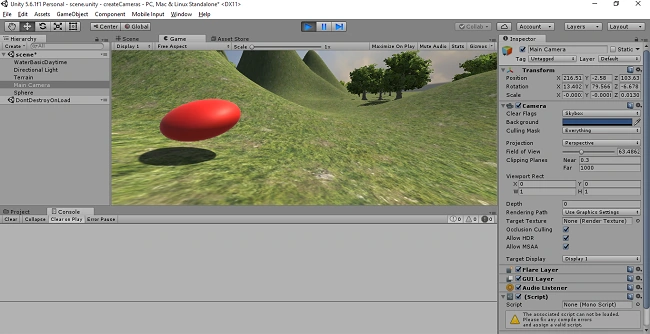
Click on the "GameObject" menu in the menu bar. Select 3D objects and pick the "sphere" option. The sphere will be added to the scene View.
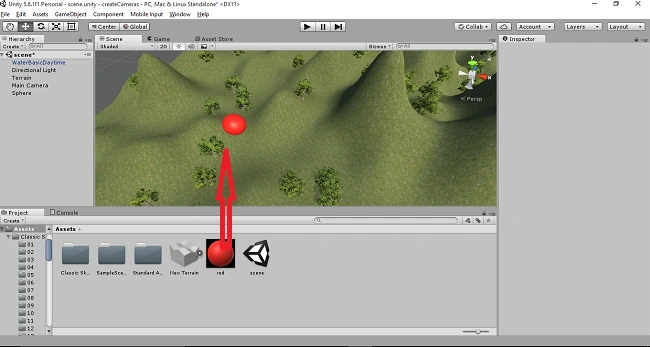
Drag and drop the red material. The color of the sphere will be changed into red.
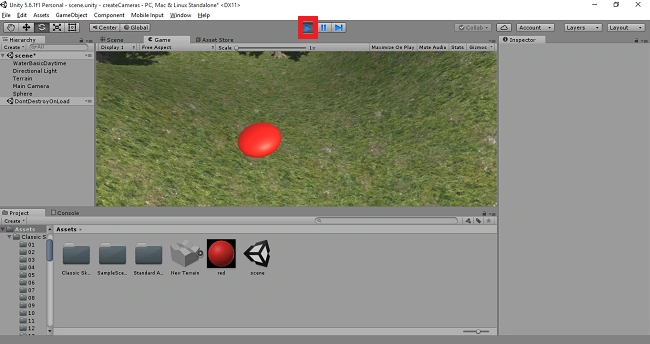
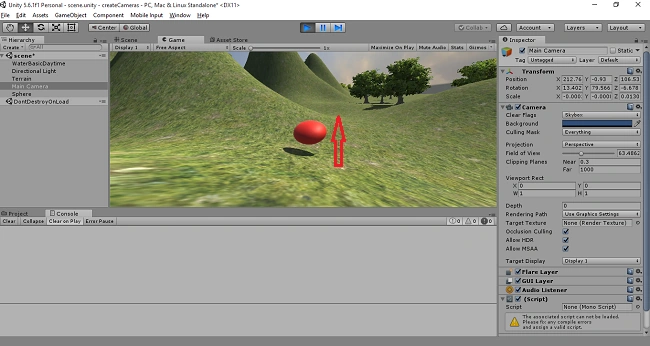
Click on the Play button. The sphere will now appear in-game View.
Create a C# Script
Step 2
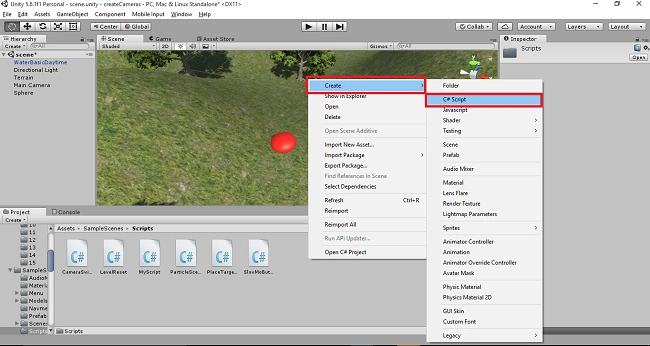
Right-click on Assets. Select Create >> C# script.
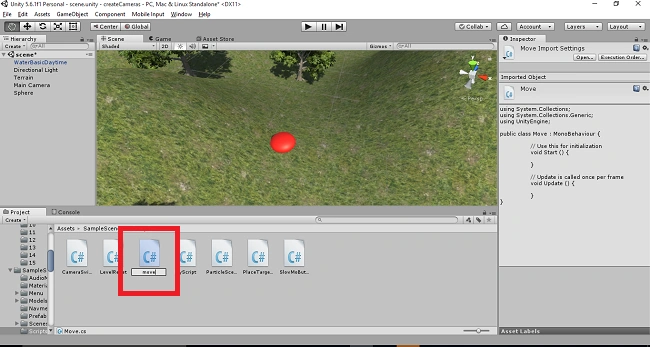
Rename the script as a move.
Move the Object
Step 3
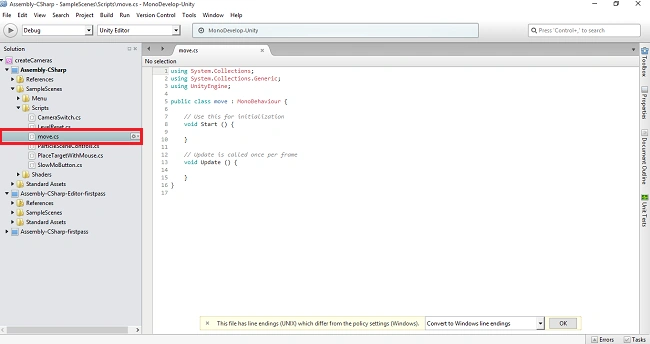
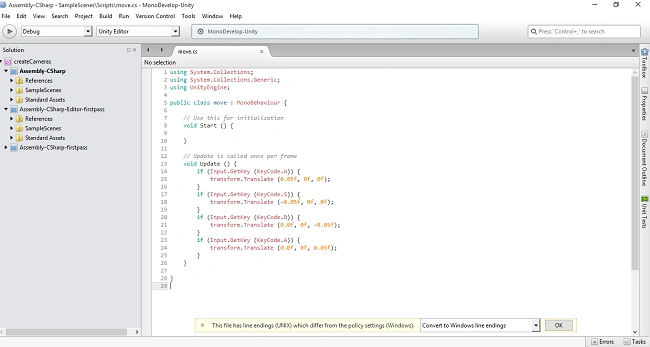
Double click on the move script. The MonoDevelop-Unity editor will open up.
Move the object forward
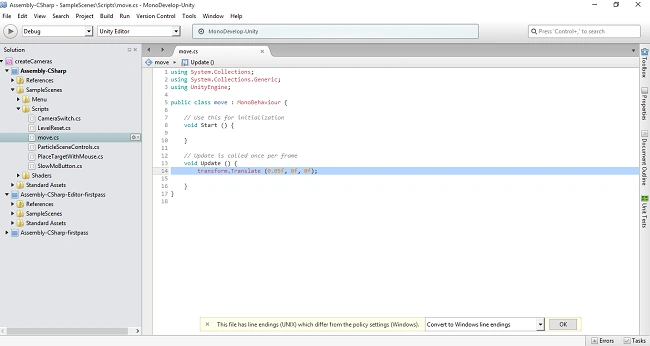
Write the coding like the following,
- using System.Collections;
- using System.Collections.Generic;
- using UnityEngine;
- public class move : MonoBehaviour {
- // Use this for initialization
- void Start () {
- }
- // Update is called once per frame
- void Update () {
- transform.Translate (0.05f, 0f, 0f);
- }
- }
Save the program.
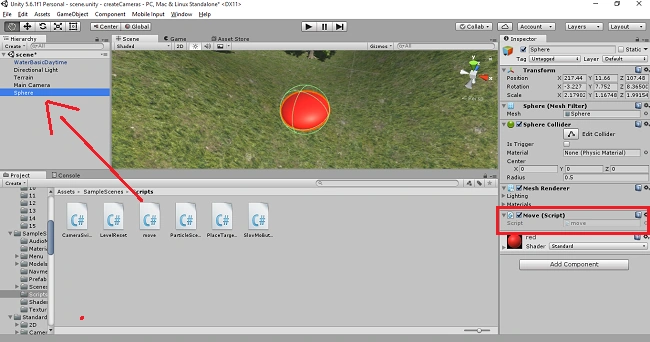
Go back to the Unity window. Drag and drop the move script onto the sphere.
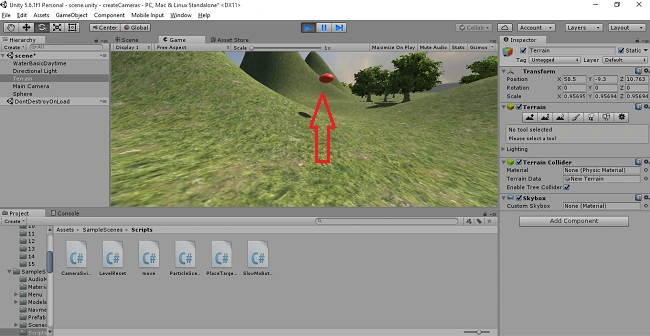
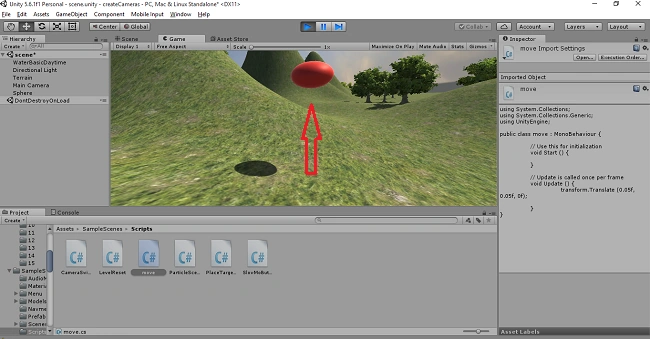
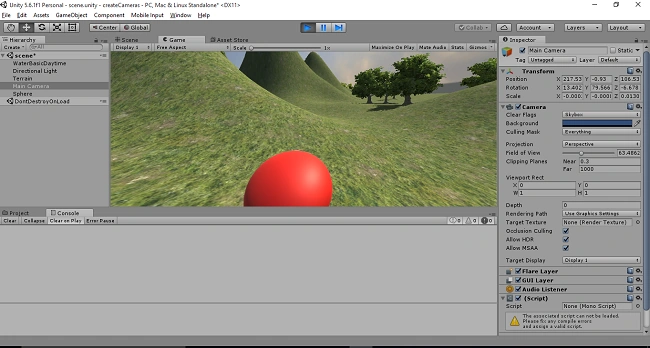
Click on the Play button. The sphere will move slowly in a forward direction.
Object moves backward
Write the code like the following.
- using System.Collections;
- using System.Collections.Generic;
- using UnityEngine;
- public class move : MonoBehaviour {
- // Use this for initialization
- void Start () {
- }
- // Update is called once per frame
- void Update () {
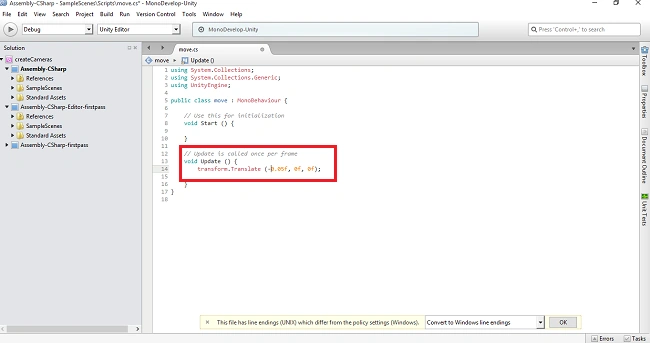
- transform.Translate (-0.05f, 0f, 0f);
- }
- }
Save the program.
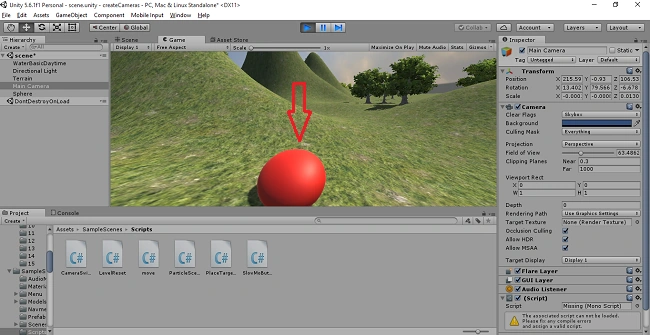
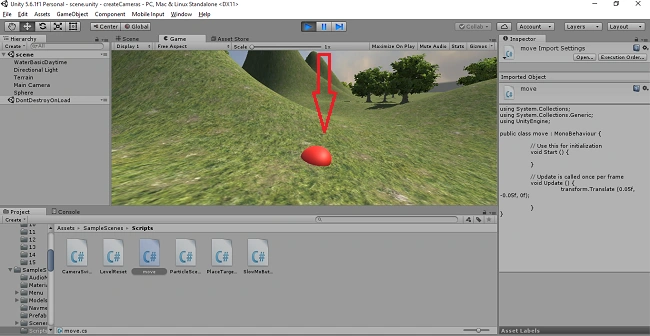
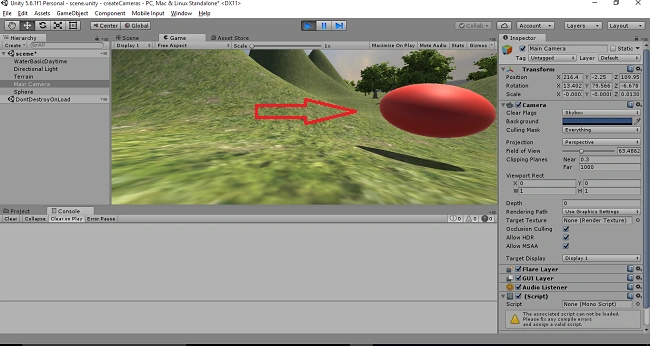
 The sphere will move in a backward direction.
Up
Write the following code.
- using System.Collections;
- using System.Collections.Generic;
- using UnityEngine;
- public class move : MonoBehaviour {
- // Use this for initialization
- void Start () {
- }
- // Update is called once per frame
- void Update () {
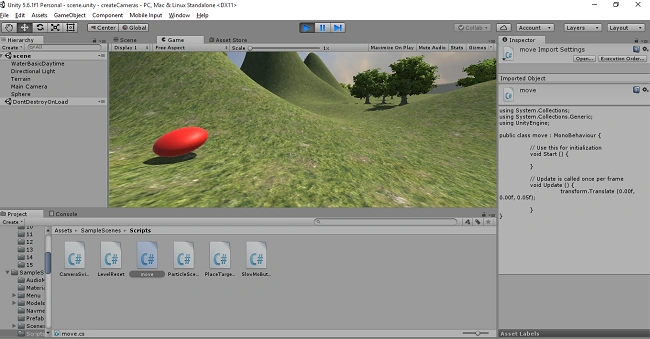
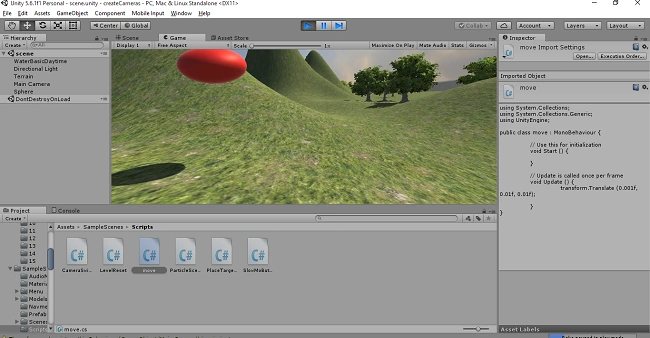
- transform.Translate (0.05f, 0.05f, 0f);
- }
- }
Vignesh ManiPosted Jun 26, 2017, 11:26 AM
Nice article Gayathri...
Vidyadharran GPosted Jun 23, 2017, 1:05 PM
Nice article sister!!!!!!!!!!!