

Introduction
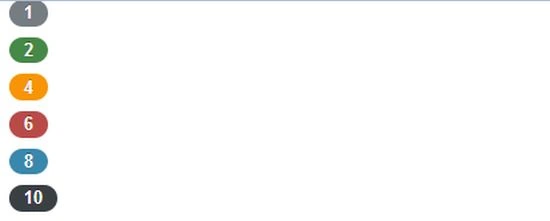
In this article I will explain Twitter Bootstrap Inline and Badges in PHP. Inline label and Badges are very simple. You can use it for creating an inline label, annotation text, eye catching labels and badges.
Example
<html>
<head>
<title>Example of Inline Label </title>
<link href="/twitter-bootstrap/twitter-bootstrap-v2/docs/assets/css/bootstrap.css" rel="stylesheet">
</head>
<body>
<div class="Container">
<div class="Row">
<div class="span">
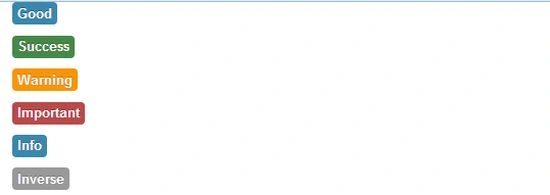
<p><span class="label label-Info">Good</span></p>
<p><span class="label label-Success">Success</span></p>
<p><span class="label label-Warning">Warning</span></p>
<p><span class="label label-Important">Important</span></p>
<p><span class="label label-Info">Info</span></p>
<p><span class="label label-Inverse">Inverse</span></p>
</div>
</div>
</div>
Join the conversation! Your thoughts help the community grow.