

Introduction
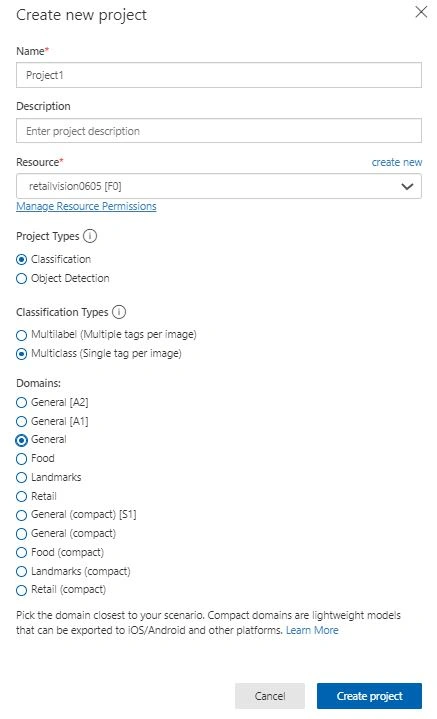
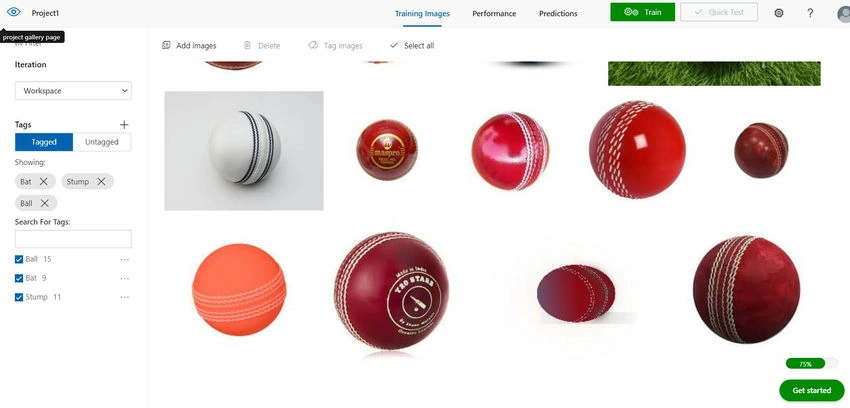
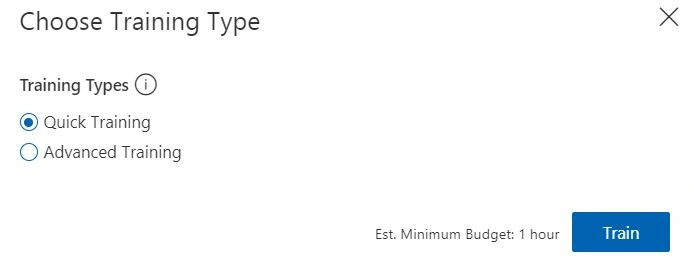
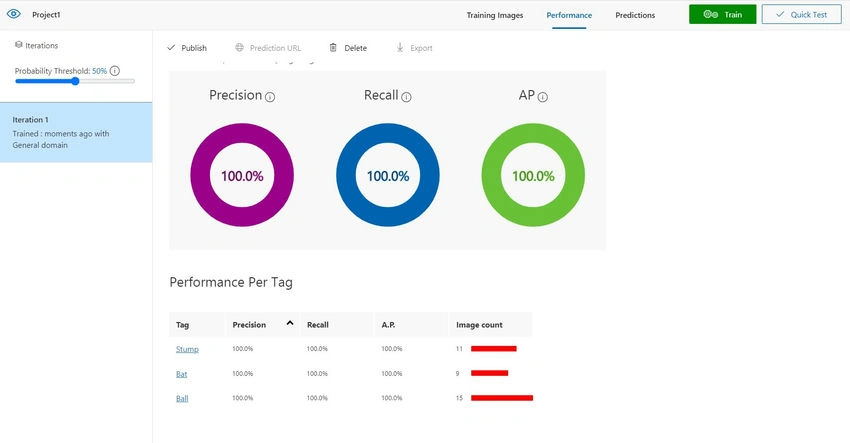
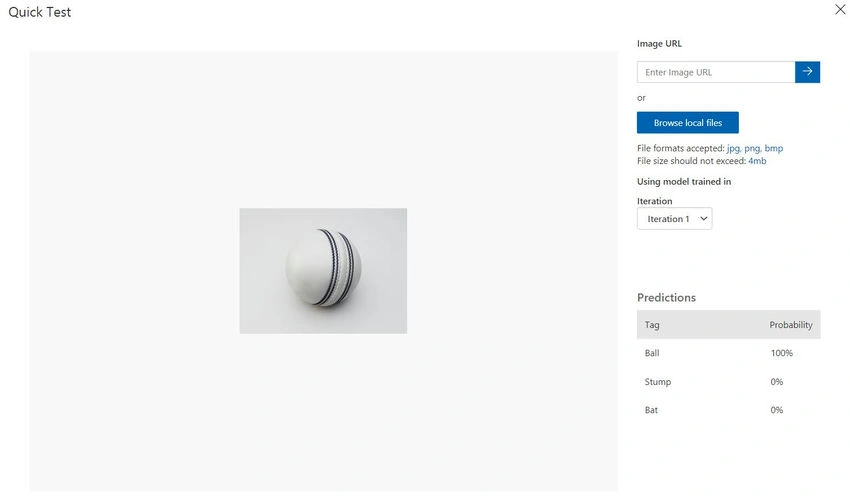
Today we will explore how to create a Custom Vision Service in Azure and the different capabilities of Azure Custom Vision Service models like Classification and Object Detection. In this article, we will build and deploy the Azure Custom Vision Service using Classification models.
What is Custom Vision Service?
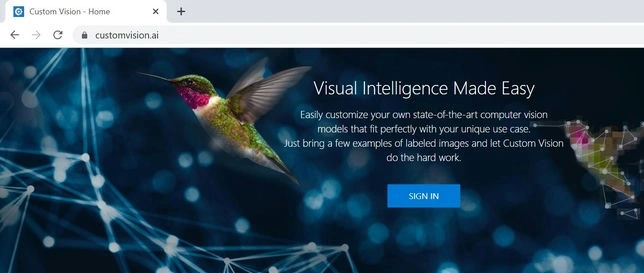
Custom Vision is a cloud-based machine learning service that Microsoft Azure provides that enables developers to train and deploy custom image classification and object detection models. With Custom Vision, developers can easily upload and label their images, train and fine-tune a model using simple interfaces, and then export it for use in their applications. This service is particularly useful for developers who do not have expertise in machine learning or deep learning but still need to create custom models for their specific use cases.
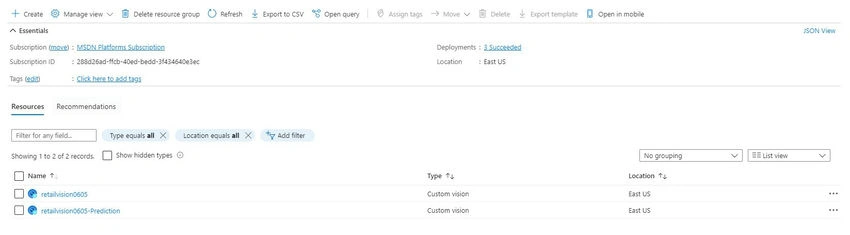
We have the following steps to create a Custom Vision Service in the Azure Portal.
- Go to the Azure portal and sign in with your Azure account.
- In the left-hand menu, click on "Create a resource".
- Search for "Custom Vision" in the search bar and select "Custom Vision" from the search results.
- Click on "Create" on the Custom Vision page.
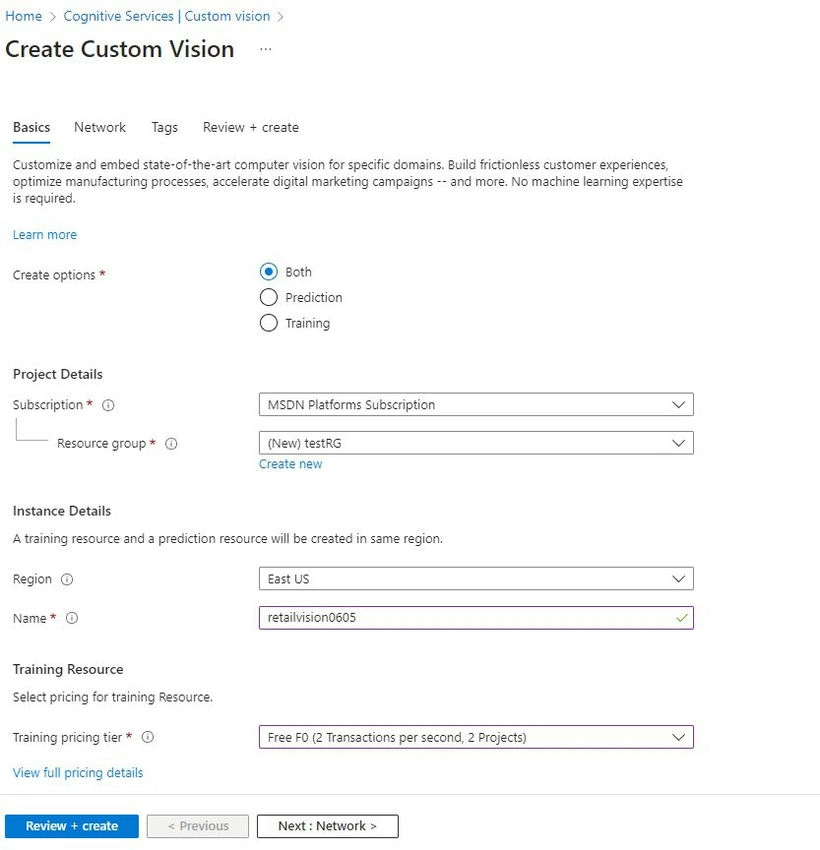
- In the "Create" blade, enter the following details.
- Subscription: Select your subscription.
- Resource group: Choose a resource group or create a new one.
- Name: Enter a name for your Custom Vision service.
- Training location: Select the region where you want to train your model.
- Prediction location: Select the region where you want to make predictions.
- Pricing tier: Choose a pricing tier that suits your needs.
- Training data source: Choose either "Azure Blob Storage" or "Azure Files".
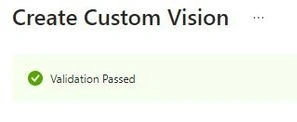
- After entering the required details, click on "Create" to create your Custom Vision service.
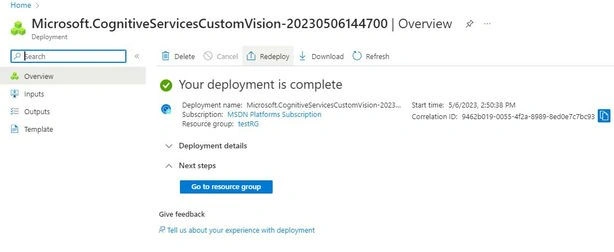
- Once your service is created, navigate to it from the Azure portal dashboard.
Let us Start.
Step 1. Login into Azure Portal.

Step 2. Search Custom Vision in the search bar.

Step 3. Click Create Custom Vision.
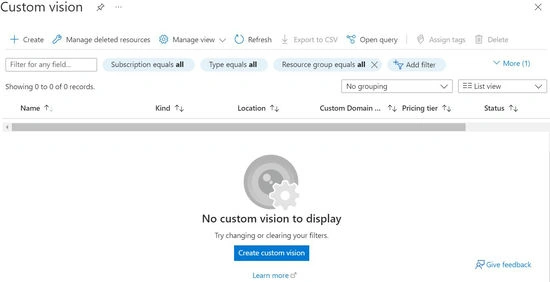
Step 4. In the Create Custom Vision page, enter the details as mentioned below.
Subarta RayPosted Dec 24, 2023, 2:40 PM
Insightful read! Concise and thought-provoking, this article nails the key points.
Prathap ReddyPosted May 8, 2023, 7:04 AM
VERY INFORMATIVE ARTICLE JANA