

Introduction
In this article I have explained how to update the records in one table then after using an "after update" trigger on the table the records are automatically updated in another table. In the previous article you can learn about the After Insert Trigger.
Trigger
Triggers are database objects that are automatically executed when a DDL or DML command statement is executed. Triggers are used to evaluate the data before or after data modification using DDL/DML statements. Triggers are an action that is performed implicitly.
Why we use Triggers?
- Provide auditing
- Prevent invalid transactions
- Maintain Synchronous table replications
- Modify table data when DML statements are issued against views
- Automatically generate derived column values
After Triggers
"After" triggers are fired by DML statements and can only be defined on tables, not on views. "After" triggers are executed after an insert, update or delete on a specified table.
- After Insert Trigger
- After Update Trigger
- After Delete Trigger
Enable or Disable the Trigger
You can enable or disable the trigger in database syntax:
alter table table_name enable trigger trigger_name
alter table table_name disable trigger trigger_name
For After Update Trigger
Create Table-1
Create Database DemoTriggers
use DemoTriggers
Create table FirstTable
(
CustID int,
CustName varchar(max),
CustAddress nvarchar(max),
PaidAmmount decimal
)
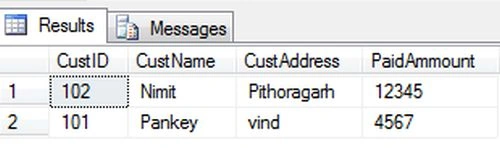
Create Table-2
Create table SecondTable
(
CustID int,
CustName varchar(max),
CustAddress nvarchar(max),
PaidAmmount decimal
)
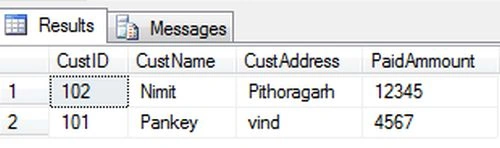
Create Procedure for Updates
Create proc [dbo].[UpdateData]
@cid int,
@cname varchar(max),
@cadd nvarchar(max),
@pammount decimal
as
begin
update FirstTable set CustID=@cid,CustName=@cname,CustAddress=@cadd,PaidAmmount=@pammount
where CustId=@cid
end
Create Trigger For Update
Create TRIGGER [dbo].[trgAfterUpdate] ON [dbo].[FirstTable]
FOR UPDATE
AS
declare @cid int;
declare @cname varchar(max);
declare @cadd nvarchar(max);
declare @pammount decimal;
select @cid=i.CustID from inserted i;
select @cname=i.CustName from inserted i;
select @cadd=i.CustAddress from inserted i;
select @pammount=i.PaidAmmount from inserted i;
if update(CustID)
if update(CustName)
if update(CustAddress)
if update(PaidAmmount)
insert into SecondTable(CustID,CustName,CustAddress,PaidAmmount)
values(@cid,@cname,@cadd,@pammount);
The create Trigger statement is used to create a trigger and an "on" clause specifies the table name on which the trigger is to be attached. In the trigger body the table named "inserted" has been used, it is a logical table and contains the row that has been inserted. The "After Update" Trigger is created in the updated record that is inserted into the Second Table. There is no logical table updated such like Inserted table. We can obtain the updated value of a field from from the update(Column_Name) function.
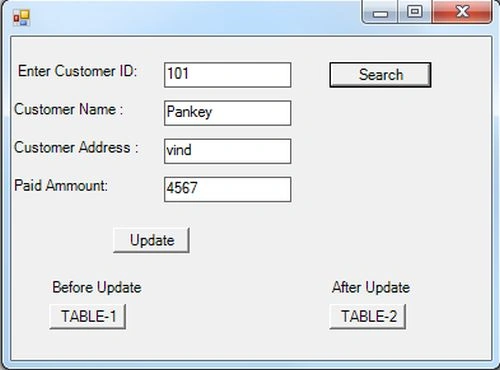
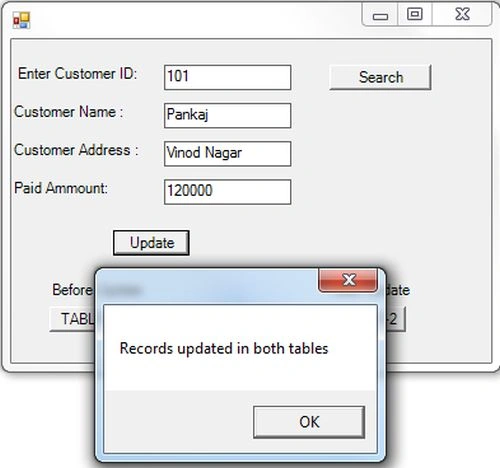
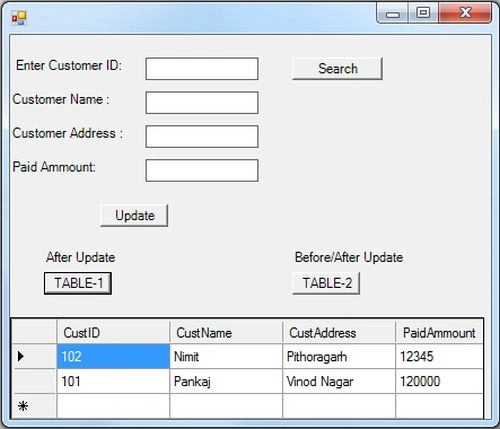
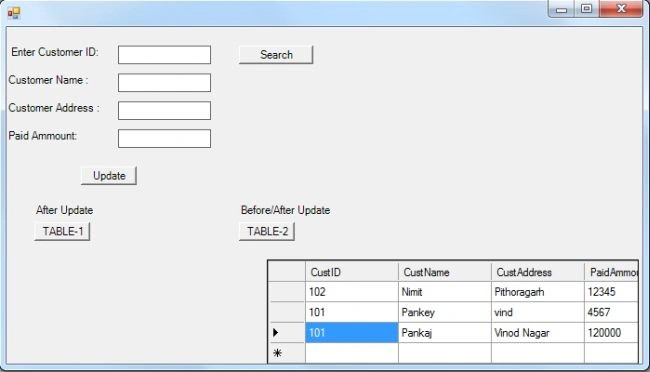
Now I want to show the effect of an "after insert" trigger in a database; just use the following procedure.
Step 1:
Open Visual Studio then select "Create New Project" --> "F# Console Application".
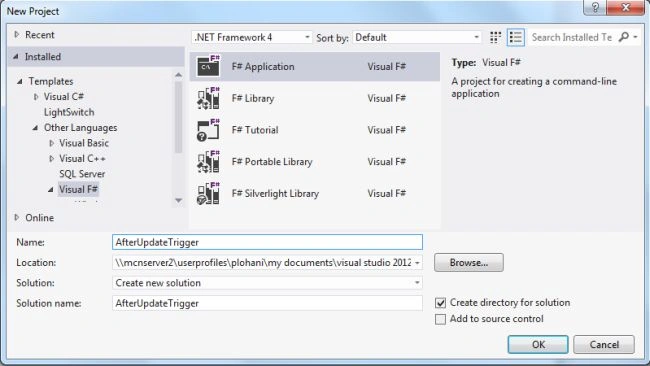
Step 2:
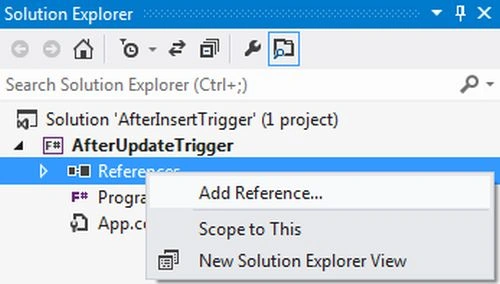
Now go to the Solution Explorer on the right side of the application. Select the references and right-click on it and select "Add references".
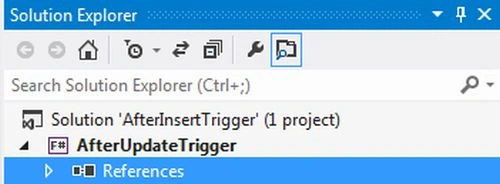
do right-click on Refrences
Step 3:
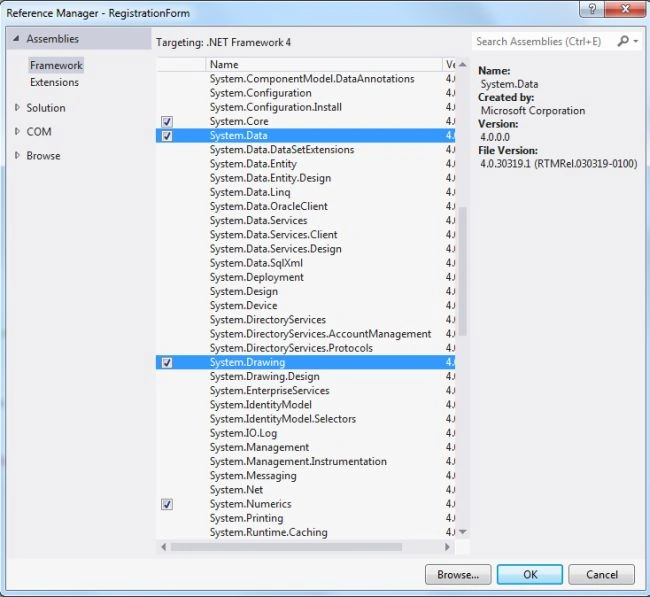
After selecting "Add References", in the framwork template you need to select "System.Windows.Forms", "System.Drawing", "System.Xml" and "System.Data" while holding down the Ctrl key and click on "Ok."
Step 4:
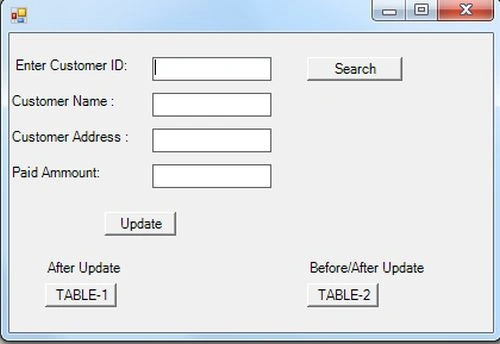
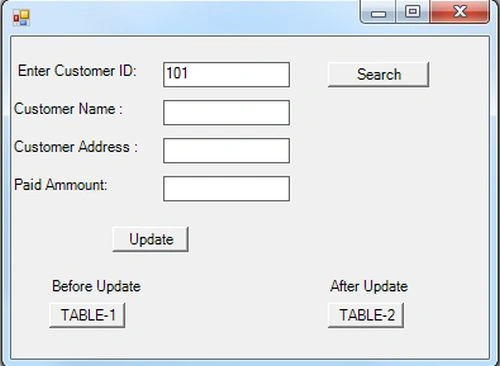
Write the following code in the F# editor.
Join the conversation! Your thoughts help the community grow.