

Before reading this article, please go through the article links given below.
- QuickStart On Apache Cordova Using Visual Studio 2015
- UsingIonic Blank App Using Visual Studio 2015
- UsingIonic Side Menu App Using Visual Studio 2015
- UsingIonic Tabs App Using Visual Studio 2015
- WorkingWith Color Classes In Ionic Blank App Using Visual Studio 2015
- WorkingWith Button Class In Ionic Blank App Using Visual Studio 2015
- Working With Ionic Toggle Classes In Ionic Blank App Using Visual Studio 2015
- Working With Ionic List Item Class In Ionic Blank App using Visual Studio 2015
Apache Cordova
Apache Cordova is an open source project that aims at letting mobile developers build applications for all major mobile platforms using HTML, CSS, and JavaScript technologies.
Ionic Framework
Ionic is a powerful HTML5 SDK that helps you build native-feeling mobile apps using web technologies, like HTML, CSS, and JavaScript.
Building Ionic Blank App with different Ionic Range Classes in Visual Studio 2015
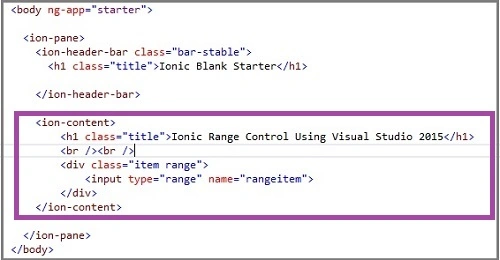
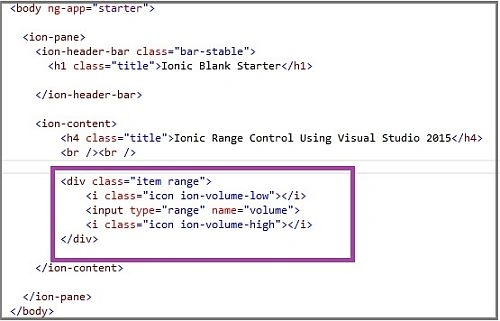
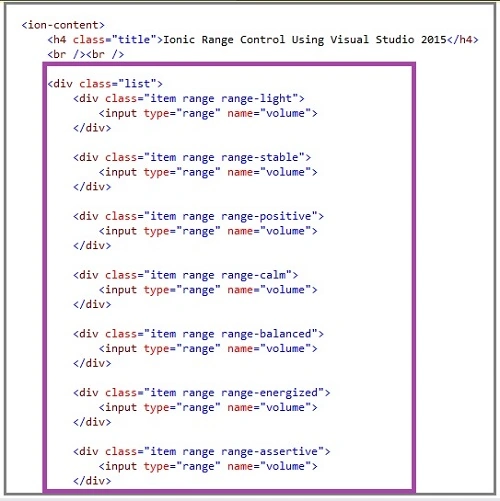
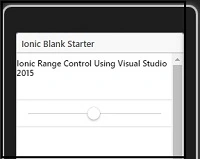
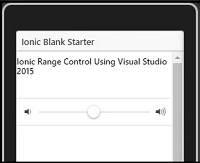
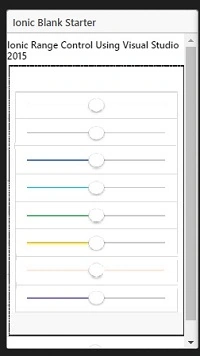
Let's see how Ionic Framework makes the use of Ionic Range Control. The Range Control allows you to pick a numeric value by dragging a thumb along a horizontal or vertical line. Ionic range is used to choose and display the level of something.
A Range Control consists of a scale, defined by the Min and Max properties, and a "thumb," which the end user can manipulate, using mouse or arrow keys. At the runtime, the Min and Max properties can be dynamically reset to reflect a new range of values. The Value property returns the current position of the thumb. Ionic Framework offers different types to make their usage easy.
Let’s see how to use the Range Class with Ionic blank apps.
Prerequisites
- Visual Studio 2015
- Visual Studio Tools for Apache Cordova.
Follow the below steps to use the Range Class in Ionic Blank apps, using Ionic Framework
Step 1 Create an Ionic Blank App
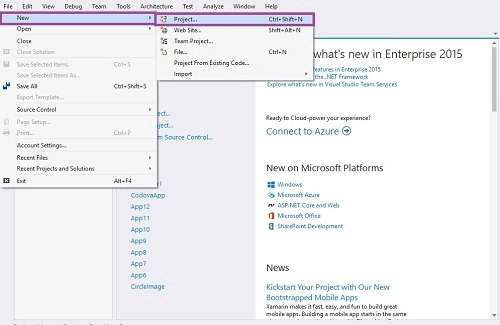
Let’s get ready to create a new project. Open Visual Studio 2015 and click File -> New -> Project option for creating Ionic blank app.
Step 2 Giving the Project Name
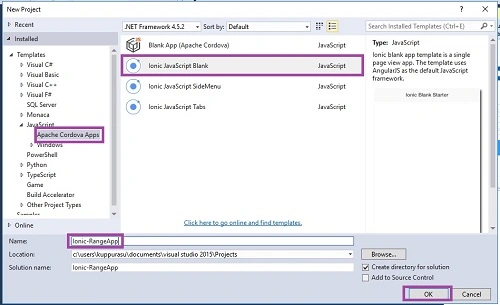
Then, the "New Project" window will open. There, select Installed -> Template -> Java Script -> Apache Cordova Apps ->Ionic JavaScript Blank.
Type the project name, such as Ionic-RangeApp and click the OK button.
Step 3
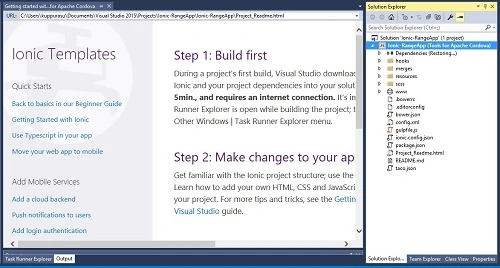
The main screen
Step 4
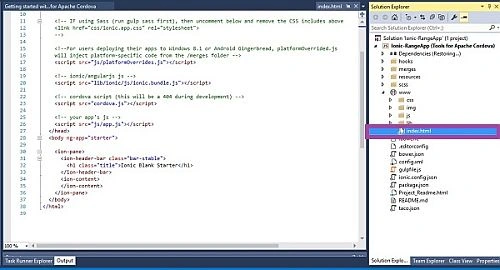
Go to the Solution Explorer and choose "index.html". This is the starting screen of your app. We can add our HTML coding here.

Anu VPosted Nov 24, 2016, 11:01 PM
Nice article.. Thanks for sharing..