

Hello folks, yes you read that right. It is feasible to do GUI testing of any web application in a containerized environment.
Usually, when it comes to GUI testing, we often start thinking of infrastructure in which we can run our tests and we start spending a lot of effort in setting up the dev-test environment. When you have a big team, these things can become more hectic.
Looking at the current trend of software development, many companies emphasize full- stack development skills for developers. When it comes to developers, they now also must manage this added responsibility of implementing GUI-based automated tests. And the story doesn’t end here, at present we also struggle a lot when it comes to managing dev environment (it becomes even worst when you are working on multiple projects and that too when all are on different technology stack !) and now, we also have the overhead of test environment.
When such a situation arises, we often go for the easiest solution that is provisioning additional VMs. With VMs, there is always a cost involved. Cost for bearing host infrastructure, the cost for procuring software needs to run and manage VMs, and much more. Moreover, after paying all the costs, you spent a lot of time in managing these VMs. OS updates, security patches, snapshots, and whatnot.
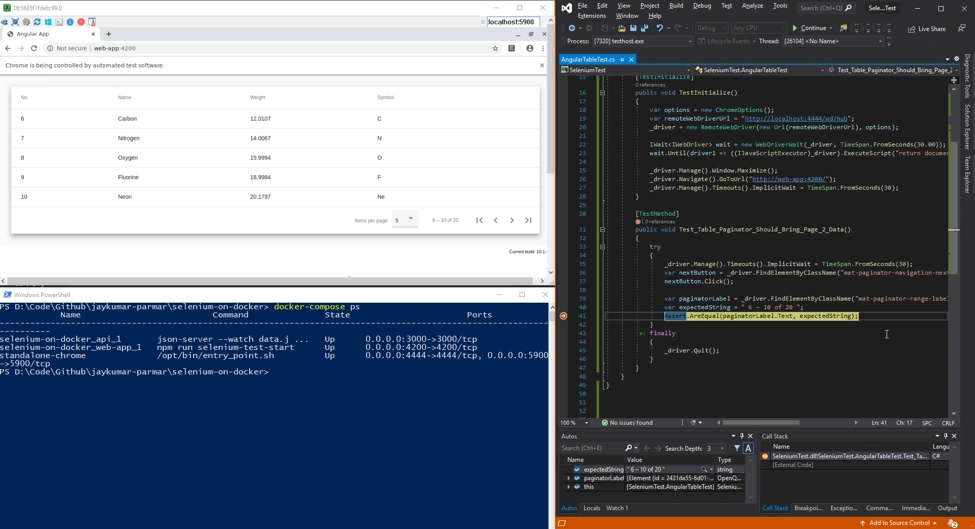
This is exactly what Docker helps in solving. In this article, I will show you how easy it is to set up a parallel test environment and run all your GUI-based test inside a docker container.
As the entire environment (dev + test) is containerized, you can easily integrate it with your CI/CD pipeline.
So, let’s get started.
Prerequisites
- VS Code
- Docker for Desktop
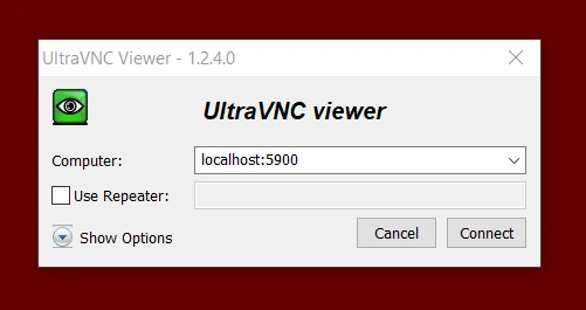
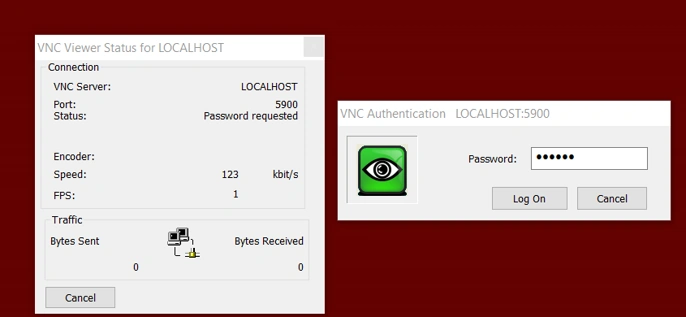
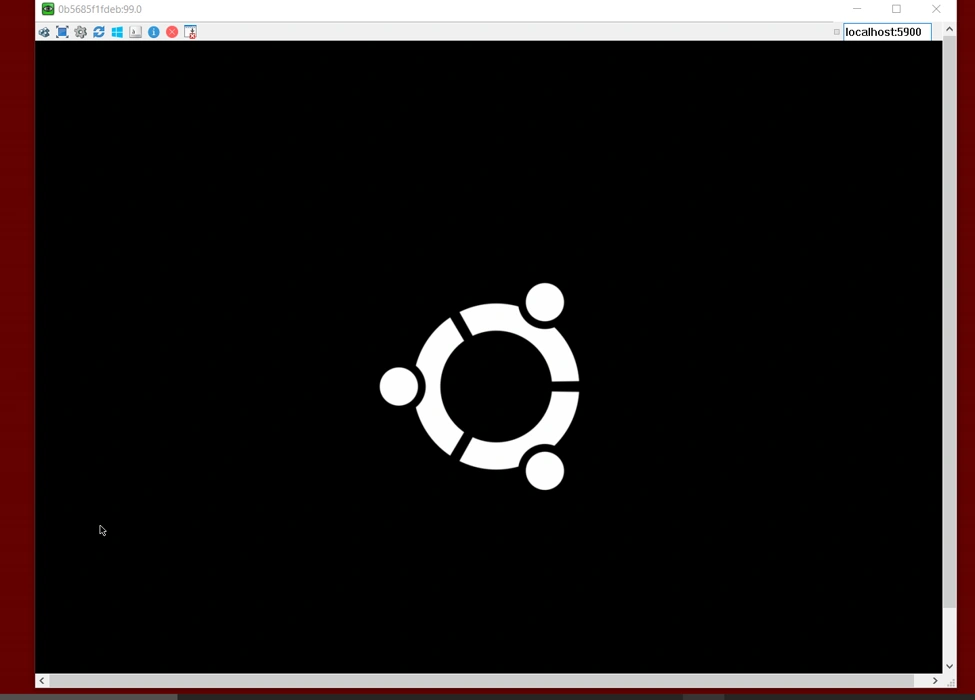
- UltraVNC (To take the remote connection to docker container)
- Basic knowledge of Selenium and Docker
Application walkthrough
I have an Angular application, which shows some data in Grid. (Just for simplicity, I opted to go with an Angular application, but this approach can be used to test web applications developed using any framework.)
I have hosted a simple JSON file to mimic working REST API. To do so, I would be using light-weight NodeJS based server for hosting static JSON files – “json-server” (https://github.com/typicode/json-server)
For implementing the GUI-based automated test, I will be using a very famous and proven testing framework – Selenium.
Directory Structure
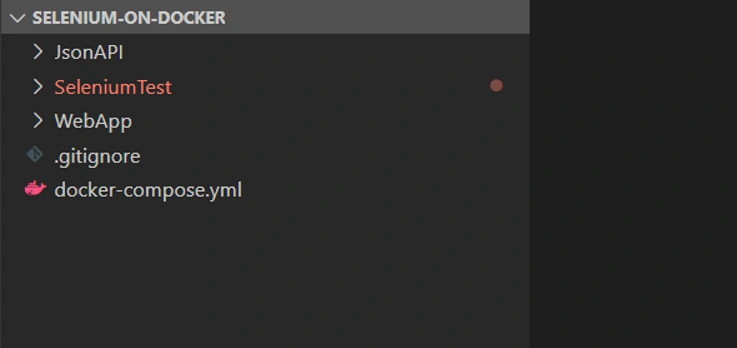
Above is the very basic project setup.
- JsonAPI - Holds my stub for backend API
- WebApp - Holds sample Angular web application, which I would be testing
- SeleniumTest - Holds .NET Core MSTest project in which I would add my Selenium-based test cases
Let’s look at each project more closely.
JsonAPI
In the JsonAPI project, I have a sample JSON file that holds some data.
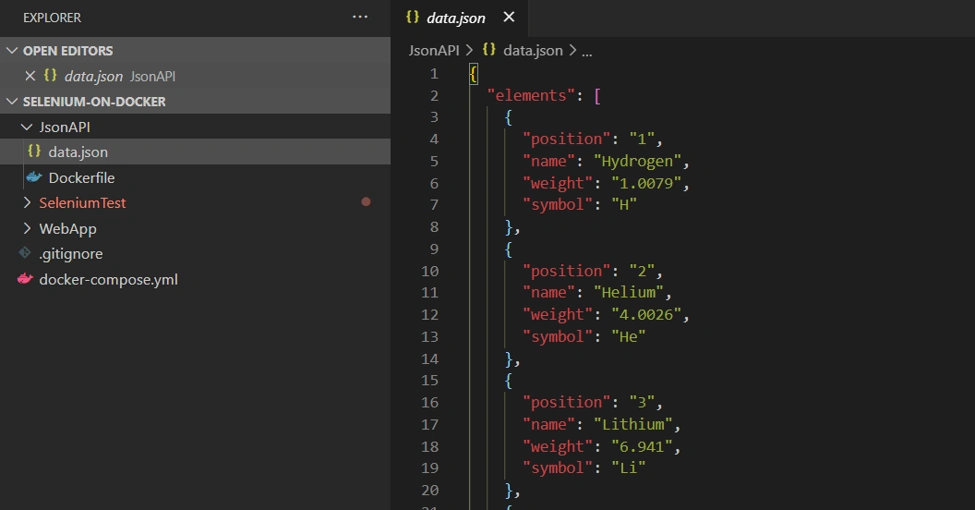
Along with it, I also added Dockerfile. This will help us in hosting the above JSON file inside a docker container. My docker files look like below…
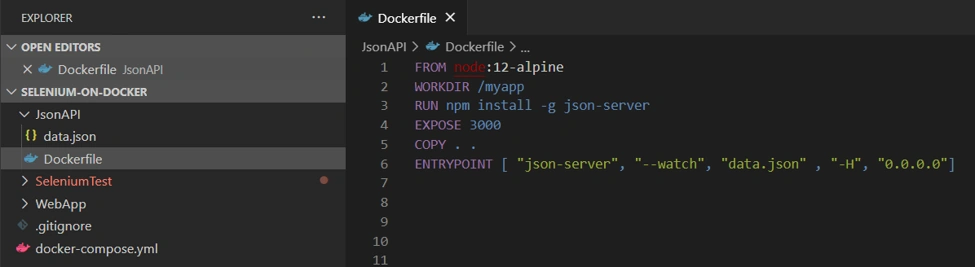
And that’s all for JsonAPI project.
WebApp
Here I have a simple Angular application, that displays some data in the table. Nothing FANCY here!!!
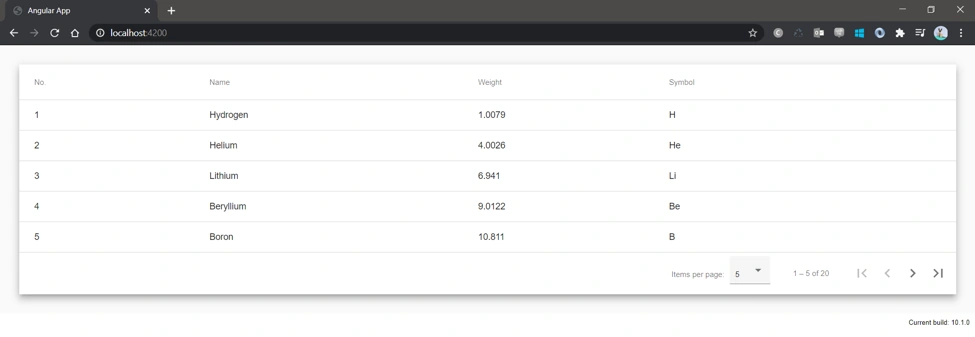
To get data, this app will make an HTTP call to JsonAPI project, which hosts the data.json file.
Key Point
I also added a script, “selenium-test-start” in my package.json as below.
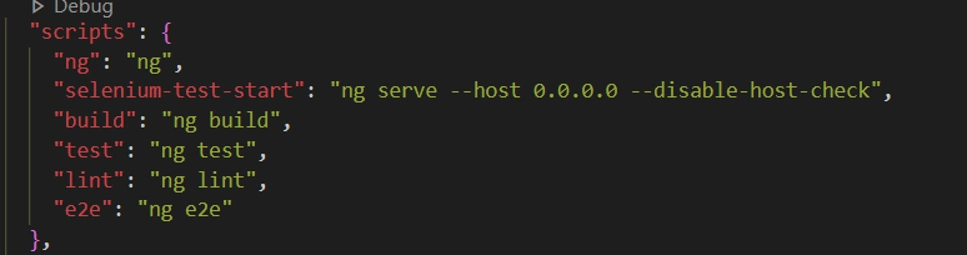
Here I added –host 0.0.0.0 and –disable-host-check flag. This is very important to run an Angular app inside a docker container.
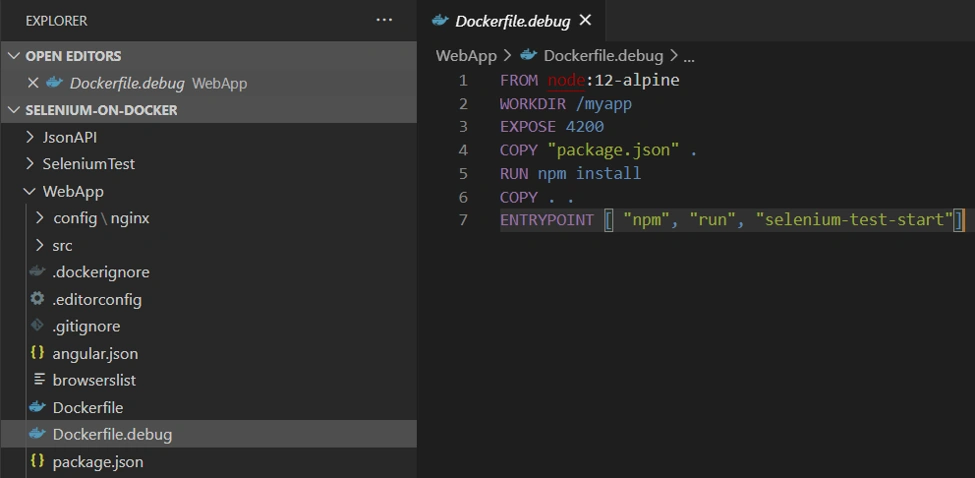
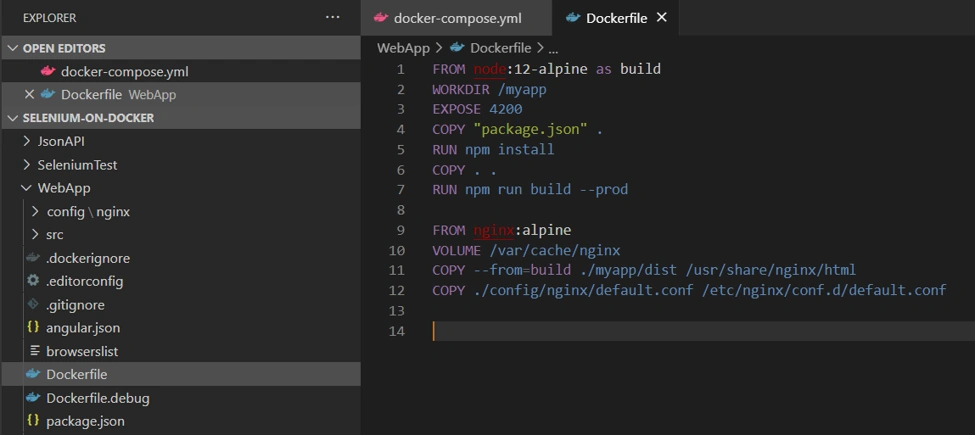
I added Dockerfile.debug for this web app as below. This will help in running and debugging this app inside a docker container.
Docker-Compose
Now we have our backend and frontend ready, so let’s try to run them using docker-compose so that they can communicate seamlessly.
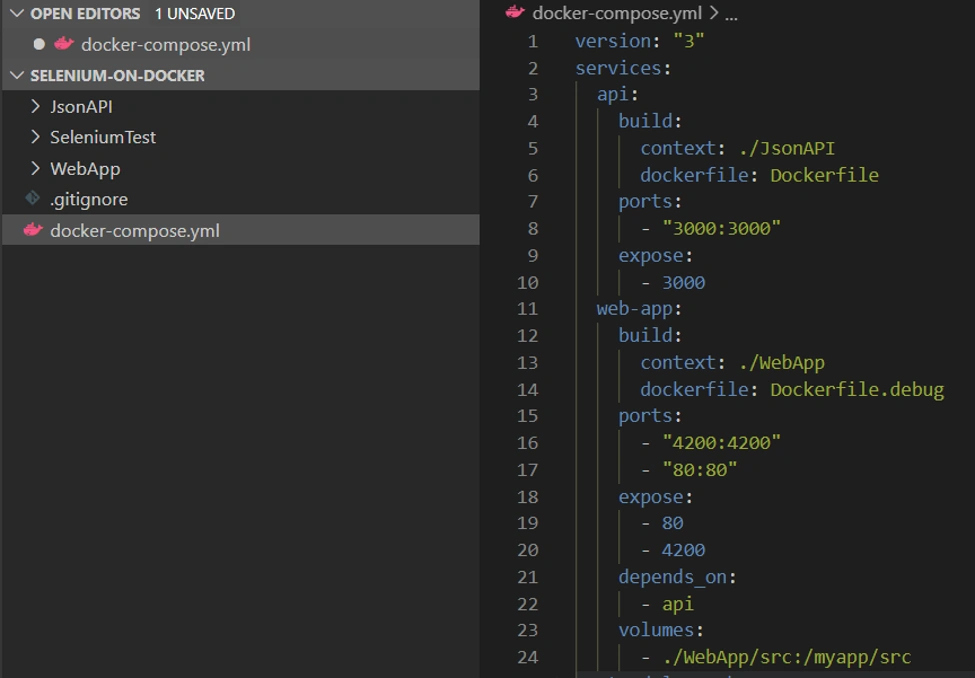
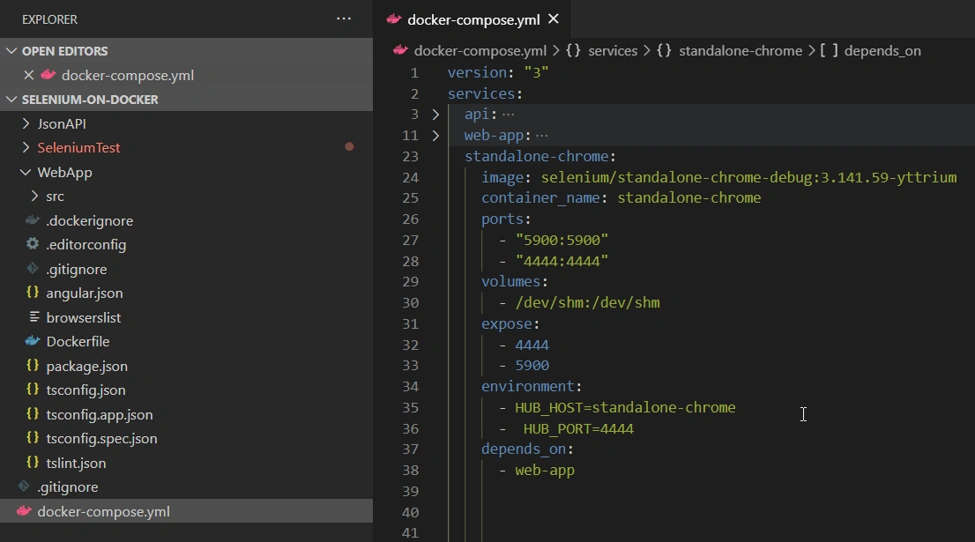
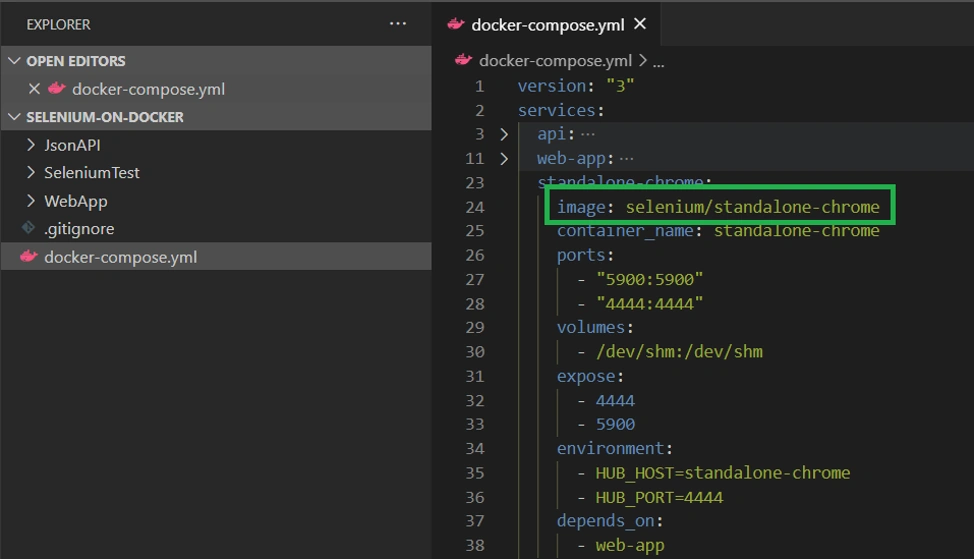
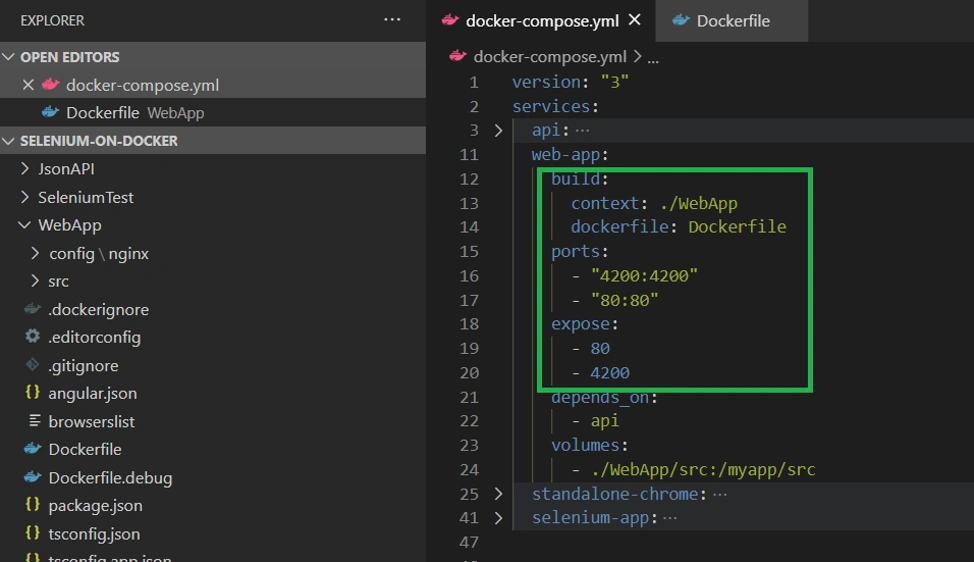
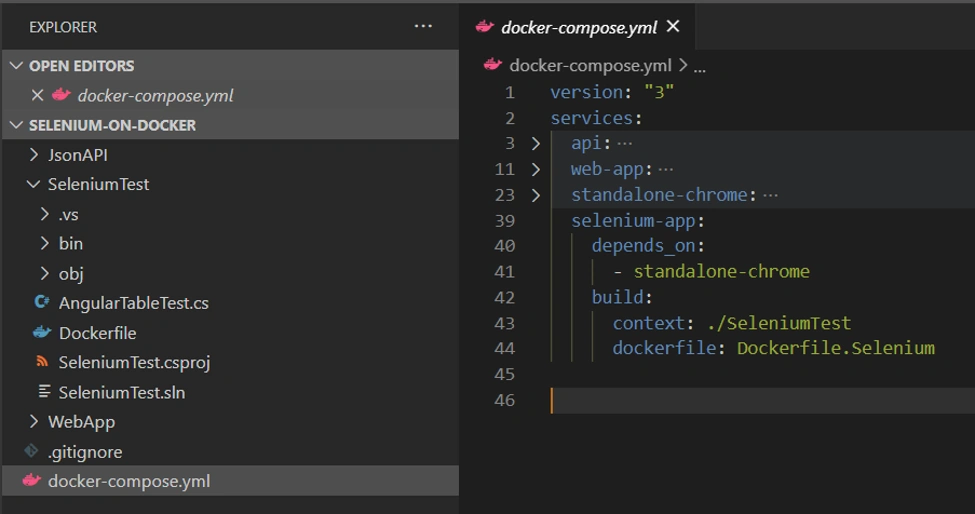
My docker-compose.yml file looks like below,
Key Point
Here in my docker-compose file, I have mounted my /WebApp/src to /myapp/src folder inside the container to enable hot-reloading of Angular application when any changes are done to code.


Roshan RathodPosted Jul 30, 2020, 10:42 PM
Good one jay