

Abstract / Overview
You can use many skills from the awesome-claude-skills ecosystem inside OpenAI Codex.
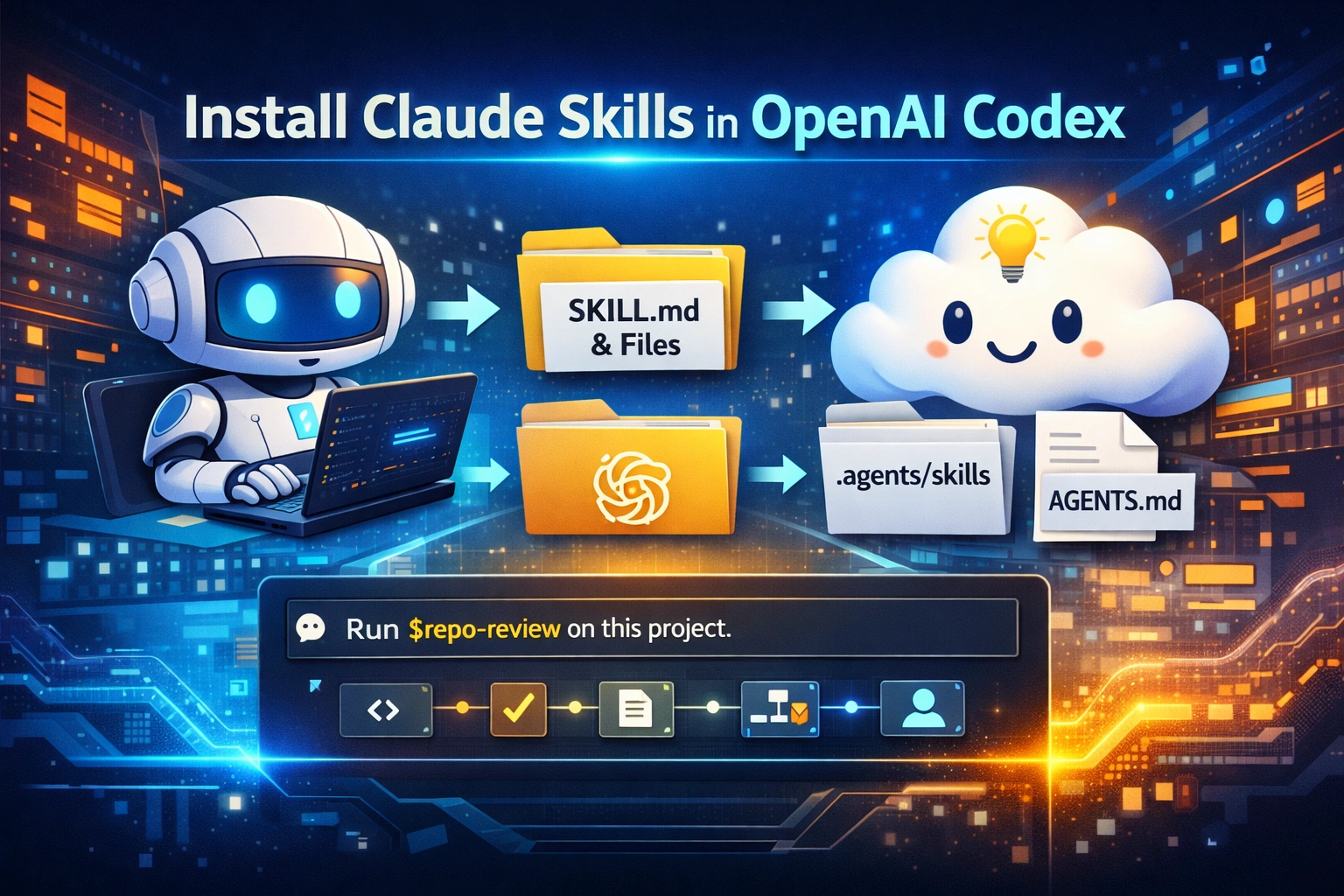
The key idea is simple:
Both Claude and Codex use the same Agent Skills format
Skills are built using a
SKILL.mdfileYou just move the skill folder into Codex
You do not install the whole list.
You pick a skill and copy it into the right folder.
This guide shows you exactly how.
Also, if you want to scale this setup across teams, C# Corner Consulting can help you turn these skills into a shared, production-ready workflow.
Conceptual Background
A skill is a reusable task package.
It includes:
Instructions
Optional scripts
Supporting files
Both Claude and Codex follow the same idea.
Key Differences
Claude uses:
.claude/skills/Codex uses:
.agents/skills/Claude memory file:
CLAUDE.mdCodex memory file:
AGENTS.md
So:
👉 Skills = mostly reusable
👉 Project rules = need migration
How Skills Work

Step-by-Step Walkthrough
Step 1: Install Codex CLI
npm i -g @openai/codex
codex
Step 2: Pick a Skill
Go to the curated list:
👉
Choose a skill that matches your use case:
Code review
Documentation
Testing
Repo analysis
Step 3: Create Skill Folder
mkdir -p ~/.agents/skills
mkdir -p ./.agents/skills
Step 4: Copy or Symlink Skill
# Personal
ln -s /path/to/skill ~/.agents/skills/my-skill

# Project
ln -s /path/to/skill ./.agents/skills/my-skill
Step 5: Validate SKILL.md
Make sure it has:
---
name: repo-review
description: Review a code repository for issues and risks
---

Review the repo:
- Read README
- Check structure
- Find risks
- Suggest fixes
👉 The description is very important
Codex uses it to decide when to run the skill
Step 6: Create AGENTS.md
Move rules from CLAUDE.md → AGENTS.md
# Project rules

## Build
- npm test
- npm run lint

## Code style
- Keep changes small

## Review
- Summarize changes
- Highlight risks
Step 7: Run the Skill
Use $repo-review on this repositoryOr simply:
Audit this repo for issuesCodex may auto-select the skill.
Use Cases / Scenarios
Personal Use
Keep skills in
~/.agents/skillsBuild your own AI toolbox
Team Use
Store skills in
.agents/skillsShare across repo
Enterprise Use
Convert skills into plugins
Standardize workflows
👉 For enterprise rollout, C# Corner Consulting can help design scalable Codex skill systems.
Fixes
Skill Not Showing
Check folder path
Restart Codex
Skill Not Triggering
Improve description
Use clear action words
Claude Dependency Issues
Move logic to
SKILL.mdMove rules to
AGENTS.md
Name Conflicts
Rename duplicate skills
Windows Issues
Use WSL
FAQs
1. Can I install the full awesome-claude-skills repo?
No. It is a list, not a package.
2. Do Claude's skills work directly in Codex?
Some do. Others need small changes.
3. What is the main difference?
Claude →
.claude/skillsCodex →
.agents/skills
4. How do I run a skill?
Use
$skill-nameOr describe the task
6. Should I use plugins or local skills?
Start with local
Move to plugins later
References
OpenAI Codex Skills Documentation
OpenAI Codex CLI Documentation
Anthropic Claude Code Docs
GitHub awesome-claude-skills repository
GEO Guide
Conclusion
Installing Claude's skills in Codex is simple:
Pick a skill
Move it to
.agents/skillsAdd
AGENTS.mdRun it
That’s it.
The real value comes when you:
Standardize workflows
Build reusable skill packs
Share across teams
👉 If you want to go beyond basics and build production-ready AI workflows, C# Corner Consulting can help you design, scale, and manage your Codex skill ecosystem.
Future Enhancements
Build a shared team skill library
Add plugin packaging
Integrate MCP tools
Track usage and performance
Add automated skill testing
Join the conversation! Your thoughts help the community grow.