

The Singleton Design Pattern is one of the simplest and most commonly used design patterns in software engineering. It belongs to the Creational Patterns category, which deals with object creation mechanisms, aiming to create objects in a manner suitable to the situation.
Definition
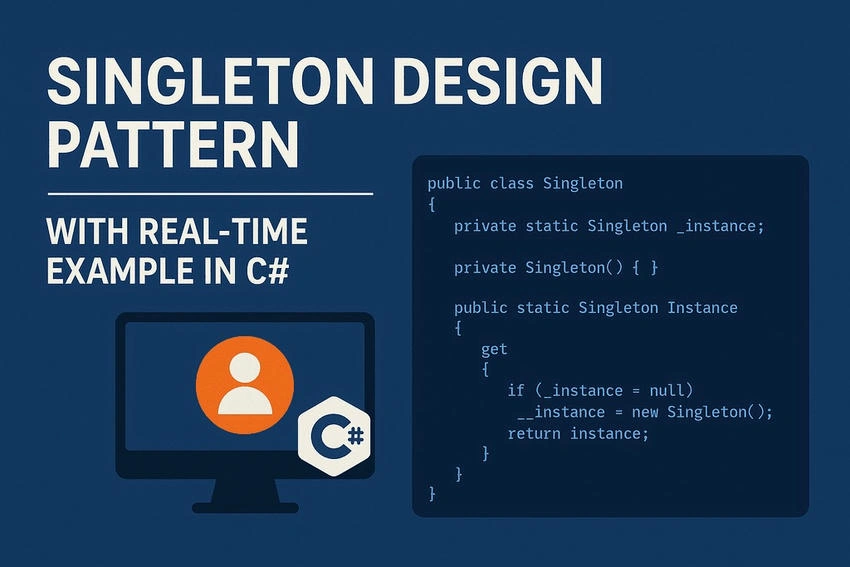
The Singleton pattern ensures that a class has only one instance and provides a global point of access to that instance. This means,
- Only one object of the class can ever exist during the lifetime of an application.
- The same instance is shared across different parts of the program.
Why Use the Singleton Pattern?
The Singleton pattern is particularly useful in scenarios where having exactly one instance of a class is critical for the correct behavior of your application.
1. Exactly One Object to Coordinate Actions Across the System
Sometimes, an object represents a central authority or a manager in your application, and we want to ensure only one such instance exists.
- Real World Example: Think of a president of a country. There should only be one president at any time. Multiple presidents would cause confusion and conflicting commands.
- Programming Example: In a game application, you might have a GameManager class that controls the game state. If more than one instance of GameManager existed, it could lead to inconsistent behavior.
GameManager.Instance.StartGame();
By using a Singleton, we ensure that only one GameManager exists, and it manages the game flow in a controlled way.
2. Restrict Instantiation of a Class to One Object
You don’t want others to create multiple instances of a class, either by mistake or design. This is useful when creating more than one instance doesn’t make sense or would be inefficient.
- Real World Example: Consider a print spooler. If multiple spooler instances start managing print jobs, they could interfere with each other. Having a single print spooler instance ensures that all print jobs are queued and processed in order.
- Programming Example: The Singleton enforces that only one print spooler object can exist.
PrintSpooler.Instance.QueueJob("Document1.pdf");
3. Shared Resource Across the Application
Some resources are meant to be shared, such as logging services, configuration files, database connections, and caching mechanisms.
Creating multiple instances of these resources could consume unnecessary memory, lead to inconsistent data, and introduce bugs and hard-to-maintain code.
- Real-World Example: Consider a central air conditioning system in a building. You don’t install a separate AC in every room if they can all share a single, efficient central unit.
- Programming Example: A Logger class is a perfect example. You don’t want separate log files from different logger instances. You want a single, consistent log of all system events.
Logger.Instance.Log("User logged in");
Logger.Instance.Log("User performed action X");
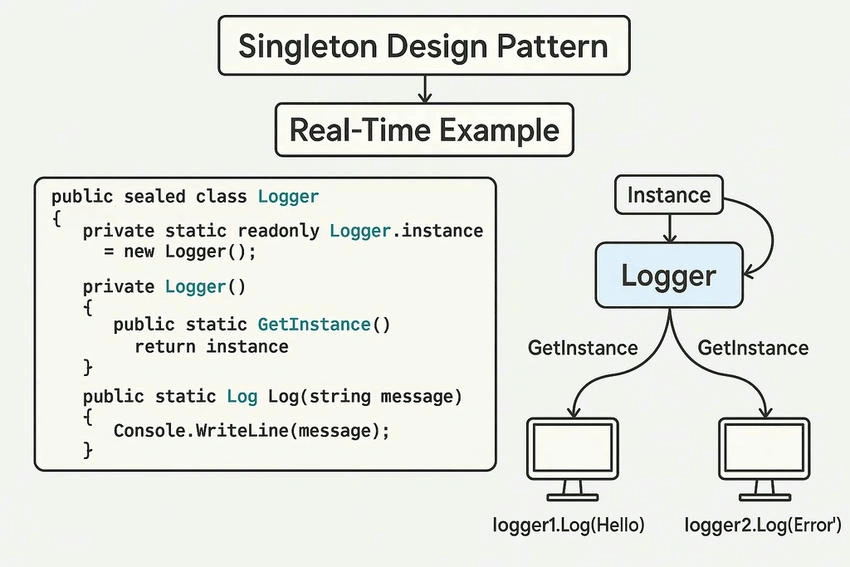
All logs go through the same Logger instance, ensuring centralized and consistent logging.
Real Time Example: Logger Class in C#
Imagine we are building an application where different parts of the system need to log information, but you want all logs to be written in a centralized and thread-safe way.
Implementation
using System;

public sealed class Logger
{
    private static Logger _instance = null;
    private static readonly object _lock = new object();

    // Private constructor ensures that object is not instantiated externally
    private Logger()
    {
        Console.WriteLine("Logger initialized.");
    }

    // Public static property to access the single instance
    public static Logger Instance
    {
        get
        {
            // Double-checked locking to ensure thread-safety
            if (_instance == null)
            {
                lock (_lock)
                {
                    if (_instance == null)
                    {
                        _instance = new Logger();
                    }
                }
            }
            return _instance;
        }
    }

    // Example logging method
    public void Log(string message)
    {
        Console.WriteLine($"Log Entry: {message}");
    }
}
Usage in Program
class Program
{
    static void Main(string[] args)
    {
        Logger logger1 = Logger.Instance;
        logger1.Log("Application started.");

        Logger logger2 = Logger.Instance;
        logger2.Log("Another part of the application.");

        // Both logger1 and logger2 refer to the same instance
        Console.WriteLine(Object.ReferenceEquals(logger1, logger2));  // Output: True
    }
}
Output

Advantages of the Singleton Pattern
- Controlled access to the sole instance.
- Lazy initialization – the object is created only when needed.
- Saves memory and system resources.
- Useful for shared resources like file systems, loggers, configuration objects, etc.
Disadvantages of the Singleton Pattern
- Can introduce global state, which may lead to code that is harder to test and maintain.
- May hide dependencies, making code less explicit.
- Improper implementation can lead to thread-safety issues in multithreaded environments.
Conclusion
The Singleton Design Pattern is a powerful technique for ensuring that a class has only one instance while providing a global point of access. It is widely used in situations where shared resources need to be managed carefully, such as logging, configuration management, or database connections.
By using the Singleton pattern in C#, you create thread-safe, controlled, and efficient object creation that improves application stability and resource management.
Join the conversation! Your thoughts help the community grow.