

In this article, we will learn how to create MySQL Database and use Gcloud CLI to create databases, tables, and run queries on database objects. A few articles, which I already wrote and might be helpful for you if you are beginning with Google Cloud Platform are:
- Setting Up LAMP Certified by Bitnami in Google Cloud Platform
- Create Virtual Machine Instance in Compute Engine in The Google Cloud Platform
- Create a storage bucket in the Google Cloud Platform
- Getting Started with Cloud SQL in Google Cloud Platform
- Working Up With Google Kubernetes Engine In Google Cloud Platform
- Deployment Manager and Monitoring in Google Cloud Platform
Let’s begin,
Step 1
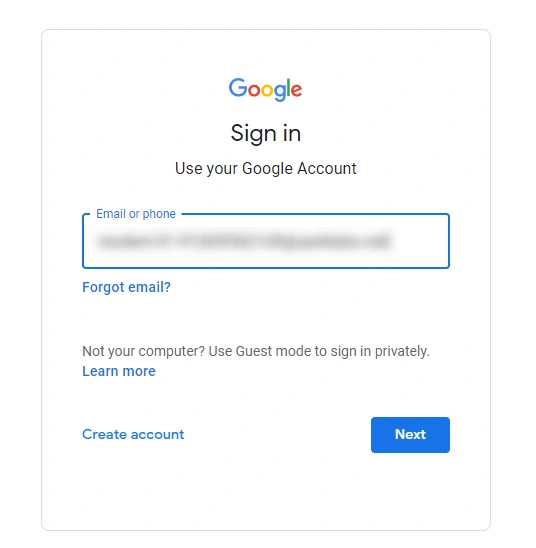
Log in with Google Cloud Platform by visiting https://console.cloud.google.com/ (Google provides $300 as a free trial, but for that, you need to link your credit card).
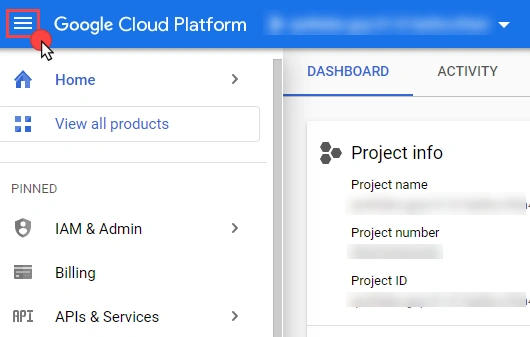
Once logged in you will be redirected to Google Cloud Dashboard as shown in the below image.
Step 2
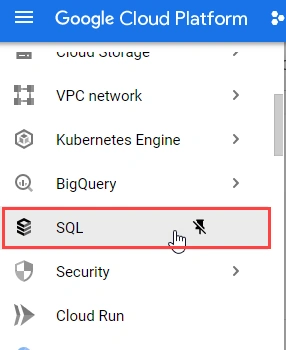
You can view the menu list of Google Cloud Products and Services by clicking on the Navigation menu on the left side as highlighted. Go to the SQL menu option as shown in the below image.
Step 3
Click on Create Instance button as shown in the below image.
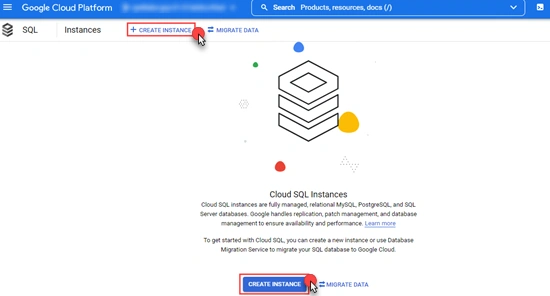
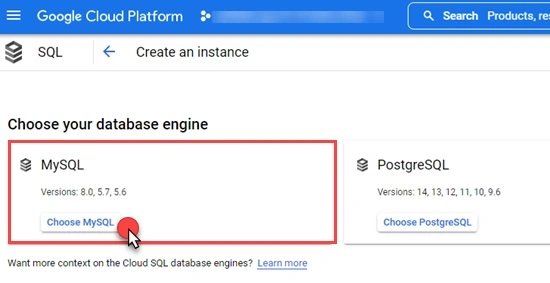
Select the database engine for which you want to create the instance. I am selecting MySQL for demonstration.
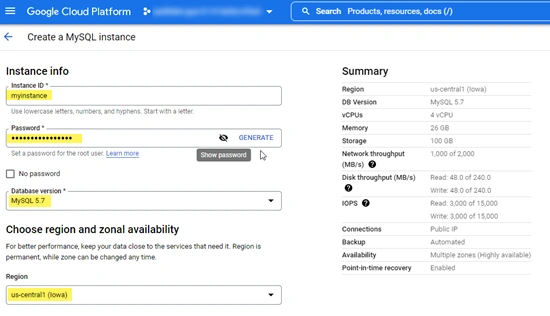
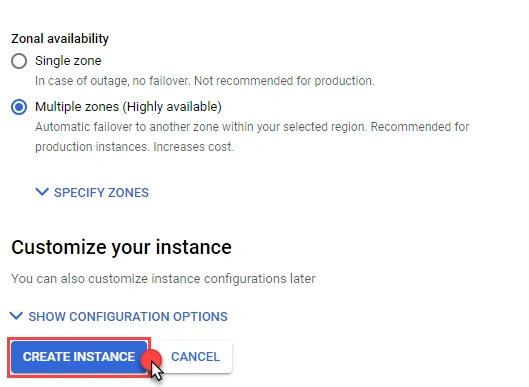
Provide the Instance Id, Password, Database engine, Region, and zonal availability while creating the new MySQL Instance.





Join the conversation! Your thoughts help the community grow.