
Introduction
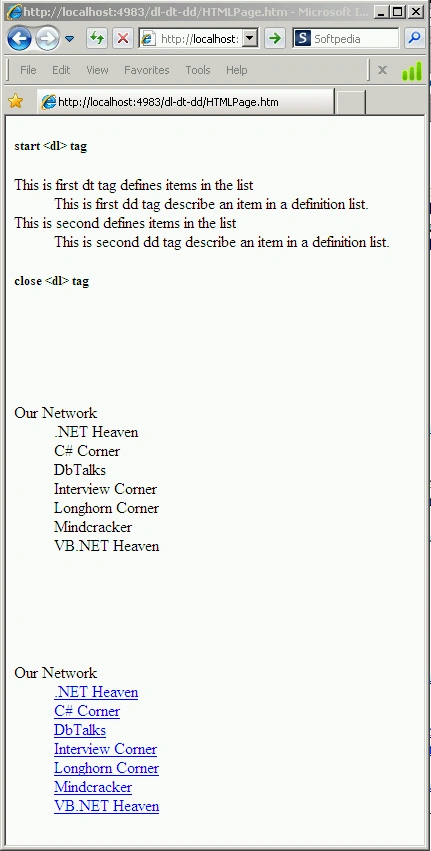
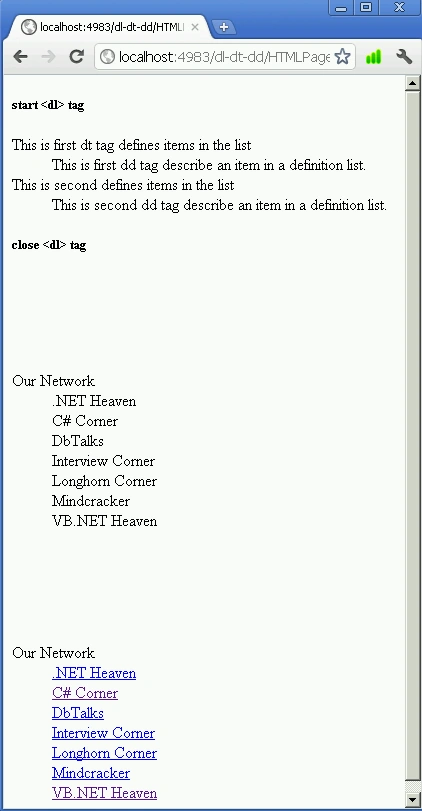
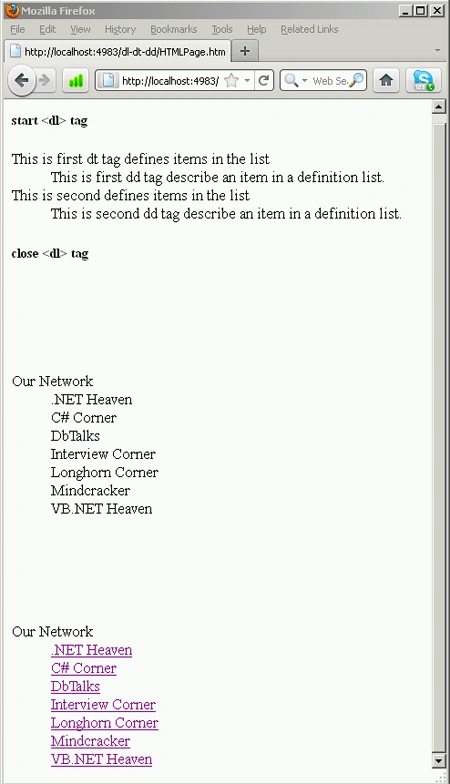
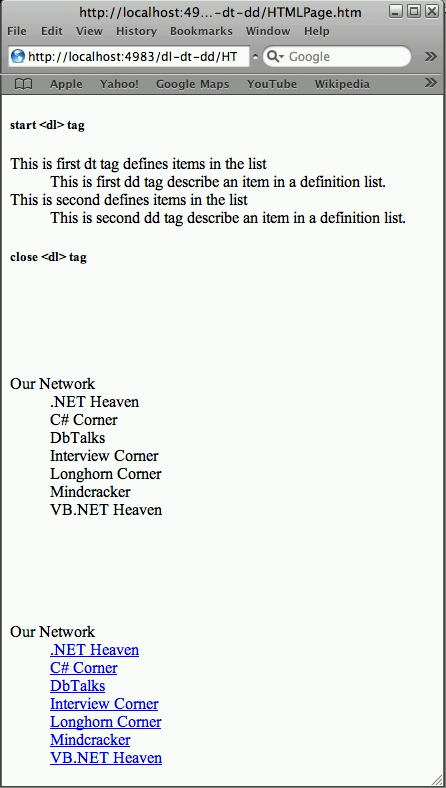
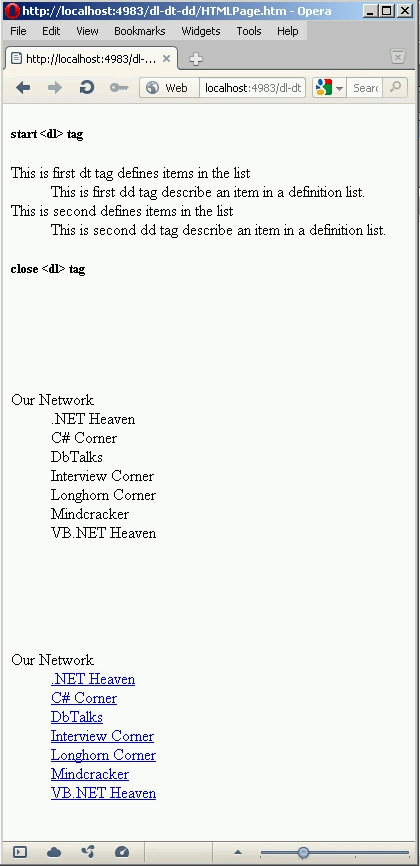
The <dd> tag is used to describe an item within a list of defined terms enclosed by a definition list. You can put paragraphs, line breaks, images, links, lists, etc inside the <dd> tag.
Syntax
<dt></dt>
<dd>
</dd>
</dl>
|
Element-Specific Attribute for <dl> tag
|
|
| compact | This attribute reduces the white space between list items. |
|
Element-Specific Attribute for <dt> and <dd> tag
|
|
| nowrap | This attribute is used to control the wrapping of text within a <dd> tag. This attribute ensures that the contents always remain as they are, and don't wrap. If set to yes, the text should not wrap. The default is no. CSS (style sheet) should be
|
|
HTML5 Event Attributes
|
||
| onabort; | onblur | oncanplay |
| oncanplaythrough | onchange | onclick |
| oncontextmenu | ondblclick | ondrag |
| ondragend | ondragenter | ondragleave |
| ondragover | ondragstart | ondrop |
| ondurationchange | onemptied | onended |
| onerror | onfocus | onformchange |
| onforminput | oninput | oninvalid |
| onkeydown | onkeypress | onkeyup |
| onload | onloadeddata | onloadedmetadata |
| onloadstart | onmousedown | onmousemove |
| onmouseout | onmouseover | onmouseup |
| onmousewheel | onpause | onplay |
| onplaying | onprogress | onratechange |
| onreadystatechange | onscroll | onseeked |
| onseeking | onselect | onshow |
| onstalled | onsubmit | onsuspend |
| ontimeupdate | onvolumechange | onwaiting |
Join the conversation! Your thoughts help the community grow.