
I have a fully built Blazor server Application so I want to add PWA to it so is there any way to do that ?? I am using visual studio 2022.
Loading
I have a fully built Blazor server Application so I want to add PWA to it so is there any way to do that ?? I am using visual studio 2022.
Know the answer? Post it — somebody with the same question will find it here.
Sign in to answer this question
It is the same account you read, post and publish with — and you will come straight back to this page.
Divyansh GuptaPosted Apr 7, 2023, 10:16 AM
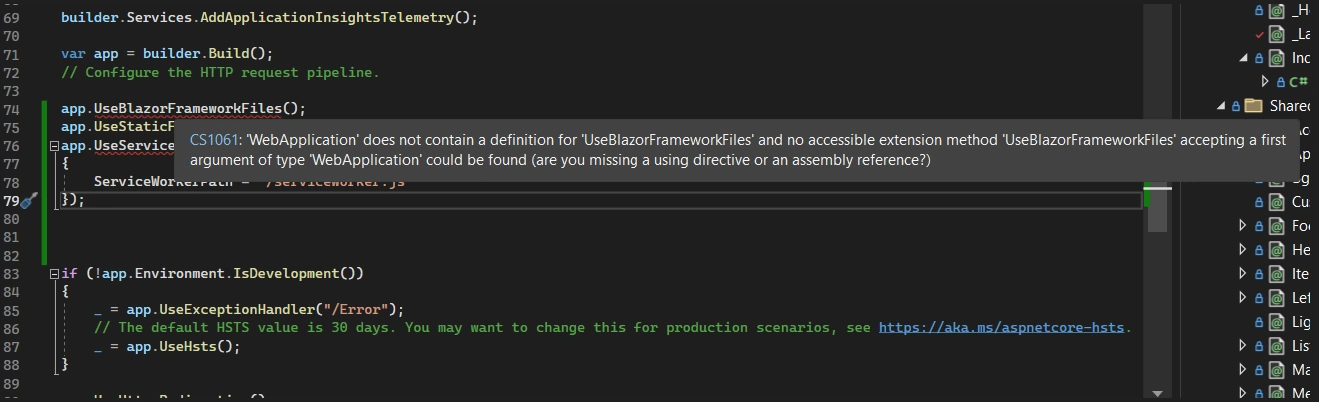
Getting this error !!
Amit MohantyPosted Apr 7, 2023, 9:01 AM
You can manually add the files to your Blazor Server application to enable PWA functionality. Here are the steps to follow:
In your Blazor Server application project, create a new folder named "wwwroot".
Inside the "wwwroot" folder, create a new file named "service-worker.js".
Open the "service-worker.js" file and paste the following code:
Save the "service-worker.js" file. In your Blazor Server application project, open the "Pages/_Host.cshtml" file. Add the following line of code inside the
element:Divyansh GuptaPosted Apr 7, 2023, 7:25 AM
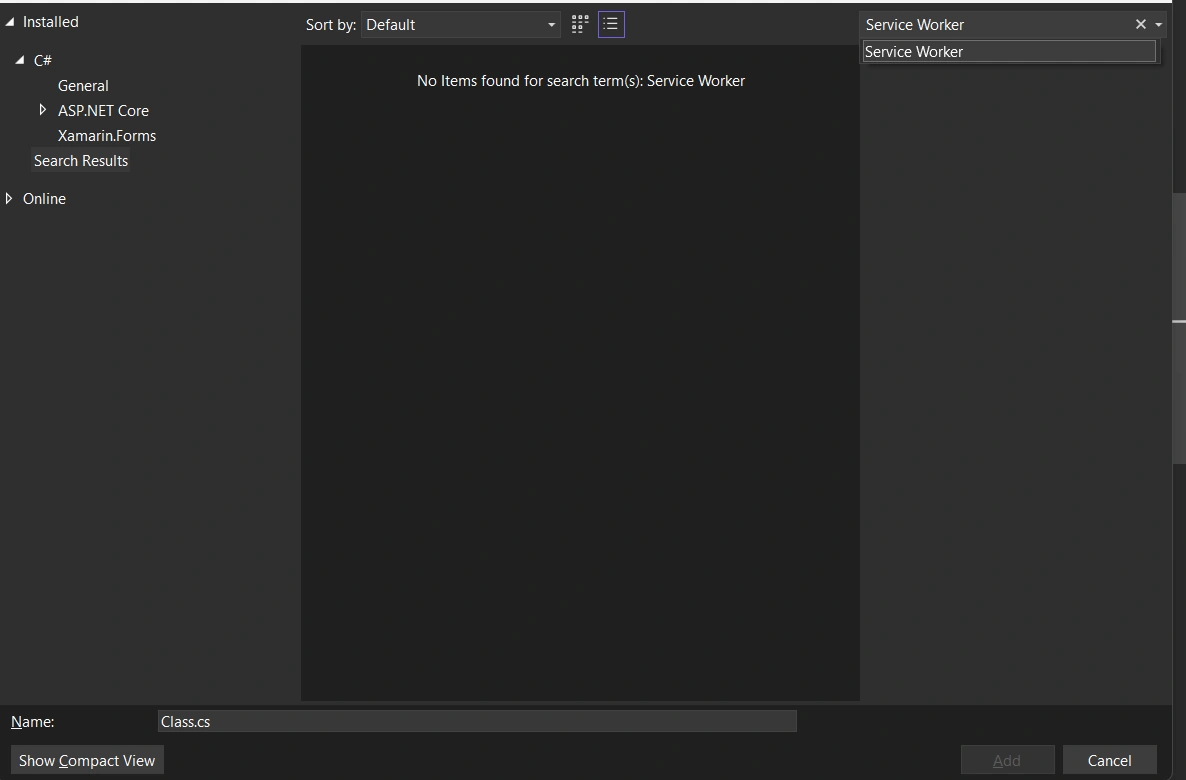
Sir, there is not any Service Worker in the item
And what about serviceworker.js file?
Amit MohantyPosted Apr 7, 2023, 5:24 AM
Yes, you can add PWA (Progressive Web App) functionality to your existing Blazor Server application.
In Visual Studio 2022, right-click on your Blazor Server project and select "Add" > "New Item".
In the "Add New Item" dialog box, search for "Service Worker" and select "Service Worker" from the list of templates.
Name your Service Worker file and click "Add". This will add a new Service Worker file to your project.
Open the newly added Service Worker file and add the following code to it:
In your Blazor Server application's Startup.cs file, add the following code to the Configure method:
This code adds the Service Worker file to your application's static files and sets the Service Worker path.