


SAN JOSE, Calif. — January 21, 2026 — Adobe is expanding the role of Adobe Acrobat with new AI-powered features designed to help users work smarter with PDFs, transforming static documents into presentations, podcasts, summaries, and editable content.
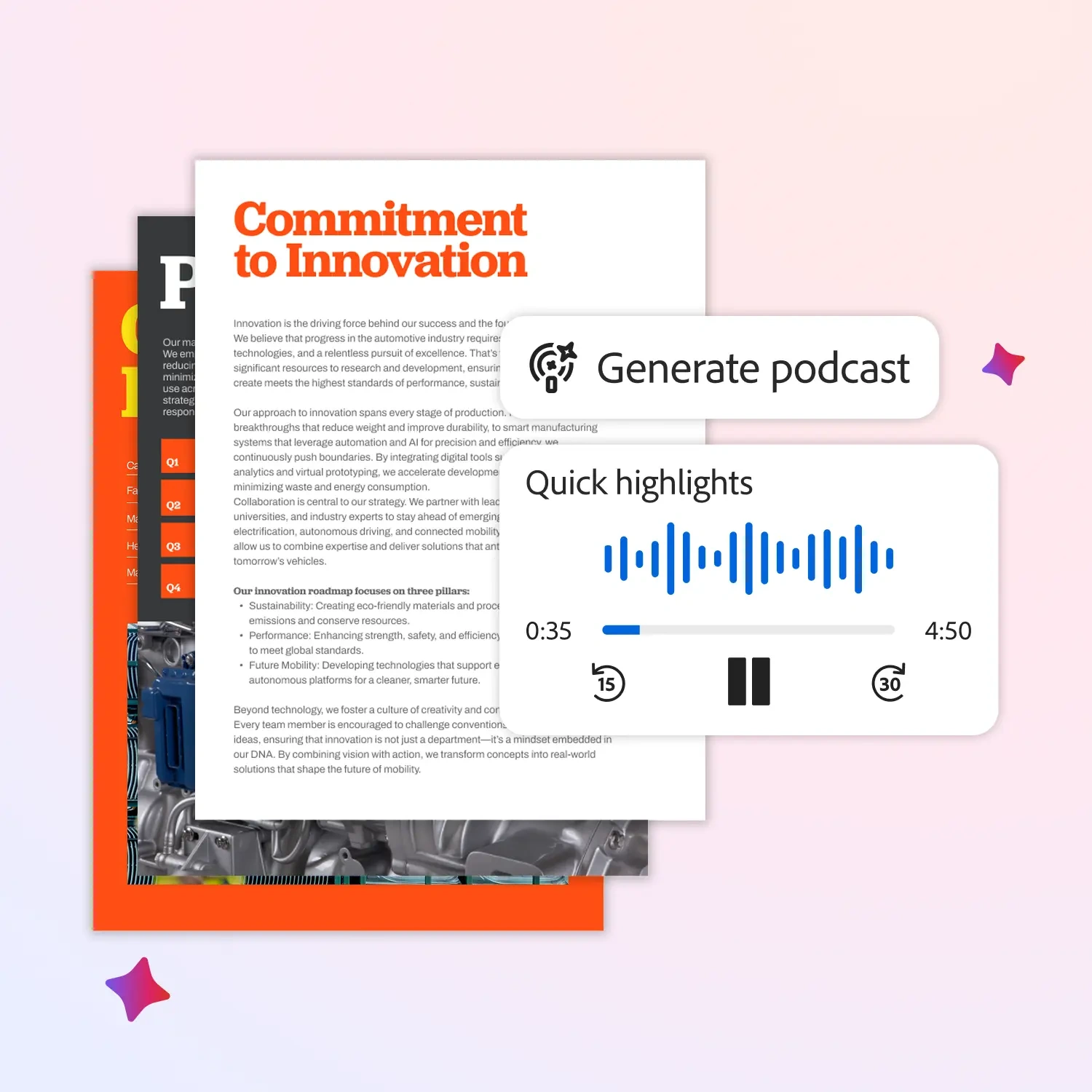
The update builds on Adobe’s broader push to integrate AI across its productivity tools, positioning Acrobat as more than a PDF viewer. With the new capabilities, users can quickly repurpose long documents into formats better suited for meetings, sharing, or learning, without leaving Acrobat.
At the center of the update is AI assistance that understands document structure and intent. Users can now generate presentation-ready outlines, conversational summaries, or audio-style content directly from PDFs. Adobe says this helps reduce the time spent rewriting or reformatting information that already exists in documents.
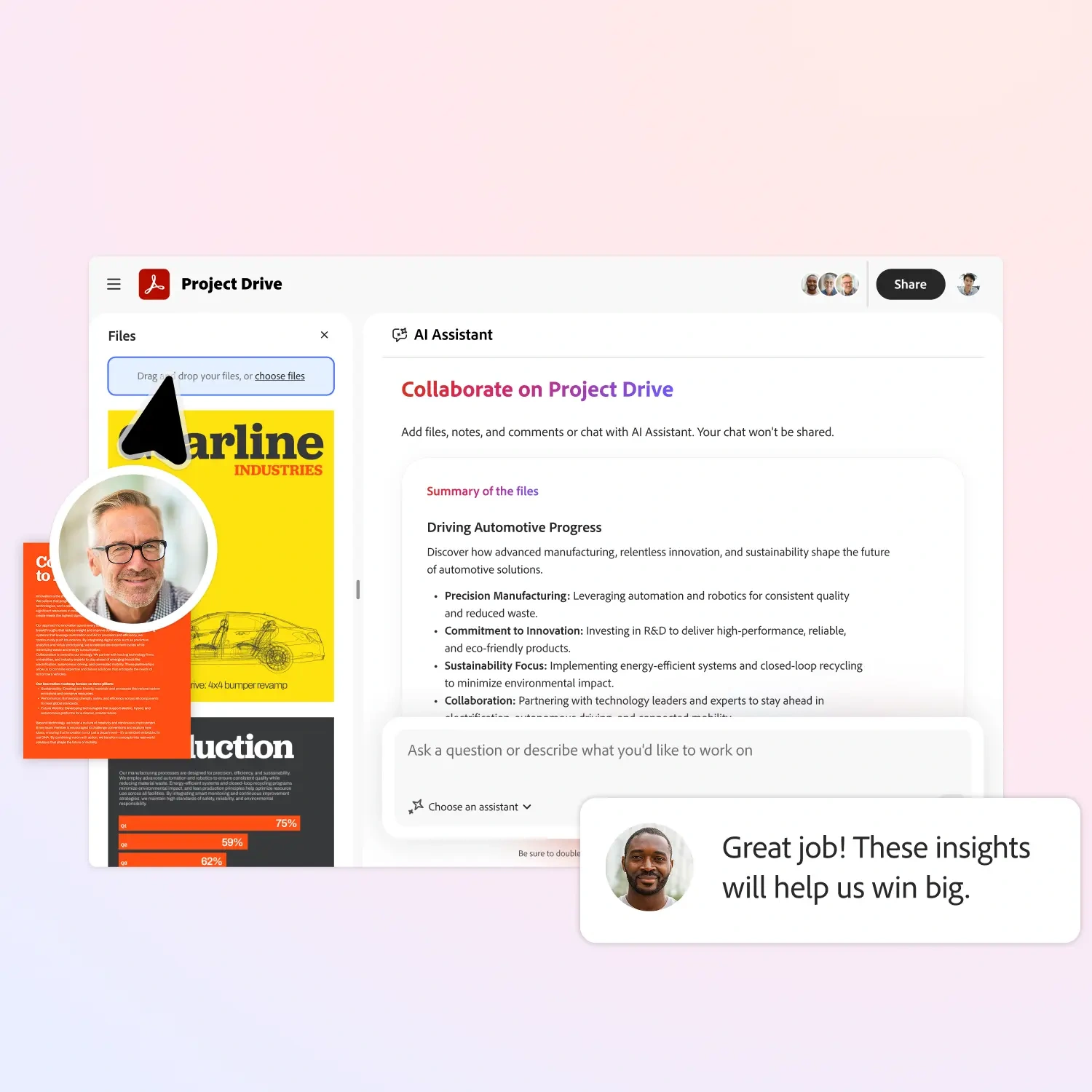
Acrobat’s AI can also help users ask questions about complex PDFs, surface key insights, and extract relevant sections for reuse. For professionals working with reports, research papers, or long-form documents, the goal is to move faster from reading to action.

Adobe emphasized that the features are designed to fit into real workflows. For example, a report can be turned into a presentation for a meeting, or a document can be converted into a podcast-style summary for listening on the go. Editing tools powered by AI also make it easier to update text, reorganize content, and refine documents without manual copy-paste work.
The company said these updates are particularly useful for knowledge workers, students, and teams that rely heavily on PDFs to communicate and collaborate.
The new AI-powered Acrobat features are rolling out beginning in January 2026, with availability depending on plan and region. Adobe said it will continue expanding Acrobat’s AI capabilities as part of its long-term vision to make documents more dynamic, accessible, and easier to work with.
Source: Adobe
Join the conversation! Your thoughts help the community grow.