

Introduction
In my previous article, I talked about FTP local hosting and now I'm explaining further how to implement FTP in a C# application. In this tutorial, I will play with a FTP class.
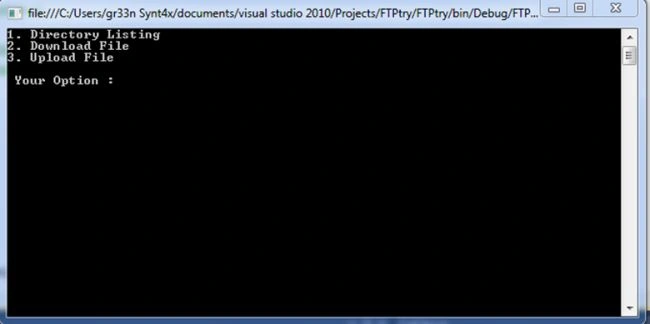
In brief, we create a FTP connection then start exploring the Directory list, then download a file from or upload a file to the FTP server. 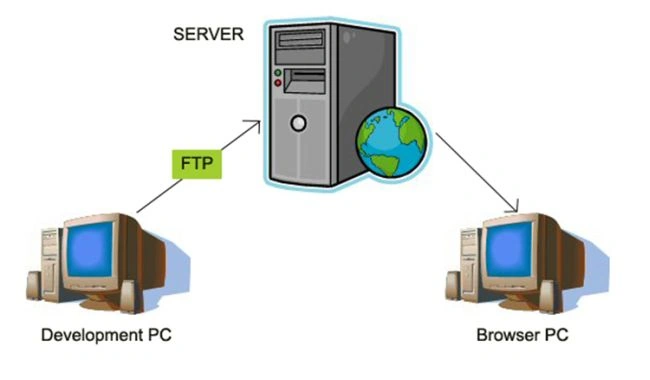
Background
In background, you need a FTP host, either locally or remotely. So, you have a host name, a user name and a word of that. It is good if you know the port number of your host (port 21 is the default for FTP).
Procedure
Step 1
Start a Console Project in C# and create a new class inside the same namespace.
I have named it FtpClient { … }.
Within that, we have three private fields of string type.
string _hostName;
string _userName;
string _word;
And, for their value assignment we have constructed a three argument constructor.
public FtpClient(string hostName, string username, string word)
{
_hostName = hostName;
_userName = username;
_word = word;
}
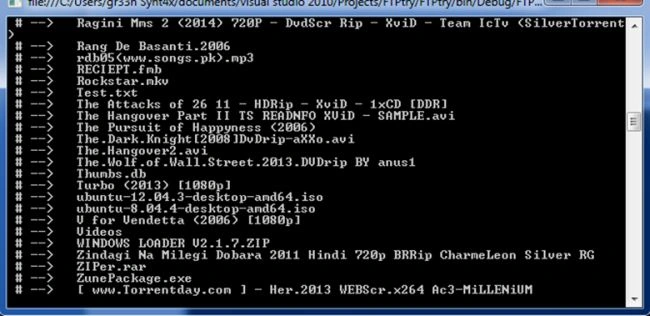
Now, we will try to list all the directories / files in the FTP host.
In C# code, it will look like:
public List<string> DirectoryListing()
{
// Sent Request
FtpWebRequest request =(FtpWebRequest) WebRequest.Create(_hostName);
//Specify the resuest Type
request.Method = WebRequestMethods.Ftp.ListDirectory;
//Set Username and word
request.Credentials = new NetworkCredential(_userName, _word);
FtpWebResponse response = (FtpWebResponse)request.GetResponse();
Stream responseStream = response.GetResponseStream();
StreamReader reader = new StreamReader(responseStream);
List<string> result = new List<string>();
while (!reader.EndOfStream)
{
result.Add(reader.ReadLine());
}
reader.Close();
response.Close();
//Last, sent the recevied directory Listcl
return result;
}
For listing I created a DirectoryListing( ) method with a generic List<string> return type.
In the first line, it will ask for a web request that set up a connection between the client and the server.
The second line specifies the kind of job that the client wants to execute on the Server. So, we have defined ListDirectory, since we want the details of the directories and files.
Then, we assigned a network Credentials (in other words Authentication Process) by taking username and word as an argument.
And we defined a Web Response instance to accept a response from the server that uses the GetResponse() method.
To do this, we need a Stream between the Server and the Client.
For that, we have defined a Stream object and further a StreamReader to read those responses.
And now we create a generic list of string type to list the directory.
Using a while loop, we added the values to the generic list. Finally we return that list to the calling method.
Step 2
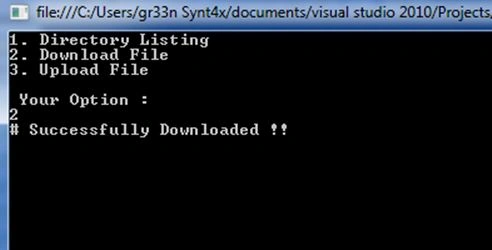
Second, we want to download a file from the FTP host to the local computer and it can be done by the DownlodFile property in the WebRequestMethod class.
public bool Download(string file,string destination)
{
try
{
Sherif AlfyPosted Dec 3, 2017, 10:33 AM
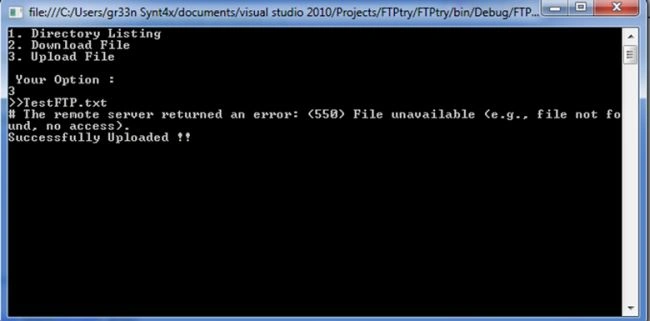
Whats the solution of the upload error ? 500 file not found