
Introduction
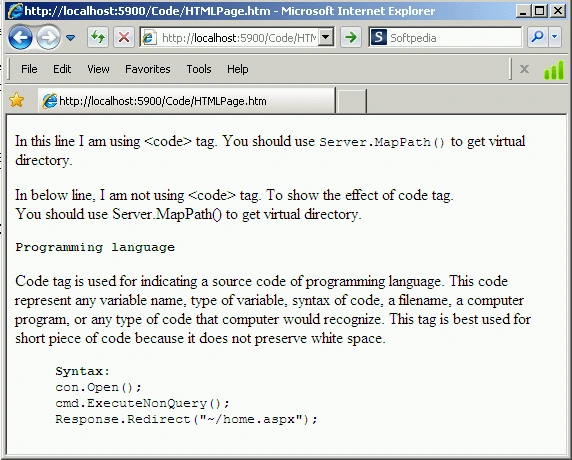
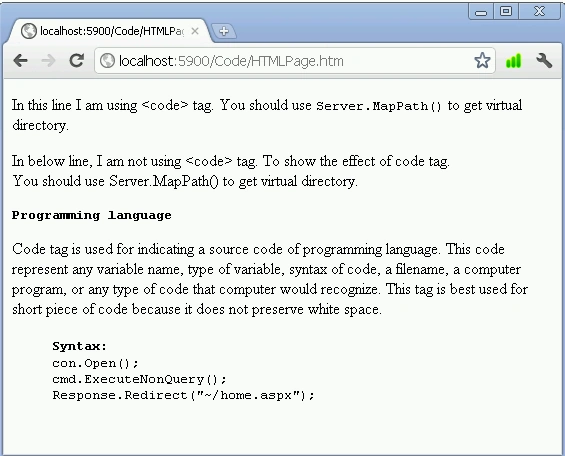
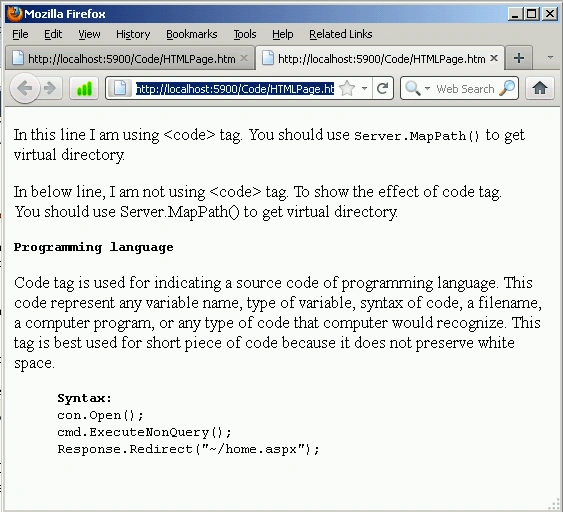
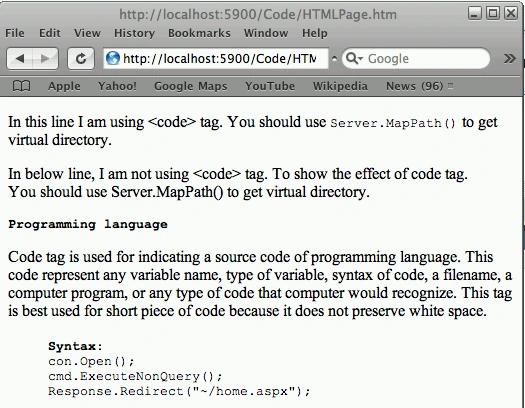
The Code tag is used for indicating the source code of a programming language. The code tag represents any variable name, type of variable, a filename, a computer program, or any type of code that a computer would recognize. This tag is best used for short pieces of code because it does not preserve white space.
Syntax
<cite
class=class namesid=specify unique id
style="style information > </cite>
| Attributes Introduced by HTML5 |
| accesskey |
| contenteditable |
| contextmenu |
| data-X |
| draggable |
| hidden |
| itemid |
| itemprop |
| itemref |
| itemscope |
| itemtype |
| spellcheck |
| tabindex |
|
HTML5 Event Attributes
|
||
| onabort | onblur | oncanplay |
| oncanplaythrough | onchange | onclick |
| oncontextmenu | ondblclick | ondrag |
| ondragend | ondragenter | ondragleave |
| ondragover | ondragstart | ondrop |
| ondurationchange | onemptied | onended |
| onerror | onfocus | onformchange |
| onforminput | oninput | oninvalid |
| onkeydown | onkeyup | onload |
| onkeypress | onloadeddata | onloadedmetadata |
| onloadstart | onmousedown | onmousemove |
| onmouseout | onmouseover | onmouseup |
| onmousewheel | onpause | onplay |
| onplaying | onprogress | onratechange |
| onreadystatechange | onscroll | onseeked |
| onseeking | onselect | onshow |
| onstalled | onsubmit | onsuspend |
| ontimeupdate | onvolumechange | onwaiting |
Join the conversation! Your thoughts help the community grow.