

Introduction
This article explains the accessibility of OAuth 2.0 in the ASP.NET MVC 5 Web Application. We can use various types of external authentication providers like Facebook, Google, Microsoft and Twitter in MVC 5 applications to log in.
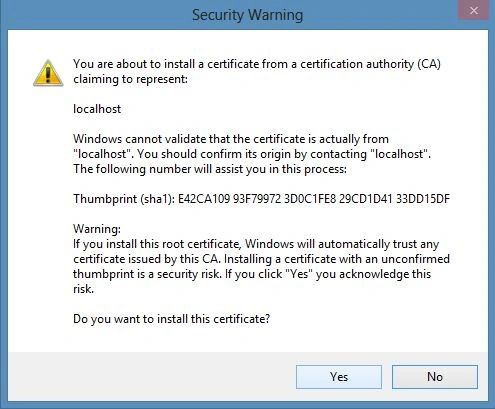
In the same context, I am very excited to describe that now you will not receive any type of SSL Certificate warnings when you enable SSL for the MVC application. Previously while enabling the SSL in the MVC application, the browser like IE, Chrome and Firefox showed a SSL Certificate warning. You can refer to Working with Facebook in MVC and check out in the Step 8 of Creating and Working with Facebook App as in the following screenshot:

With the use of the following article you will not receive the SSL Certificate Warning in most browsers including IE and Chrome. Firefox will show the warning because Firefox uses its own certificate store, so it will display the warning. We'll see it later in this article.
So, let's develop the application to work with the external providers. Here I am also describing how to develop the app on Google and authenticating the MVC application by the app on Google. Please use the following procedure:
- Creating ASP.NET MVC 5 Web Application
- Enabling and Setting Up the SSL
Creating ASP.NET MVC 5 Web Application
In this section you will create the web application in the Visual Studio 2013 using the following procedure.
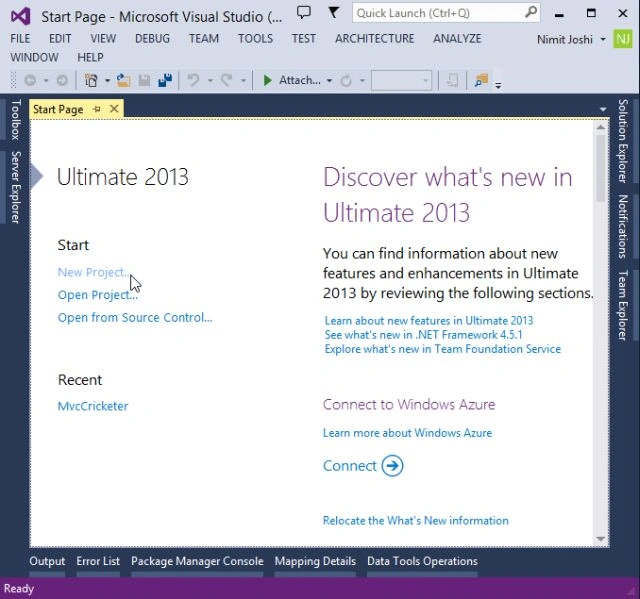
Step 1: Open Visual Studio 2013 and click on "New Project".
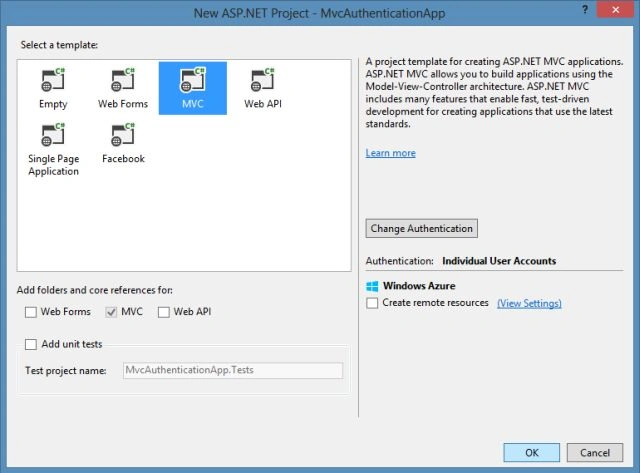
Step 2: Select the ASP.NET Web Application and enter the application name.

Step 3: Select the MVC Project Template to develop the application.
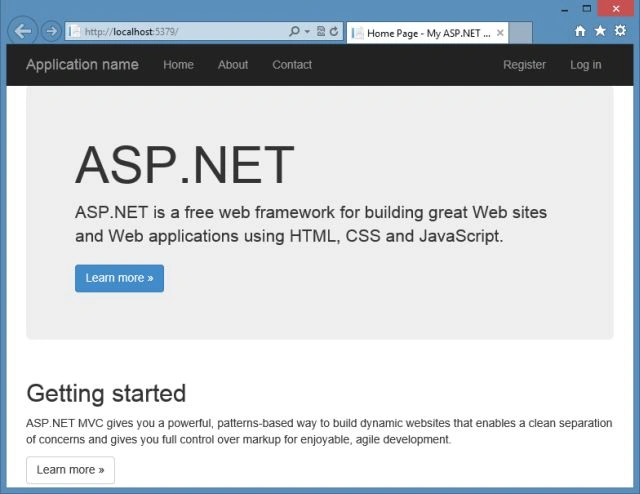
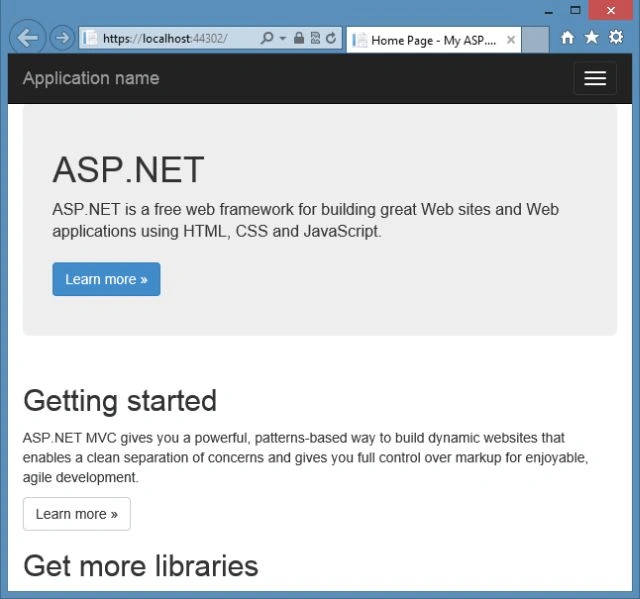
Visual Studio automatically creates the MVC 5 application and you can execute the application by ressing Ctrl+ F5 or F5.
Enabling and Setting Up the SSL
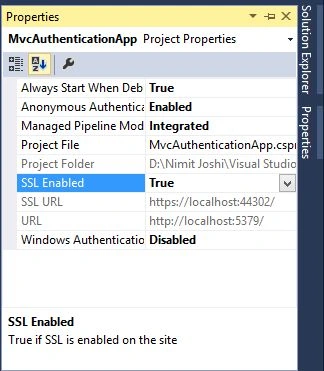
We need to set up the IIS Express to use SSL to connect with the external authentication providers like Google and Facebook. It's important to contiinue using SSL after login and not drop back to HTTP, your login cookie is just as secret as your username and password and without using SSL you're sending it in clear-text across the wire.




Prakash ChasiyaPosted Jun 22, 2018, 1:36 AM
Nice........