
A Few Simple Tags in HTML5
<b> tag
This <b> tag is used to display text in bold font style.
Syntax
Example
Attributes Introduced by HTML5
- <b
- class="class name(s)"
- dir="ltr | rtl"
- id="unique alphanumeric identifier"
- lang="language code"
- style="style information"
- title="advisory text"></b>
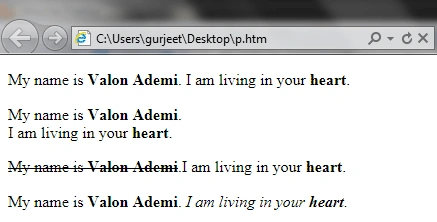
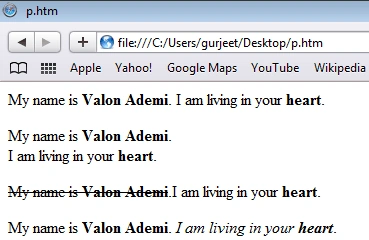
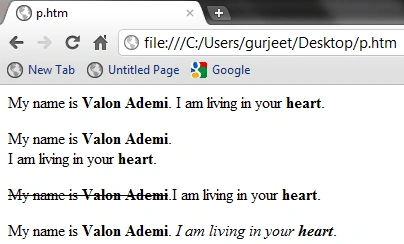
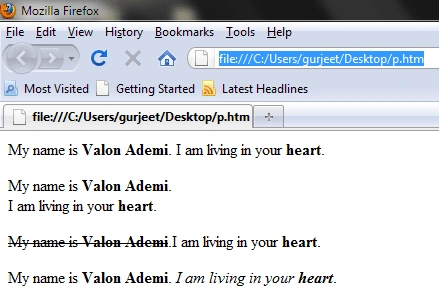
- <p> My name is
- <b>Valon Ademi</b>. I am living in your
- <b> heart</b>.
- </p>
- accesskey="spaced list of accelerator key(s)"
- contenteditable="true | false | inherit"
- contextmenu="id of menu"
- data-X="user-defined data"
- draggable="true | false | auto"
- hidden="hidden"
- itemid="microdata id in URL format"
- itemprop="microdata value"
- itemref="space-separated list of IDs that may contain microdata"
- itemscope="itemscope"
- itemtype="microdata type in URL format"
- spellcheck="true | false"
- tabindex="number"
<br> tag
This <br> tag is used for a line break and it is an empty tag; as some other tags are, it has no end tag.
If you use </br> as an end tag, you will get an error.
Syntax
- <br
- class="class name(s)"
- clear="all | left | none | right" (transitional only)
- id="unique alphanumeric identifier"
- style="style information"
- title="advisory text">
- <p> My name is
- <b>Valon Ademi</b>.
- <br> I am living in your
- <b> heart</b>.
- </p>
Join the conversation! Your thoughts help the community grow.