

This is a series of articles for SQL server bug fixes:
- A Fix To PolyBase Issue In SQL Server 2019 Developer Edition
- A Fix To SQL Server Error 1069 - The Service Did Not Start Due To A Login Failure --- this article
- A Fix to SQL Server Error 18456 - Login Failed
Usually, we install SQL Server by default, it works just fine. However, in some special situation, that might be caused by security settings, one cannot open SQL Server database by Windows account. This article gives a fix to the problem.
Problem
You cannot auto start your SQL Server database, then try to start SQL server database from service,
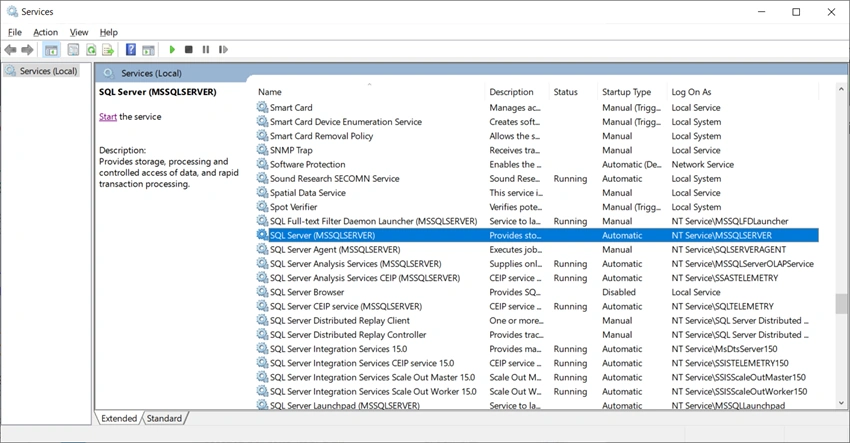
Locate SQL Server, and Click Start on the left and top corner, however, you get an error message,
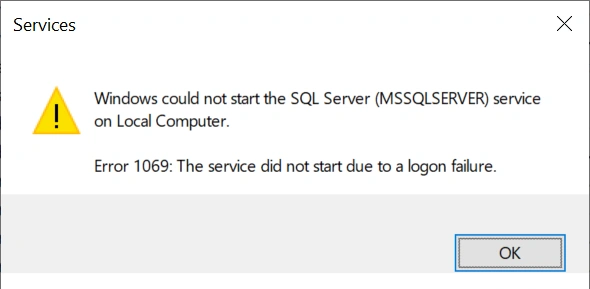
Fix
Right Click SQL Server in Service:
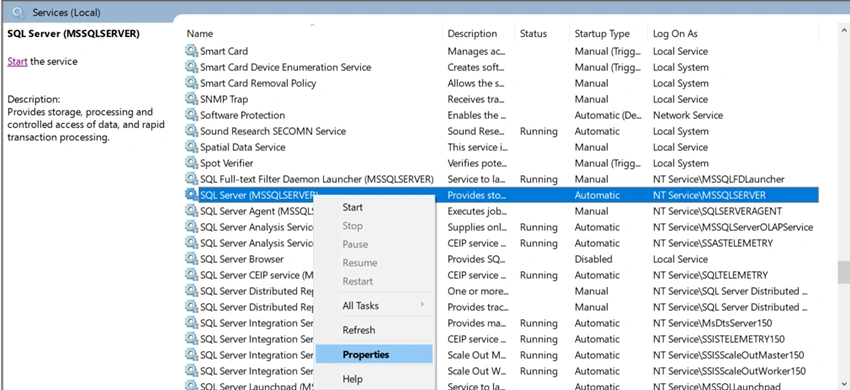
Click Properties to open,
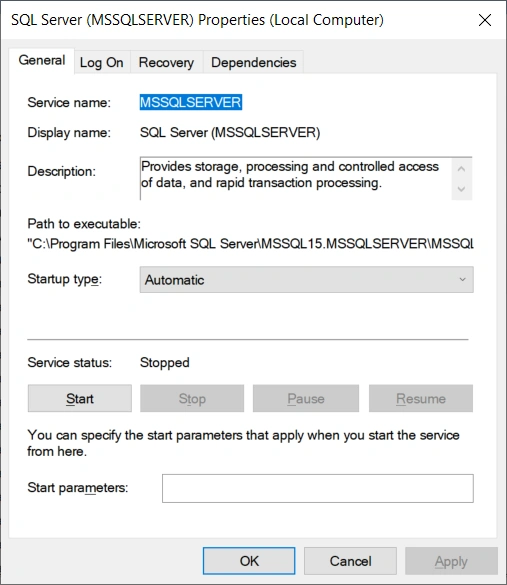
Click Logon Tab,
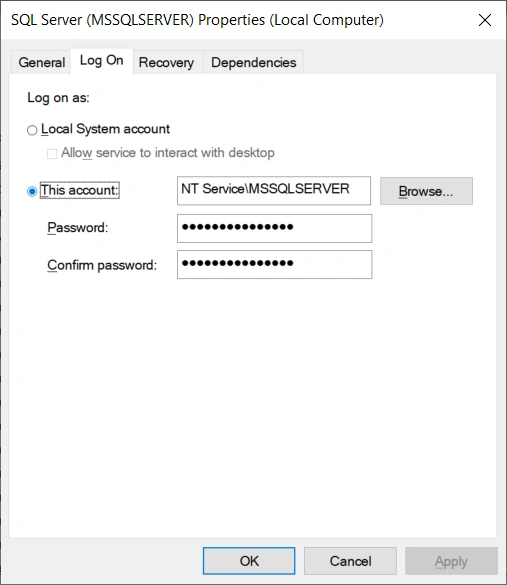
Choose Local System Account,
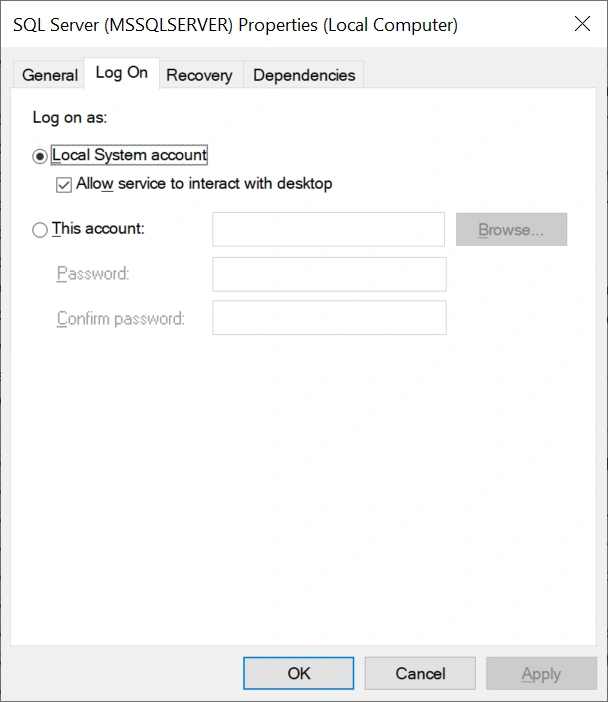
Click OK to save. Then, Click Start again,
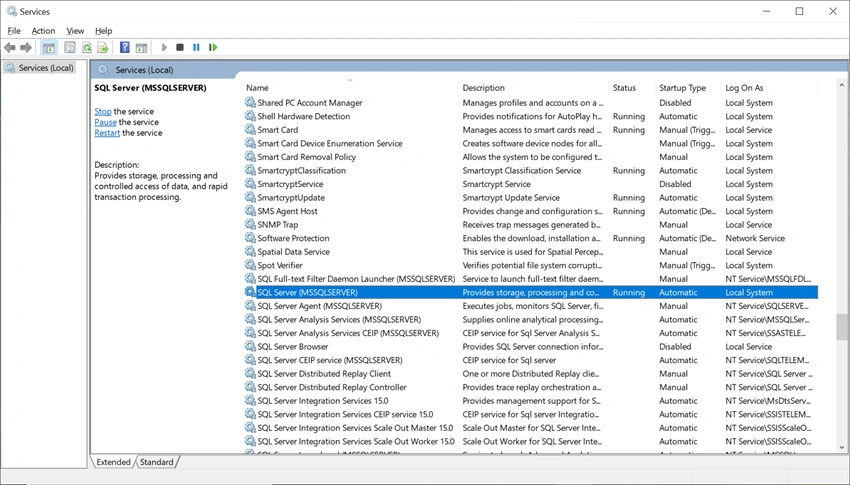
You fixed the problem.
Join the conversation! Your thoughts help the community grow.