

Introduction
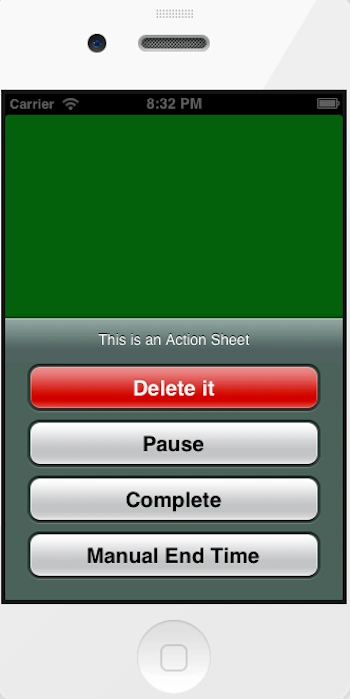
In this article I will create a Single View application. I will implement an action sheet. For this we write code in the ViewController.m Objective-C class.
To understand it we use the following.
Step 1
Open XCode by double-clicking on it.
Step 2
Create a New XCode Project by clicking on it.
Step 3
Now Select Single View Application and click on Next.
Step 4
Now provide your Product Name and Company Identifier.
Step 5
Select the location where you want to save your project and click on Create.
Step 6
Now here we write the code.
ViewController.h
#import <UIKit/UIKit.h>
@interface ViewController : UIViewController
@end
ViewController.m
Sachin BhardwajPosted Feb 24, 2013, 5:01 AM
Thanks Mr. Sazid
Sazid MauhammadPosted Feb 22, 2013, 11:39 AM
nice article