

Introduction
In this article, I have explored how to add links represented as headings in the Quick Launch area of the user interface using REST API. Here, we tried to add custom navigation node corresponding to the links in the Quick Launch area of the site using REST API using jQuery.
Prerequisites -
/_api/web/Navigation/QuickLaunch
Scenario
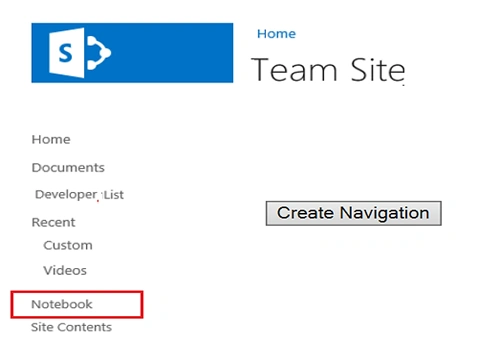
I have created the host site and have by default added multiple Quick Launch navigation nodes. Now, let’s say we want to add one Custom navigation nodes ‘’Notebook” in the Quick Launch (i.e., Left Navigation).
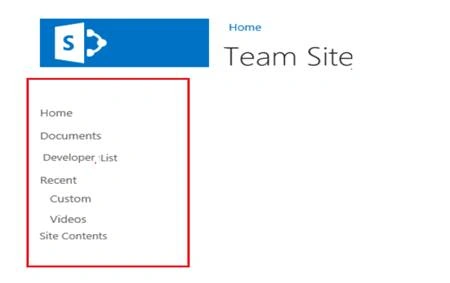
Objective
I have added one custom navigation node ‘’ Notebook” to the Quick Launch (i..e Left Navigation) on button click.
Use the procedure given below.
Step 1
Navigate to your SharePoint 2013 site.
Step 2
From this page, select Site Actions | Edit Page.
Edit the page, go to the "Insert" tab in the ribbon and click "Web Part" option. In the Web Parts picker area, go to the "Media and Content" category, select the Script Editor Web Part, and press the "Add" button.
Step 3
Once the Web Part is inserted into the page, you will see an "EDIT SNIPPET" link; click it. You can insert HTML and/or JavaScript, as shown below.
Netaji JunghariPosted Dec 22, 2021, 5:36 PM
Same as above but if I create a list and added "Notebook" as a item. Them how I get that item (Notebook) and display in site page quick link.