

Welcome to an article on how to assign a task in SharePoint 2013 and Office 365 using Nintex Workflows.This article will display the action “Assign a Task” so that all my developer friends don’t have to spend much time and effort while using this function in their projects.
This action assists you to assign a Task to the user using workflow. Let’s see the implementation of this functionality.
- Create a list, Dev Testing.
- Click on the List tab on the Top ribbon and click on Nintex Workflow.

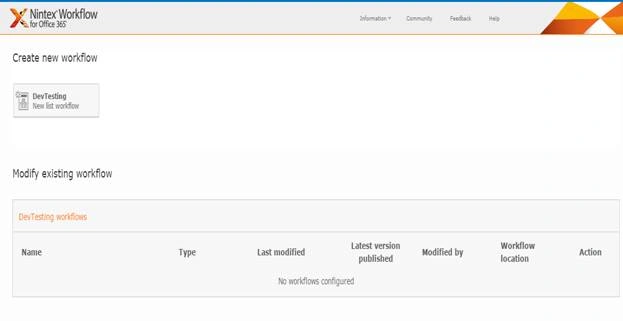
- You will see the following screen to create a new workflow.
- Click on “Create new workflow”.
- You will come to the design phase of the Nintex workflows.
- Add the action, “Assign a task” either by right clicking on the workflow or by dragging and dropping from the left toolbox.

- Now let’s configure it.
- When you double click on the action the following screen opens up.
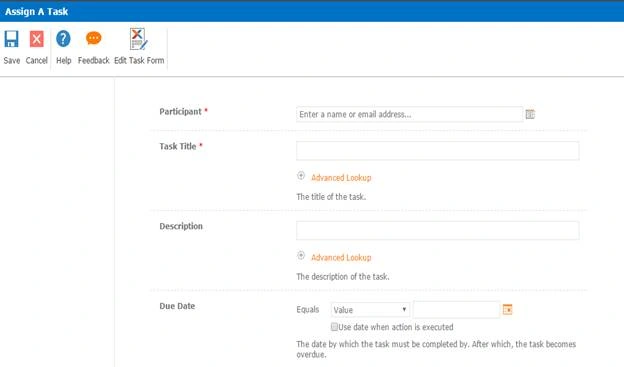
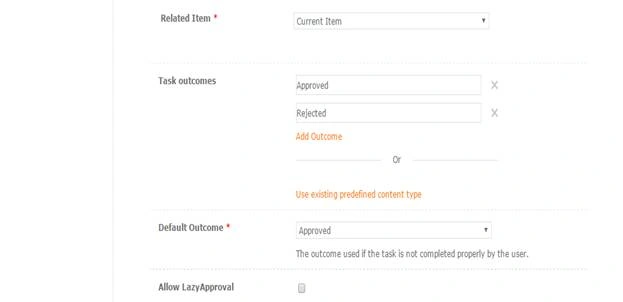

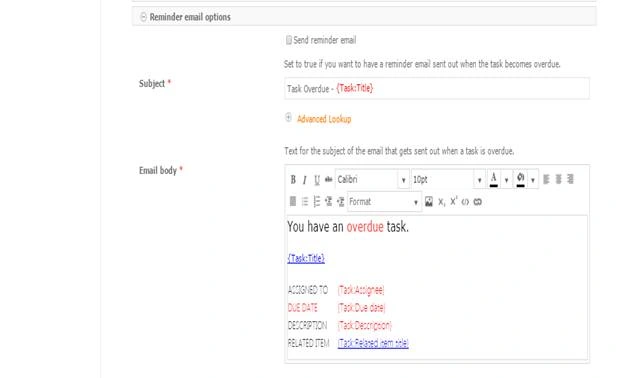
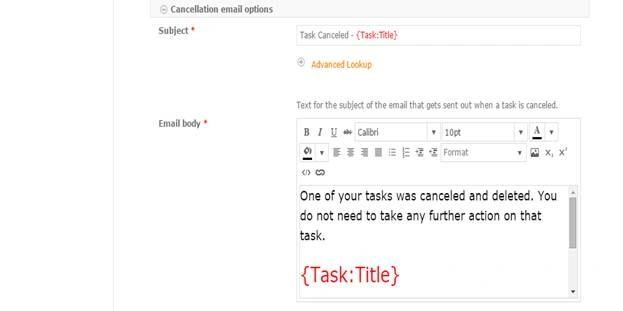
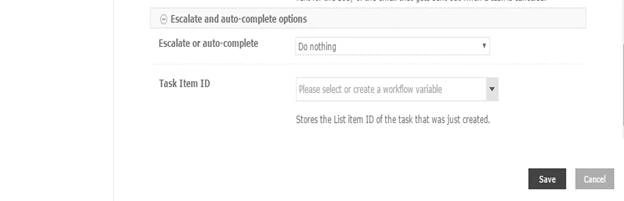
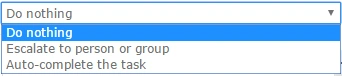
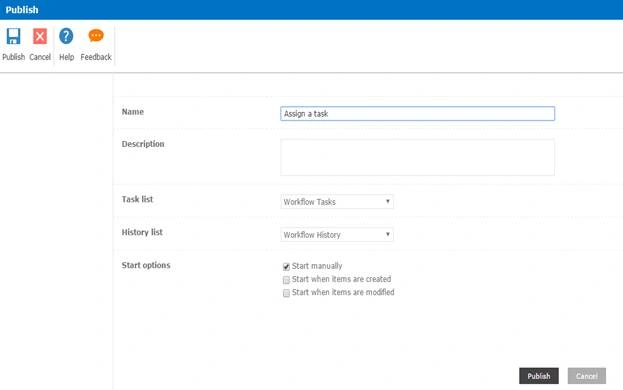
Configure:
- Participant: Assign the users whom you want to make as a participant to receive tasks.
- Task Title: Provide a title to the task.
- Description: Provide a description to the task.
- Due Date: Provide a due date to the tasks.
- Related Item: Select if it is a current item or an item in a different list or library.
- Task outcomes: You can choose the outcome of the task as ‘Approved’ or ‘Rejected’ depending on the outcome you want and you can even create custom outcomes.
- Default Outcome: You can select what should be the default outcome if the task has an error.
- Allow Lazy Approval: It allows you to reply in user language as approve or reject and the workflow will pick up the matching outcome.

Suny AbrahamPosted Sep 17, 2021, 12:51 PM
Need to add additional fields into Assign a Task Form : . The fields are added in the Nintex Task List, However they are not getting reflected.
Rupali ShindePosted Feb 23, 2016, 5:16 AM
Nintex with task , thanks for sharing
Mohammed IbrahimPosted Feb 19, 2016, 2:50 PM
nice
Sibeesh VenuPosted Feb 18, 2016, 12:09 AM
Nice Share
Shubham KumarPosted Feb 18, 2016, 12:08 AM
nice article
Abhay ShankerPosted Feb 17, 2016, 11:07 PM
Nice One..
Kumaresh RajalingamPosted Feb 17, 2016, 7:40 PM
Nice share