

This article will give you a basic idea about how to create Azure Function App to run powershell Scripts and return output in required format.
To create a Function App you should have an Azure subscription (Free or Paid).
Login to Azure Portal.
After logging on to the landing page, go to All Resources or More Services (I selected more services).

Select Function App.
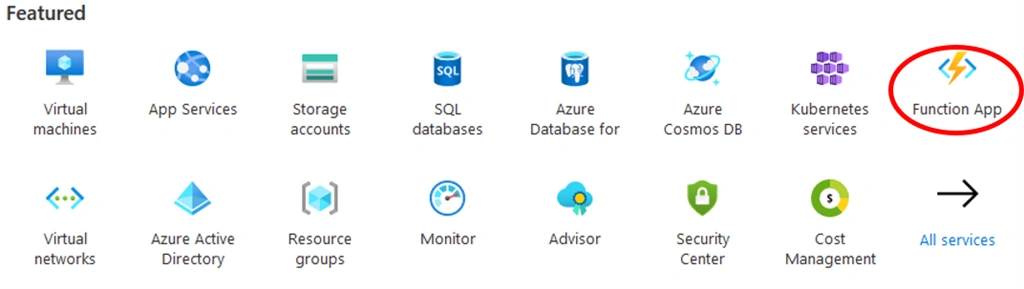
Click on Add, Function App Details
|
1.
|
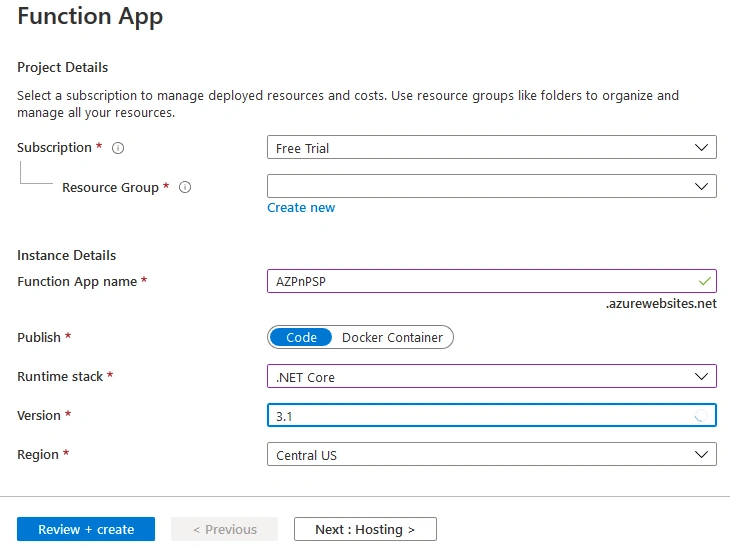
Select Subscription: (If you are using free trail the select Free Trial)
|
 |
|
2.
|
Select Resource Group (If already created select Existing or create new one)
|
|
|
3.
|
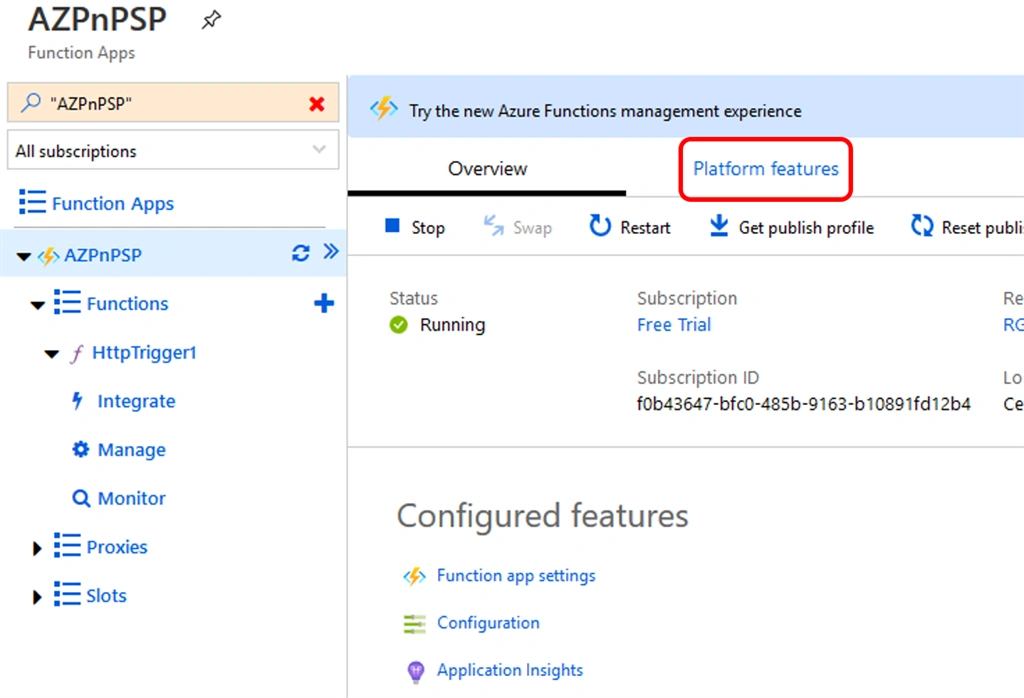
Give name to Function App (In our case I am giving name as “AZPnPSP”
|
|
|
4.
|
Select Publish “Code”
|
|
|
5.
|
Select Runtime Stack “.NET Core”
|
|
|
6.
|
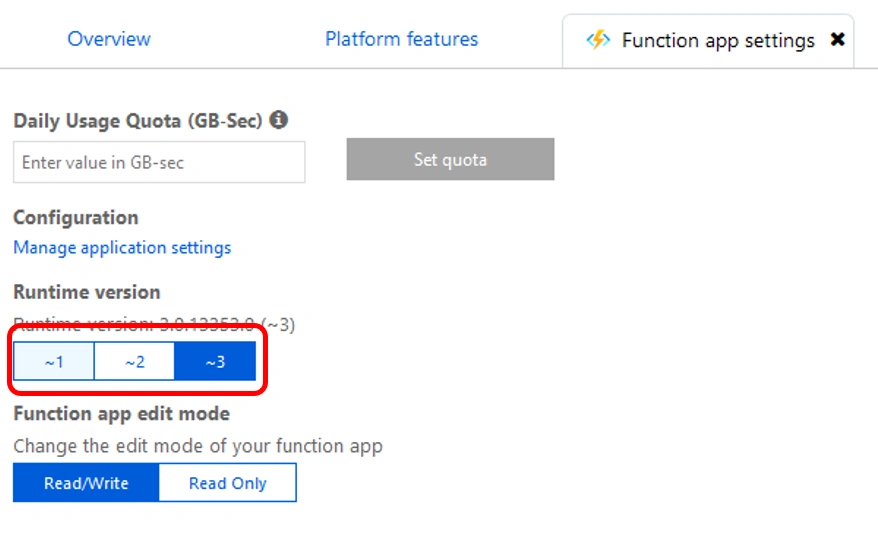
Select Version “3.1”
|
|
|
7.
|
Select Region (Region near to your locations)
|
Join the conversation! Your thoughts help the community grow.