

Introduction
This article demonstrates how to build the CastleDoodle game in the HTML5 Platform “GDevelop” Software. Games exported with GDevelop are based on a native and HTML5 platform, and it's a cross-platform game creator.
Prerequisites
“Gdevelop” Software Environment version 4.0 (Free).
Exercise 1. Click on -> File, open a New Folder, then you will see.
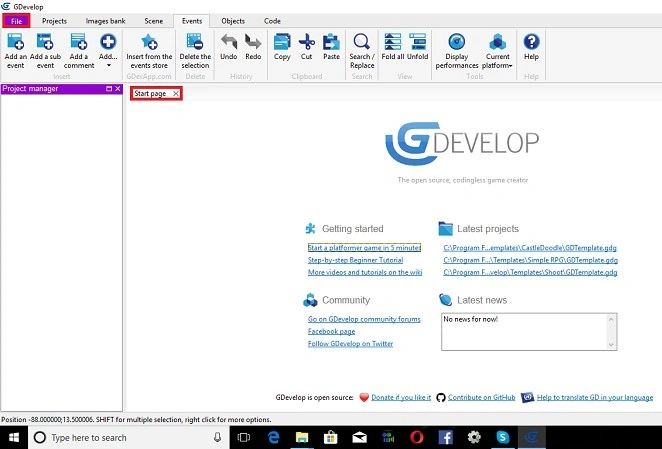
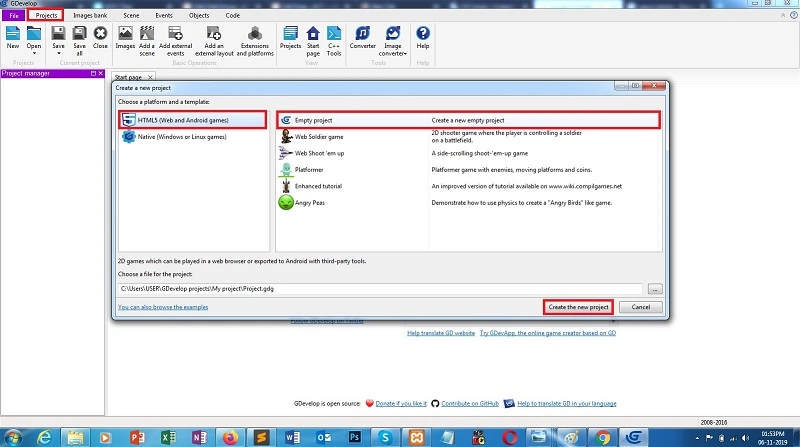
Exercise 2. Click Project -> New, Select -> HTML 5 Platform.
Open -> Empty Project and then create the new project. We can see this in the following template
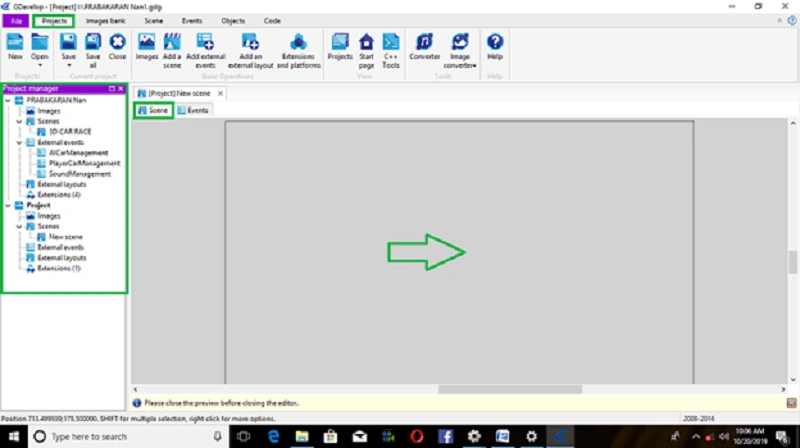
Step 1. Now, to open a new scene, we need to open and set the following conditions.
Default set conditions,
- Scene
- Events
Right-hand side, Object editor.
Click on the -> object bar and then Open -> Add an Object.
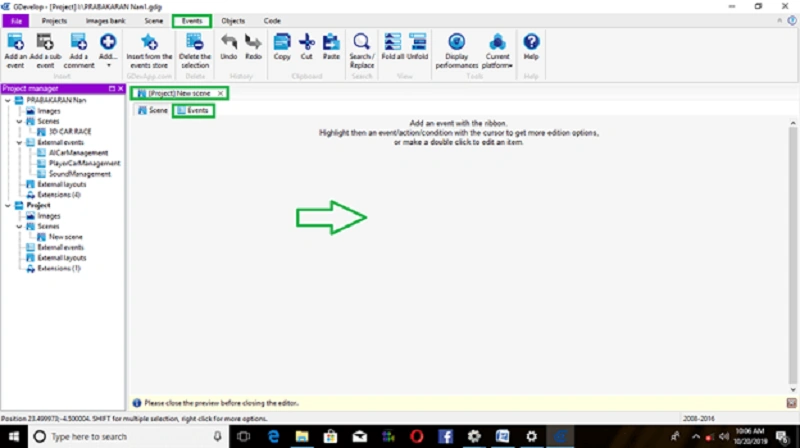
Events -> how to object performs construct event conditions, given below.
Insert Player Object
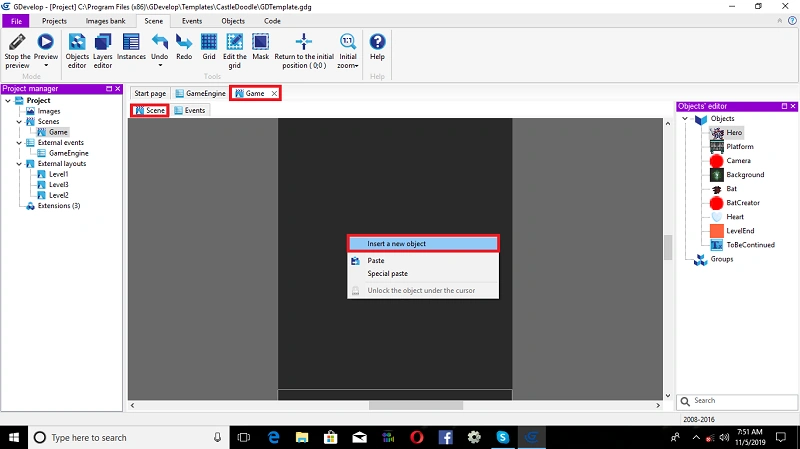
Open scene condition, Right-click on -> window stage,
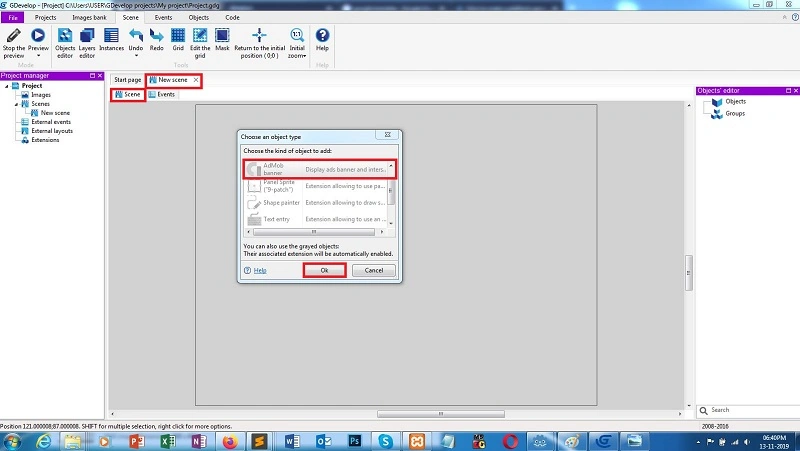
A dialog box will appear and then, select -> insert a new object.
Click on -> Sprite -> insert object,
Open the object type window and select ->(hero) Player Object. After Click->Ok
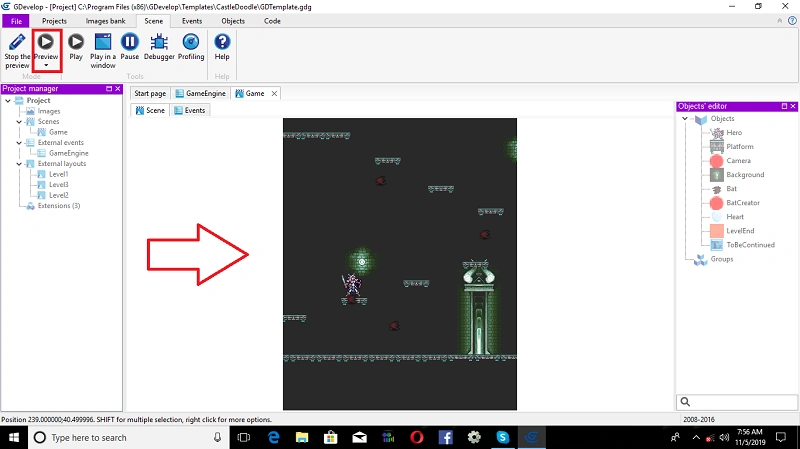
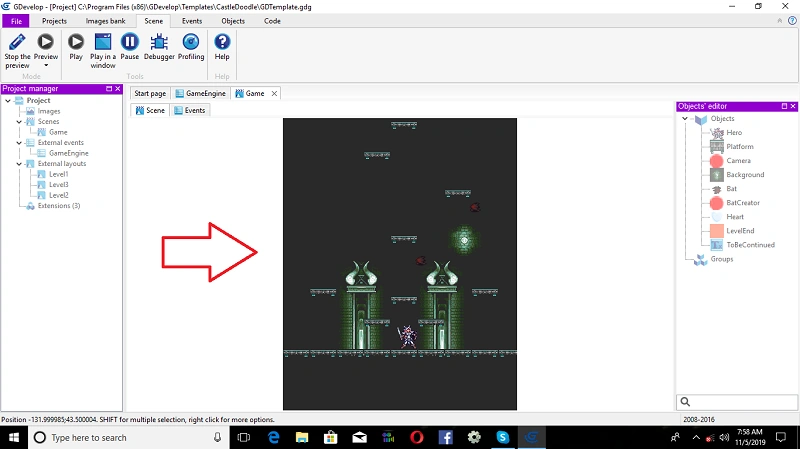
Below are all the steps to this game.
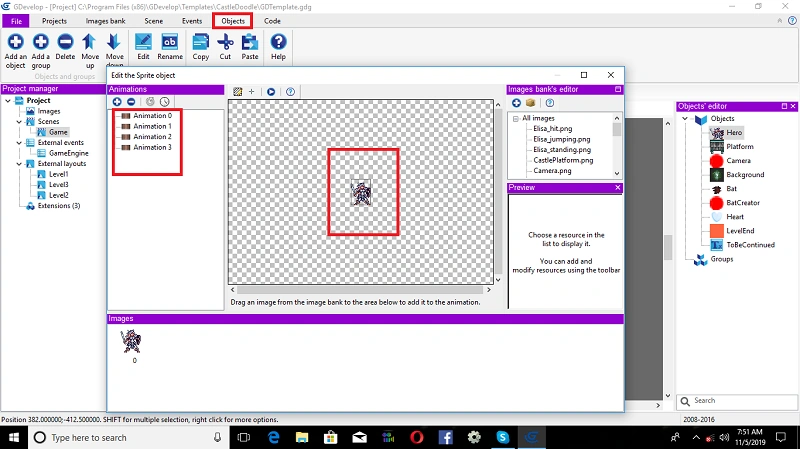
Animation Object Editor
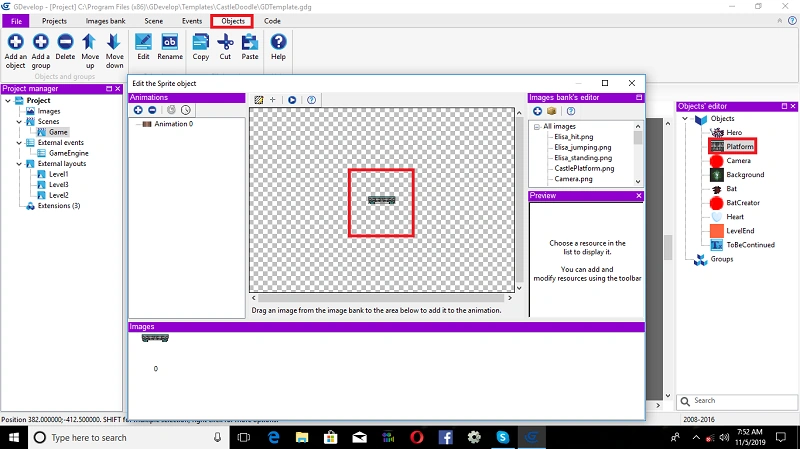
Now object editor is added to the animation, but still, no animation images appear. should add a player object image,
Drag an image from the image bank to the area below to add it to the animation. You can add and modify resources using the Animation Editor.
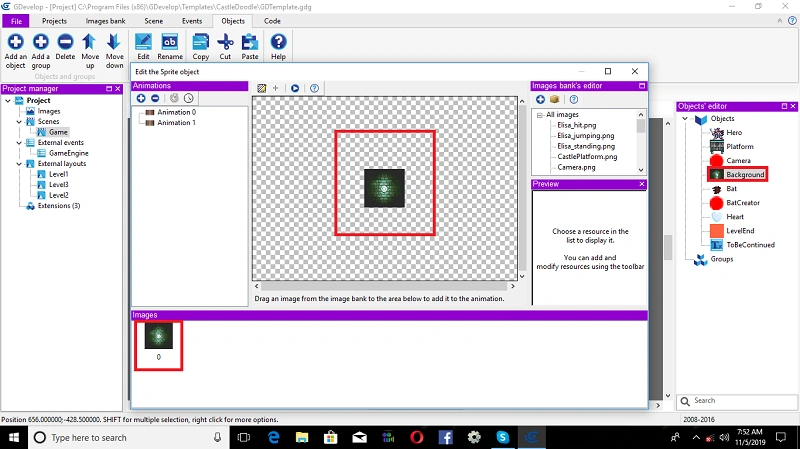
Insert Bat Enemy Object
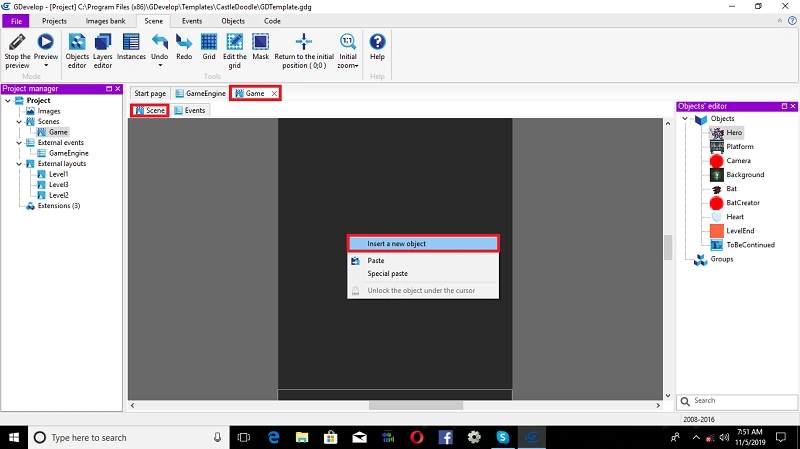
Again, Open scene condition, Right-click on -> window stage
A dialog box will appear and then, select -> insert a new object
Click on-> Tiled background object -> insert object
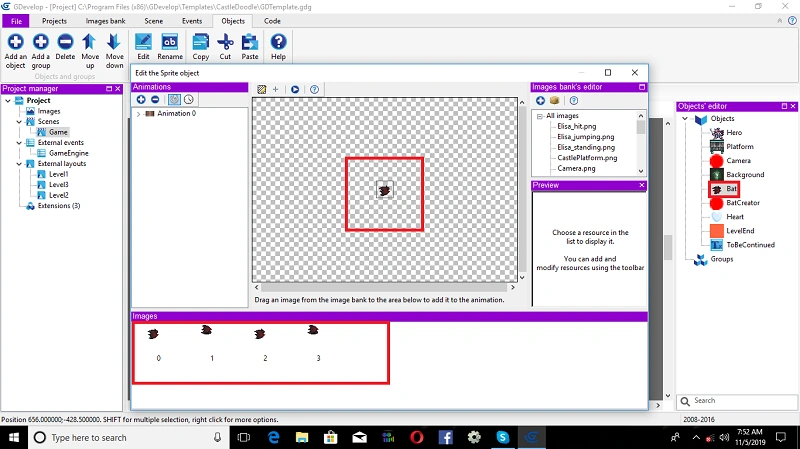
Open object type window, Selec t-> (Bat) Enemy Object. After Click -> Ok
Insert Text Object
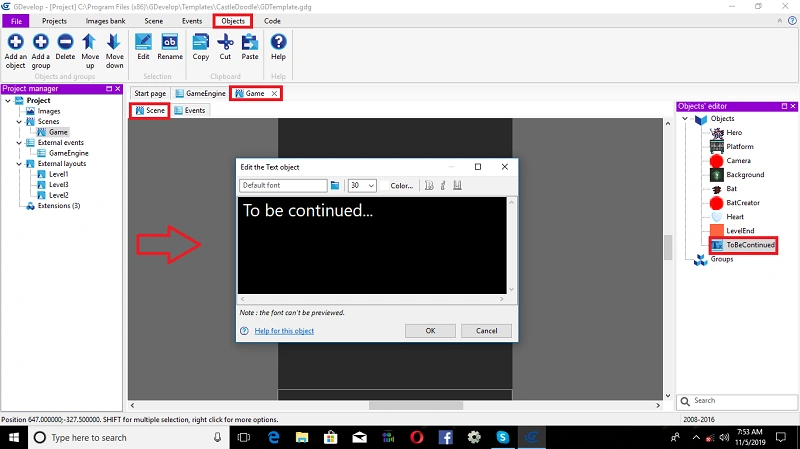
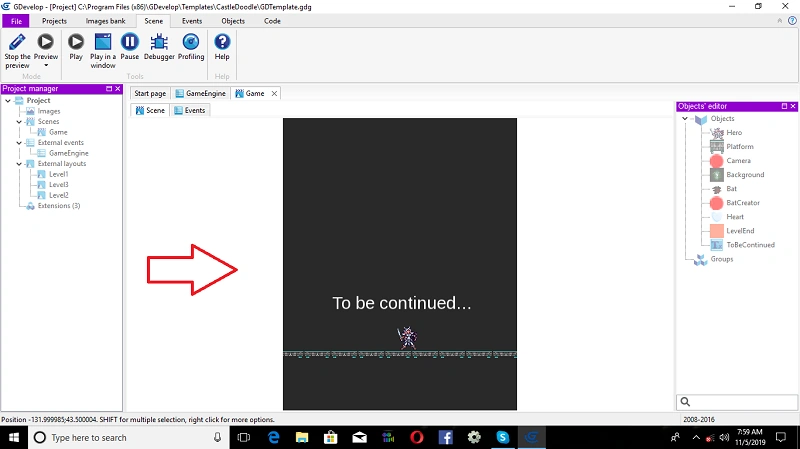
In the current situation, let’s take a look and explain the inserted text object property. It is being changed when we insert it in the scene condition. Right-click on the text object and a property window will appear. We can change the conditions as per our needs predefined by default, such as text Condition( To Be Continued) and radius. Click -> OK.
Join the conversation! Your thoughts help the community grow.