

Introduction
When creating the UI part in any Web Application we encounter many situations where we have to center a DIV inside another DIV. We have a lot of ways to center the child Div but some are not responsive and change their position according to the screen size which is not a good practice. Here I will show you three different ways to center a Div inside another Div.
What is DIV
Div is a division tag in HTML. The div tag is used to create a section in our content. If we need to put our HTML content in different sections then we use a div tag to divide them. It is a block-level element. Block-level elements take up the full width of the page and the next content starts from the next line just like a new paragraph start from the next line. The division tag is used with the div keyword inside angular braces <div> and ends with the forward-slash div keyword with angular braces </div>.
What is HTML
HTML stands for Hyper Text Markup Language. It is a markup language that is used to create content on web pages. When we first load any website on the browser all content we see comes from the HTML file. The boilerplate code for any HTML file is given below.
<!DOCTYPE html>
<html lang="en">
<head>
    <meta charset="UTF-8">
    <meta name="viewport" content="width=device-width, initial-scale=1.0">
    <title>Document</title>
</head>
<body>

</body>
</html>
The three important and compulsory tags are <html>, <head>, and <body>. The HTML tag is the main tag and contains all the tags within it. The Head tag contains all the information about the page and the title of the page. The content of the head tag will not be visible to the user. The body tag contains all the content which will appear to the user on the webpage. To learn more about HTML, please refer to html-5-interview-questions article.
What is CSS
CSS stands for Cascading Style Sheet. CSS is used to style web pages. All the styling like forecolor, background color, font size, position, etc. All the styling is done by CSS on a web page. To learn more about CSS, please refer to css-interview-questions-and-answers article.
Steps to Position a Child DIV
- Create an HTML file with two DIV tags.
- Use CSS to give them height, width, and background color.
- Now center the child DIV inside the parent DIV using three different ways.
Step 1
Create two DIVs as per the below-given code.
<!DOCTYPE html>
<html lang="en">
<head>
    <meta charset="UTF-8">
    <meta name="viewport" content="width=device-width, initial-scale=1.0">
    <title>Document</title>
</head>
<body>
   <div class="parent_div">
       <div class="child_div">
       </div>
   </div>
 </body>
</html>
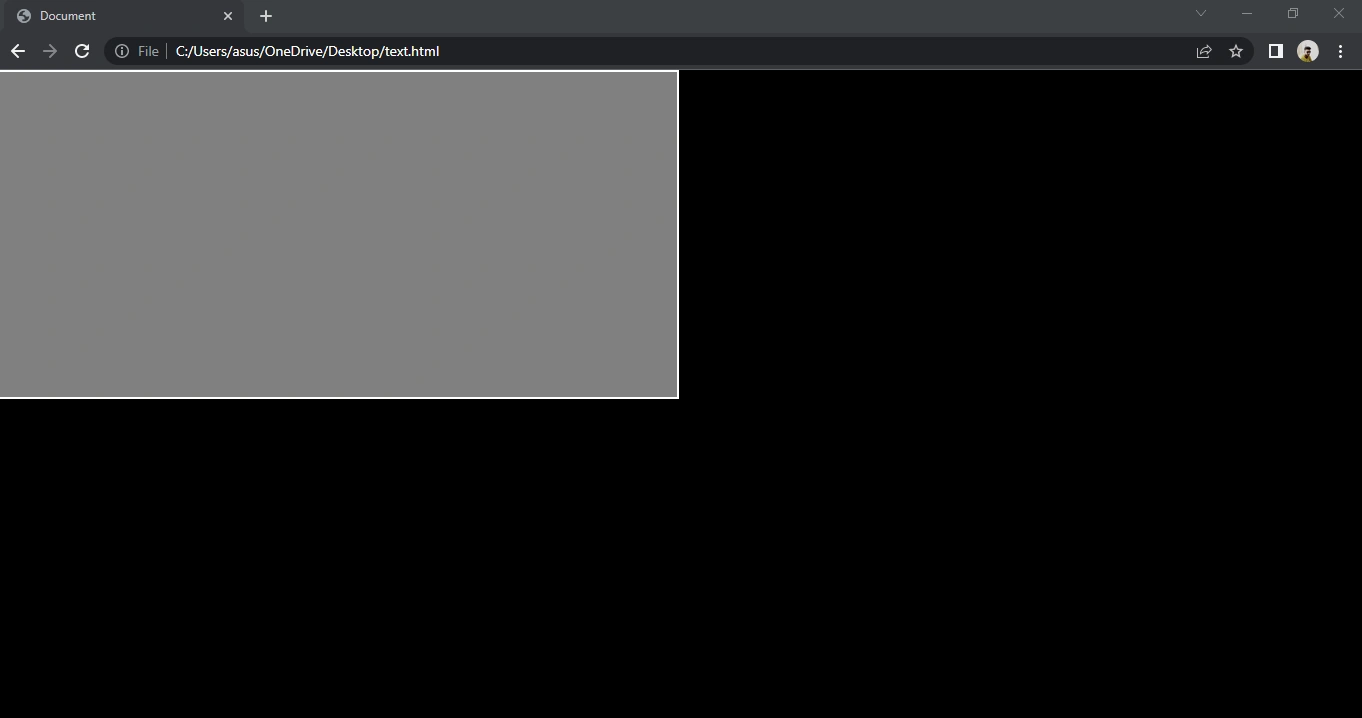
We have two DIV, one with the class name parent_div and the other with the class name child_div respectively. The class attribute is used to uniquely identify them during the styling with CSS.
Step 2
Now we style both the DIV to make them clearly visible and to differentiate between them during the positioning of the child DIV.
*{
    margin: 0;
    padding: 0;
    box - sizing: border - box;
}
.parent_div {
    background: black;
    height: 100 vh;
    width: 100 vw;
}
.child_div {
    background: grey;
    height: 50 vh;
    width: 50 vw;
    border: 2 px solid white;
}
Output
Step 3
We have three different ways to center a child DIV
- Using position property
- Using flexbox property
- Using display grid property
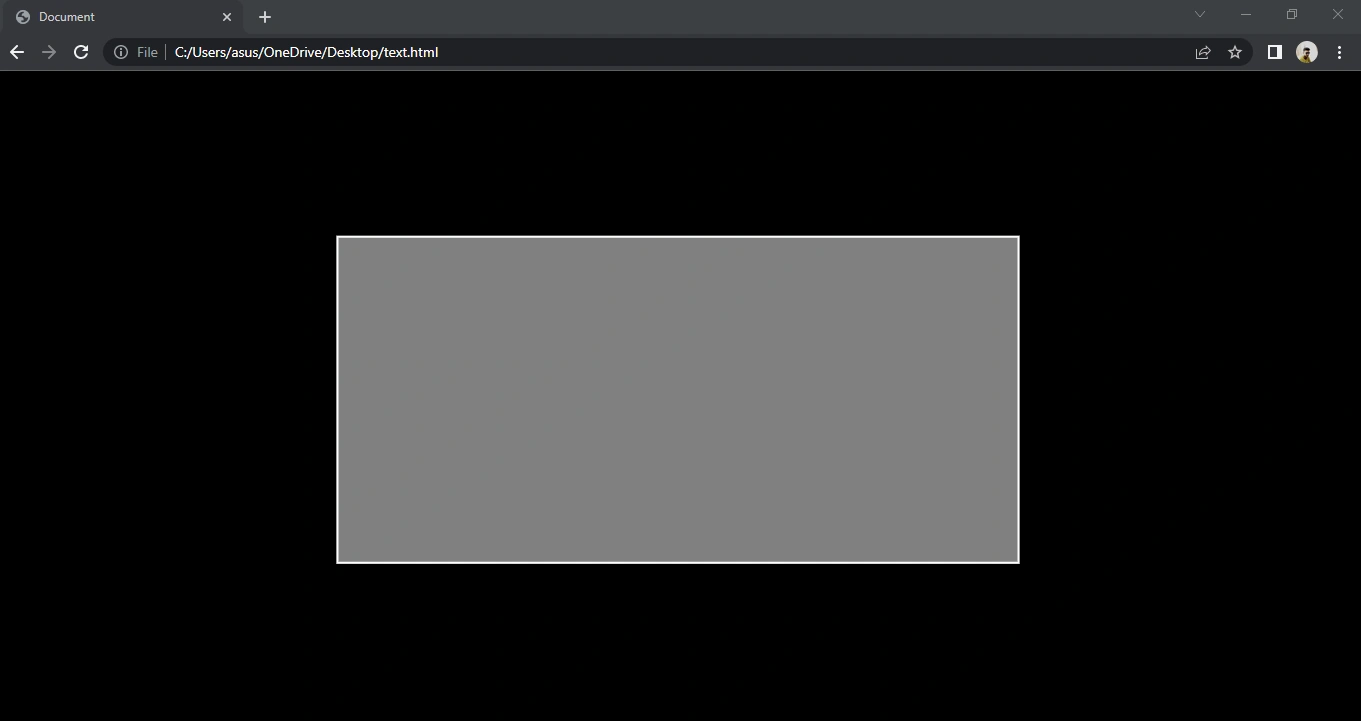
1. The first way to center the child DIV is by adding the following properties.
.parent_div {
    background: black;
    height: 100 vh;
    width: 100 vw;
    position: relative;
}
.child_div {
    background: grey;
    height: 50 vh;
    width: 50 vw;
    border: 2 px solid white;
    position: absolute;
    top: 50 % ;
    left: 50 % ;
    transform: translate(-50 % , -50 % );
}
In this, we have used the position property to center the inner div. After that, we used the transform-translate property. The translate property is used to move the child div on the x-axis and y-axis.
Output
2. The second way to center a DIV is by adding the following properties.
.parent_div {
    background: black;
    height: 100 vh;
    width: 100 vw;
    display: flex;
    justify - content: center;
    align - items: center;
}
.child_div {
    background: grey;
    height: 50 vh;
    width: 50 vw;
    border: 2 px solid white;
}
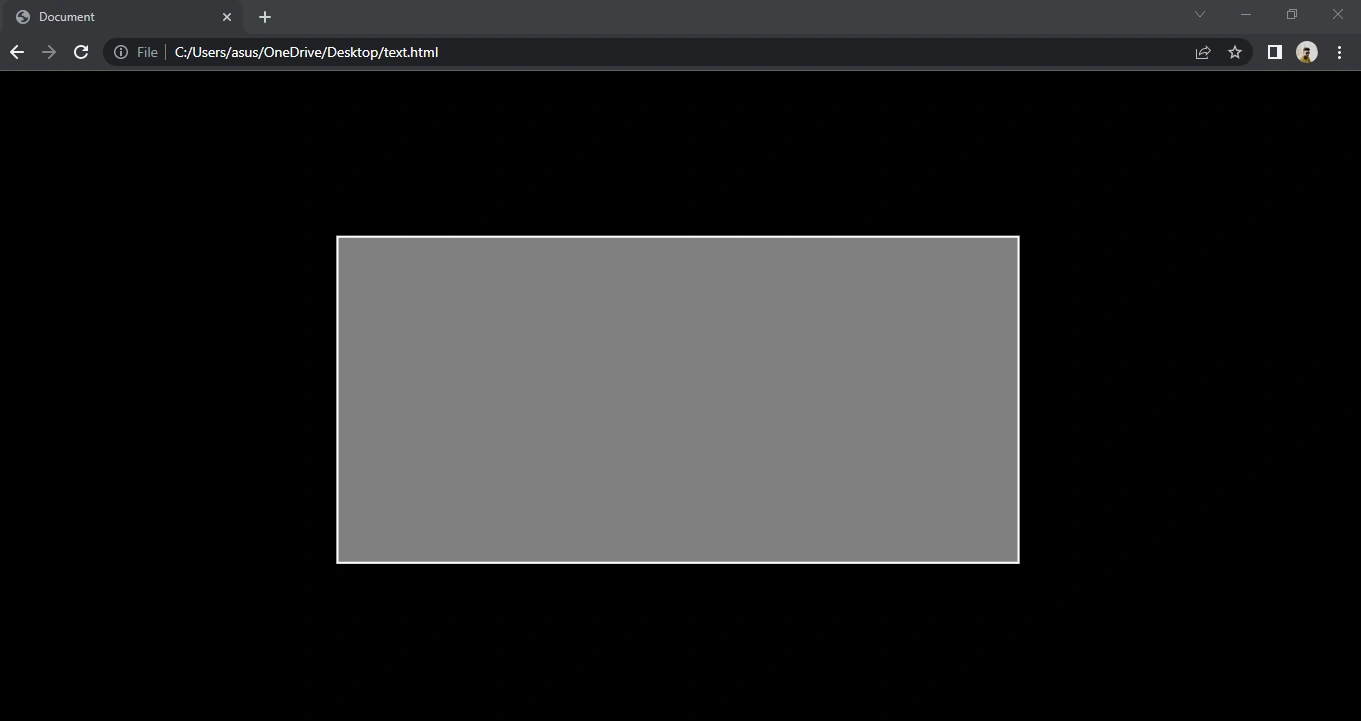
In this, we have used flexbox properties in parent DIV. Both justify-content and align-items properties of the flexbox are used to center the content on both the x-axis and y-axis respectively.
Output
3. The third way to center a DIV is by adding the following properties
.parent_div {
    background: black;
    height: 100 vh;
    width: 100 vw;
    display: grid;
    place - items: center;
}
.child_div {
    background: grey;
    height: 50 vh;
    width: 50 vw;
    border: 2 px solid white;
}
In this, we have used grid properties. The place-items is a grid property to place all the content in the center. As the grid property works in 2D so we are not using two properties here only the place-item property will place the child div in the center.
Output
Article In a Nutshell
- The DIVtag is used to create a new section in HTML content. It is a block-level element.
- HTML stands for Hyper Text Markup Language.
- CSS stands for Cascading Style Sheet. It is used to style web pages.
- We have three different ways to center a div inside another DIV.
- The first is by using position property.
- The second is by using the flexbox property.
- The third is by using grid property.
Thanks for reading this article. Do follow to get updates about upcoming articles.
Ishika TiwariPosted Jun 7, 2022, 6:28 AM
Nice explanation Vijay Pratap Singh