

SharePoint hybrid is considered as the first step towards embracing the cloud infrastructure. Hybrid helps the organization maintain the best of SharePoint On Premise and Online functionalities. With SharePoint hybrid features, you can integrate the two environments together in a variety of ways to provide a more productive user experience.
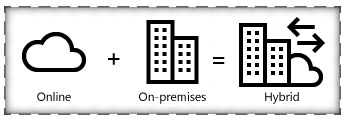
Cloud Hybrid features in SharePoint include the following:
- Cloud Hybrid Search: It provides SharePoint On Premise search results in SharePoint Online. You can find its implementation here
- Cloud One Drive Redirection: It redirects the users to Office 365 One Drive for business, upon clicking the On Premise One Drive button. You can find its implementation here.
- Cloud Hybrid Site Features: It provides an extensible app launcher in SharePoint 2016 which integrates tile in Office 365 to On Premise App Launcher. It also redirects the users to Office 365 Team Sites upon clicking the SharePoint On Premise Sites button in the suite bar.
In this article we will see how to configure Hybrid Team Sites in SharePoint Server 2016 and SharePoint Online.
Before setting up Hybrid One Drive for SharePoint Server 2016 we have to ensure that:
- Office 365 environment is configured for Hybrid setup.
- Ensure that the required services are up and running in SharePoint Server.
Office 365 Prerequisite Configurations
The configurations that have to be done in Office 365 side is already covered in some of the previous articles as shown below,
- A public domain has been registered with Office 365 .
- A UPN prefix that matches the public domain has been added to the Local AD .
- An Active Azure Subscription is available.
- Office 365 AD is manageable from Azure .
- Synchronize Local Active Directory with Office 365 Directory.
SharePoint Server 2016 Prerequisite Configurations
As part of setting up the prerequisites in SharePoint Server 2016 we will have to ensure the successful provisioning of
- Managed Metadata service application
- User Profile Service application
- My Sites
- App Management Service Application
- Subscription Setting Service
- Setup Synchronization connection with Active Directory Services
This has been covered in the Cloud Hybrid One Drive Configuration article.
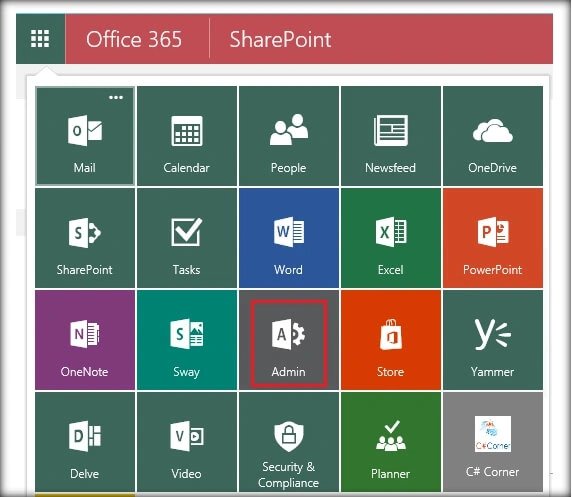
Once the above pieces are in place we can start with Hybrid Sites Configuration. Head over to Office 365 and go to the Admin Center by clicking on the Admin tile in the app launcher.
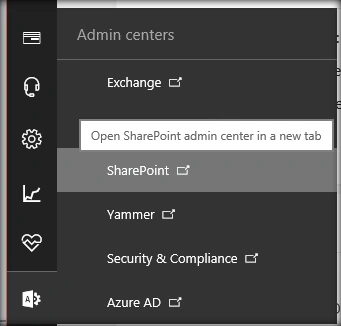
Click on the SharePoint Admin center.
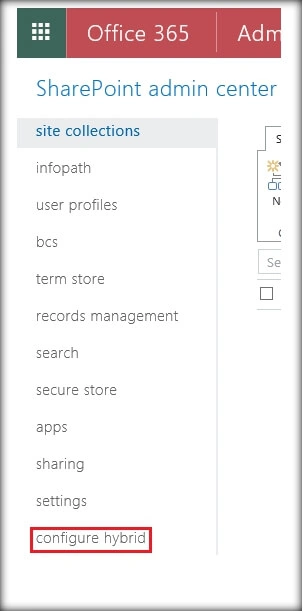
Select Configure Hybrid options from the left menu.
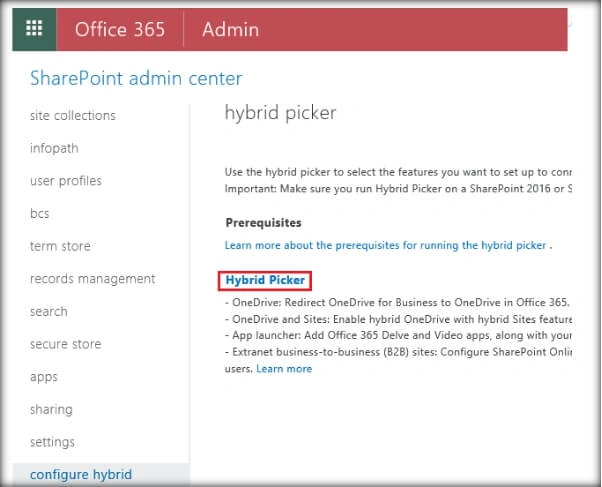
This will open up the page from where we can start configuring the hybrid picker. Click on Hybrid Picker.
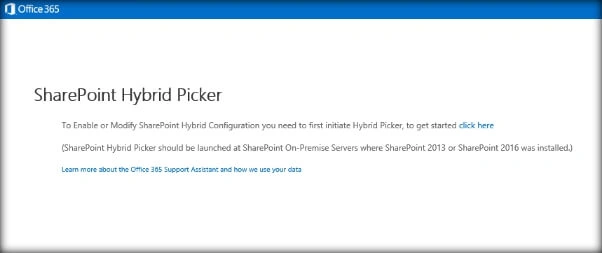
From the SharePoint Hybrid Picker Configuration page, select click here.
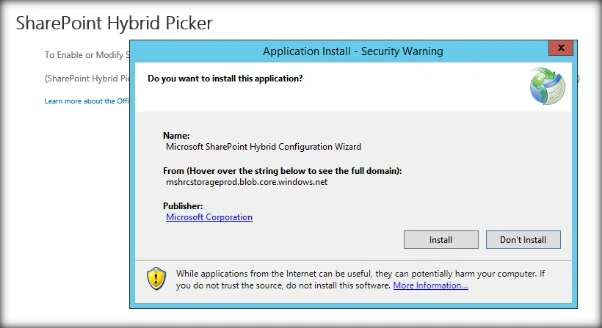
This will start opening up page from where we can download and install the Microsoft SharePoint Hybrid Configuration Wizard. Click on Install.
This will download the wizard to the local machine.
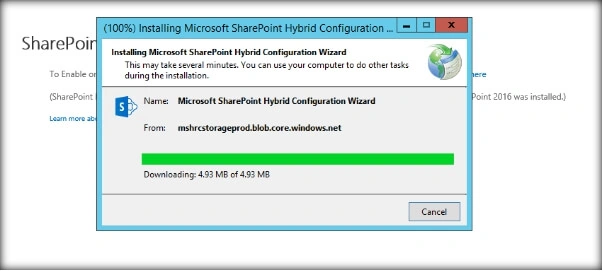
Once the wizard installation is completed, it opens up the Hybrid Configuration Wizard which will connect the SharePoint Server to Office 365.
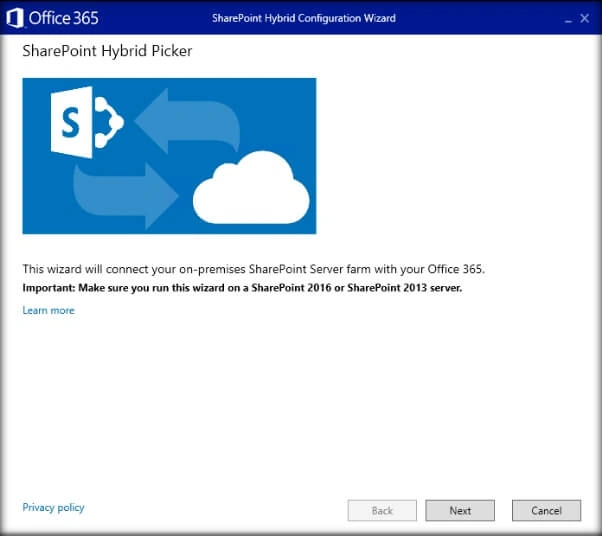
Specify the Office 365 tenant administrator credentials in the Credentials Page.
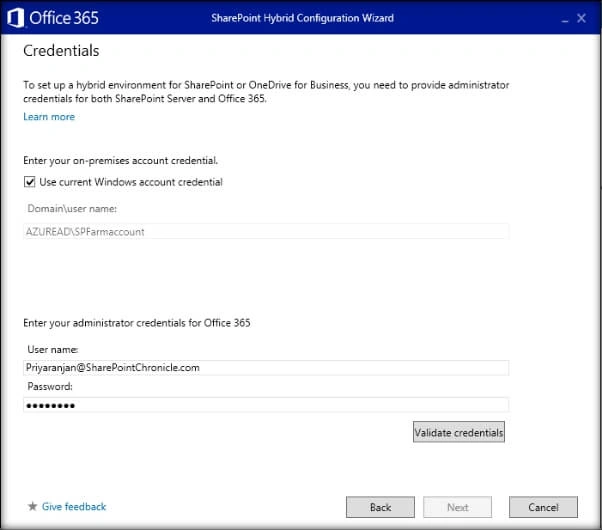
You can click on Validate credentials to check for its correctness.
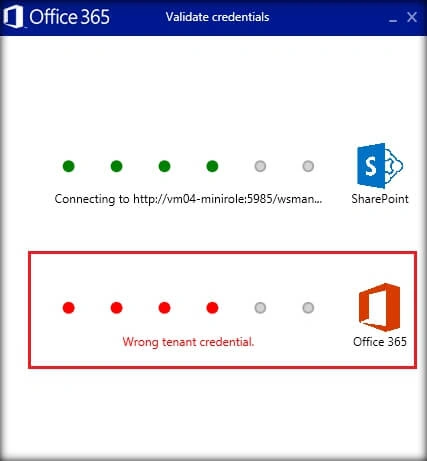
Make sure to disable Multi Factor Authentication when doing this otherwise we will get an incorrect tenant credential as shown above.
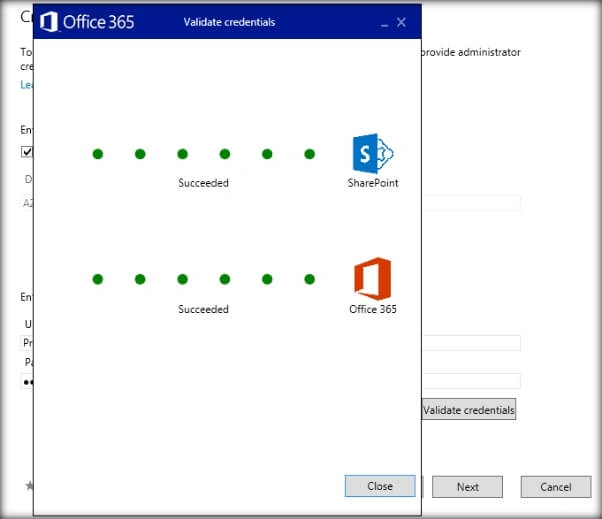
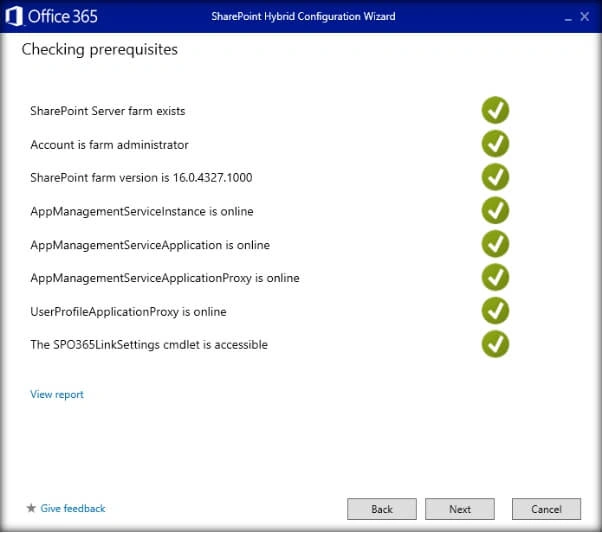
Once you get a successful message, close the validation window and click on Next. It takes you to a prerequisite checker page. Click on Next.
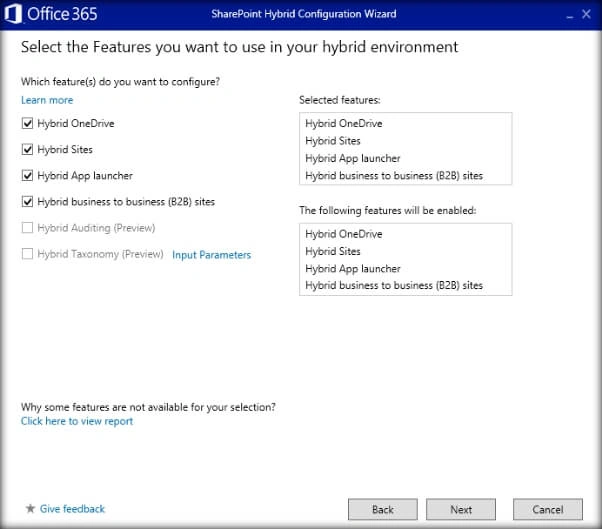
Select the features you would like to configure as part of the Hybrid set up. Click on Next.
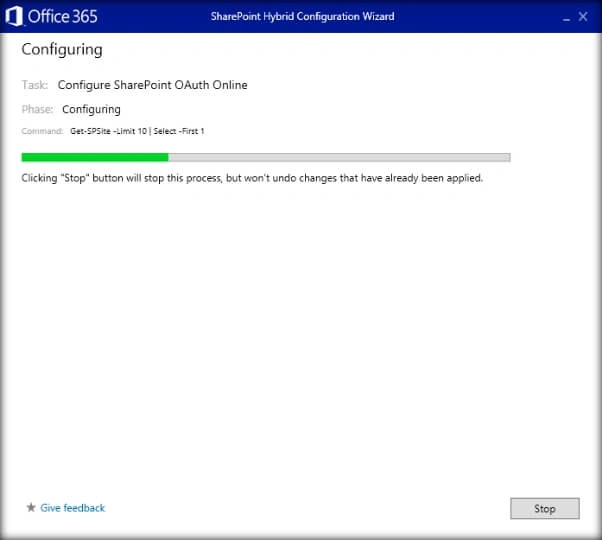
This will start configuring the Hybrid Features.
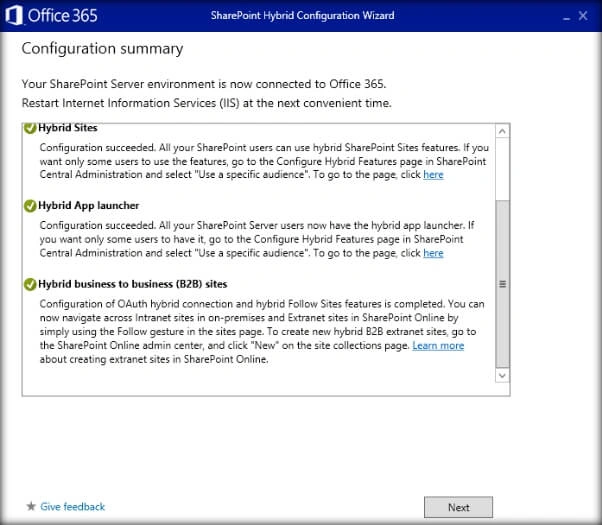
Finally you will get a summary page which states the Hybrid features that were configured.
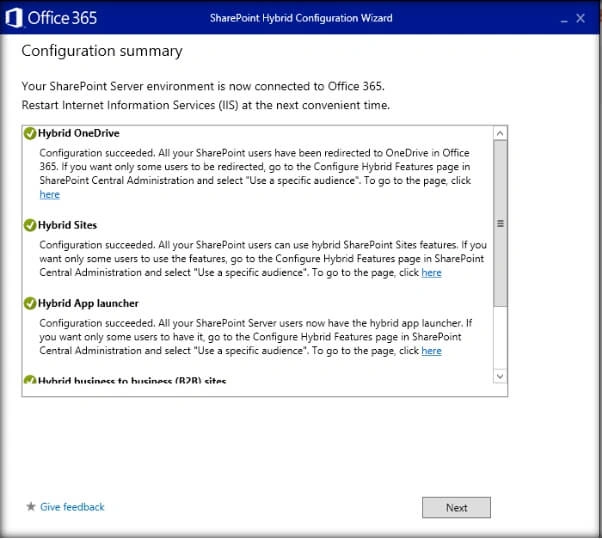
Choose to rate the hybrid configuration experience and click on close, which will exit the Hybrid Configuration Wizard.
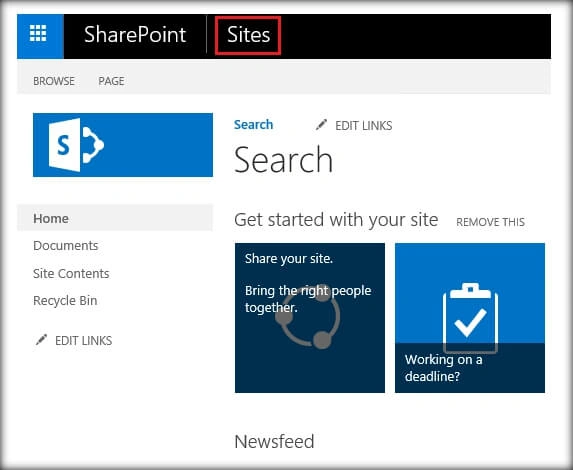
Now let’s head over to the SharePoint Server site and test out the hybrid features. Click on sites to test the Hybrid Site functionality.
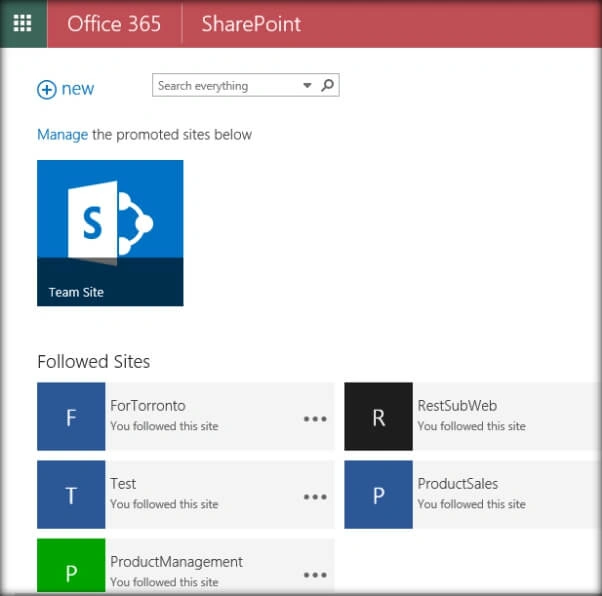
This will take you to the Office 365 Team sites page ensuring successful configuration.
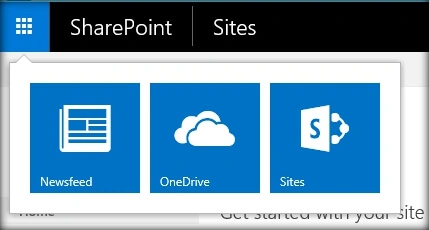
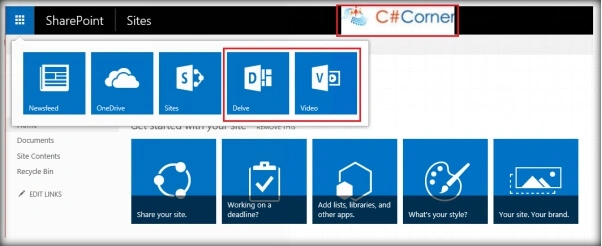
In addition to that if you check the suite bar , if there are some customizations like logos that were added to Office 365, it will also be synchronized with SharePoint Server. By default only Newsfeed, OneDrive and Sites tiles are present in SharePoint Server App Launcher.
But after hybrid configuration we get an extensible App Launcher with Delve and Video Integration.
Summary
Thus we saw how to configure Cloud Hybrid Site features in SharePoint Server 2016.
Hardik ChoudharyPosted Dec 22, 2016, 12:37 PM
Ok Ok thanks for info sir ... can you please tell how i can redirect to the Sharepoint server result from cloud....for that we have to be in sharepoint server environment ...What if SP online is using on Local and when i clicked on search result it doesn't get me to required result.............Is this only for showing result ??
Priyaranjan K SPosted Dec 22, 2016, 11:01 AM
Hardik, Cloud Hybrid Search is aimed at bringing the On Premise Search Results into SP Online which is done by running the Onboarding PS scripts. We cannot achieve the reverse.
Hardik ChoudharyPosted Dec 22, 2016, 10:42 AM
Great..... But cloud results are not showing in sharepoint 2016 server??? What I am missing Please tell