

Introduction
In this article we will discuss configuration of the system for Component Services by setting Administrative Security.
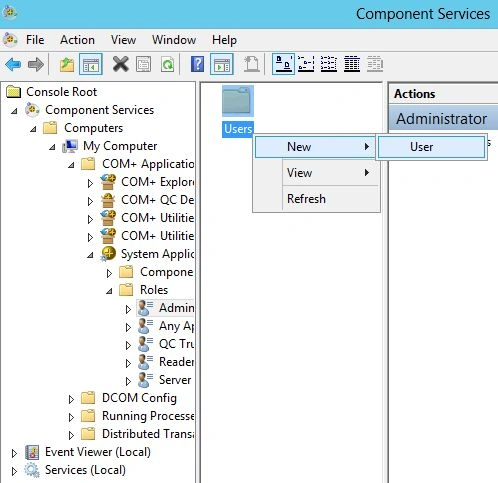
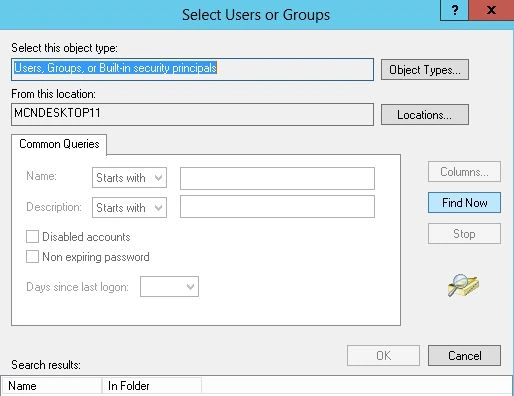
In this article we will specify who can administer the changes in the Component Services. We must define at least one user or group to be the Administrator otherwise no one will be able to administer the Component Services.
Before starting this article one important thing should be noted; to make changes in the Component Services, first ensure that the DTC Service is running. If you try to change any setting through the component Services and DTC is stopped then it will get started automatically, but if it doesn't start and the Component Services shows an error message then you need to start it manually through the services available in the Administrative Tools.
Use this procedure to set Administrative Security.
Step 1
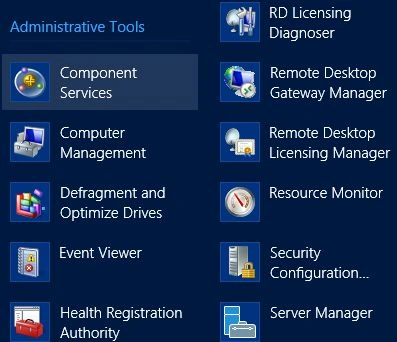
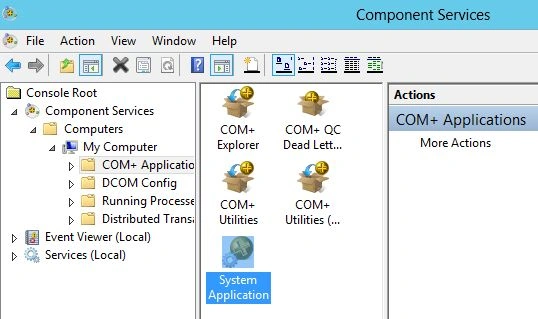
First of all go to the "Component Services" available in the Administrative Tools.
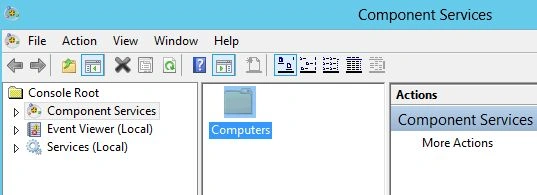
Now the Component Services Window will be opened, here double-click on the Computer to open it.
Step 2
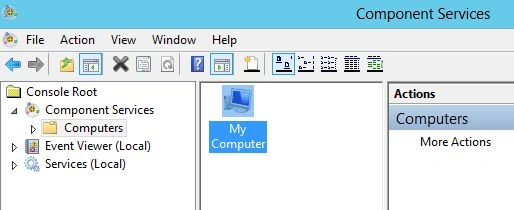
Now under the Computer folder "My Computer" will be available; again you need to double-click it to open it.
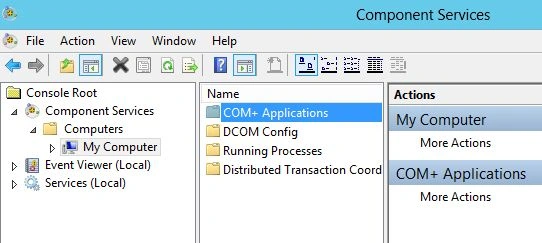
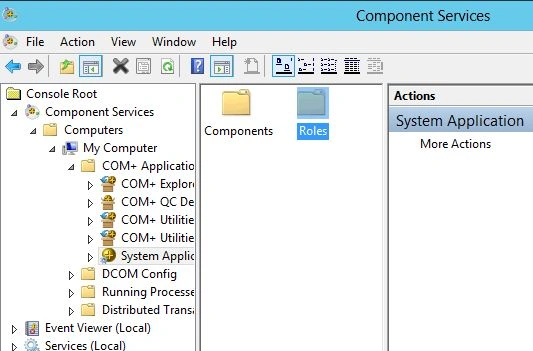
Now four options will be available under My Computer, from these options you must click on the first option, in other words COM+ Applications. Open this folder.


Join the conversation! Your thoughts help the community grow.