

Introduction
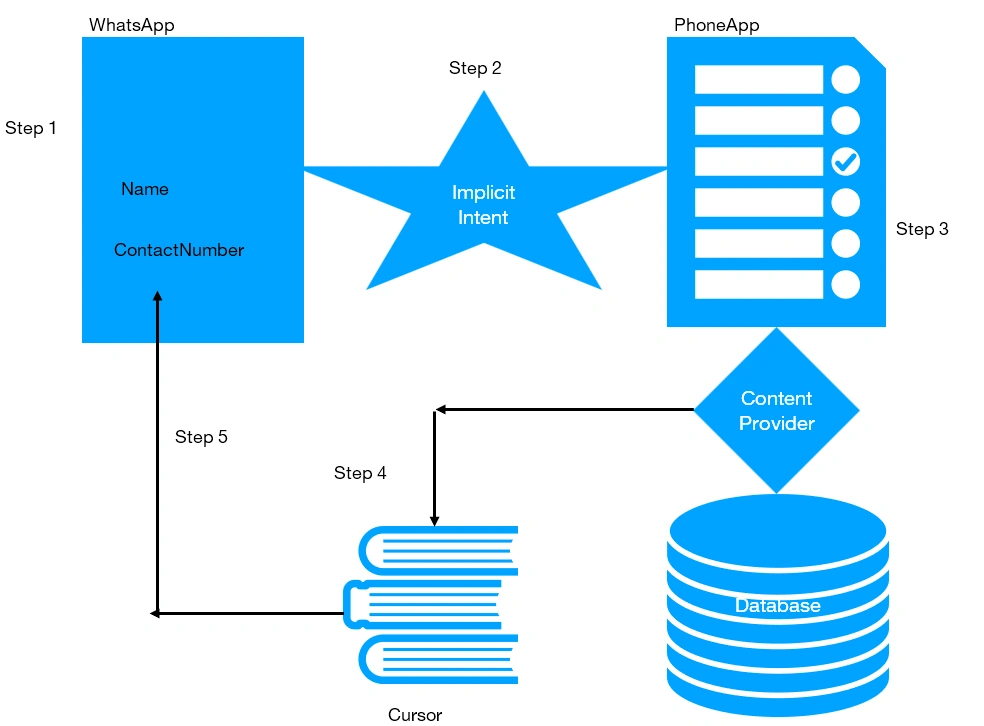
Content provider helps to share data between application in a proper and secure manner. Content provider connects any other application by implicit intent and parses the Uri of that provider app. Then a cursor is assigned to each record in the target application that exports data one by one through the database to our application.
Example: Here we have an example of whatsapp wherein the first step we have the view where we set out name and contact number from contact. In the second step, an implicit intent is fired to take a connection through URI which parses to the app. So actually here phone app doesn't have data of contact and it is in the database. So a cursor is assigned and through content resolver, it takes the data one by one from the storage and export or sets it to our application.
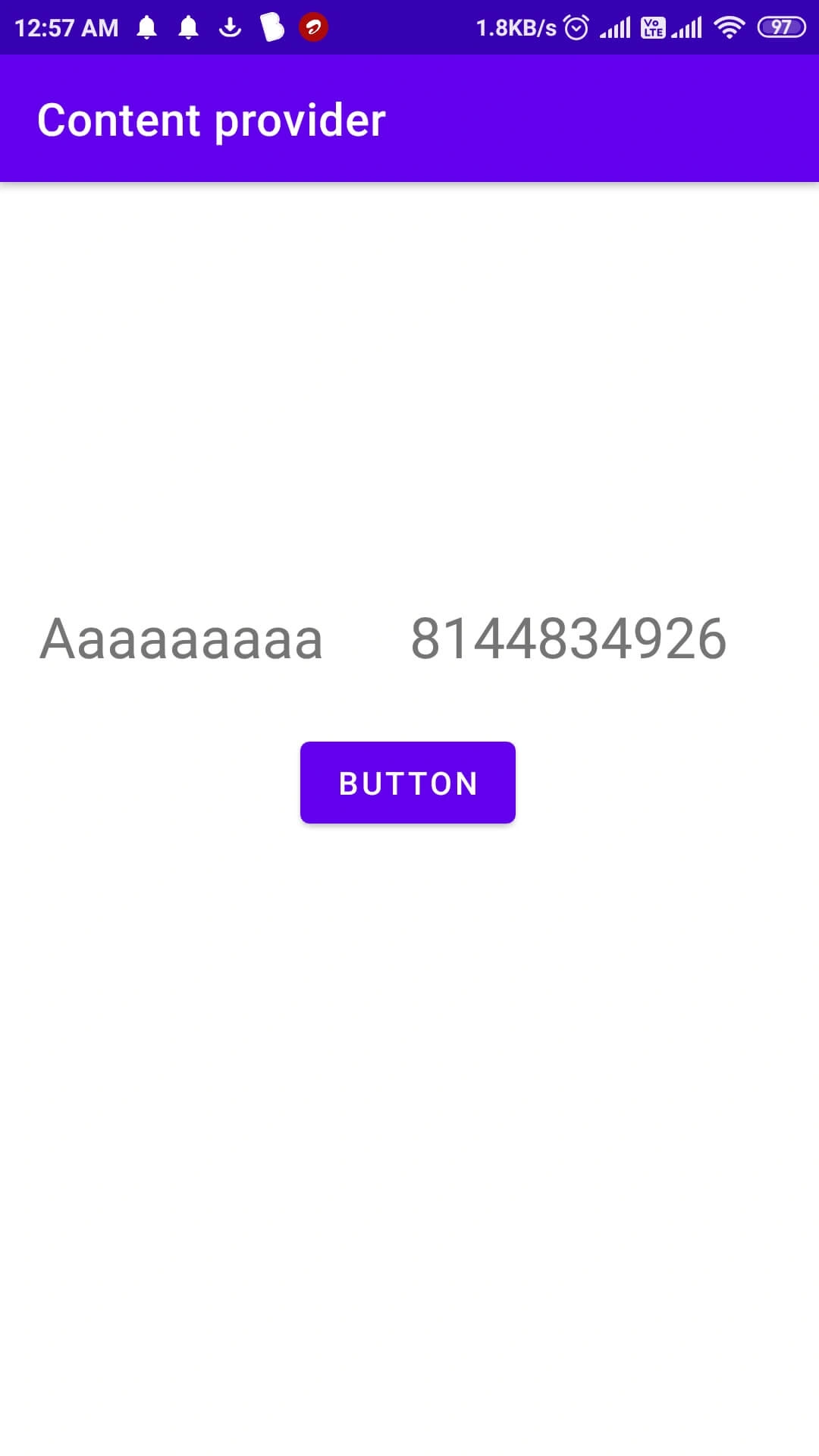
Now let's dig into the practical aspect and see the actual implementation of content provider by setting a phone contact from contact app on our app screen.
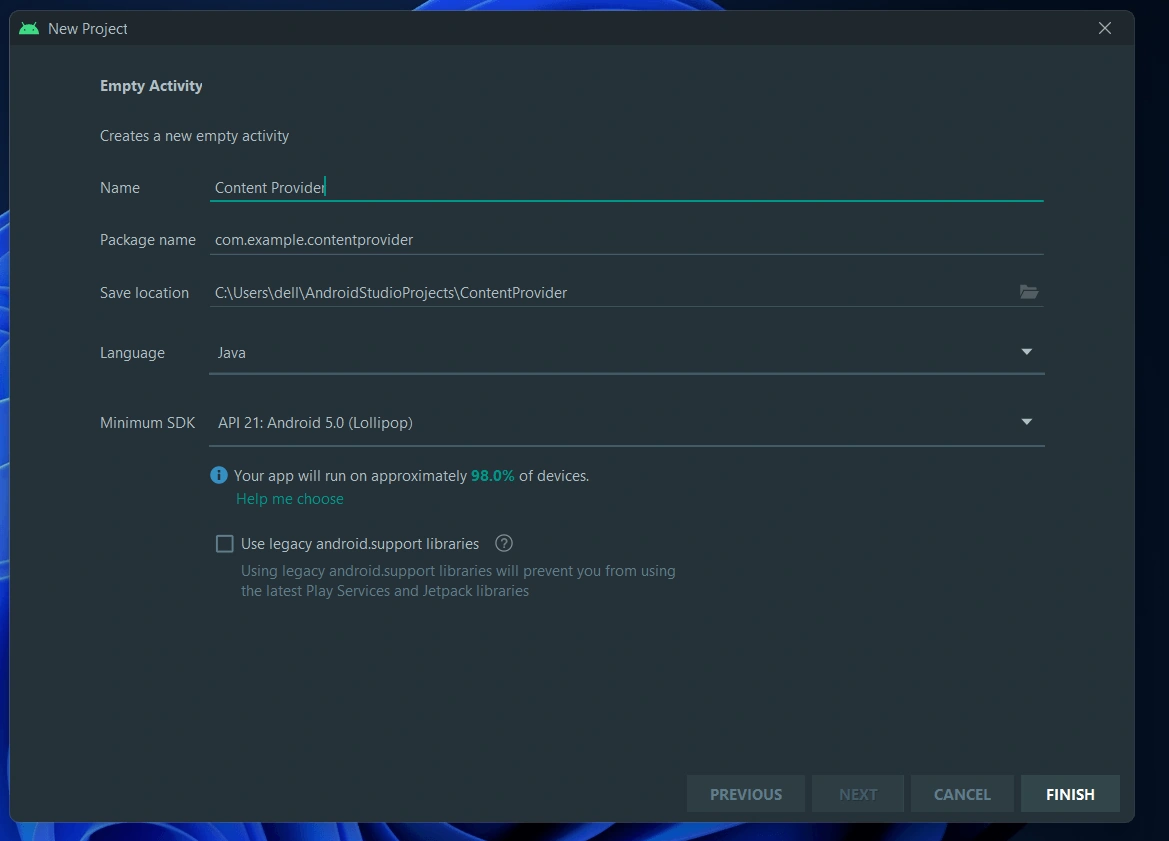
Step 1 - Create a new project in Android Studio Application
Here I have created a blank application named Content Provider
Step 2 - Application Layout or .xml file
Here we will add two Edit Text and a Button for displaying our Contact Data. The details of Activity_main.xml file are as follows -
~ 2 TextView --> Name & Contact number
~ 1 Button --> Button(or you can set your choice)
<?xml version="1.0" encoding="utf-8"?>
<androidx.constraintlayout.widget.ConstraintLayout xmlns:android="http://schemas.android.com/apk/res/android"
    xmlns:app="http://schemas.android.com/apk/res-auto"
    xmlns:tools="http://schemas.android.com/tools"
    android:layout_width="match_parent"
    android:layout_height="match_parent"
    tools:context=".MainActivity">

    <TextView
        android:id="@+id/textView"
        android:layout_width="133dp"
        android:layout_height="34dp"
        android:layout_marginEnd="32dp"
        android:hint="Name"
        android:text=""
        android:textAlignment="center"
        android:textSize="25sp"
        app:layout_constraintBottom_toBottomOf="parent"
        app:layout_constraintEnd_toStartOf="@+id/textView2"
        app:layout_constraintHorizontal_bias="0.88"
        app:layout_constraintStart_toStartOf="parent"
        app:layout_constraintTop_toTopOf="parent"
        app:layout_constraintVertical_bias="0.347" />

    <TextView
        android:id="@+id/textView2"
        android:layout_width="140dp"
        android:layout_height="34dp"
        android:layout_marginEnd="40dp"
        android:hint="Contact no"
        android:text=""
        android:maxLength="13"
        android:textAlignment="center"
        android:textSize="25sp"
        app:layout_constraintBottom_toBottomOf="parent"
        app:layout_constraintEnd_toEndOf="parent"
        app:layout_constraintTop_toTopOf="parent"
        app:layout_constraintVertical_bias="0.347" />

    <Button
        android:id="@+id/button"
        android:layout_width="wrap_content"
        android:layout_height="wrap_content"
        android:text="Button"
        app:layout_constraintBottom_toBottomOf="parent"
        app:layout_constraintEnd_toEndOf="parent"
        app:layout_constraintHorizontal_bias="0.498"
        app:layout_constraintStart_toStartOf="parent"
        app:layout_constraintTop_toTopOf="parent"
        app:layout_constraintVertical_bias="0.469" />
</androidx.constraintlayout.widget.ConstraintLayout>
Step 3 - Granting Permissions or AndroidManifest.xml file
You need to get permission from Android OS to read Contacts data from storage. You can do this by adding <user-permission> in AndroidMenifest.xml File
~ Add <uses-permission android:name="android.permission.READ_CONTACTS"></uses-permission> like this
<?xml version="1.0" encoding="utf-8"?>

<manifest xmlns:android="http://schemas.android.com/apk/res/android"
    package="com.example.content_provider_example">
    <uses-permission android:name="android.permission.READ_CONTACTS"></uses-permission>
    <application
        android:allowBackup="true"
        android:icon="@mipmap/ic_launcher"
        android:label="@string/app_name"
        android:roundIcon="@mipmap/ic_launcher_round"
        android:supportsRtl="true"
        android:theme="@style/Theme.Content_provider_example">
        <activity
            android:name=".MainActivity"
            android:label="@string/my_name"

            android:exported="true">
            <intent-filter>
                <action android:name="android.intent.action.MAIN" />

                <category android:name="android.intent.category.LAUNCHER" />
            </intent-filter>
        </activity>
    </application>

</manifest>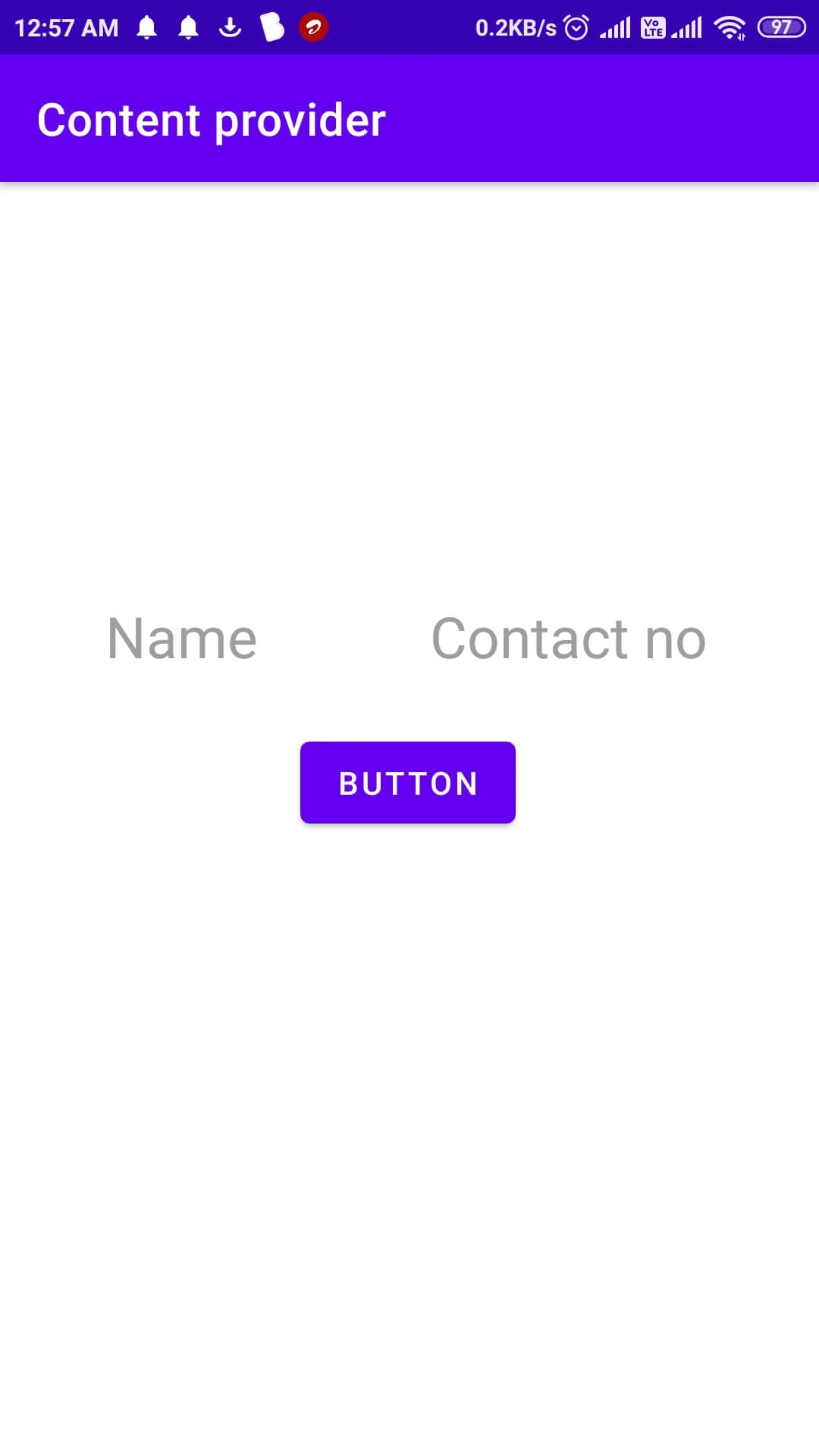
Join the conversation! Your thoughts help the community grow.