

Introduction
Mostly on the internet, you can find how to open PDF via window.open(“”) Javascript way.
Read more
- https://www.c-sharpcorner.com/blogs/open-a-new-window-using-java-script1
- https://www.c-sharpcorner.com/UploadFile/667ddf/html5-anchor-tag/
So what is here?
Well, opening PDF in a separate window is available but is not in our custom control, especially in Angular.
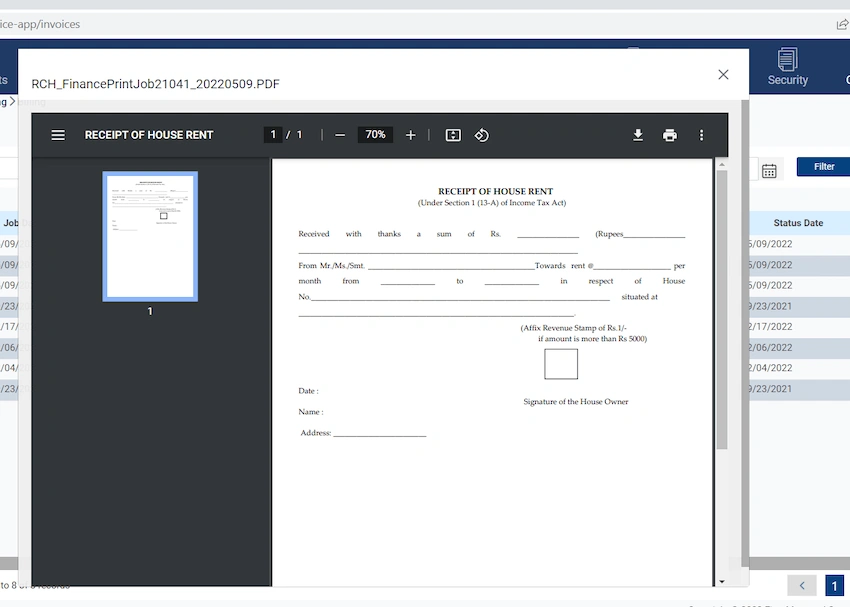
So here we will open this PDF inside our custom dialog (in our control) and can do event firing on the closing of POP up for further business requirements.
Prerequisite(not mandatory)
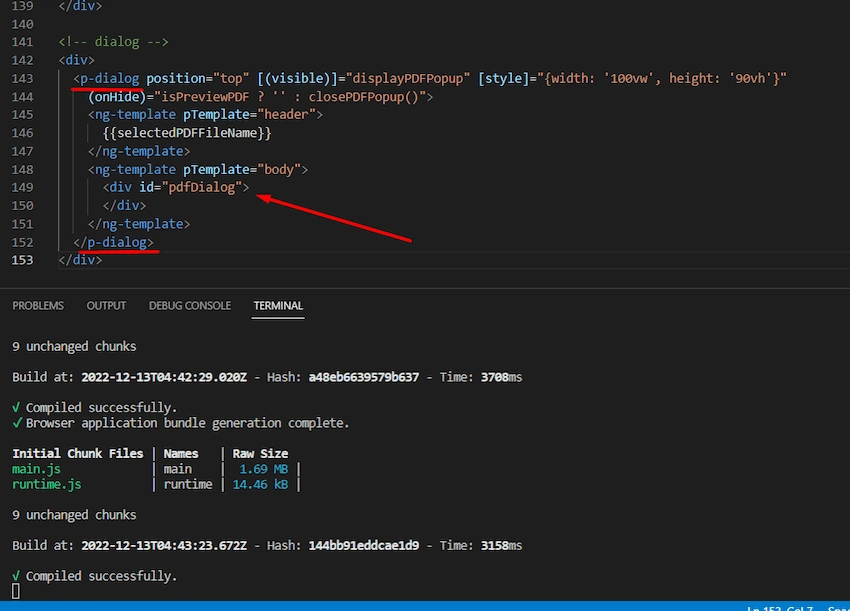
I am using a ready-made dialog box from prime-ng <p-dialog> control.
Read more - http://primefaces.org/primeng/dialog
But that is not required you can use any material bootstrap or custom div even. This is just to showcase because behind the scene the logic is the same.
Read more - https://material.angular.io/components/dialog/overview
Opening PDF In Angular
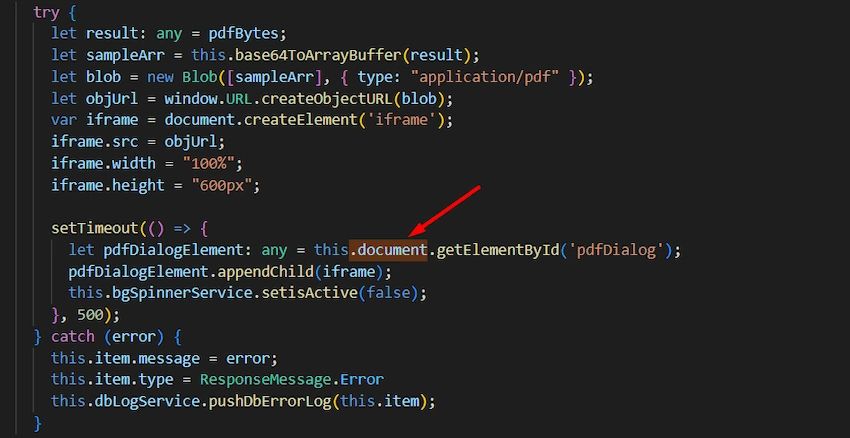
Opening PDF inside a dialog can be done in a few ways. The Idea/concept behind this is we need to get elementID from DOM and attach our PDF to its inner body. Using below ways
- Using <a href =”url”>.
- Using the same anchor tag by dynamic code and click it.
- Using <iframe/> and appending to DOM body.
- Using .getElementById(“”) and binding to its innerHTML.
Problem
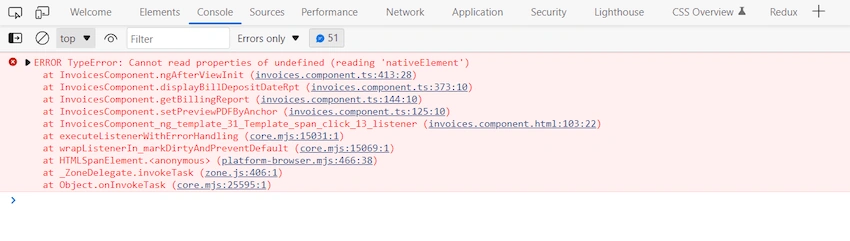
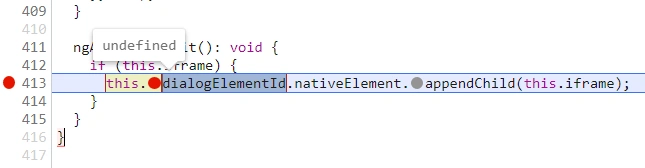
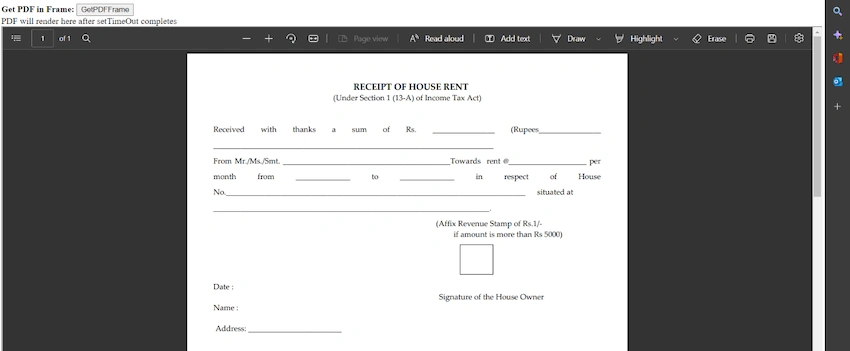
Many times you use “ElementRef, Renderer2” packages which we generally use but you get errors like this:


Join the conversation! Your thoughts help the community grow.