

This article provides a sample application using the Redis Cache with explanation.
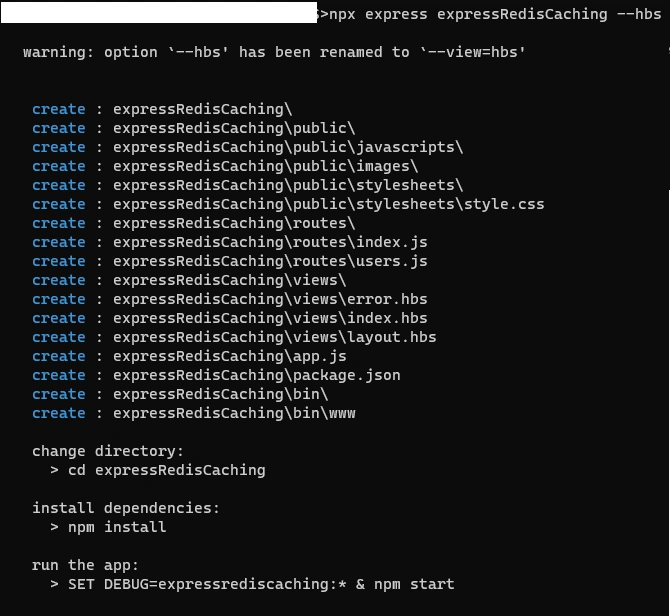
Please see this article on how to create an Express Node JS application, so that we can quickly jump into the topic without further delay.
Why is Caching required?
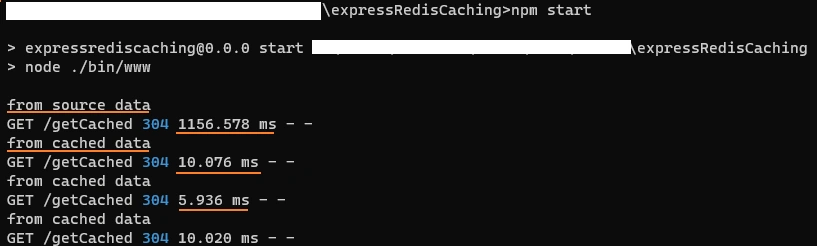
When the same response needs to be served multiple times, store the data in distributed server memory as and it can be retrieved faster than the data retrieved from the storage layer for every single call. Caching is an ability of an application to duplicate the values for a specified period of time and serve the web request instantly.
These techniques will be effective when
- There is a need to call for a 3rd party API and the call counts
- Cost of data transfer between cloud and the server.
- Server response is critical based on the concurrent requests.
What is Redis Cache?
The data cache stored in a centralized distributed system such as Redis. Redis is also called a data structures server, which means a variety of processes can query and modify the data at the same time without much loading time.
Advantages of Redis
The special properties of data structures are
- Even though the data is often requested, served and modified, the data will be stored in disk rather than storing in RAM.
- Unlike high-level programming language, the implementation will highlight on memory optimal usage.
- Also offers features like replication, levels of durability, clustering and high availability (HA).
- Redis can handled complexed Memcached operations like Lists, Sets, ordered data set, etc.,
Using Redis Client in local system
To use the Redis, you need to install Node JS Redis Client in the local system. The msi file (v3.0.504 stable version as of this article published date) can be downloaded from the Github and proceed with normal installation process (for Windows OS).
The latest Redis Client can be also be installed with Windows Subsystem for Linux (WSL) and install the Redis 6.x versions. Also, for dockerizing, Mac and Linux OS’ follow the instructions on downloads
Run the Redis Client by the following command
redis-server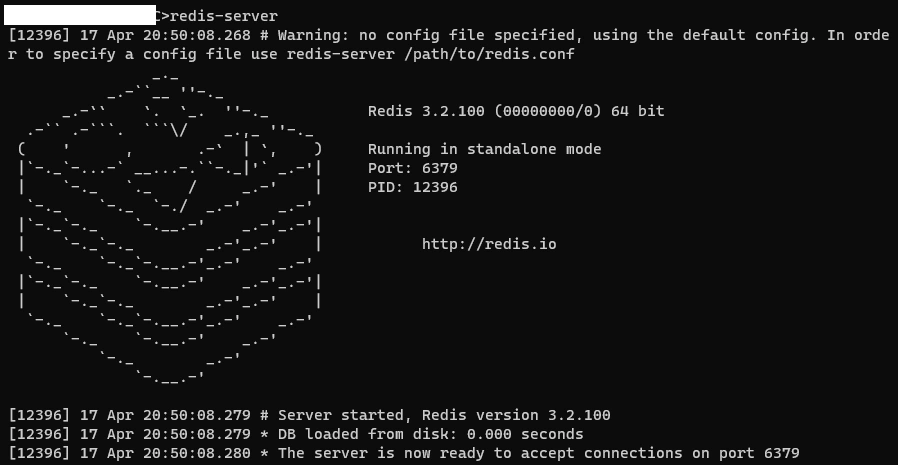
Join the conversation! Your thoughts help the community grow.