

In the development of mobile applications, there is a wide variety of alternatives for the creation of Software for iOS and Android. In the case of iOS, we have Swift and Objective C as initial options, however, if we want to take advantage of the C# language to create high-performance native applications, we can opt for Xamarin.iOS and .NET for iOS, the latter with the advantage of the framework of .NET 7. .NET for iOS is based on a core execution framework of .NET Core, which provides high performance in the execution of processes and when combined with the native interface of iOS, the performance is by far, far superior to any application that does rendering-compiling processes like React Native, Flutter, etc.
When to use .NET for iOS or Xamarin.iOS?
The use of Xamarin.iOS or .NET for iOS is when building robust applications with high performance is required and where performance is key beyond cross-platform.
"Xamarin.iOS is for competitive markets, where you must have a differentiator in performance" Miguel De Icaza, Xamarin Dev Days CDMX Virtual 2019.
The evolution of Xamarin.iOS is called .NET for iOS, which provides a runtime core based on .NET Core, as opposed to Xamarin.iOS where the foundation meets Mono Framework, the inclusion of .NET Core in development for iOS gives you superior performance in running applications.
Xamarin.iOS and .NET for iOS have a similar programming structure, where the native graphical interface is used with the XCode Interface Builder and CSharp programming, this provides pixel-by-pixel detail for the location of the elements, in addition to the fact that it can be linked with great performance to technologies such as Unity without latency in the execution of processes that require greater computing capacity than iOS.
Without a doubt, .NET for iOS is the right evolution of Xamarin.iOS and gives software developers the opportunity to create great iOS apps using C# as the programming language and the full power of the new Microsoft .NET 7 Framework.
How to make an iOS app using .NET 7?
Step 1
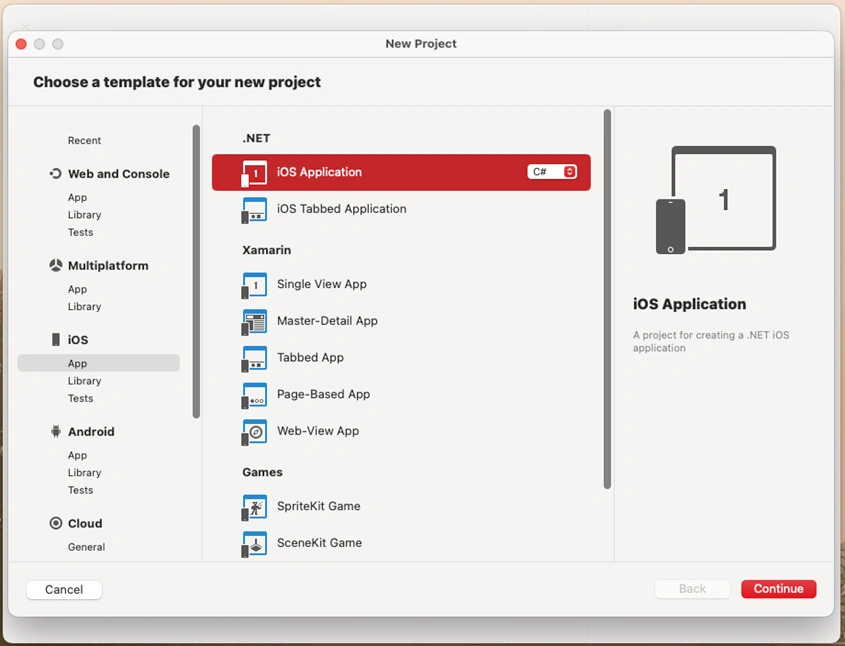
The first thing we will notice in Visual Studio 2022 for Mac is that the .NET for iOS template is in the iOS area, and where we can also find Xamarin.iOS as a second option, however in both cases we can create applications under the same structure, the graphic interface in the Xcode Interface Builder, or also directly in C# we can create the interface, as shown in the base example of .NET for iOS.
Step 2
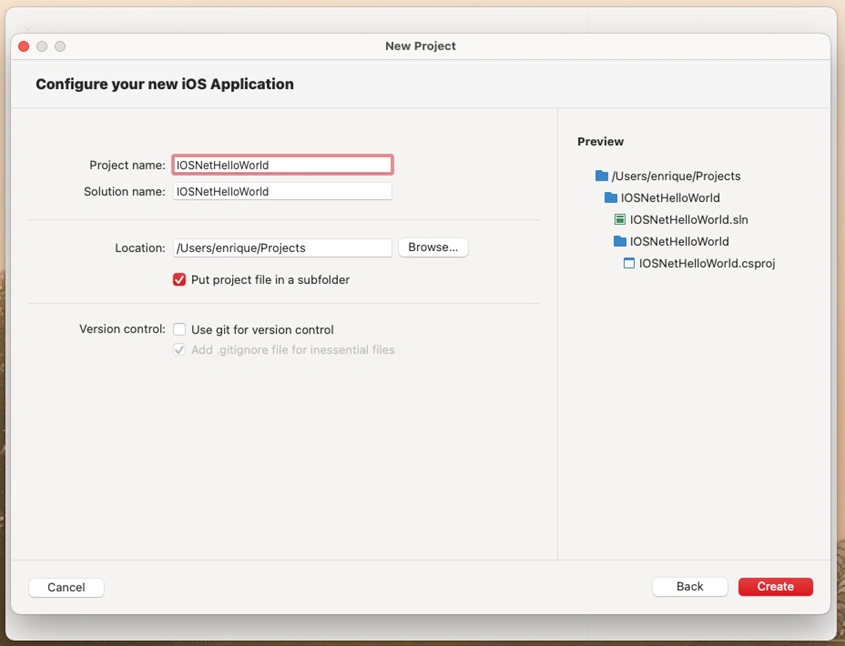
We put the name to our application, and we locate the path where the project will be saved.
Step 3
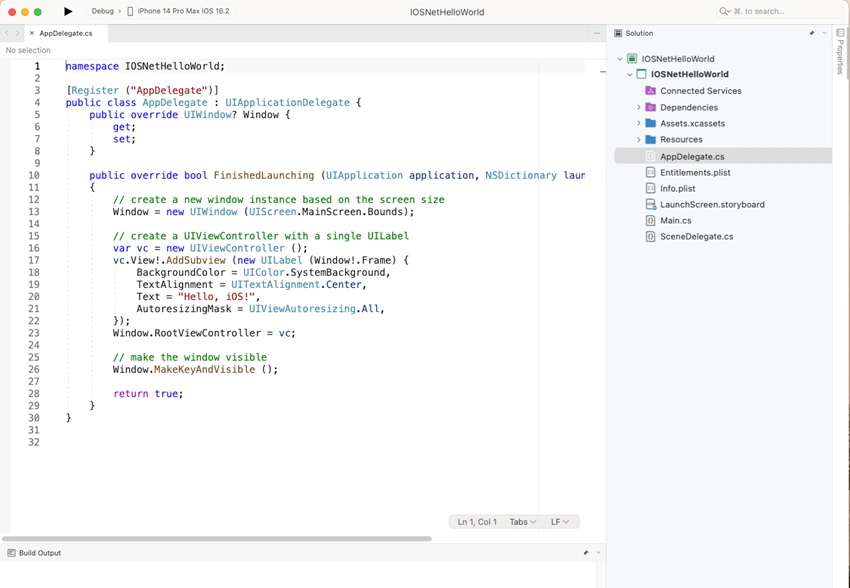
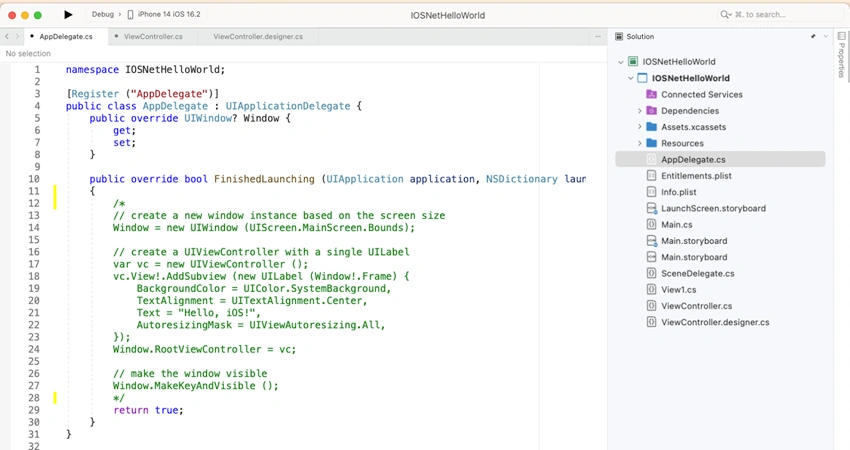
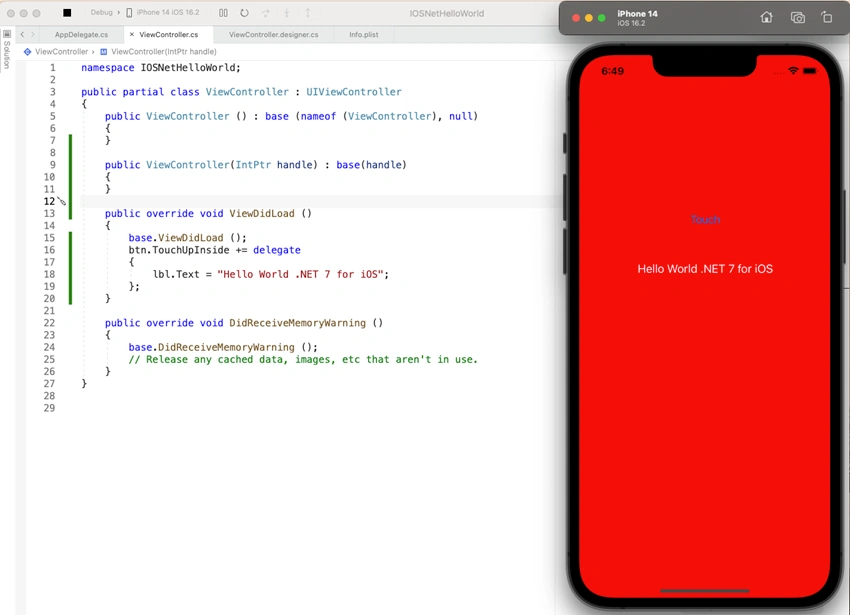
Once the project is created, in the AppDelegate.cs file we will find the FinishedLaunching method, in that area we will locate the example code that creates a graphical interface with the message "Hello, iOS" and loads it as the main view of the application.
Step 4
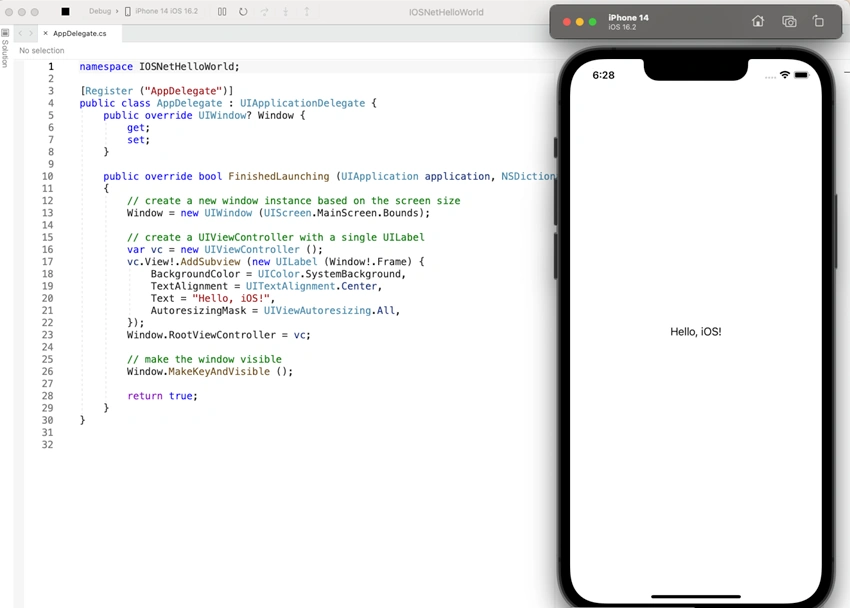
When we run the application, the message will appear on the screen in the central part, this is one of the ways for the Graphical Interface to appear in the application.
Step 5
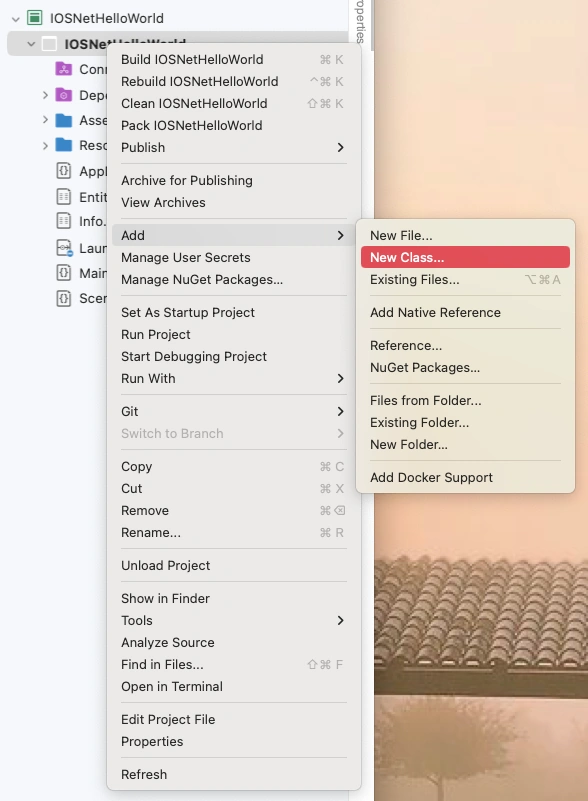
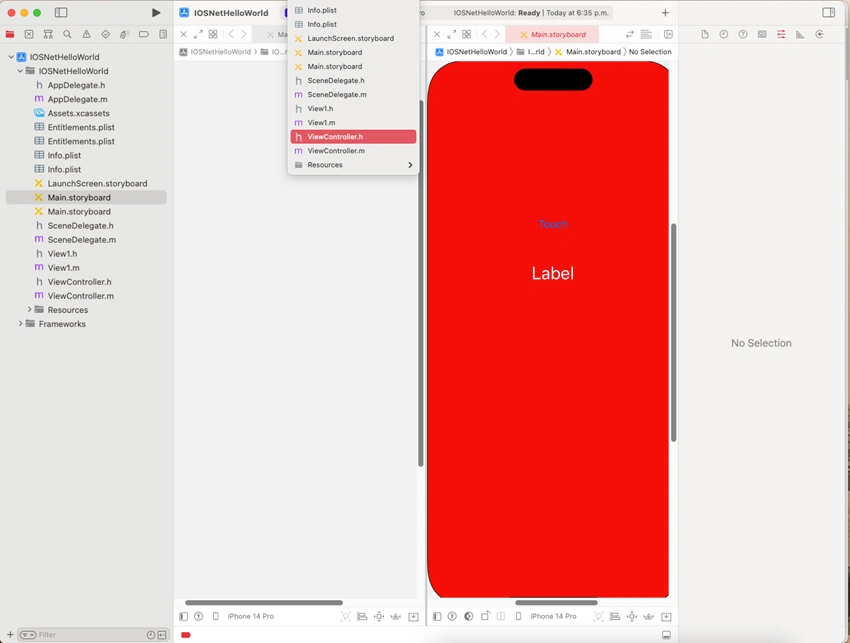
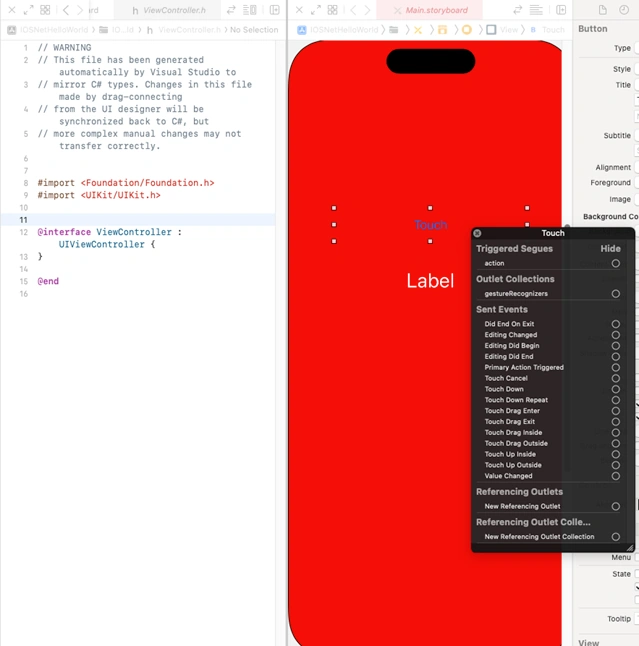
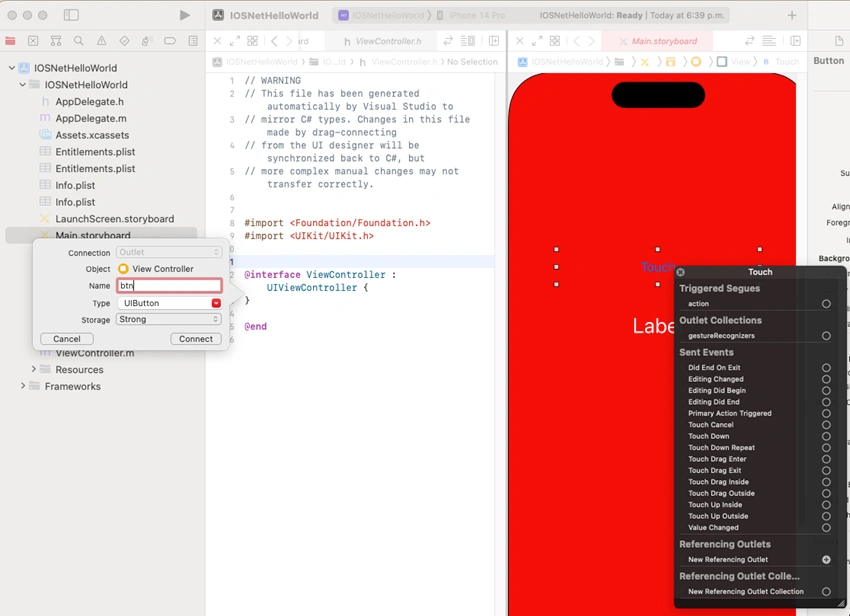
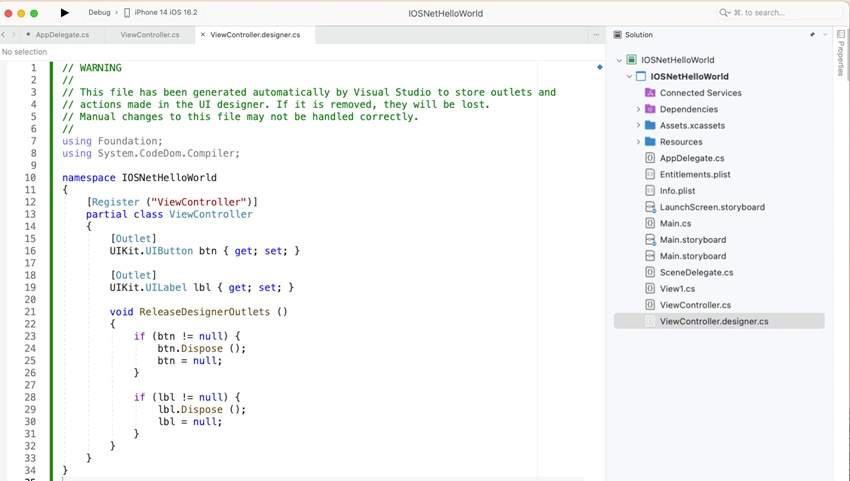
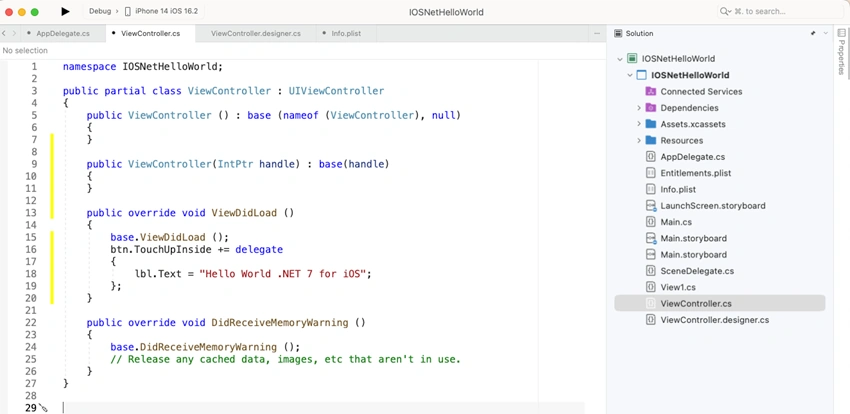
In order to take advantage of the full potential of the graphic interface, we proceed to prepare the environment for the use of the XCode Interface Builder and facilitate the location of the elements, use the Storyboard among other advantages of using the native Apple graphic interface. On the project name we right-click, add and select new class.
Step 6
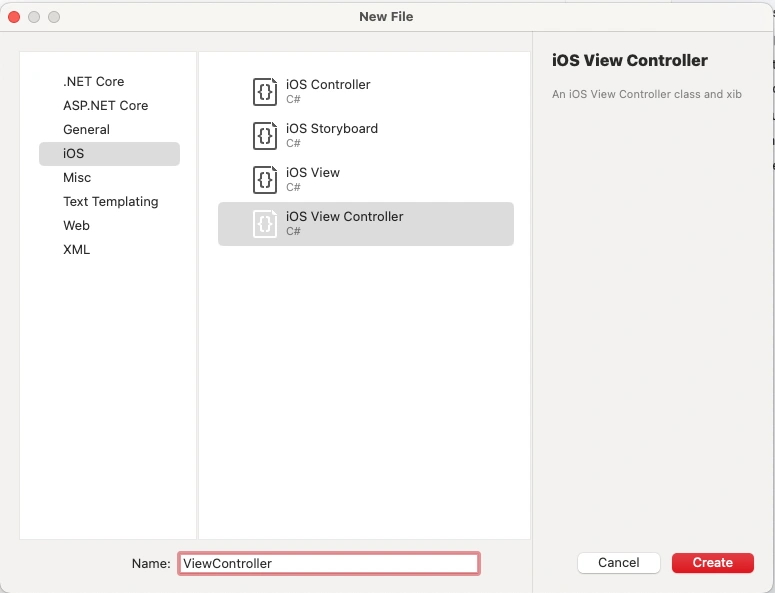
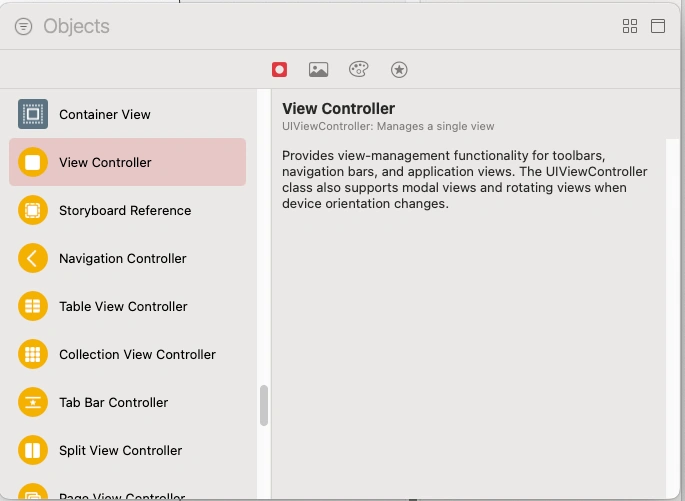
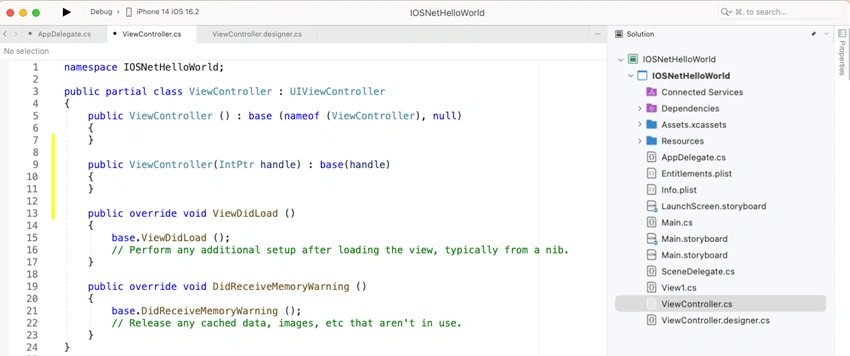
From there in the iOS area we select iOS View Controller and we name it "ViewController" and we create.
Step 7
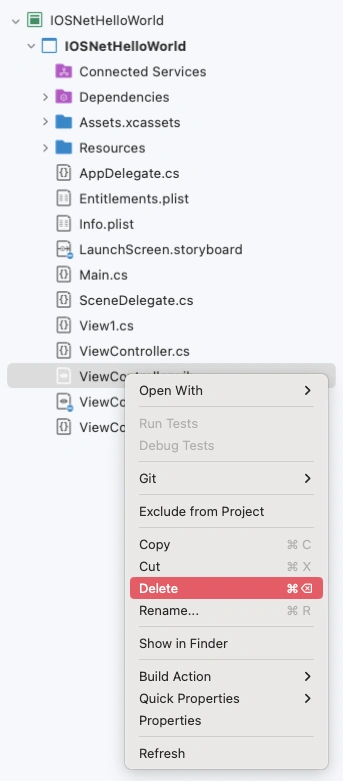
Of the files that appear, we eliminate those with the .XIB extension, because we will use a Main.Storyboard to have all the views in a single controller object for them.
Step 9
Again we right-click on the project name and add a new file.
Step 10
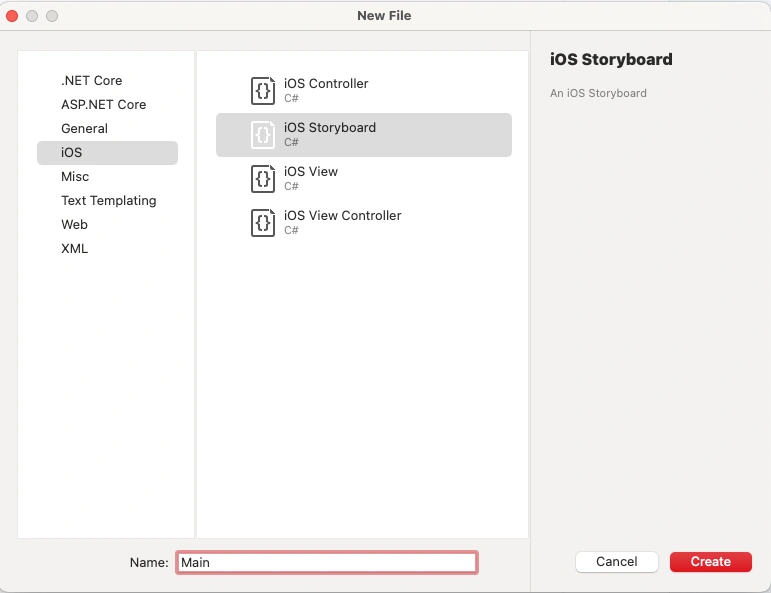
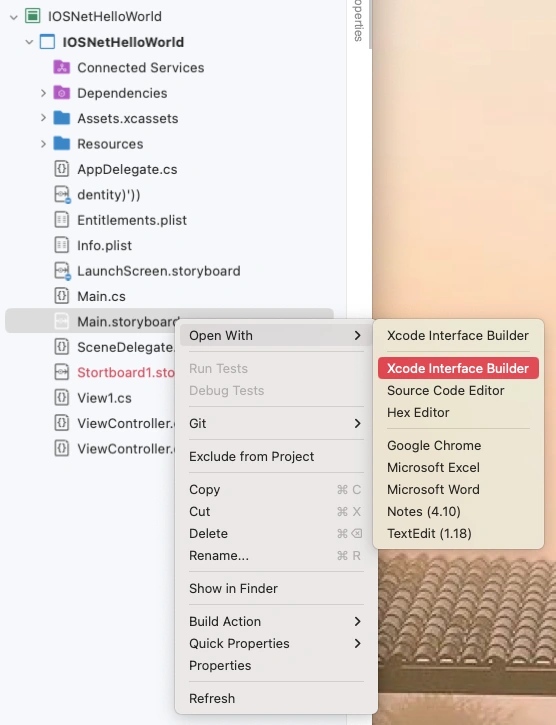
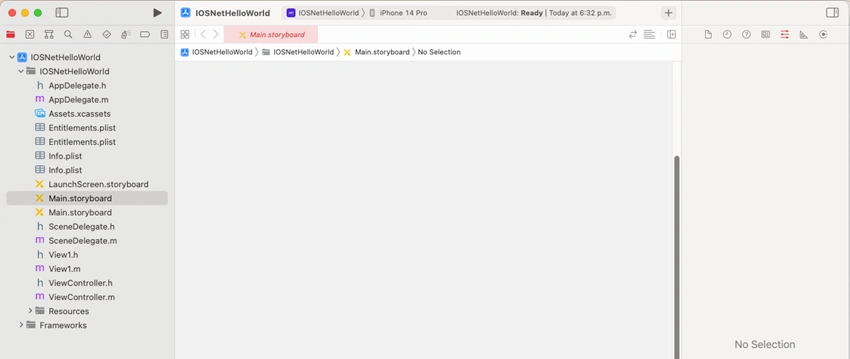
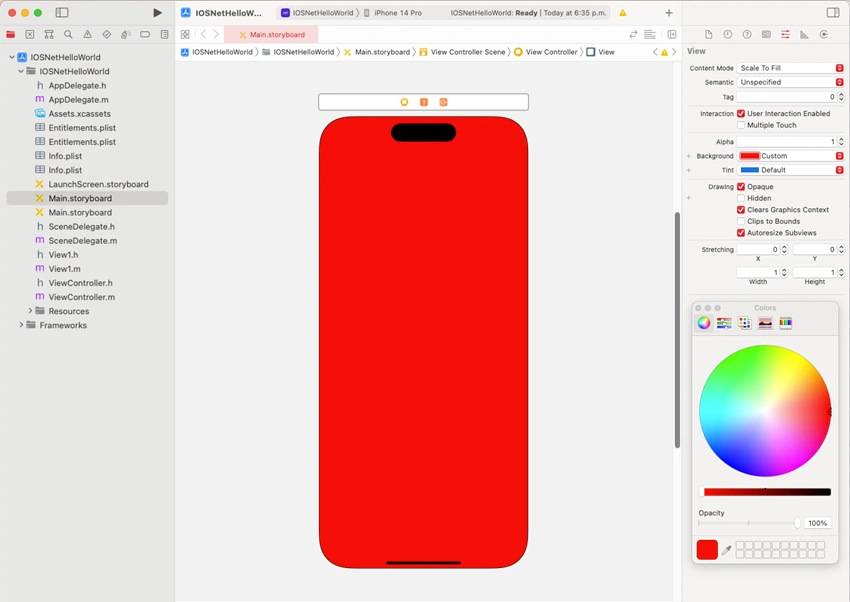
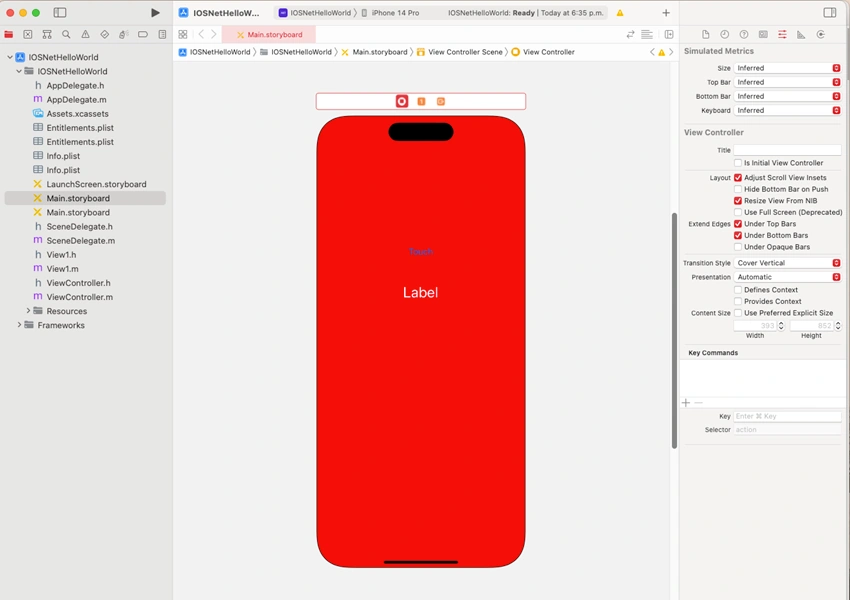
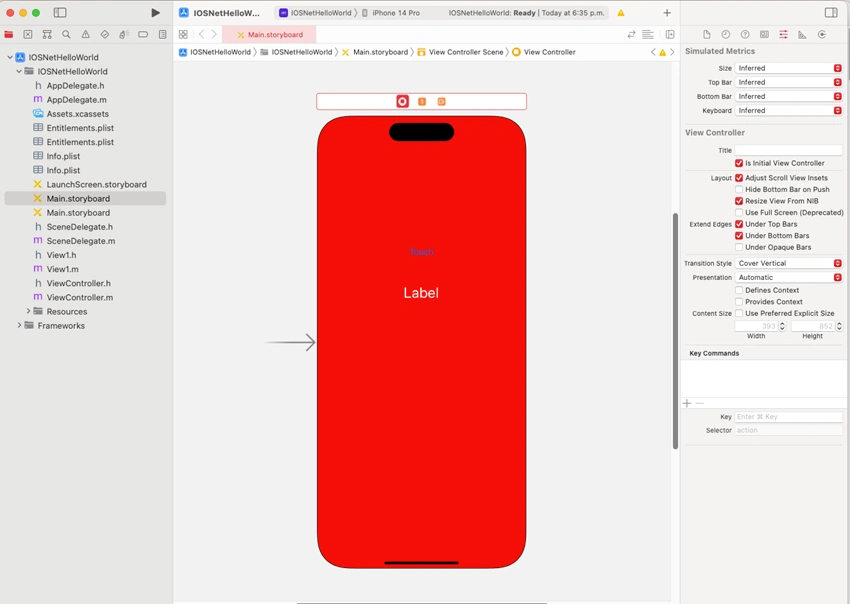
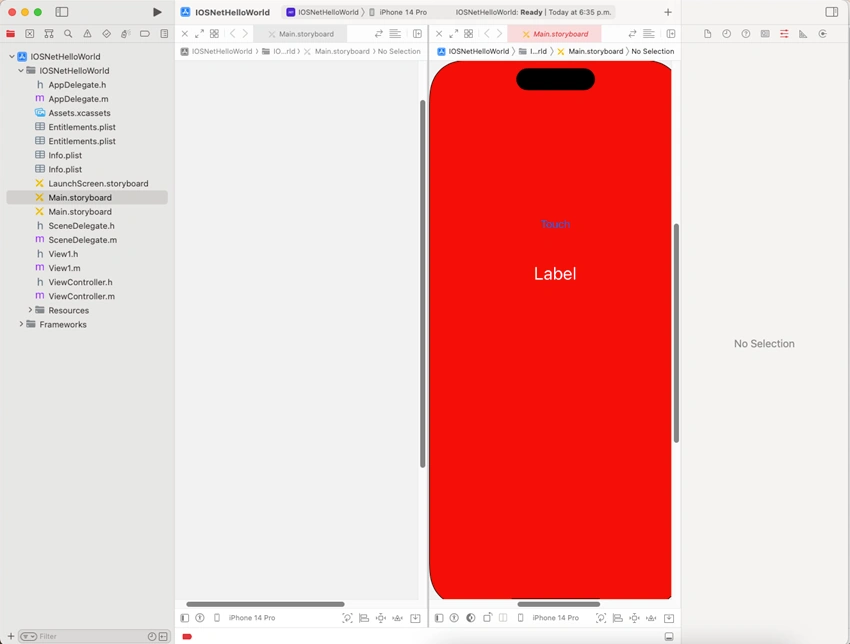
From the files we select “iOS StoryBoard” and we name it “Main”, which will be who has the elements of the Interface.
Step 11
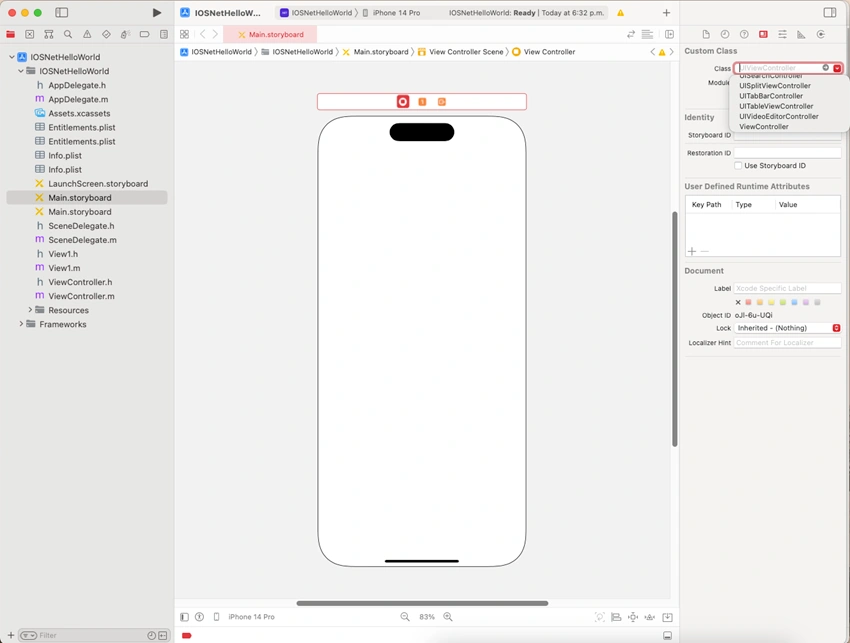
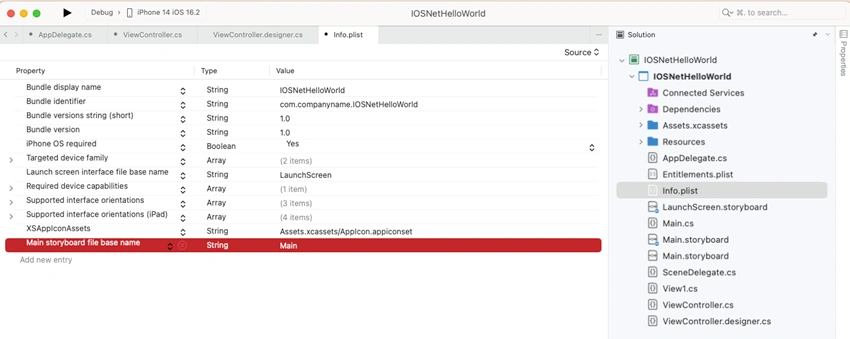
In case an error appears, we accept it, since later we will proceed to link the storyboard with its viewcontroller.

Join the conversation! Your thoughts help the community grow.