

Introduction
In this article, we are going to see how to create blank PowerApps with Excel as a data source. Before reading the article, go through the Introduction to PowerApps and Creating Template with it.
Step 1
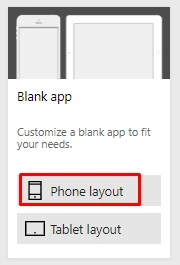
Create a blank app, choose the layout that you want - Phone or Tablet layout.
Step 2
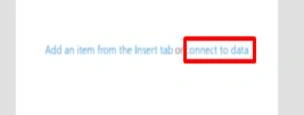
It shows the screen to connect with the data. Click -> “Connect to Data”.
Step 3
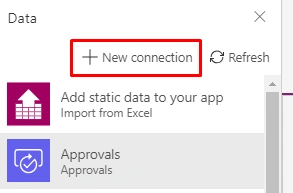
Click -> New connection.
Step 4
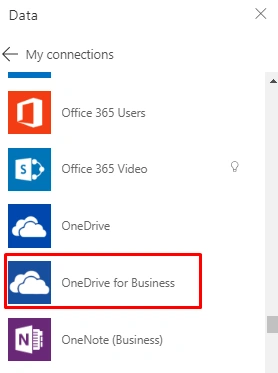
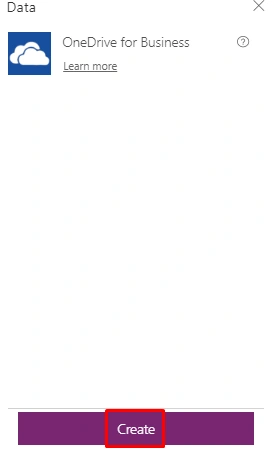
Choose a connection where you want to save the data. Click -> “one drive for business”.
Step 5
Click "Create" (To create a new connection).
Step 6
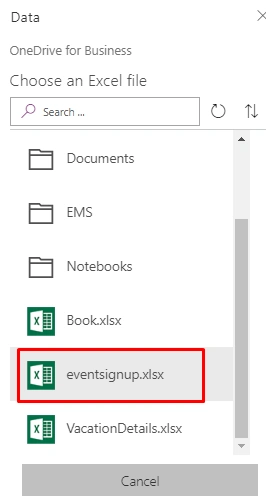
Choose an Excel file or folder (where you save the file).
Step 7
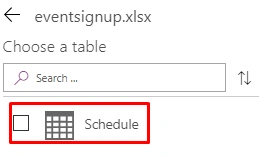
Choose the table from Excel file that you to want connect with PowerApps.
Step 8
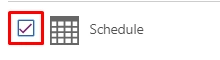
Choose the table name by clicking the checkbox.
Step 9
Click "Connect".

Step 10
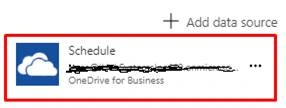
Add the data source successfully.
Step 11
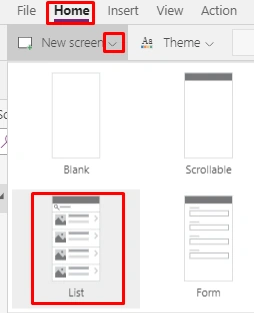
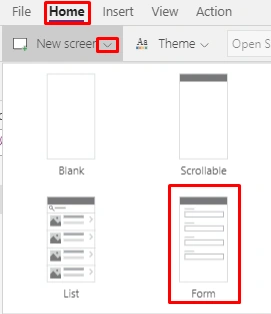
Click Home -> New Screen -> List.
Step 12
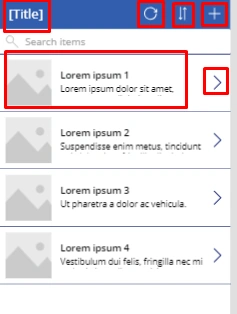
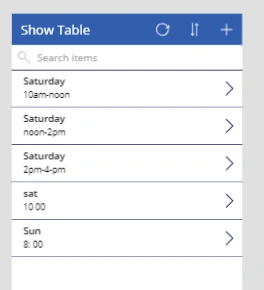
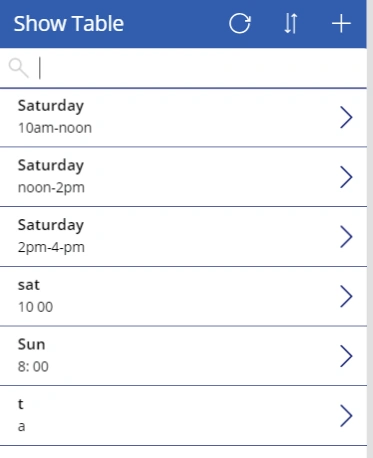
Refresh icon – to refresh the records.

Sorting Icon – sorting based on the title

Add Icon- to add a new record

Title Bar – title for grid

To view more details about a particular record

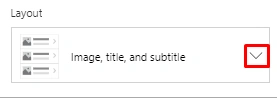
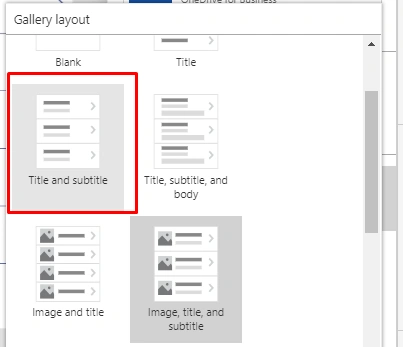
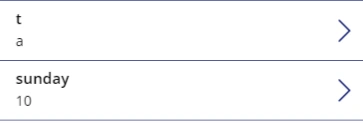
Show data title, subtitle, image.

The above images are shown in the below screen as one.
Step 13
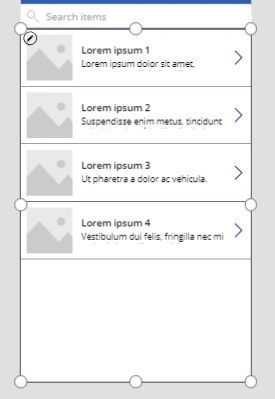
Select the grid area to map with the data.
Step 14
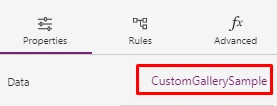
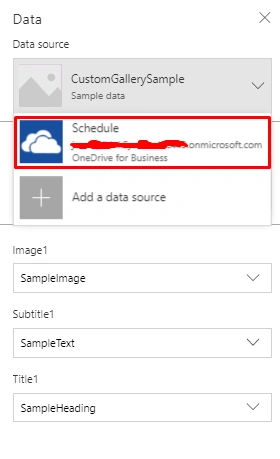
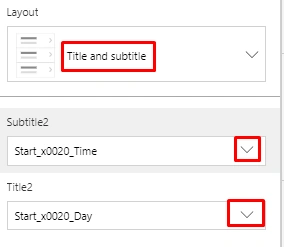
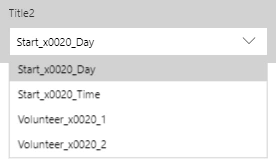
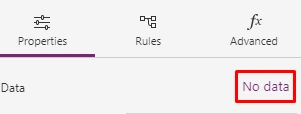
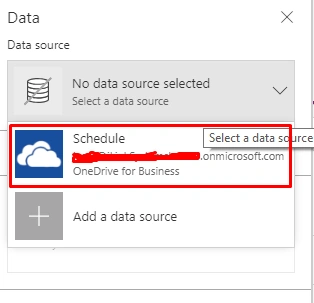
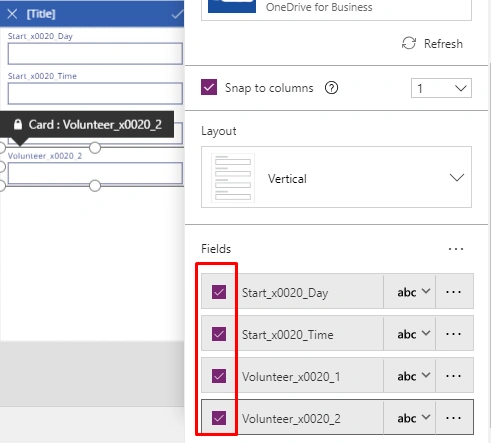
Click -> Properties -> Choose “Data”.






Amarildo GuedesPosted Jun 22, 2020, 4:04 PM
Hi Ronika, as I'm starting on PowerApps, I have some doubts, in case you can help me. (1) How many records does the powerapps accept per table? (2) I created a login screen, and I would like to get the User, password and photo of this logged in user, I am using excel table on ondrive, which command should I use to validate the user in the table. I am grateful when I can, thank you.
Amarildo GuedesPosted Jun 17, 2020, 8:07 AM
Please, how do I get the user name from my login and send it to another form. I have FrmLogin TxtUsuario.Text and I want to send it to FrmMenu TxtUsuario.text, I am grateful for the help, thank you very much
Amarildo GuedesPosted Jun 17, 2020, 8:04 AM
Congratulations, I really liked the class, I'm learning how to create my first app, thank you
Mukesh KamathPosted Jul 2, 2019, 12:48 AM
You forgot to mention we will need to go to https://make.powerapps.com/ and make app there