

Introduction
This is a simple application developed in HTML
5 that helps to show how to create the Quick hits with the Flexible Box Model application. We know that HTML 5 is the advanced version of HTML.
HTML is the acronym for HyperText Markup Language which is used to display data in a browser. HTML 5 can be used to develop simple 3D, animated or multimedia applications. I hope this article helps beginners understand how to create a
flexible box model application using HTML 5 tools. Now in this article, we create a flexible box and set the style of the rectangle.
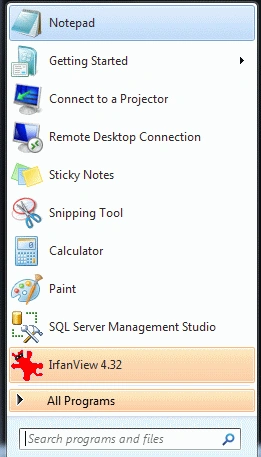
Step 1: First open the Notepad.
- Click->Start button->Dabble click on notepad.
- The name of notepad is on your choice.
- Their name is "data"
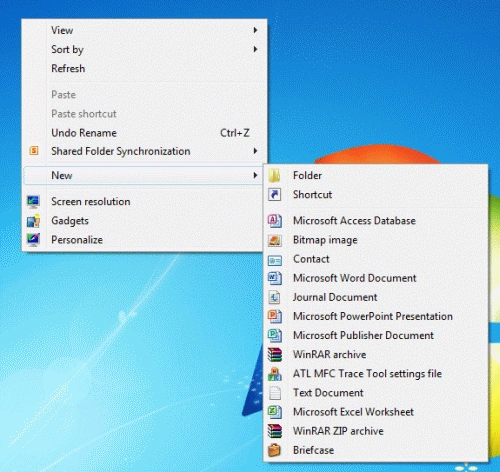
Step 2: Create a folder.
- In any drive create a folder with the name of your choice.
- There we create a folder in D drive with the name "Tom".
- box-orient
- box-lines
- box-ordinal-group
- box-flex-group
- box-flex
- box-direction
- box-align
- box-pack
Now for these properties, we have set the
model box direction, aliment, orientation, no box line, etc.
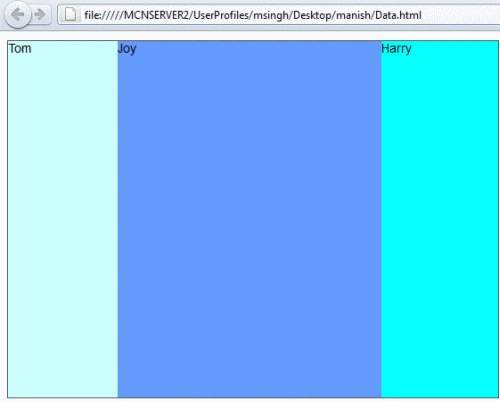
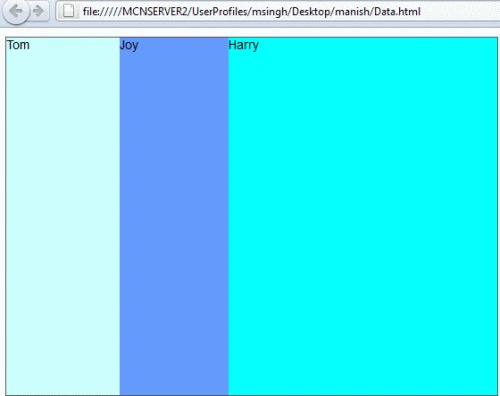
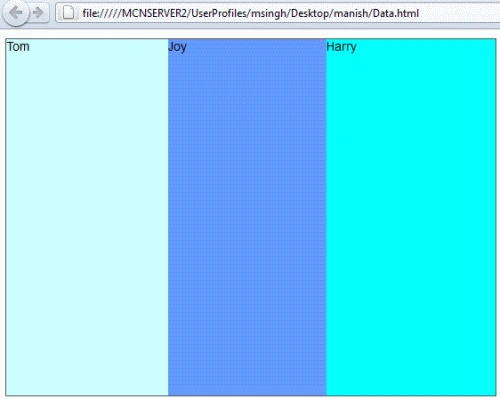
Code: Set the style of the model box using the above properties.
- <style>
- .box {
- /* basic styling */
- width: 550px;
- height: 400px;
- border: 1px solid #555;
- font: 14px Arial;
- /* flexbox setup */
- display: -webkit-box;
- -webkit-box-orient: horizontal;
- display: -moz-box;
- -moz-box-orient: horizontal;
- display: box;
- box-orient: horizontal;
- }
- .box > div {
- -webkit-box-flex: 1;
- -moz-box-flex: 1;
- box-flex: 1;
- -moz-transition: width 0.7s ease-out;
- -o-transition: width 0.7s ease-out;
- -webkit-transition: width 0.7s ease-out;
- transition: width 0.7s ease-out;
- }
- /* our colors */
- .box > div:nth-child(1){ background : #CCFFFF; }
- .box > div:nth-child(2){ background :#6699FF; }
- .box > div:nth-child(3){ background : #00FFFF; }
- .box > div:hover {
- width: 200px;
- }
- </style>
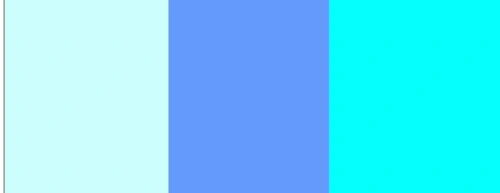
Step4: Set the flexibility box
orientation in your application.
Code
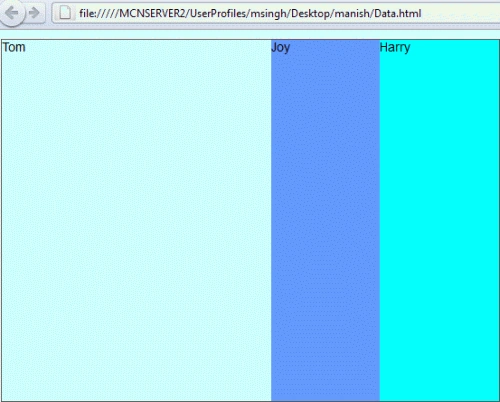
Step 5: The complete flexible
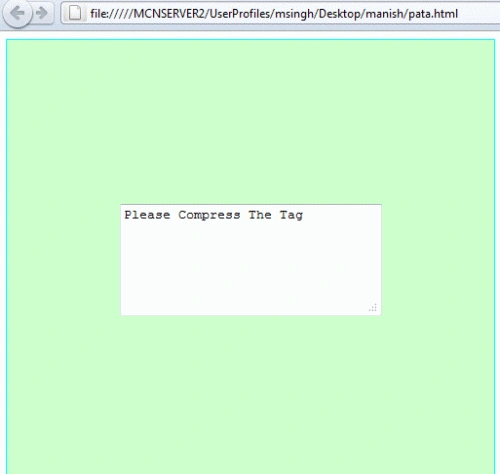
box model application is:
- /* flexbox, por favor */
- display: -webkit-box;
- -webkit-box-orient: horizontal;
- -webkit-box-pack: center;
- -webkit-box-align: center;
- display: -moz-box;
- -moz-box-orient: horizontal;
- -moz-box-pack: center;
- -moz-box-align: center;
- display: box;
- box-orient: horizontal;
- box-pack: center;
- box-align: center;
Rajesh KumarPosted Jan 5, 2012, 4:34 AM
Good Work.............Manish