

Introduction
Today we are going to explain how to draw shapes in Windows Store apps using XAML. In this example we are discussing various types of shapes, such as Ellipse, Line, Rectangle, Polygon etc. To create a shape we must define various types of shape properties such as Height, Width, Fill etc.
Ellipse
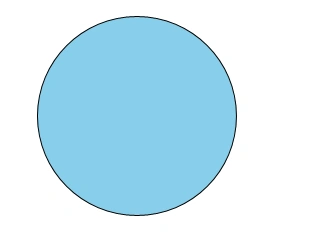
An Ellipse is a shape with a curved perimeter. To create a basic Ellipse shape we define a Width, Height, and a Brush for the Fill.
<Ellipse Fill="SkyBlue" Height="200" Width="200" Stroke="Black" />
Rectangle
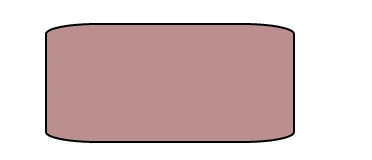
A Rectangle is a four-sided shape with its opposite sides being equal. To create a Rectangle shape we define a Width, a Height, and a Fill.
<Rectangle Fill="RosyBrown" Width="250" Height="120 Stroke="Black" StrokeThickness="2" RadiusX="50" RadiusY="10" />
Polygon
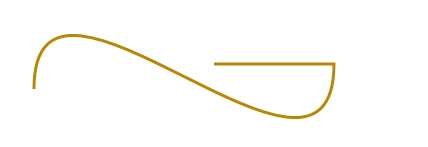
A Polygon is a shape with a boundary defined by an arbitrary number of points. The boundary is created by connecting a line from one point to the next, with the last point connected to the first point. The Points property defines the collection of points that make up the boundary.


JustinPosted Aug 14, 2013, 4:25 PM
Hey there - thanks for this simple article, it was actually helpful for me in a project that I am working on. I do have a related question though - how can you get the location of an ellipse (or other shape) in order to validate if the pointer is within the shape or not?