

Introduction
In this article, we will create some interesting animation effects using CSS3 Transitions property and CSS3 Transforms methods. Now before going to create some examples of animation, we need to understand CSS3 Transitions:
CSS3 Transitions
CSS3 transitions allow us to change property values smoothly, over a given duration.
To create a transition effect, we specify two things.
- The CSS property for effect
- The duration of the effect
Example
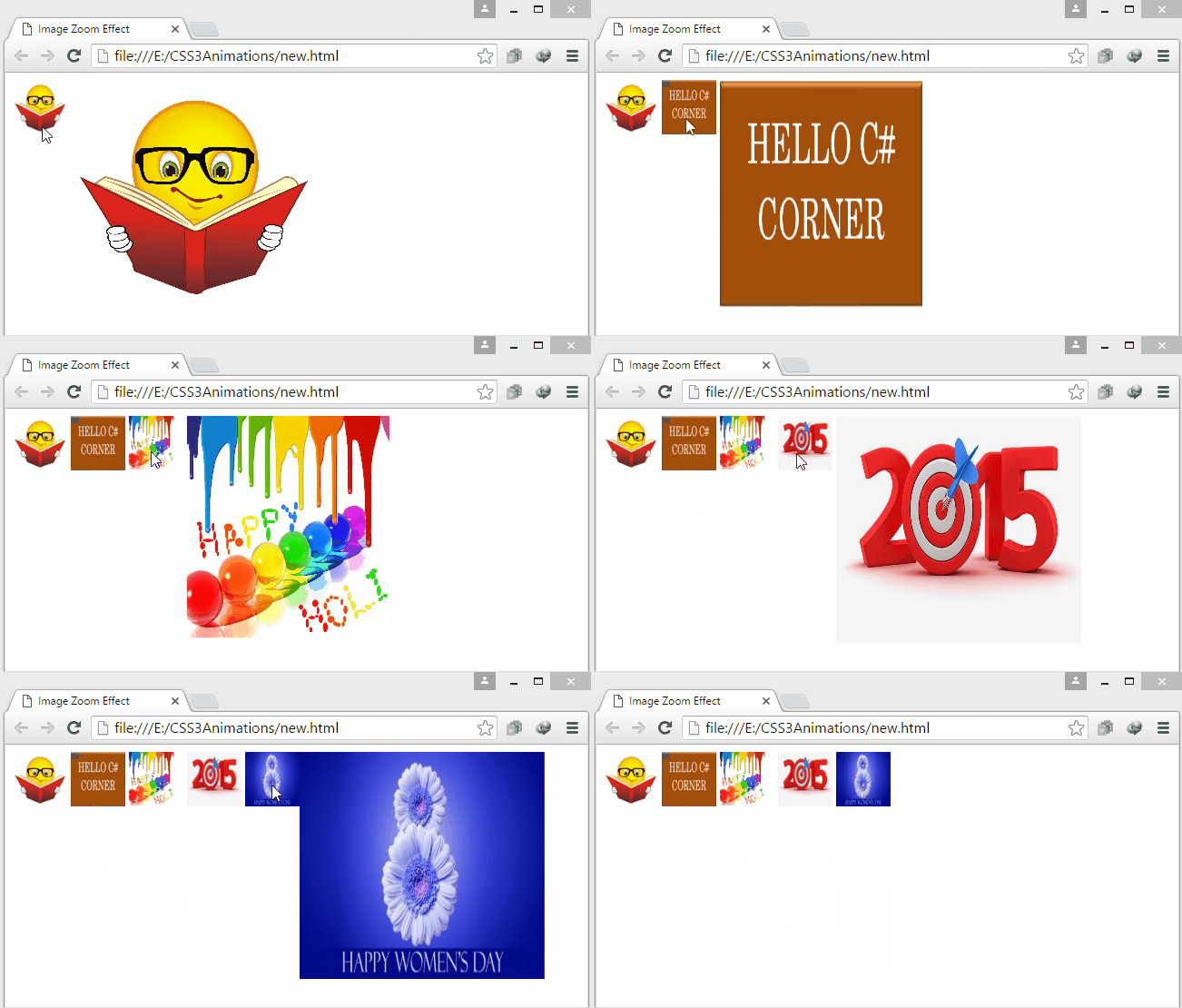
In this example we will add five images at body of the document, each image two times, the first image for default view of image and second image for which we will apply image zooming effect using transition.
Now first we will create an HTML document by the following code.
Now we will add styles for class "image" and class "imagezoom" by writing following code at the <head></head> tag of the document in <style></style> tag.
<!DOCTYPE html>
<html>
<head>
    <title>Image Zoom Effect</title>
</head>
<body>
    <img class="image" src="smile.jpeg">
    <img class="imagezoom" src="smile.jpeg">

    <img class="image" src="corner.png">
    <img class="imagezoom" src="corner.png">

    <img class="image" src="holi.jpg">
    <img class="imagezoom" src="holi.jpg">

    <img class="image" src="NewYear.jpg">
    <img class="imagezoom" src="NewYear.jpg">

    <img class="image" src="Day.jpg">
    <img class="imagezoom" src="Day.jpg">
</body>
</html>
First we will add style for default view of image, and then we want to add zoom effect for the image so we will specify a transition effect for the width property,with duration of effect.
<style>
    .image {
        width: 60px;
        height: 60px;
    }
    .imagezoom {
        position: absolute;
        width: 0px;
        -webkit-transition: width 0.4s 0s;
        -moz-transition: width 0.4s 0s;
        transition: width 0.4s 0s;
        z-index: 10;
    }
</style>
Now when a user mouses over the image we want to add an image zoom effect that is specified for class "imagezoom" so we will add some more style in above <style></style> tag.
.image:hover + .imagezoom {
    width: 270px;
    height: 250px;
}
Let's see output -- when a user mouses over the image, it will perform Zooming Effect of Transition like this.
Output

Now before going to create some more examples, we need to understand about CSS3 Transforms.
CSS3 Transforms
CSS3 Transforms are used to translate, rotate, scale, and skew elements. Transformation effect changes the shape, size, and position of an element.
CSS3 2D Transforms
In this article we will understand about the 2D transformation methods.
- rotate()
- scale()
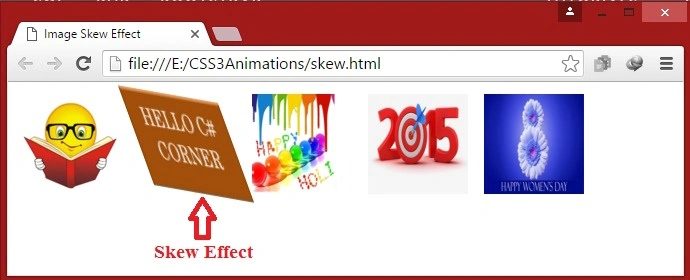
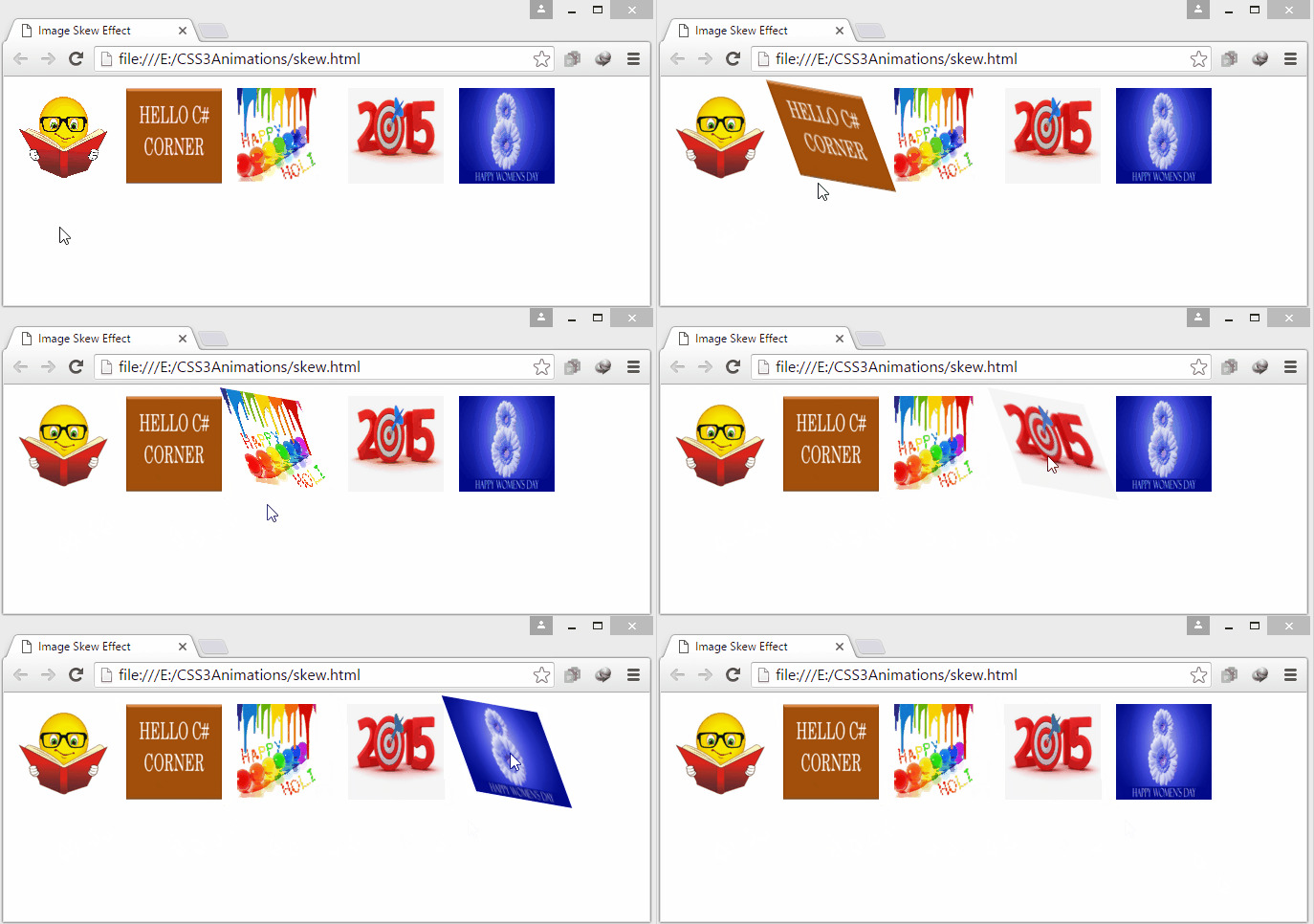
- skew()
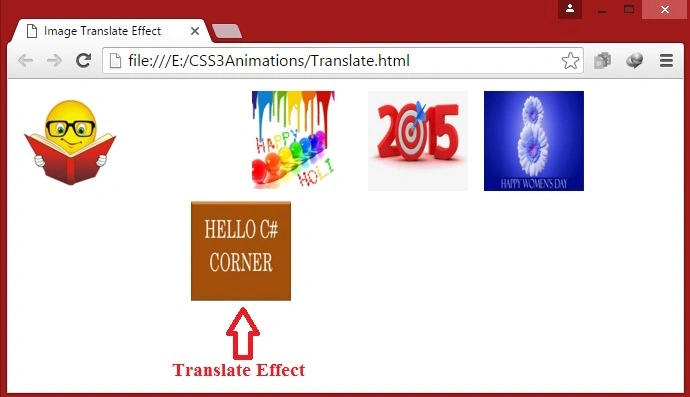
- translate()
The rotate() Method
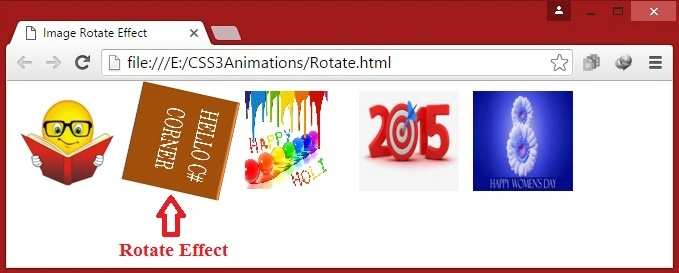
The rotate() method rotates an element clockwise or counter-clockwise (using negative values) according to a given degree.
Example 1. In this example we will see a rotate effect on the image so we will add some images in the body part of the HTML document and then we will apply the transformation effect by using the 2D transformation rotate() method.
Now first we will create an HTML document by the following code.
<!DOCTYPE html>
<html>
<head>
    <title>Image Rotate Effect</title>
</head>
<body>
    <img class="image" src="smile.jpeg">
    <img class="image" src="corner.png">
    <img class="image" src="holi.jpg">
    <img class="image" src="NewYear.jpg">
    <img class="image" src="Day.jpg">
</body>
</html>
Now we will add styles for class "image" by writing following code at the <head></head> tag of the document in <style></style> tag.
First, we will add style for default view of the image, for this we will use rotate() method with 0 degrees and transition property with duration 1 second. then on the mouse over we will rotate the image clockwise with 360 degrees.
<style>
    img, body {
        margin: 0px;
        padding: 5px;
    }
    .image {
        width: 100px;
        height: 100px;
        left: 0px;
        -webkit-transform: rotate(0deg);
        -webkit-transition: 1s;
        -moz-transform: rotate(0deg);
        -moz-transition: 1s;
    }
    .image:hover {
        -webkit-transform: rotate(360deg);
        -webkit-transition: 1s;
        -moz-transform: rotate(360deg);
        -moz-transition: 1s;
    }
</style>

Let's see output -- when a user mouses over the image, it will rotate clockwise 360 degrees and when the cursor mouses out of the image, it will change back to its original style at 0 degrees.
Output
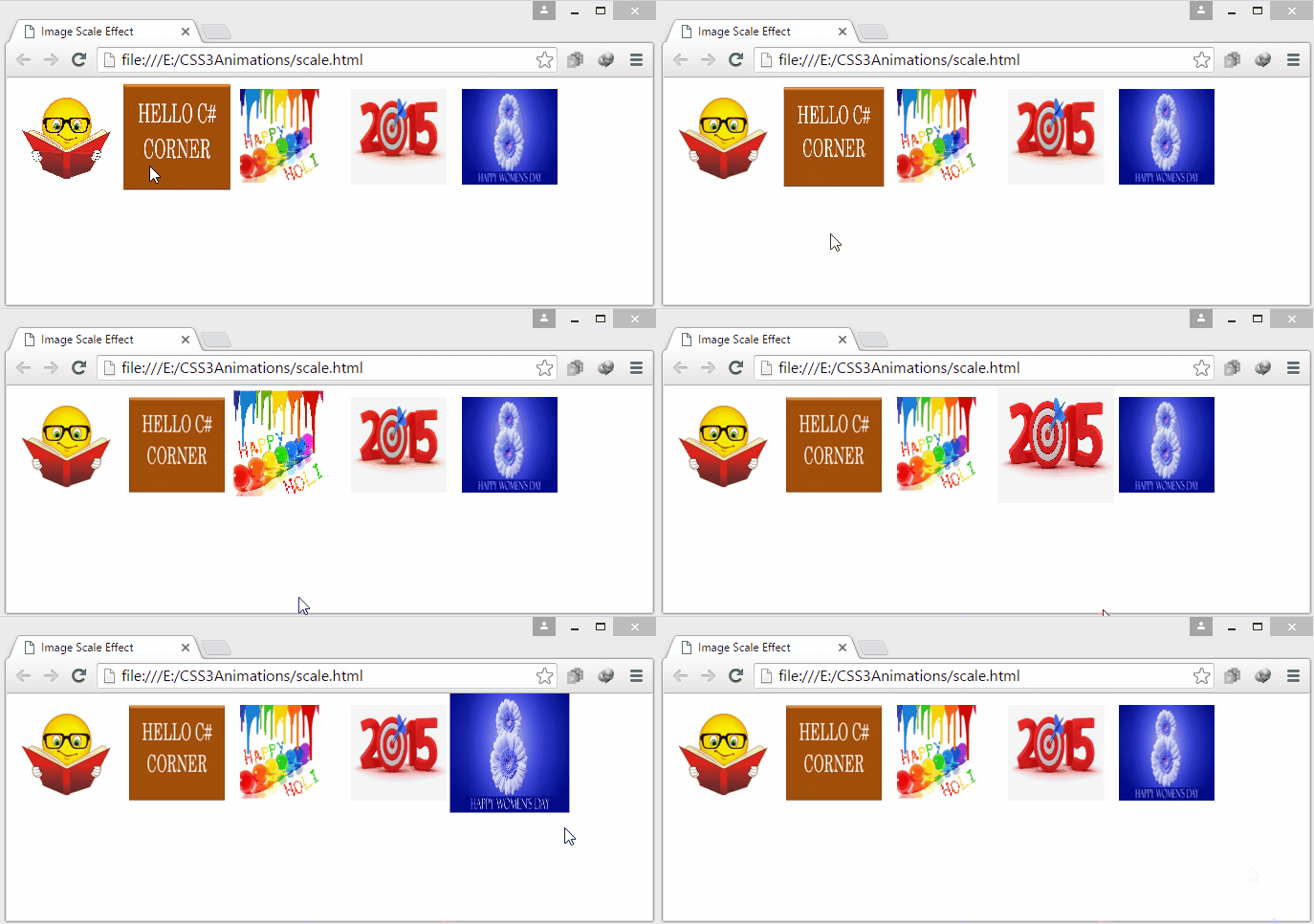
The scale() Method
sudhanshu madhekarPosted Feb 22, 2018, 11:55 PM
Nice post Shaili......
Prasanna MuraliPosted May 20, 2016, 11:19 AM
Nice one....
RajaPosted May 4, 2016, 7:25 AM
Great Work.East To learn.Thank You. :)
Vivek KumarPosted Mar 27, 2016, 7:18 AM
Nice share...
Kashif SohailPosted Mar 21, 2016, 10:44 PM
Wao, Nice
Humayun Kabir MamunPosted Mar 20, 2016, 12:08 AM
Nice...
Sthitaprajnya Debasis NayakPosted Mar 18, 2016, 6:30 AM
Very Much Helpful Article !!!
Amit Kumar SinghPosted Mar 18, 2016, 5:30 AM
Good One
Sibeesh VenuPosted Mar 17, 2016, 11:17 AM
Nice Share
Asfend YarPosted Mar 17, 2016, 2:05 AM
nice work Shaili Dashora
Vignesh ManiPosted Mar 16, 2016, 6:02 PM
Nice one.
Shaili DashoraPosted Mar 16, 2016, 8:48 AM
Thank You Debendra Dash
Debendra DashPosted Mar 16, 2016, 2:03 AM
Good one..
Raja TPosted Mar 16, 2016, 12:25 AM
Nice,Thanks for sharing..
Kashif SohailPosted Mar 15, 2016, 5:16 PM
Wao, Nice
Debasis SahaPosted Mar 15, 2016, 1:48 PM
Good One..
Sourabh SomaniPosted Mar 15, 2016, 1:06 PM
good keep it up :)
Mohammed IbrahimPosted Mar 15, 2016, 11:08 AM
nice
Saillesh PawarPosted Mar 15, 2016, 10:47 AM
Nice start