

Introduction
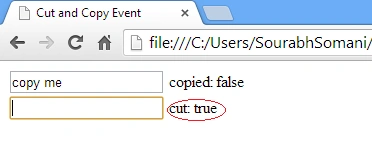
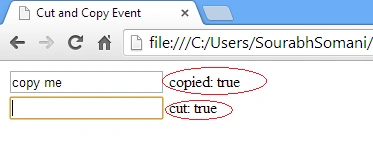
This article explains how to use the Copy and Cut events in AngularJS. The Cut event fires when we cut the selected text and the Copy event fires when we copy the selected text. There are two directives ngCopy and ngCut that can be used for the Copy and Cut events respectively, in AngularJS.
Step 1:
You first need to add an external Angular.js file to your application, for this you can go to the AngularJS official site or can download my source code and then fetch it or click on this link and download it: ANGULARJS.
After downloading the external file you need to add this file to the Head section of your application.
- <!doctype html>
- <html ng-app>
- <head>
- <script src="angular.min.js"></script>
- <title>Cut and Copy Event</title>
- </head>
Step 2:
Now I will show you how to use the ng-copy directive.
Write the following code in the body section of your application:
- <input ng-copy="copied=true" ng-init="copied=false; value1='copy me'" ng-model="value1">
- copied: {{copied}}
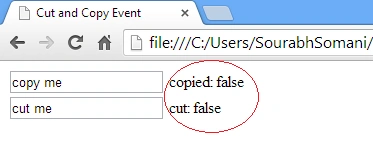
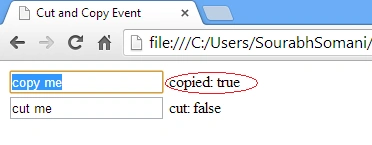
I have set the initial value "copied=false" using "ng-init". When a copy has not been done then initially the value will be false and I have set value the "copied=true" of "ng-copy" so when the selected text is to be copied then the value of what is copied will automatically be set to true.
Join the conversation! Your thoughts help the community grow.