

Introduction
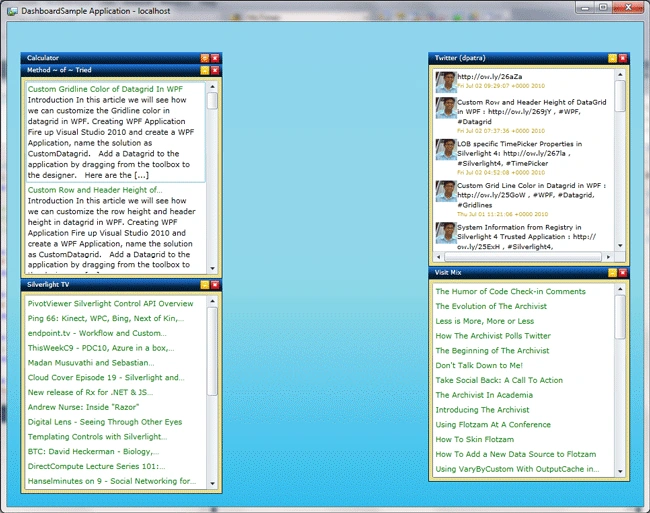
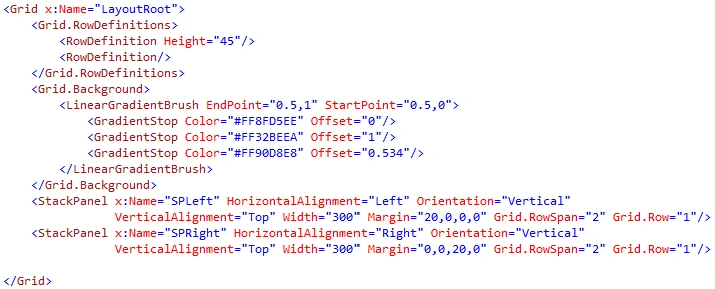
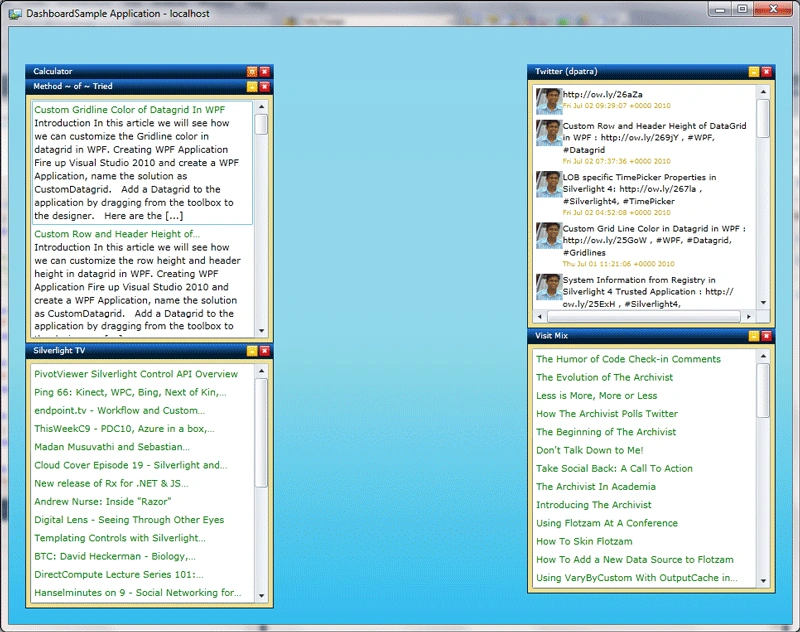
In this article we will see how we can make a Dashboard in Silverlight 4.
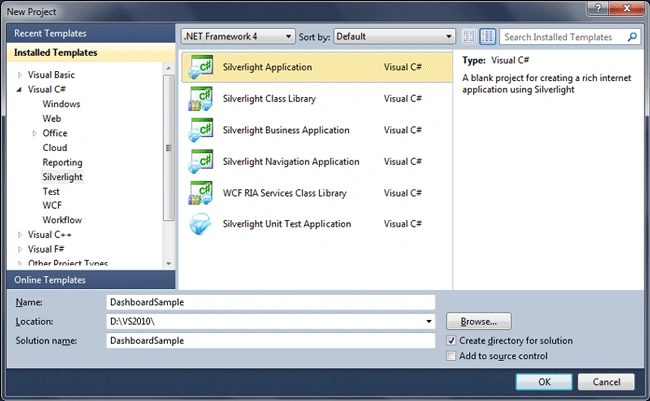
Create Silverlight Application
Fire up Visual Studio 2010, and select Silverlight Project from the
templates. Name the solution as DashboardSample.
A Dashboard is a page that contains brief description of a large content or
any tool on the page. For example igoogle. It consists of varieties of
gadgets, that can be added or removed.
We will see how to start with a Dashboard.
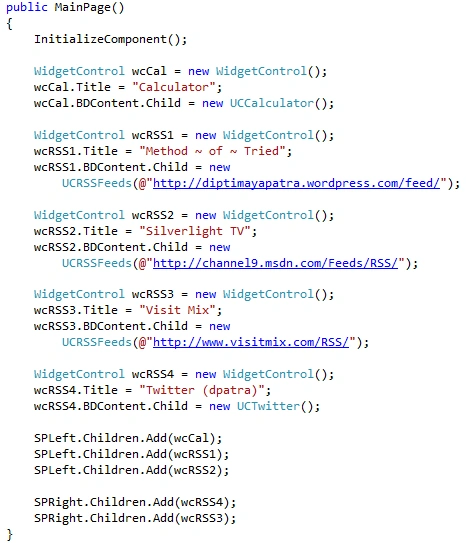
I am going to add couple of RSS feeds from some sites, twitter tweets and a
Calculator to the Dashboard.
Before that we need to have a Widget Control that can hold the Content or
Tool.
Widget Control
Widget control is a control with fixed size and style, which can contain the
widget inside it.
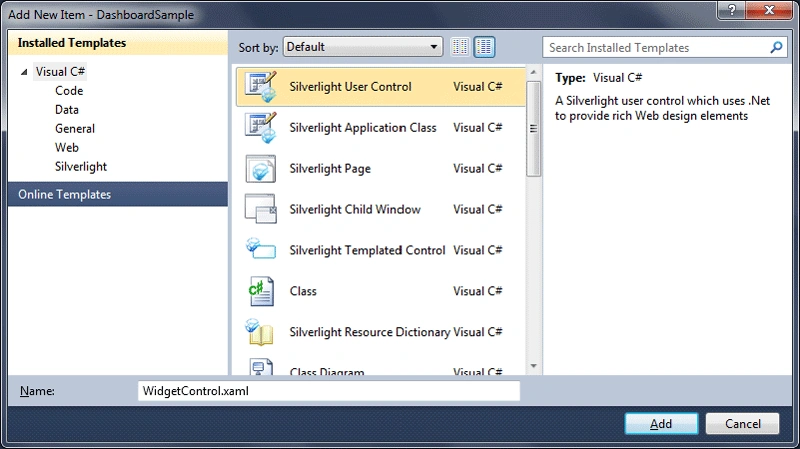
Add a Silverlight User Control name it as WidgetControl.
Open up Expression Blend 4 and design it. I have designed it as displayed
below.
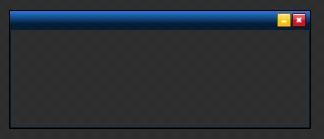
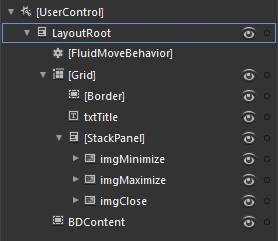
If you look into above Objects in the panel, you could see we have a Title
Text, 3 Image Buttons, and a Border to contain the widget.
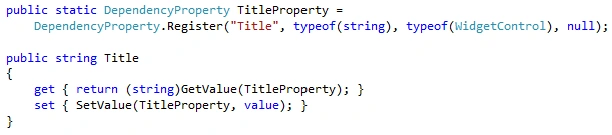
A Dependency Property called TitleProperty is added.
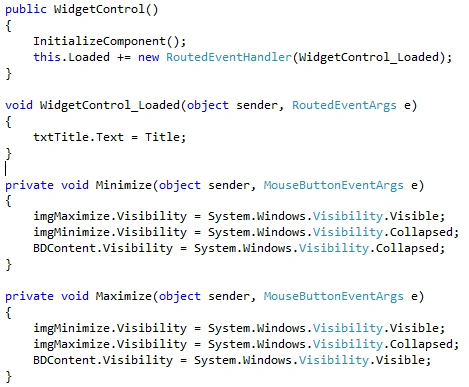
Then we have the Routed events for minimizing and restoring the widget.
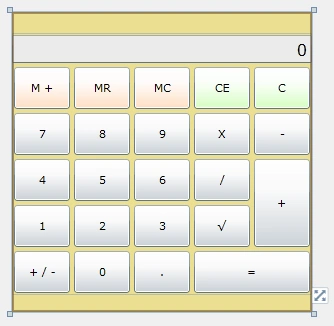
Calculator Control
This is a calculator with simple operations.
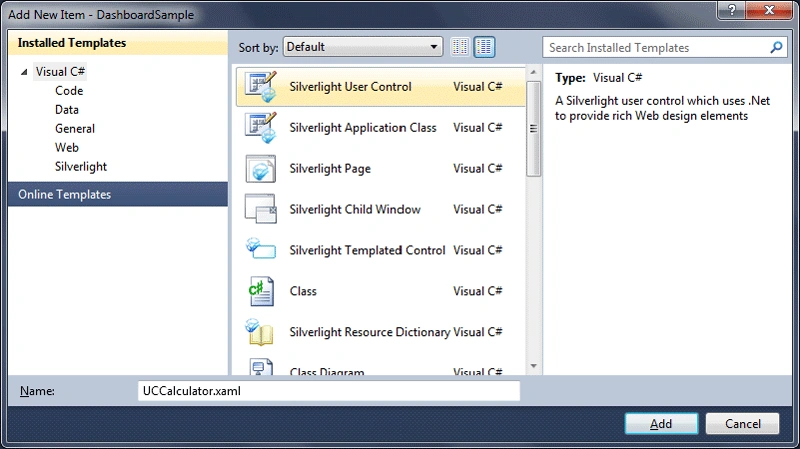
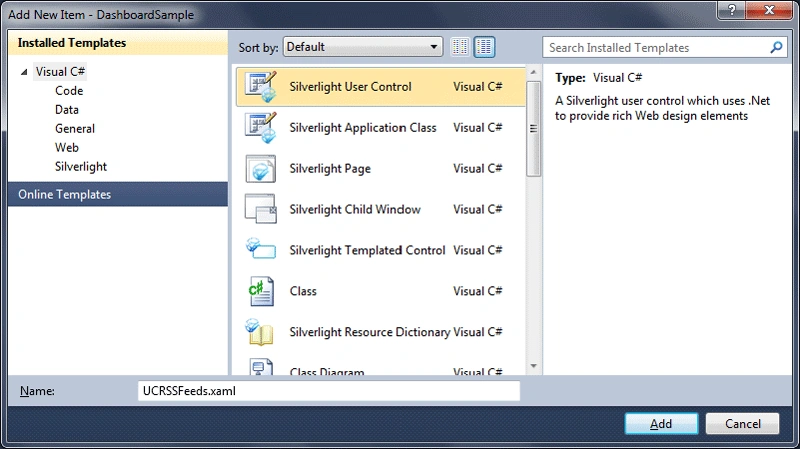
Add a User Control to the Silverlight project and name it as UCCalculator.
As I said it is a simple calculator, and you can design it in either of the
tools (Expression Blend or VS 2010).
Raheel YousufPosted Jul 2, 2013, 2:28 AM
An exception occurred during the operation, making the result invalid. Check InnerException for exception details.
darsh antaniPosted Apr 12, 2013, 5:39 AM
how can we add more Widgets in it?? and how much helpful this can be?? tell me in detail bcoz i don't know much but I wan to know..
Hitesh AgjaPosted May 23, 2011, 5:40 AM
Nice article set. If you could add drag and drop functionality in this sample then it would be great help.
Arunava BhattacharjeePosted Jul 22, 2010, 7:13 AM
Great article..
Mahesh ChandPosted Jul 21, 2010, 11:00 AM
Great work with real world example. Keep it up Dipti.